The AMDNR 0.3.5 was released on October 1, 2026 with a major change for Neural Rendering experiments on Radeon GPUs: the new AMDNR Anywhere, still in preview, manages to process games that do not feature their own DLSS, XeSS, or FSR 2. The update also reduces neural processing time on Radeon RX 9000 and RX 7000, adds an option to run the neural pass after upscaling, and fixes issues in several games.
The project remains experimental and does not represent an official implementation by AMD or NVIDIA. AMDNR is a fork of OptiScaler that integrates community Neural Rendering runtimes on Radeon hardware. Version 0.3.5 requires AMD Software: Adrenalin Edition 26.9.1 or newer.
Video published by the project to accompany the AMDNR 0.3.5 release.
AMDNR 0.3.5 debuts AMDNR Anywhere
The main new feature is AMDNR Anywhere. Until now, the conventional AMDNR route relied on a game where OptiScaler could leverage the upscaling chain. The new mode creates an alternative for titles that lack DLSS, XeSS, or FSR 2.
Instead of installing the components inside the game folder, Anywhere works on top of the captured window. When choosing PLAY in the launcher, the user can select the traditional route, based on the game's own upscaler, or Anywhere.
In this second case, the launcher downloads a capture host of approximately 467 MB just once and runs Neural Rendering over the game window. The feature uses an experimental version of Magpie and, in this debut, focuses on Radeon RX 9000.
The project offers two runtime options within Anywhere: lmxxf and the DLSS-NR on AMD developed by Daniel Blanco. AMDNR makes it clear that this second runtime is the work of Daniel Blanco and is used with permission, not being developed by the AMDNR team.
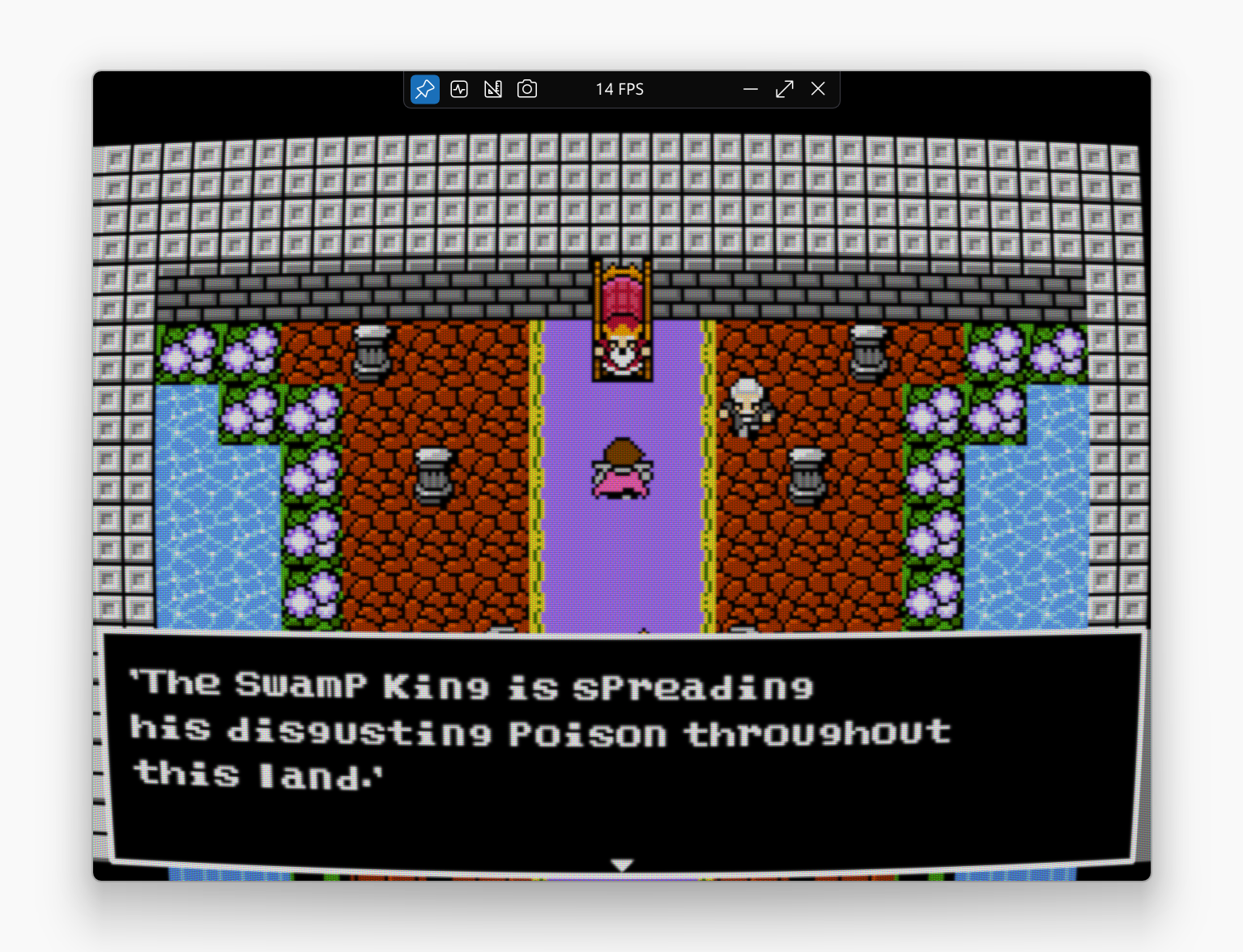
AMDNR Anywhere uses an experimental fork of Magpie as a capture host to apply Neural Rendering to the game window. Image: SAOG0721/Magpie.
Anywhere attempts to stabilize frame pacing
Version 0.3.5 also changes how the external mode presents the processed frames. AMDNR has implemented timestamp pacing, enabled by default, to maintain a more stable interval between capture and the display of the neural result.
In addition, the neural network receives its own high-priority queue. The launcher reduces the game's GPU priority to allow neural processing to be served first.
The system also gained the so-called Auto Tier. When the GPU cannot sustain the selected Neural Rendering level, the feature can automatically reduce one level. A hitch counter shows the irregularities that still remain.
In 1:1 output, AMDNR now writes the result directly. In this situation, there is no additional FSR 3 or CAS pass. According to the developers, each frame receives its own response, while the exposure tracks the scene to avoid abrupt changes and undue brightening of dark or loading screens.
lmxxf 0.37 reduces neural time by about 20% on the RX 9070 XT
Another important change involves the lmxxf runtime. AMDNR 0.3.5 incorporates Kien's lmxxf 0.37 kernels and enables them by default on Radeon RX 9000 series.
On a Radeon RX 9070 XT, the project measured approximately 14.0 ms for the network at 1080 size before the update. With lmxxf 0.37, the result dropped to about 11.3 ms.
This represents a reduction of nearly 20% in neural network time. However, the changelog itself specifies that the measurement was taken outside of a game. Therefore, this number should not be directly converted into FPS gains during gameplay.
The Radeon RX 9060 and RX 9060 XT also receive the new kernels, the single-wave C32s, and FastK groups by default. However, the developer warns that these combinations had not yet been run by their team on an RX 9060. In this case, support should be treated as experimental.
AMDNR 0.3.5 incorporates lmxxf 0.37 kernels, which reduce the neural processing time measured by the project on the RX 9070 XT. Image: GitHub/lmxxf.
RX 7000 and RDNA 3 handhelds also get faster
The gain is not limited to the RDNA 4 architecture. For Radeon RX 7000 and Z1 Extreme class handhelds, version 0.3.5 introduces a new set of modules identified as g2.
According to the tests cited in the release, this set reduces neural network time by approximately 10% while maintaining the same bit-for-bit image. The verification was performed on a Radeon RX 7800 XT and a Z1 Extreme.
The modules intended for Z2 Extreme, Radeon 890M and 880M have not changed in this update.
Neural Rendering can now run after upscaling
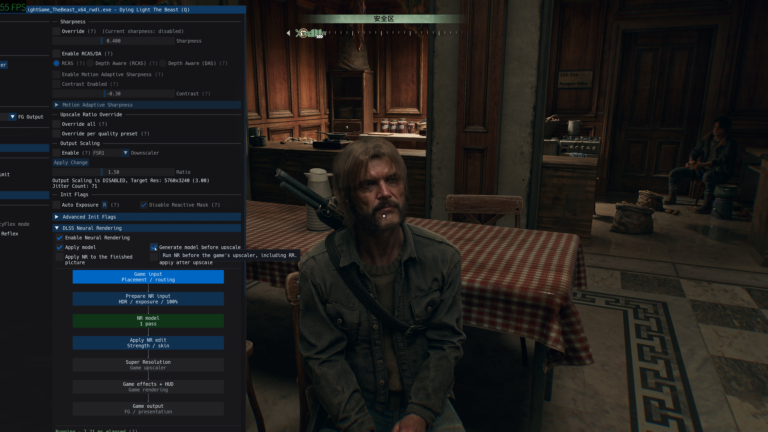
AMDNR 0.3.5 also adds an important option for those experimenting with different Neural Rendering positions in the pipeline. The new parameter AmdPlacement=post allows running the neural pass after upscaling.
The default behavior remains pre, meaning the project does not automatically change the existing configuration. Even so, the option opens up a new comparison between cost, working resolution and visual quality.
This discussion is especially relevant in the DLSS 5 community tests. The Allves Games has already shown that two passes of Neural Rendering can drop an RTX 5090 from 80 to 36 FPS in The Witcher 3. Therefore, the position and resolution of the neural pass have a direct impact on the pipeline cost.
The update also avoids rebuilding the entire network with every dynamic resolution change. The changelog specifically cites the flicker observed in The Last of Us Part II as a problem addressed by the change.
AMDNR 0.3.5 fixes several games
The list of fixes is extensive. Uncharted: Legacy of Thieves stops crashing on the first frame of Neural Rendering on RX 9000. The first HIP call now runs with a larger dedicated stack.
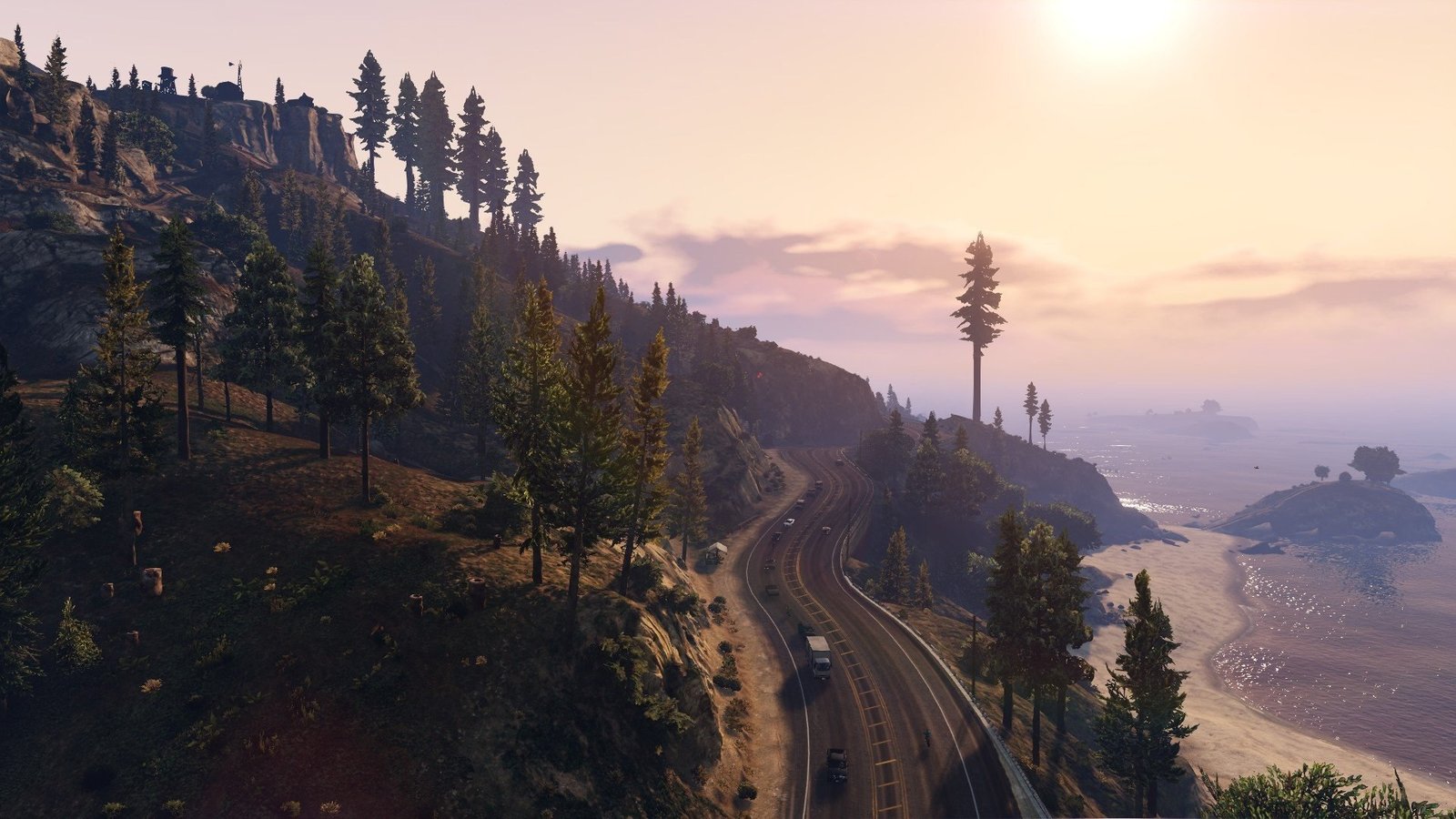
GTA V Enhanced now works without the DXGI spoof that could improperly enable Ray Tracing and cause the error ERR_GFX_STATE.
There are also fixes related to Assetto Corsa, F1 25, Kingdom Come: Deliverance II via Game Pass, Tainted Grail: The Fall of Avalon and Dead Space. The project also fixes an issue that could crash Control Resonant when Frame Generation was active.
In addition, anti-cheat processes and crash reporters, including EA Javelin, Easy Anti-Cheat, BattlEye, and Vanguard, are now bypassed by AMDNR. This does not mean the project is safe or authorized for competitive games; it merely describes the behavior change documented in the release.
Ray Regeneration gets dedicated controls
Version 0.3.5 creates a tab dedicated to Ray Regeneration right after Upscaling. It informs, per GPU and API, which features can work and why a given path is unavailable.
The option to turn off the AMDNR denoising backend also appears. In this case, the game can keep its own denoiser. The interface still displays measurements related to noise and flicker when the camera is still.
On RX 7000 cards, Ray Regeneration is no longer offered by default. An experimental, unsupported opt-in exists for testing purposes. In Vulkan titles, however, the interface clarifies that Ray Reconstruction and AMDNR Frame Generation are pathways limited to Direct3D 12.
RDNA 3 handhelds receive experimental FSR 4
ROG Ally and other devices based on RDNA 3 APUs also receive changes. AMDNR offers an experimental opt-in for FSR 4 INT8 on Z1 Extreme with Radeon 780M, Z2 Extreme with 890M or 880M, and Strix Halo.
The project itself points out that this path has not been validated by AMD and remains disabled by default. For the Z1 Extreme, the changelog estimates a cost between 1.5 and 3 ms per frame, but explicitly classifies this number as an estimate.
On handhelds, AMDNR also limits Neural Rendering to a single pass and visually disables options that cannot produce an effect on that hardware.
Update requires replacing the three main files
Those who update manually need to exchange OptiScaler.dll, LmxxfNrRuntime.dll and LmxxfNrRuntime.pak together. Mixing files from different versions does not correspond to the configuration supported by the release.
Those who use the AMDNR Launcher receive the update through the launcher itself. The corresponding launcher version is 0.3.5.1, which adds the selector between the game's upscaler route and Anywhere, as well as identifying each title's graphics API.
The launcher also got Turkish, Korean, and Hungarian, reaching 12 languages. The release also adds repair tools in Doctor and adjustments to the startup of Rockstar games.
AMDNR Anywhere significantly expands the reach of the experiment
AMDNR 0.3.5 represents a larger delta than a simple compatibility patch. Anywhere attempts to remove the dependency on a modern upscaler already present in the game, while lmxxf's optimizations reduce network cost on newer Radeon architectures.
At the same time, there are still several caveats. Anywhere debuts as a preview on RX 9000, some RX 9060 paths did not yet have direct validation from the team, and some handheld features remain explicitly experimental.
Therefore, the 20% and 10% figures should be interpreted as reductions in neural network time under the conditions described by the project, rather than as equivalent FPS gains in any given game. Even so, version 0.3.5 concretely expands the possibilities for testing community Neural Rendering on AMD GPUs.
Sources: AMDNR — Release 0.3.5 | AMDNR — official repository | DLSS-NR on AMD — Daniel Blanco | lmxxf — Radeon port.