The OptiScaler F5 received version 0.1.29 on October 11, 2026. Developer janblade announced latency improvements for XeFG frame generation, an experimental option that reduces the cost of Neural Rendering at image edges, and support for DirectX 11 games via DXVK. The results are still author reports.
The official update belongs to janblade's F5 fork. Therefore, it should not be confused with the other OptiScaler DLSS 5 project covered previously by Allves Games, maintained by a different developer.
OptiScaler F5 reduces latency with XeFG
According to the release notes, the XeLL system can work with XeFG even when the game does not offer NVIDIA Reflex. To do this, OptiScaler marks the frames and controls the wait time before the image presentation. In addition, the FPS limiter seeks to maintain a stable rate during frame generation.
However, the author points out that the Reflex integrated into the game itself tends to be more accurate. The panel has also started identifying latency measurements calculated from markers as estimated. Therefore, these numbers do not represent independent measurements of actual latency.
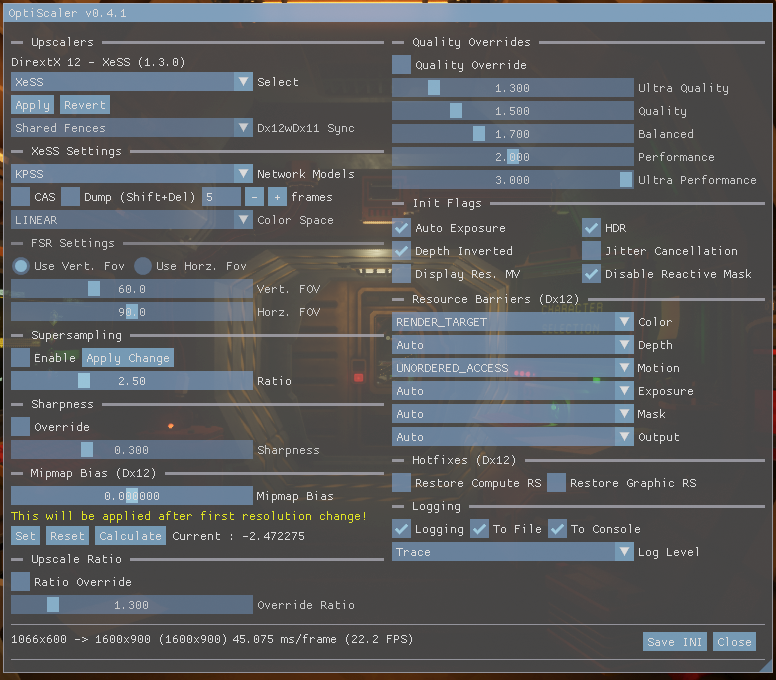
OptiScaler F5 interface. Source: janblade/GitHub. Contextual capture, without independent latency measurement.
DirectX 11 with DXVK and neural rendering
Another new feature is the experimental use of Neural Rendering and Optical F5Low frame generation in DirectX 11 games run via DXVK. The configuration requires enabling NativeDxvkVulkan=true in the section [DlssNr] of the settings file.
The developer reports a test with Batman: Arkham Knight. In addition, they mention fixes for crashes in DXVK games when changing resolution or using Alt+Enter. However, there is still a known issue where the image may stop updating after a screen switch.
Contextual image showing visual exposure of the project. Source: janblade/GitHub. Does not demonstrate the test in Batman: Arkham Knight.
Edge compression is still experimental
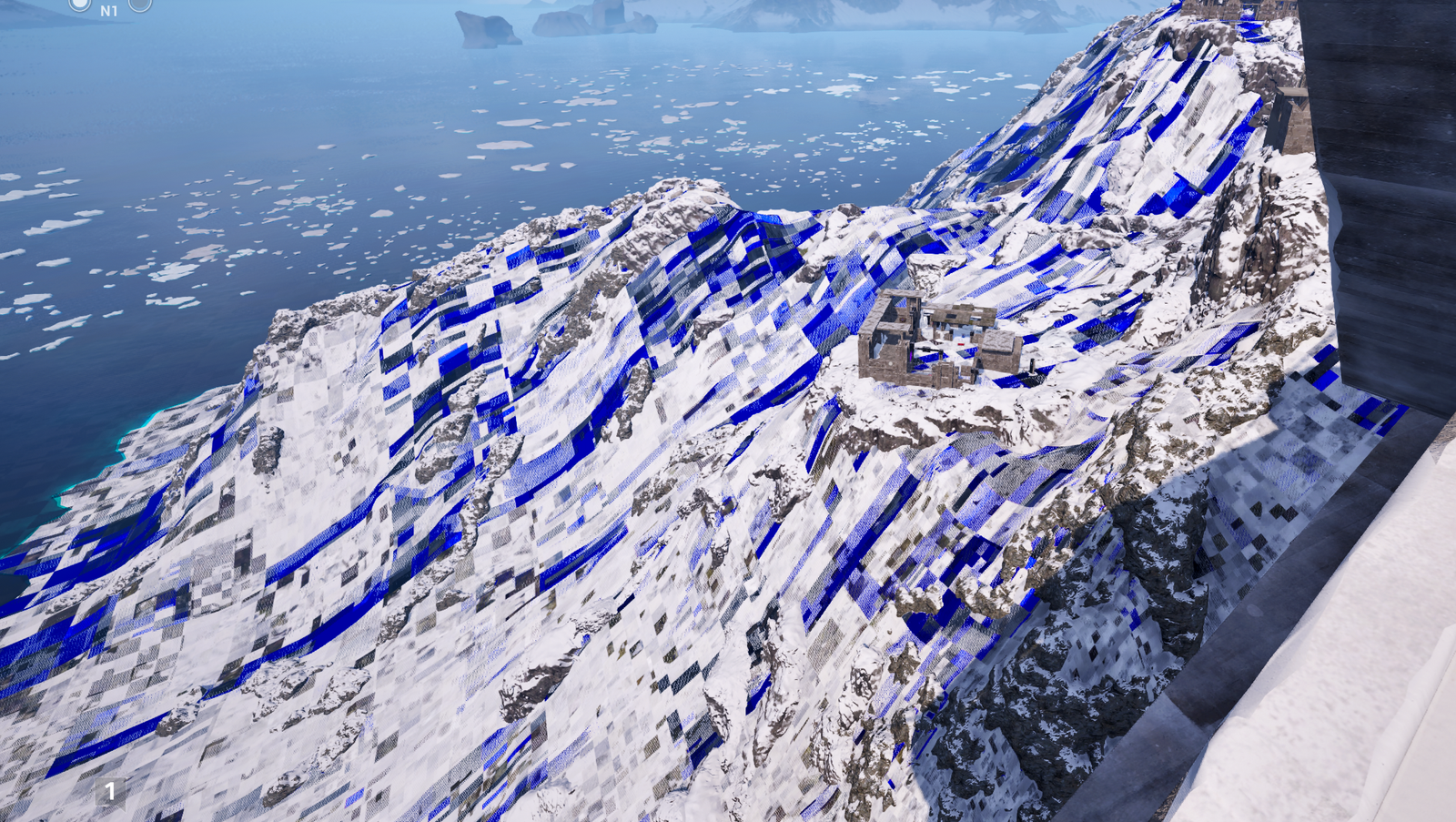
The option Compress screen edges concentrates higher quality processing in the center of the image and uses fewer pixels at the edges. Thus, the intention is to reduce the GPU's workload during Neural Rendering.
However, the feature is incompatible with the option Reuse detail. Furthermore, the developer has not released an independent benchmark quantifying the gain across different games. Therefore, the cost reduction should be treated as a technical implementation goal, not as a guaranteed FPS increase.
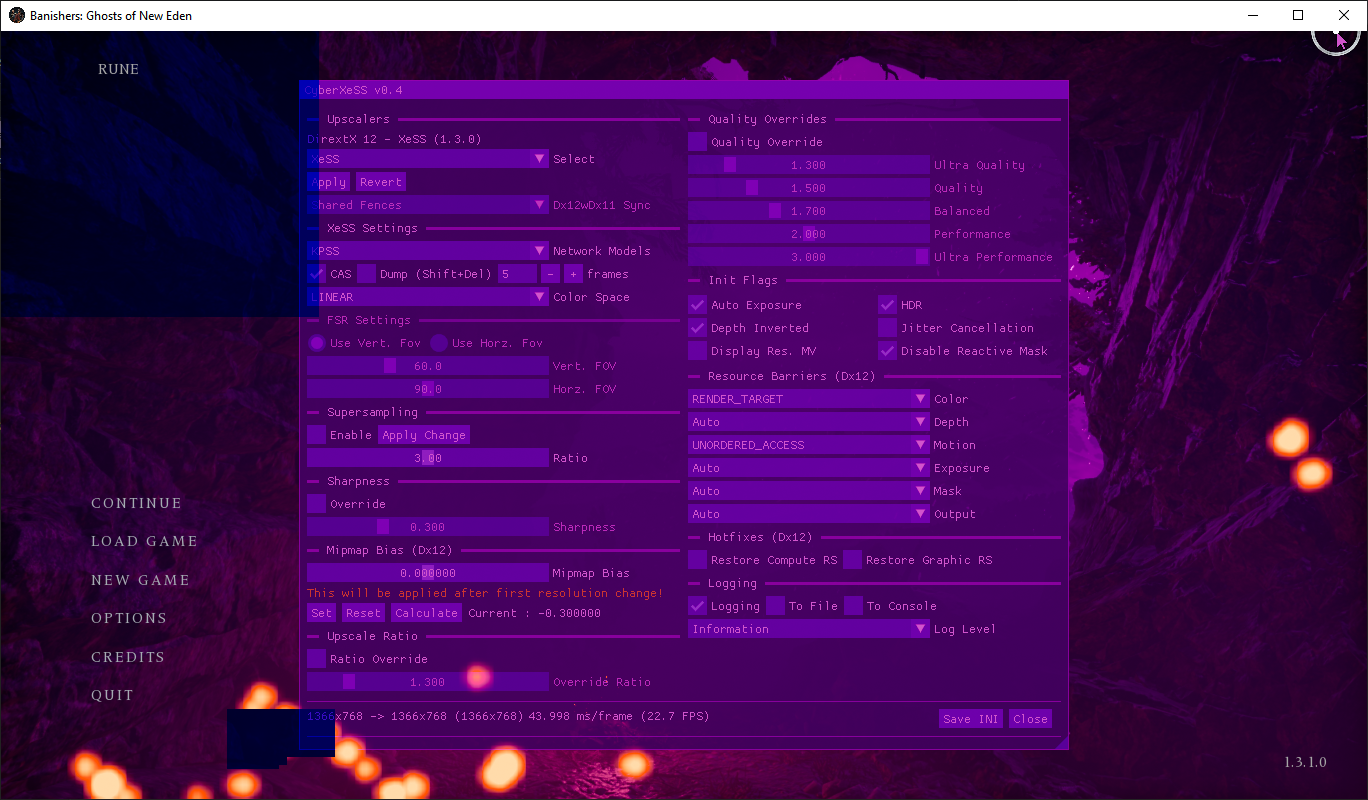
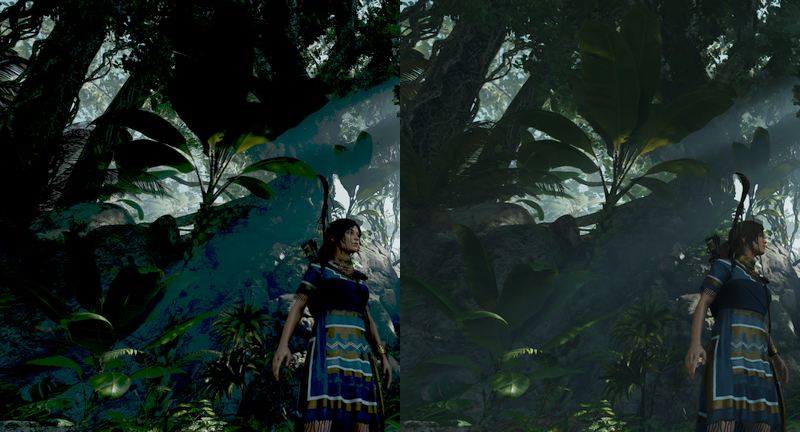
Banishers scene present in the OptiScaler F5 repository. Source: janblade/GitHub. Does not prove edge compression gains.
Other fixes and limitations
Version 0.1.29 also adjusts the use of XeFG with REFramework, fixes a startup crash in BeamNG.drive with Vulkan, and updates Optical F5Low low-latency options. However, some fixes are still awaiting confirmation in the affected game.
The author warns that XeFG 4x may exceed the configured frame limit, for example getting close to 90 FPS when the target is 80. In addition, they recommend disabling in-game VSync in Red Dead Redemption 2 to keep the limiter working.
Availability of OptiScaler F5 0.1.29
The package OptiScaler-DLSSNR-F5-0.1.29.zip is published on the project's download page. The developer advises extracting the files into the game folder. For those already using version 0.1.28, the main update is the replacement of the OptiScaler.dll library.
However, the package does not include the proprietary model file nvngx_dlssnr.dll. The user must legally provide the required components, as per the official instructions. Therefore, the existence of the ZIP does not guarantee universal compatibility with any game or graphics card.
Sources: official release notes for version 0.1.29 (10/11/2026); F5 fork repository.