The MGPU Bridge 0.3.1 expands the possibilities of using DLSS 5 Neural Rendering with two graphics cards on the PC. The update brings support for DirectX 11 games, improves motion vector recognition, and allows working with just a single monitor. In addition, the project offers an experimental launcher to facilitate configuration.
Developer Marcelo Guibout released version 0.3.1 on October 10, 2026, after introducing the main new features in 0.3.0. According to official release, the latest hotfix improves the choice of motion vectors and reduces image flickering on certain configurations.
How does MGPU Bridge 0.3.1 work with two GPUs?
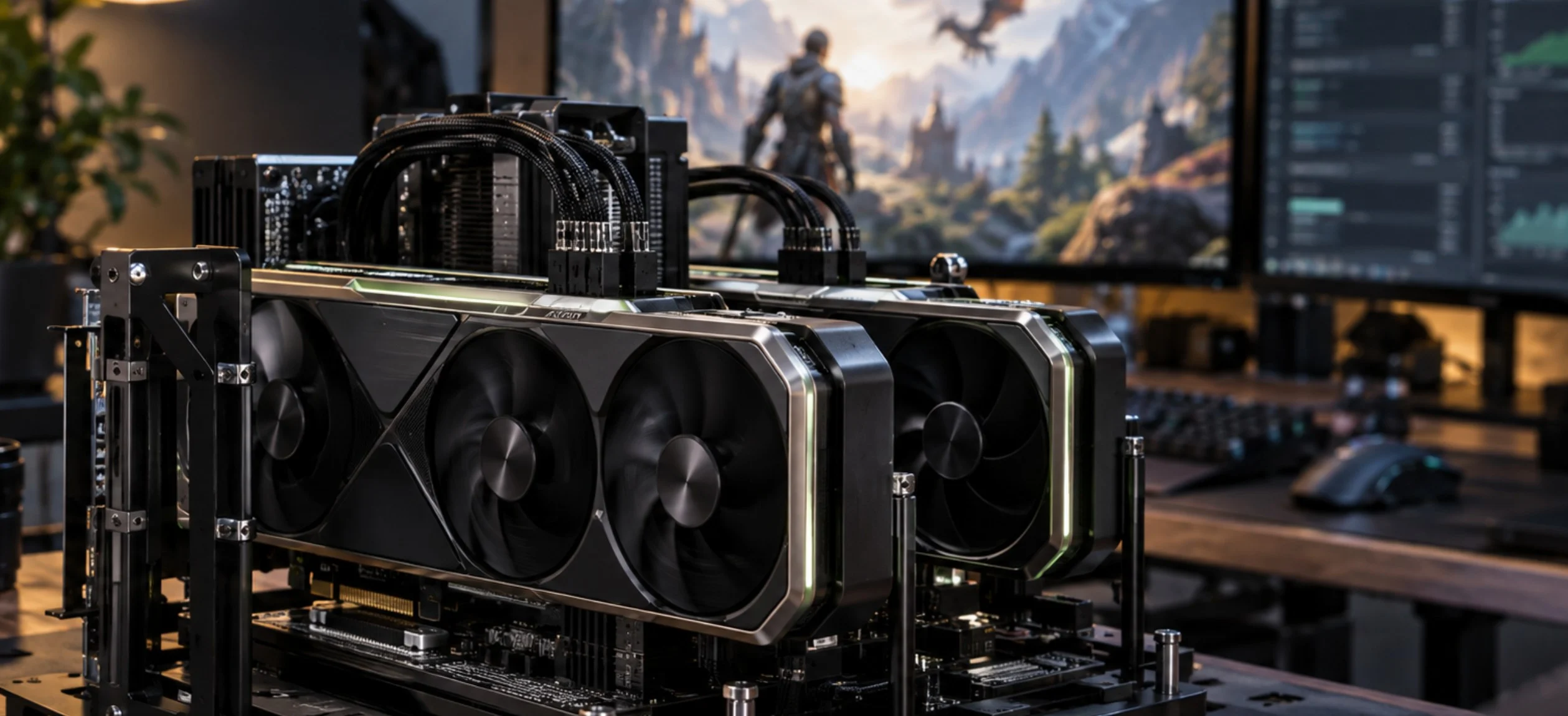
MGPU Bridge is an experimental add-on for ReShade. It uses one graphics card to render the game and transfers the final Neural Rendering processing to a second compatible GPU.
Thus, the project tries to prevent a single card from executing both the game and the entire neural stage. However, this is not equivalent to NVIDIA's old SLI: the GPUs do not divide the rendering work of the same scene. Another related experiment shows the limits of DLSS 5 applied to Pac-Man, with visual distortions under different conditions.
Instead, the second card receives the data needed to process the image and present the final result. Therefore, operation depends on the transfer of information between the GPUs and the configuration of each computer.
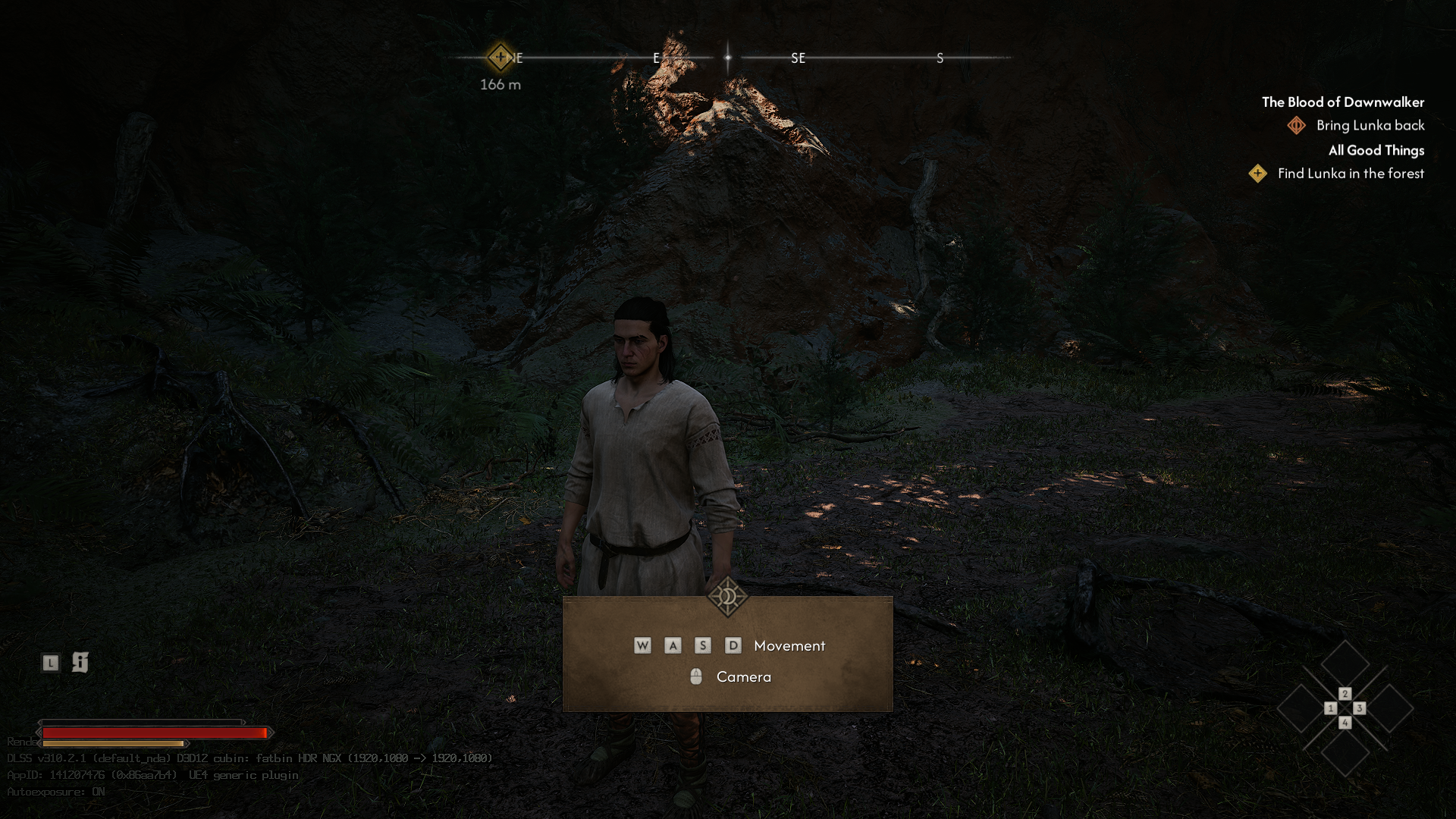
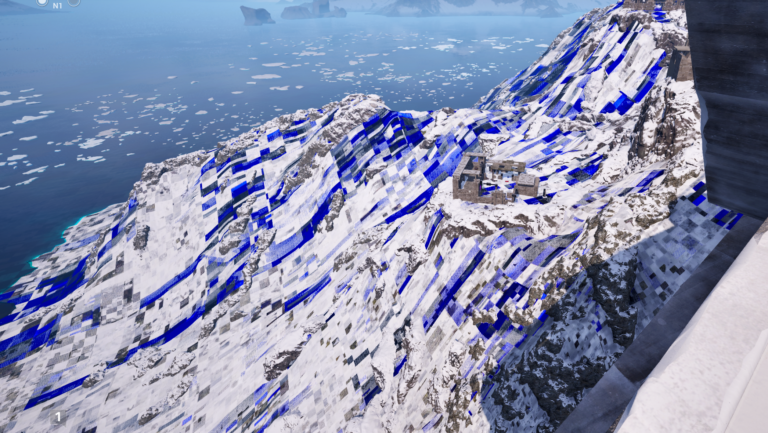
Original scene documented in MGPU Bridge tests. Source: maohgad-web/Neural-coprocessor, GitHub. Technical reference, not an independent test of version 0.3.1.
The tests published by the creator use two 16 GB GeForce RTX 5060 Ti cards. In addition, the project presents detailed measurements of transfer limitations between the cards. However, these results should not be generalized to other GPU combinations.
MGPU Bridge 0.3.1 adds DirectX 11 support
The main new feature in version 0.3.0, kept in 0.3.1, is DirectX 11 support. Previously, MGPU Bridge worked primarily with DirectX 12 games.
Now, the add-on can also perform its processing step in compatible DX11 games. The developer mentions tests with Skyrim Special Edition and Rise of the Tomb Raider.
In addition, the system received improvements in identifying game depth and motion vectors. This allows it to work in certain situations even when the title does not originally use DLSS.
The author mentions 2023's Resident Evil 4 as an example of testing this functionality. However, the presence of a game's name on the test list does not guarantee perfect operation on any computer.
A single monitor can display the output of both GPUs
Another important change is the single monitor mode. Now, the MGPU Bridge enables this setting by default via the option DcompOverlay=1.
In this scenario, the user connects the monitor to the GPU responsible for Neural Rendering. Meanwhile, the first card executes the game rendering without keeping a display directly connected to it.
The project also allows using two monitors through the option DcompMultiDisplay=1. Therefore, the user can choose an arrangement compatible with their hardware.
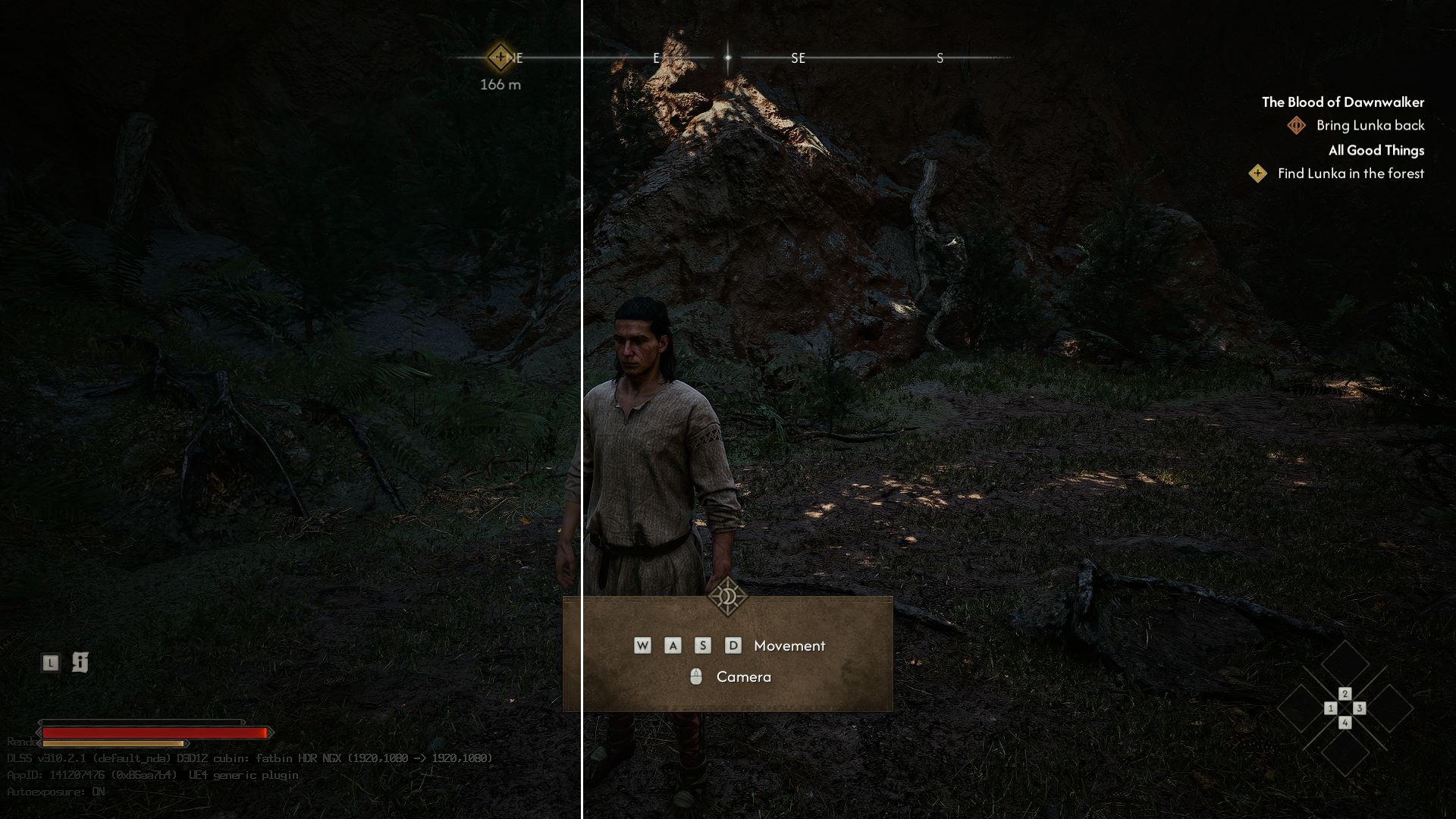
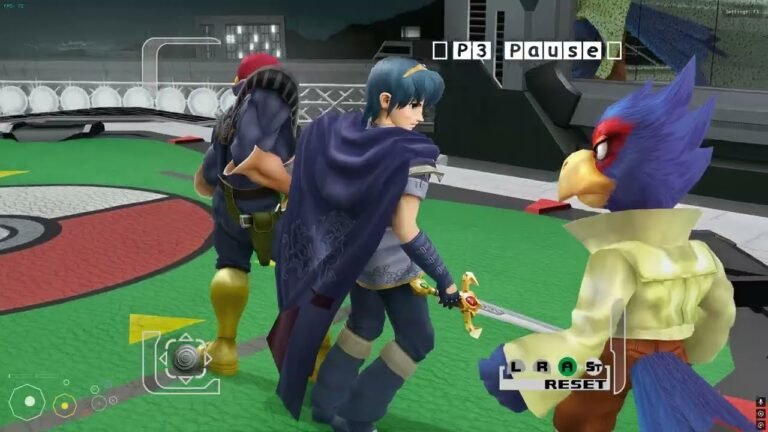
Split view documented by the MGPU Bridge project. Source: maohgad-web/GitHub. Technical reference image, without specific proof of version 0.3.1 performance.
However, single monitor mode requires attention to the placement of the cards and how Windows identifies the adapters. Therefore, the developer recommends running the launcher verification before starting the game.
MGPU Bridge 0.3.1 receives Brazilian Portuguese launcher
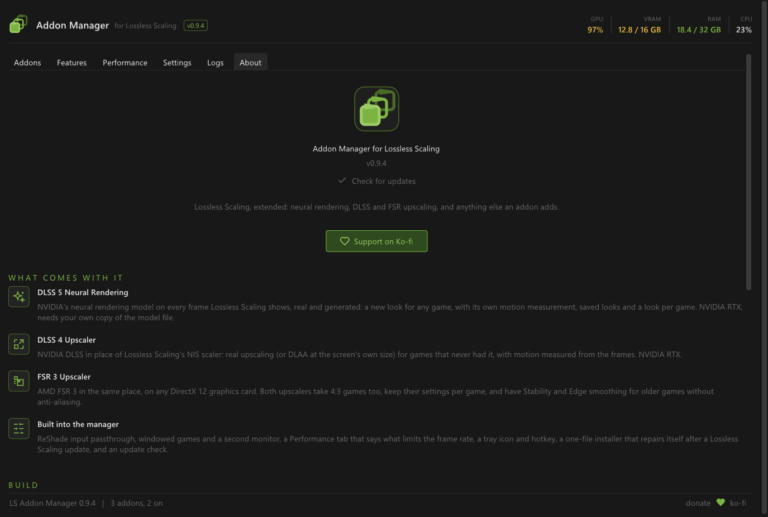
The update also introduces an experimental launcher distributed separately. The program helps verify the installation, identify GPUs, and manage settings.
In addition, its interface offers Brazilian Portuguese, English, Spanish, Chinese, Japanese, and Korean. Thus, users can consult some of the options without having to manually edit all parameters.
The launcher does not replace ReShade. It works as an auxiliary tool to configure the add-on and check for common issues.
MGPU Bridge 0.3.1 seeks to reduce image flicker
Hotfix 0.3.1 focuses its efforts on motion vector selection. According to the author, the change improves visual stability and reduces flicker in some game and system combinations.
These vectors help Neural Rendering understand object displacement between frames. Therefore, incorrect identification can cause instability in the final image.
Furthermore, the documentation describes attempts to leverage depth data produced by the game engine itself. However, compatibility still depends on the characteristics of each game.
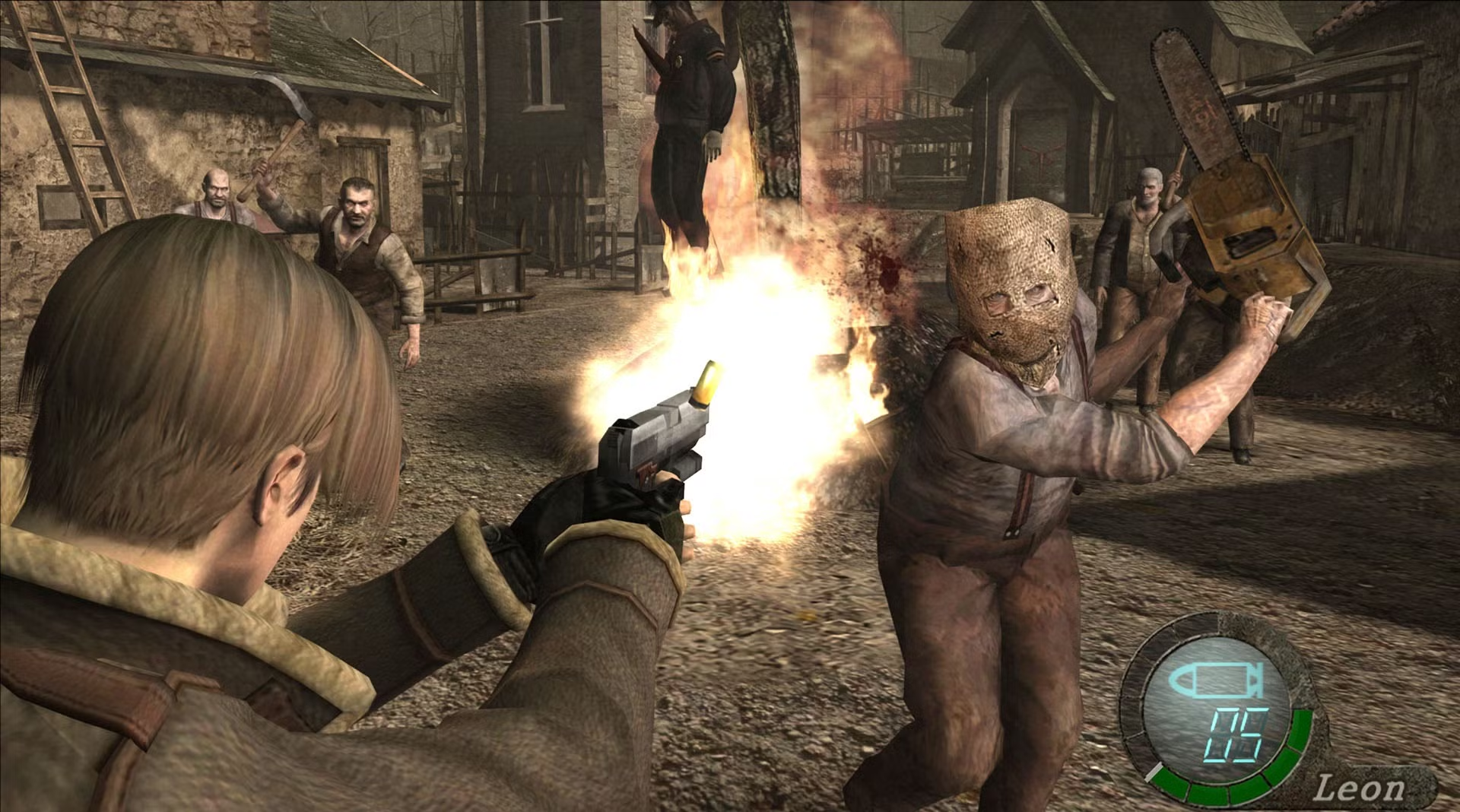
Illustrative image of Resident Evil 4 from the Allves Games library. This is not a capture of the Resident Evil 4 (2023) test performed by the creator of MGPU Bridge.
Among the other titles mentioned by the developer are Cyberpunk 2077, Starfield, and Red Dead Redemption 2. However, the documentation does not represent an official compatibility certification across all versions of these games.
Video shows the dual-GPU processing proposal
The creator also linked a video to the project to showcase the technology. The demonstration helps contextualize the proposal, but does not replace independent performance or latency measurements.
Video featured in the Neural Coprocessor/MGPU Bridge documentation. Source: channel linked by the developer in the project.
Furthermore, previous results published in the repository use specific configurations. Therefore, they should not be presented as an independent benchmark for version 0.3.1.
What are the requirements to use the tool?
According to the official documentation, the project requires two GeForce RTX 50 series cards for the recommended configuration. In addition, it requires Windows with DirectX 11 or DirectX 12 and ReShade 6.8.0 or higher, with add-on support enabled.
The package does not include NVIDIA's proprietary Neural Rendering binaries. Therefore, the user must use the components obtained legitimately from their own installation.
On the other hand, Vulkan games are not supported by this version of the add-on. The developer also warns that the program remains experimental and may experience errors, instability, or incompatibility.
How to download and install MGPU Bridge 0.3.1
The developer provides MGPU Bridge and the launcher in two separate official packages. Before installing, check the version and requirements published on the GitHub of version 0.3.1.
- Install ReShade 6.8 or higher with add-on support in the compatible DirectX 11 or 12 game.
- Download the package
mgpu_bridge_0.3.1.zipon the official release page.
DOWNLOAD UPDATED MGPU BRIDGE 0.3.1
- Extract the files to the folder containing the game executable.
- Configure the folder
mgpuwith the appropriate NVIDIA components from your installation, as per the README. - Prepare the file
mgpu.iniand select the desired monitor mode. - Also download the experimental launcher to verify the installation.
DOWNLOAD MGPU BRIDGE LAUNCHER 0.3.1 UPDATED
- Run the launcher check and confirm that it correctly recognizes both cards.
- Start the game and consult the file
ReShade.logto identify potential failures.
The buttons open the official release for selecting the respective files. Therefore, they do not represent direct links to third-party binaries nor do they include proprietary NVIDIA components.
MGPU Bridge is experimental and does not replace SLI
The MGPU Bridge is not an official NVIDIA technology nor a direct successor to SLI. Instead, it is an independent project that seeks to transfer only the Neural Rendering stage to another GPU.
Furthermore, the creator warns that use with online games and anti-cheat systems involves risks of incompatibility. Therefore, avoid using the add-on in situations where external plugins might violate game rules.
Finally, widespread independent testing of performance, stability, memory consumption, and latency is still lacking. Thus, version 0.3.1 should be treated as an experimental tool for advanced users, not as a guaranteed solution for any computer.
Sources: official MGPU Bridge 0.3.1 release; Neural Coprocessor repository; measurement documentation.