An experimental project of DLSS 5 in VR has started applying Neural Rendering to the image of virtual reality games through an OpenXR layer. Additionally, the public code was documented on October 7, 2026. According to the developer, the AMD version worked on Half-Life: Alyx with a Radeon RX 9070 and a Pimax headset. On the other hand, the implementation for NVIDIA does not yet have an equivalent test confirmed on real hardware.
The project, called DLSS-NR OpenXR Layer, operates on an adjustable region of the image sent to the headset. Thus, it does not require modifying the game files. However, the broad compatibility claim is from the author: the only game cited with actual testing in this documentation is Half-Life: Alyx.
DLSS 5 in VR: how the test works
The system intercepts the transmission of images from each eye to the OpenXR compositor. Next, it crops a central area, processes this region with the neural model, and returns the result to the original image. That way, the rest remains without the same treatment. Therefore, it is not necessarily neural rendering applied to the entire screen.
In addition, the developer implemented adjustments for intensity, size of the processed area, and position. The region can track eye-tracking data when available. The configuration panel runs locally and allows modifying parameters without altering the game content.
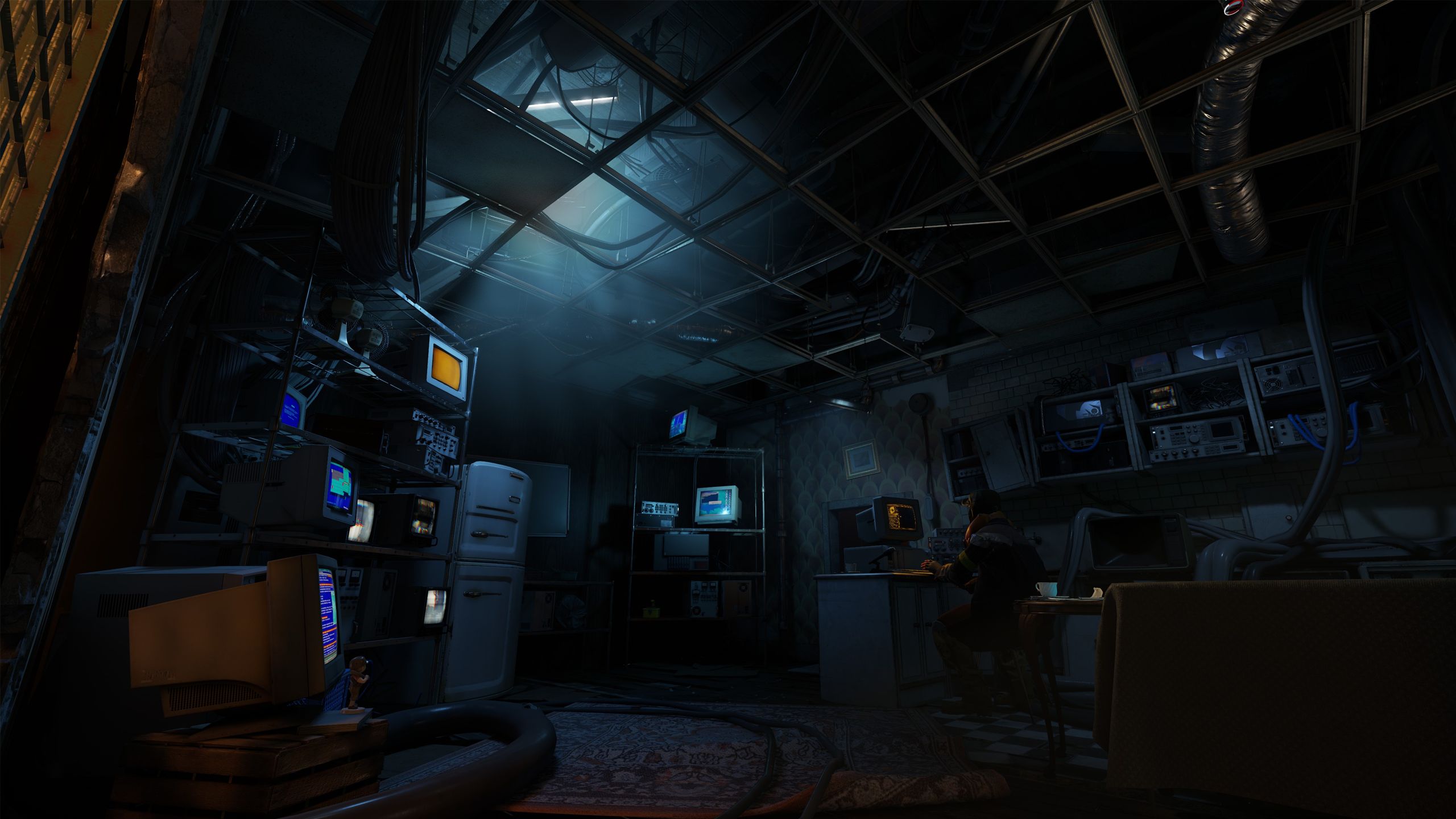
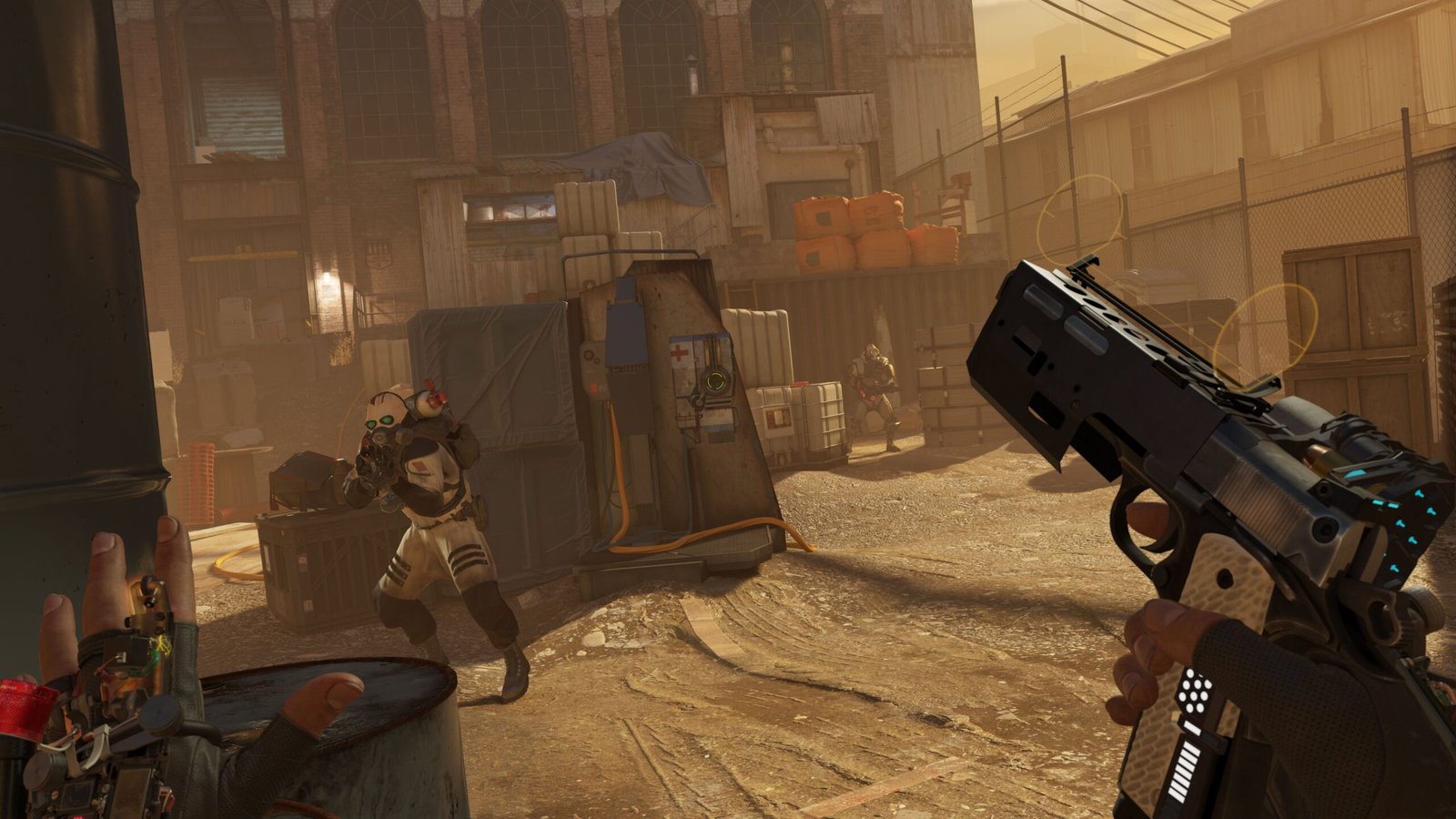
Combat scene from Half-Life: Alyx, the title used in the test reported by the developer. Official image from Valve, visual reference of the game only; it does not show the experimental effect activated.
Performance in Half-Life: Alyx with Radeon RX 9070
In the measurement published by the author, a neural window of 1280 × 704 pixels presented approximately 31 to 41 FPS on the Radeon RX 9070. It is worth remembering that the headset was in a session of 90 Hz, but that does not mean the effect was delivering 90 FPS.
The October 7th changelog also describes a limitation: changing the region size can rebuild the model and freeze the image for 1.6 to 2.5 seconds. For this reason, the project started grouping size changes and waiting 400 milliseconds of stability before applying a new configuration.
The asynchronous mode, which showed reduced waiting times in an internal test, remains disabled by default. According to the documentation, it caused device crashes under certain conditions. Therefore, it should not be presented as a stable performance solution.
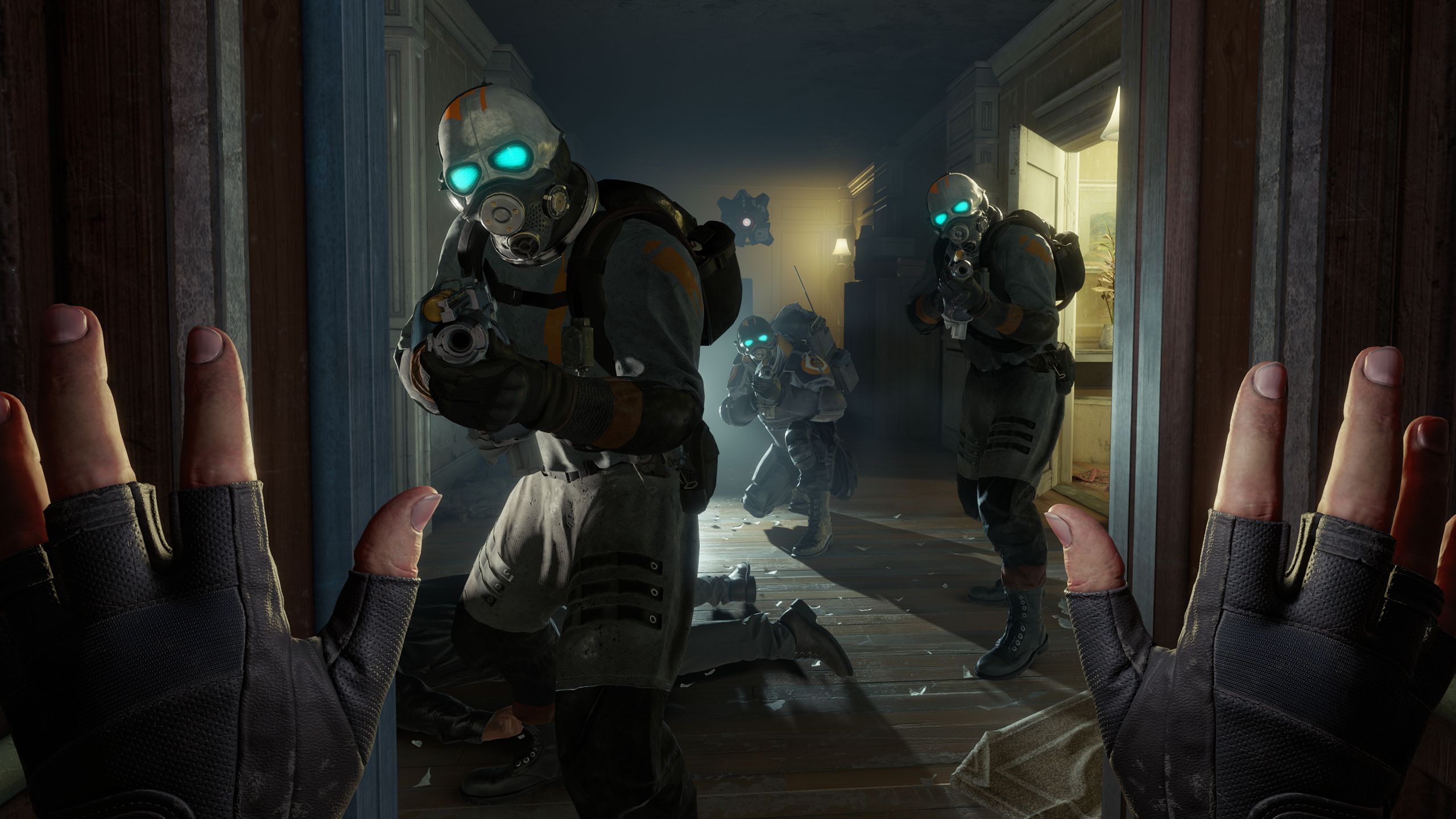
Another official image of Half-Life: Alyx. The Neural Rendering test in VR was reported by the project author, with no public visual comparison in this capture. Official image from Valve, only a visual reference of the game; it does not show the experimental effect activated.
How to install DLSS 5 in VR on Windows
The repository provides two experimental packages: one for AMD and another for NVIDIA. Before installing, check the official requirements and warnings. In contrast, the AMD version was tested by the author; the NVIDIA one was only compiled and underwent basic testing, without confirmation of functionality on a real card.
- Download the package suitable for your GPU. The routes below select the ZIPs from the latest stable release of the repository, without mixing the two backends.
DOWNLOAD UPDATED DLSS 5 VR PORT AMD
DOWNLOAD UPDATED DLSS 5 VR PORT NVIDIA
- Extract the ZIP into a fixed Windows folder. Read the instructions file and check the contents before running scripts.
- According to the author, run
install.ps1with administrator privileges to register the OpenXR layer. The package also configures OpenComposite; in some installations, the fileopencomposite.inineeds to be placed next to the game's executable. - Open the OpenXR-compatible game and check the project's local dashboard on port 8787 to adjust the neural area. If anything fails, check the layer log.
- To remove the integration, follow the official procedure with
uninstall.ps1. Do not use the package in sessions with anticheat without verifying compatibility.
The ZIPs include third-party components and are large. In this sense, the route resolution only confirms the name, version, size, and package address; does not equate to a tested installation. Furthermore, the software is experimental and modifies VR environment settings. As a precaution, back up your settings before using.
What remains to be confirmed regarding DLSS 5 in VR
Practical compatibility remains limited to the tests published by the developer themselves. For example, there is no independent performance demonstration on other AMD GPUs, nor confirmation of full execution on the NVIDIA version. Likewise, the project does not prove that all OpenXR games work without adjustments.
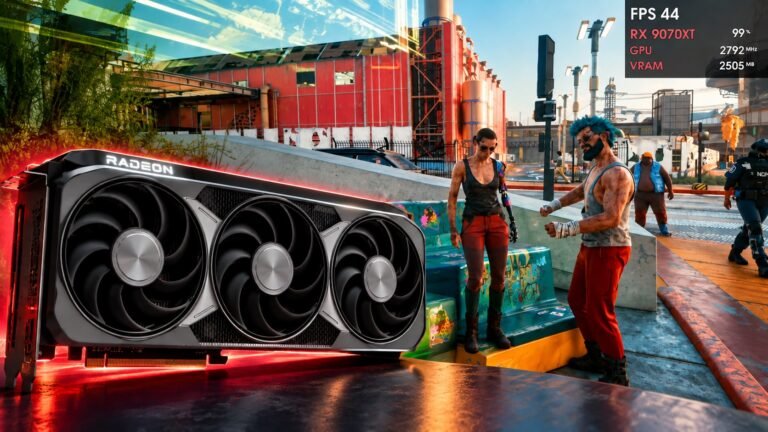
The subject connects to the advancements of DLSS Neural Rendering on Radeon cards and to the Neural Lens full-screen tests. On the other hand, the VR integration is an independent project, with its own operation and limitations.
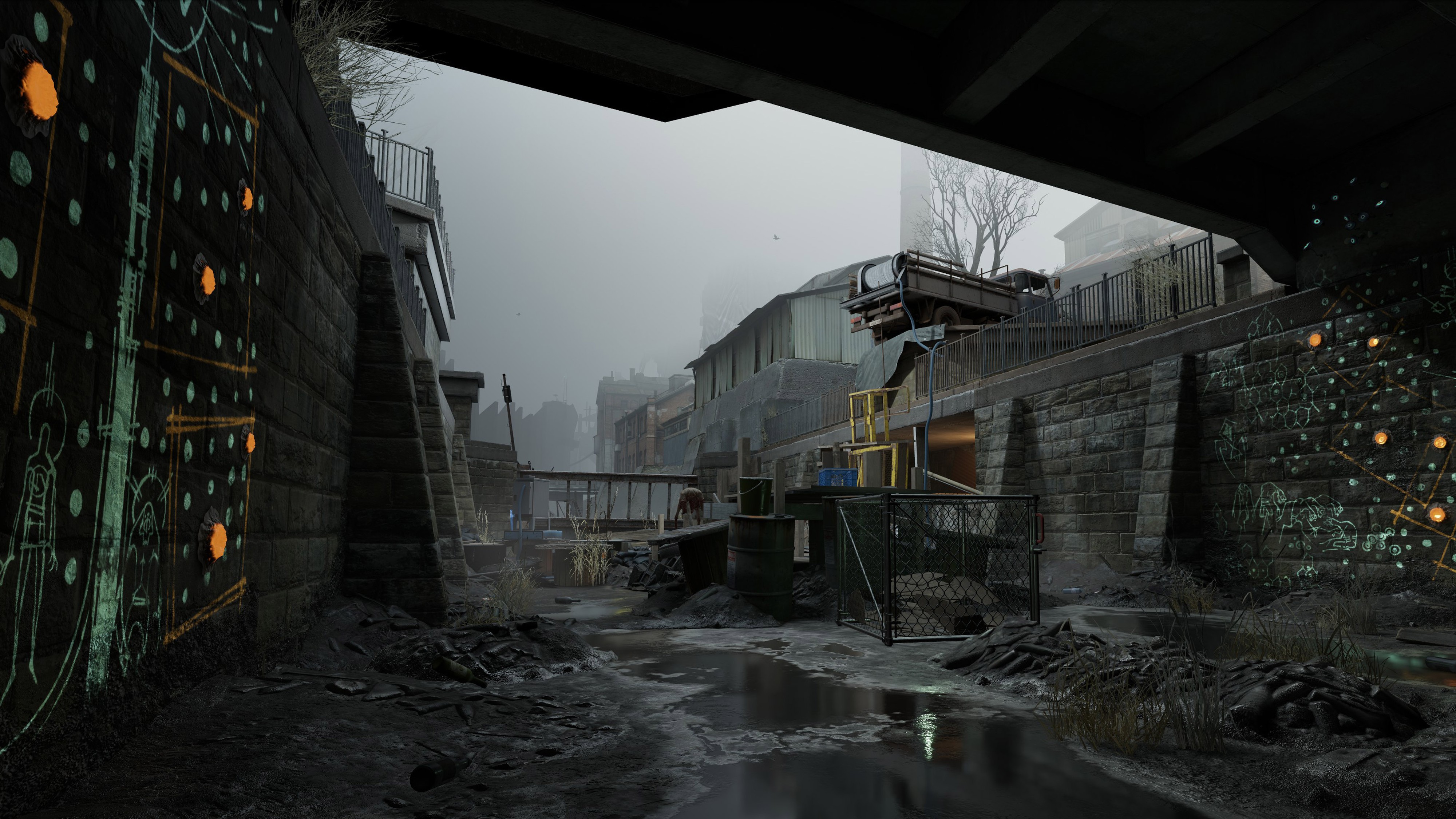
Scene from Half-Life: Alyx released by Valve. The project documentation records tests on Pimax and Radeon RX 9070. Official image from Valve, only a visual reference of the game; it does not show the experimental effect activated.
Sources: project repository; changelog from 10/7/2026; Valve — Half-Life: Alyx.