The AMDNR 0.3.4.2 received a hotfix on September 29, 2026 that fixes the menu in Assetto Corsa, improves the runtime selector and reorganizes the Ray Regeneration controls. The update also prepares the host to accept an additional runtime layout from Daniel Blanco, keeping Neural Rendering itself practically identical to version 0.3.4.1.
Although it is a minor version update, the delta is technical and useful. The community project continues integrating DLSS 5-inspired Neural Rendering into OptiScaler on Radeon GPUs, but lacks official support from AMD or NVIDIA. The AMDNR 0.3.4.2 changelog details the changes and also records limitations that remain open.
AMDNR 0.3.4.2 fixes the menu in Assetto Corsa
The most specific fix involves Assetto Corsa. At low frame rates, the menu could open by itself in the runtime selector, ignore clicks, or respond incorrectly to the Insert key. Now, AMDNR registers a single action per physical press and preserves short click or keyboard events to replay them within the frame.
Additionally, the selector now accepts the 1 and 2 keys to choose the runtime, Enter to confirm, and Esc to postpone the decision. The close button also now equates to “Decide later”. As a result, the interface no longer traps the user on the selection screen.
The developer states that the build tests cover the fix. However, at the time the release notes were published, confirmation was still pending from the player who originally reported the issue in Assetto Corsa. Therefore, the changelog documents the code fix, but not a broad independent validation.
Ray Regeneration gets clearer controls
Another important change appears in the Ray Regeneration section. Previously, certain controls would only appear after the denoiser had recently processed a frame or when the feature stopped working in that game. This could cause the user to look for the setting and simply not find it.
AMDNR 0.3.4.2 keeps this section visible and now explains the current state. The interface informs whether Ray Regeneration is processing the image, whether the game has not yet activated Ray Reconstruction, or whether the feature encountered a limitation. Thus, diagnostics become more straightforward.
The update also turns the sharpness applied after Ray Regeneration into a configurable toggle, RrDefaultSharpness. The default remains at 0.25. However, anyone who notices graininess highlighted by the sharpening can test lower values, such as 0.15, 0.10, or zero. The project itself points out that this does not alter the denoiser and does not eliminate all types of noise.
AMDNR 0.3.4.2 accepts newer runtime by Daniel Blanco
In Neural Rendering, the version adds a line to the table of accepted layouts for Daniel Blanco's DLLs. AMDNR identifies these files by size and SHA-256 and only unlocks the controls when it recognizes the layout. With the new entry, a more recent build can work without requiring another immediate host update.
This point does not signify a new neural network in the package. According to the release notes, the runtimes and the PAK file remain identical to those in 0.3.4.1. The change allows controls such as Network style, Tone curve, Black lift, Game exposure, and Fast mode to remain available with the newly accepted layout.
The project also confirms support for DLSS-NR-on-AMD 0.4.3, released on September 28. Daniel Blanco's runtime claims a 20% gain over 0.4.2 in Reference mode and 18% in Fast. These percentages come from the developer himself and should not be treated as an independent benchmark.
This follow-up complements previous Allves Games coverage of DLSS-NR-on-AMD 0.4.1 and of AMDNR 0.3.4, which had already brought the project to APUs like the Ryzen Z1 Extreme and reorganized the interface.
There are important limitations in AMDNR 0.3.4.2
The changelog notes a known issue in Uncharted: Legacy of Thieves Collection on Radeon RX 9000. The game may crash on the first Neural Rendering frame due to a stack overflow during HIP initialization. Until future version 0.3.5, the project's own recommendation is to keep Neural Rendering disabled in this title.
On Linux, the scenario also requires caution. FSR works via Wine and Proton, while FSR Ray Regeneration can still produce magenta smudges in some games. Therefore, the updated documentation no longer suggests that the feature works normally in this environment.
For hybrid PCs, AMDNR also clarifies that Neural Rendering does not kick in when the game renders on the integrated GPU instead of the dedicated Radeon. In this case, the user needs to select the high-performance GPU in the Windows graphics settings.
Manual update only requires OptiScaler.dll
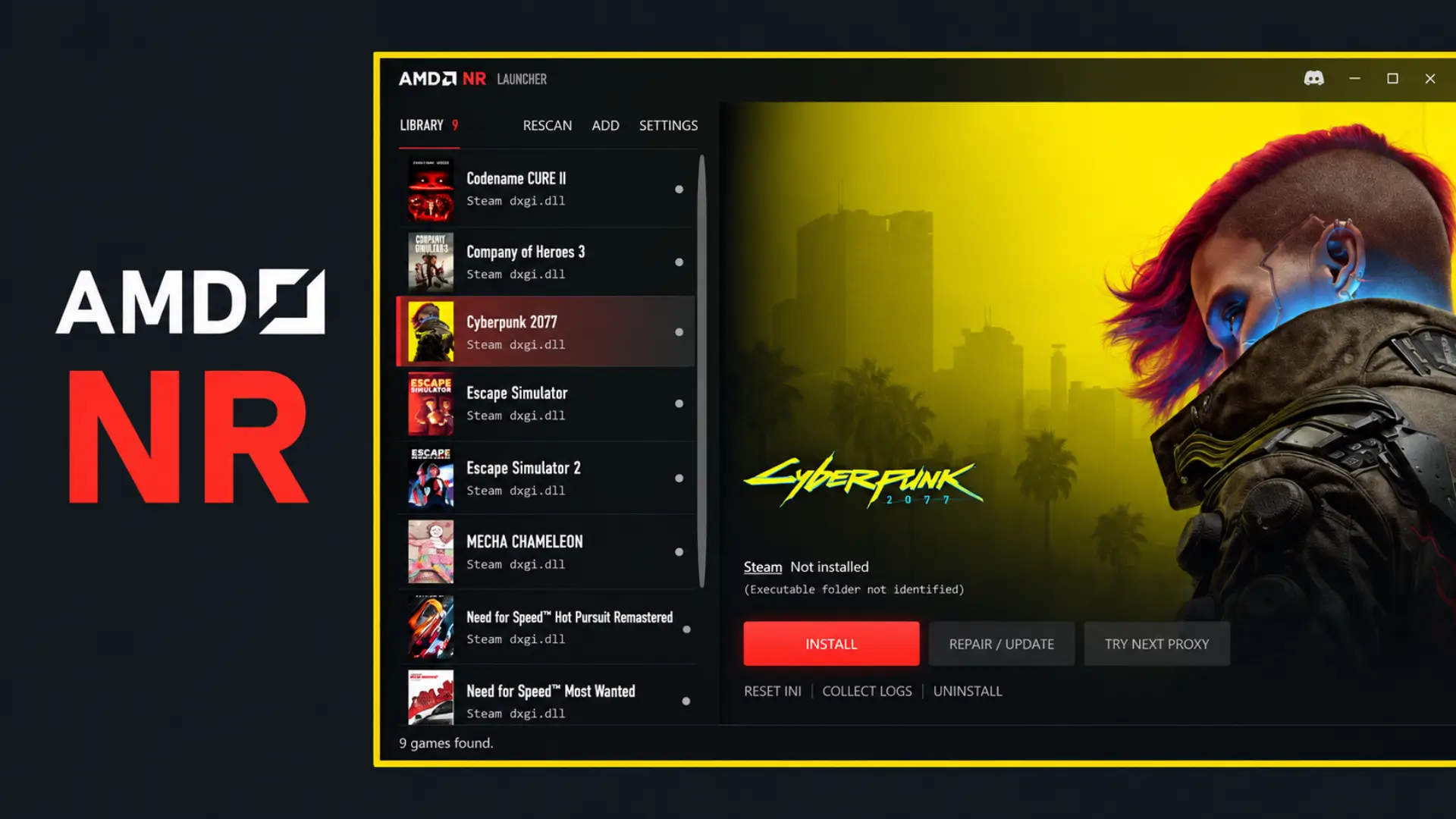
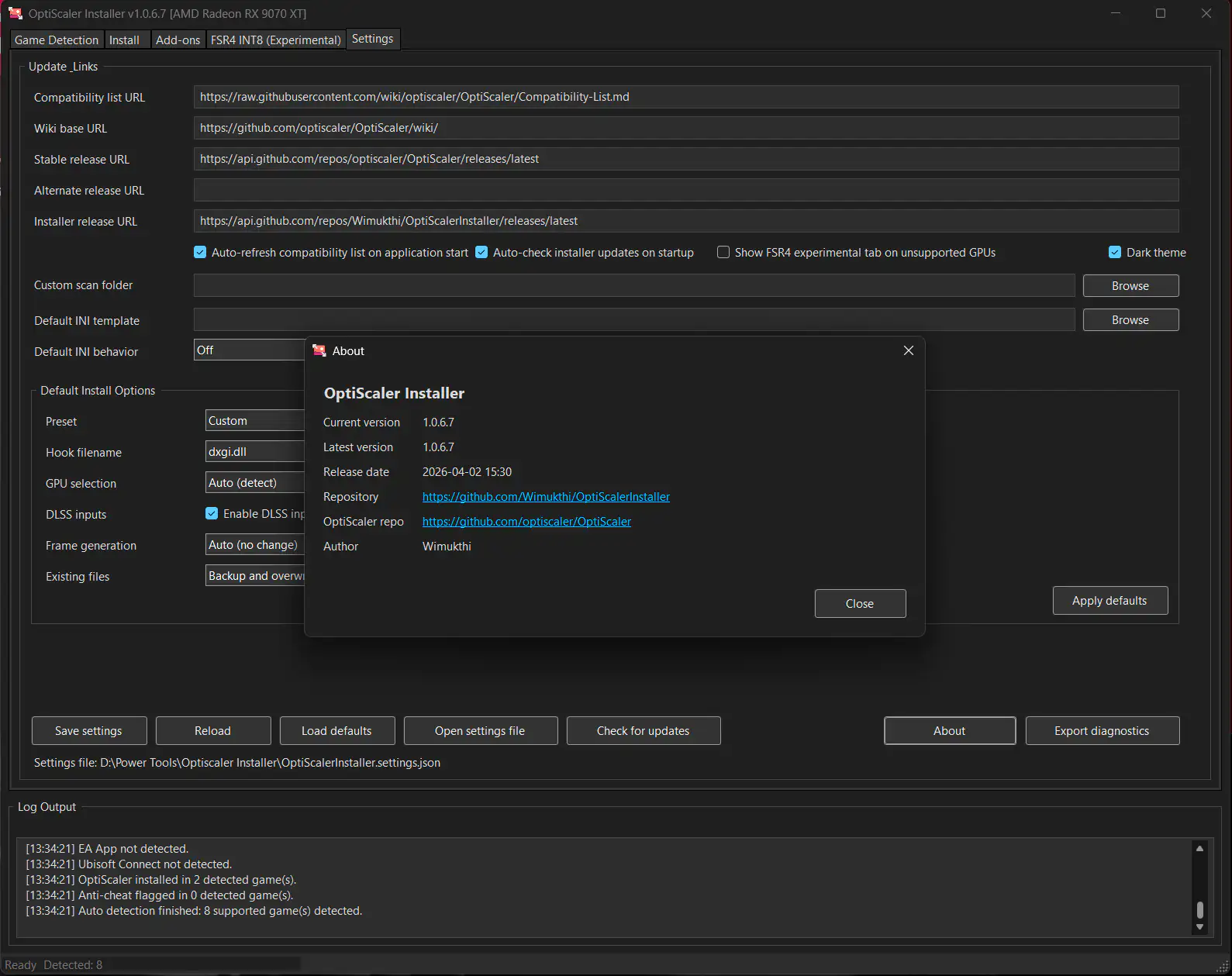
Those already using AMDNR 0.3.4 or 0.3.4.1 can update manually by replacing only the OptiScaler.dll, keeping the proxy name used in the game. The runtimes, the PAK and the configuration file remain valid. The launcher also offers the option to repair or update an existing installation.
The Allves Games has already shown another Neural Rendering implementation on Radeon RX 9070 XT, based on Vulkan. The approaches are not equivalent: AMDNR works as a community integration built on top of the OptiScaler ecosystem and can work with different runtimes.
Thus, AMDNR 0.3.4.2 does not represent a new generation of the project, but fixes concrete usability and diagnostic points while maintaining compatibility with the rapid evolution of external runtimes. As the software remains experimental, testing should be restricted to environments where third-party libraries do not conflict with anti-cheat systems.
Sources: AMDNR 0.3.4.2 on GitHub; DLSS-NR-on-AMD on GitHub; AMD Radeon RX 9070 XT.