The NeuralScreen AMD 0.3.24 has standardized a fix for the flicker observed during neural processing on Radeon cards. Released on September 25, 2026, the update now provides motion vectors to the upscale stage and keeps this processing in a private copy of the module. In tests documented by the developer, this combination eliminated corrupted frames on a Radeon RX 7900 XTX.
The change represents an important milestone for the experimental Radeon edition of NeuralScreen. Furthermore, the tests finally separated the two variables that were being investigated in previous versions. The results indicate that the motion vectors correct the flickering, while the private copy avoids the extra cost caused by the constant recreation of resources.
The developer also repeated the test at different working scales. Therefore, the fix was not restricted to the 0.65 setting used during part of the investigation.
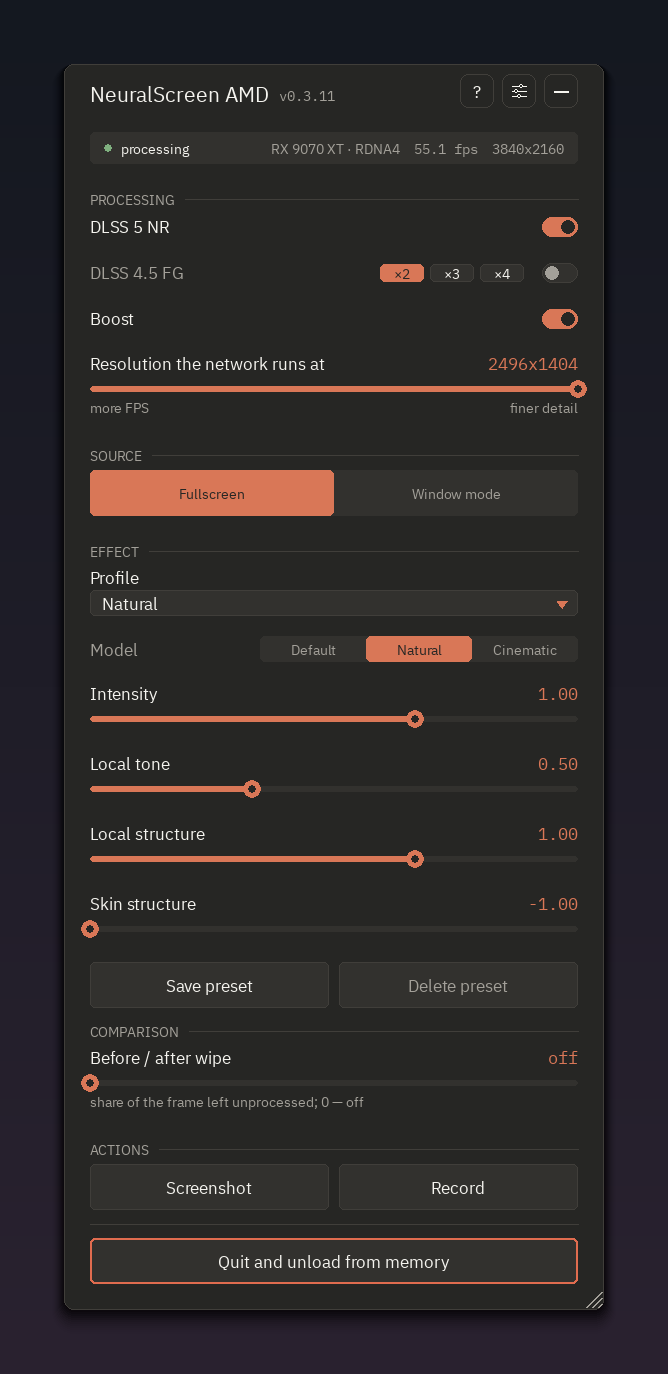
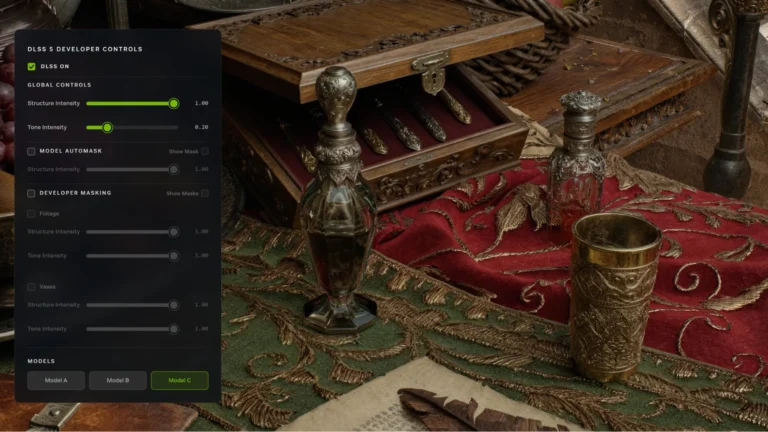
Dark theme interface of the AMD edition of NeuralScreen. The capture shows NeuralScreen-AMD itself, but does not specifically represent the flicker test of version 0.3.24. Image: perseval-BLR/NeuralScreen-AMD.
NeuralScreen AMD 0.3.24 makes the fix standard
Up to the immediately preceding versions, the developer was still investigating the origin of a flickering that appeared when the upscale path participated in the pipeline. For this reason, the project created different diagnostic launchers to change one variable at a time.
The NeuralScreen AMD 0.3.24 concludes this investigation with a 2×2 test. The developer compared the shared module and a private copy of the upscaler, both with motion vectors turned off and on.
All four main arms used the same Radeon RX 7900 XTX, identified as test machine number 3 by the project. In addition, the developer kept the same maximized window and a work scale of 0.65, except for the test dedicated to scale variation.
This point marks an important evolution compared to the initial stage of the Radeon edition. Anyone who wants to understand the general operation of the tool can consult our updated NeuralScreen guide, which explains capture, processing, work resolution, and other features of the program.
Motion vectors eliminated corrupted frames
The most important result appeared when the project activated motion vectors. With them turned off, both tested paths continued to show flicker.
In the first arm, the shared module without motion vectors presented corruption in all 75 frames analyzed by the criterion used in the test. Next, the private copy without the vectors also maintained the problem: 70 of the 73 frames reached the same corruption indicator.
However, the scenario changed when the vectors entered the pipeline. The combination of private copy and motion vectors processed 77 frames without registering a single corrupted frame.
The fourth arm confirmed the importance of the vectors. When using the shared module with motion vectors, the 77 frames were also free of visual corruption.
Consequently, the data published by the project point to motion vectors as the part responsible for fixing the flicker. The private copy, in turn, solves another problem related to the operational cost of this path.
Private copy prevents recreations during the main test
Although both paths with motion vectors eliminated corruption, they did not exhibit the same internal behavior. The shared module had to recreate staging resources 90 times during the 77 evaluated frames.
On the other hand, the combination of private copy and motion vectors completed the same 77 frames with zero recreations. Thus, version 0.3.24 combines the two techniques by default.
According to the release documentation, the variables NS_AMD_UPSCALE_PRIVATE and NS_AMD_UPSCALE_MV now start enabled. The user can still set either of them to 0 to reproduce previous behaviors.
In addition, the project linked the two mechanisms. The motion vectors enter the pipeline only while the private copy is actually active.
This protection prevents problematic behavior on machines where the private copy fails to load. In this case, the program falls back to the old path instead of allowing the vectors to push the runtime into the recreation loop observed in the shared module.
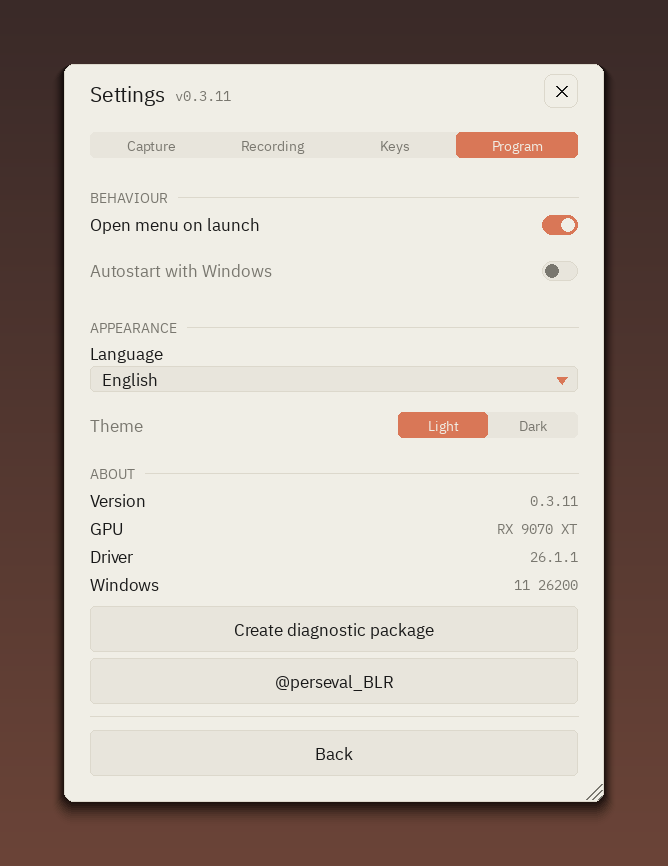
Settings screen of NeuralScreen-AMD itself. The image belongs to the Radeon edition repository and serves as a reference for the project's current interface. Image: perseval-BLR/NeuralScreen-AMD.
Testing at different scales also remained uncorrupted
The developer still needed to answer another question: the absence of flicker could specifically depend on the 0.65 working scale. Therefore, a fifth test progressively varied this parameter.
The execution went through scales 0.65, 0.75, 0.80, and 0.95 before reaching 1.00. During this sequence, the system evaluated 224 frames and recorded no corrupted frames according to the test criteria.
Therefore, the available results indicate that the correction does not depend solely on the 0.65 scale. This fifth test, however, recorded 86 staging recreations during scale variation. Thus, it should not be confused with the third arm, in which the private configuration completed 77 frames without recreations.
This distinction is important because the goal of the scale test was to verify visual corruption at different working resolutions. Meanwhile, the 2×2 test more directly isolated the effect of private copying and motion vectors.
NeuralScreen AMD 0.3.24 changes A/B testing
The update also reorganizes the launchers used for diagnostics. Since the corrected configuration has become the standard, the NeuralScreen-probe.vbs now directly initiates the path with the correction active.
On the other hand, two launchers allow reproducing the previous behaviors. The NeuralScreen-probe-mv-off.vbs turns off the motion vectors. As for NeuralScreen-probe-shared.vbs disables private copying.
In the second case, the build itself rejects motion vectors while the shared path is active. Therefore, this test reproduces the old behavior instead of intentionally creating a broken configuration.
This structure turns the investigation into a clearer A/B comparison. Thus, users who still observe flickering can turn off each part of the fix separately and generate a diagnostic package.
In addition, the log now records which path actually came into operation. This way, the user can differentiate the requested configuration from the one the program actually executed.
RX 7900 XTX was the basis of the documented test
The completion of version 0.3.24 comes mainly from tests performed on a Radeon RX 7900 XTX. Therefore, the results demonstrate functionality on that machine and that configuration, but do not guarantee identical behavior on all Radeon cards.
This matters because NeuralScreen AMD still functions as a community and experimental project. The program does not represent official support from AMD or NVIDIA for DLSS 5 Neural Rendering on Radeon.
Other projects also explore Neural Rendering on AMD GPUs through different methods. For example, the DLSSNR-AMD executed a reimplementation of Neural Rendering on an RX 9070 XT via Vulkan compute shaders.
Despite the similarity in objective, the implementations are not equivalent. Therefore, benchmarks, limitations, and compatibility of one project cannot be directly transferred to the other.
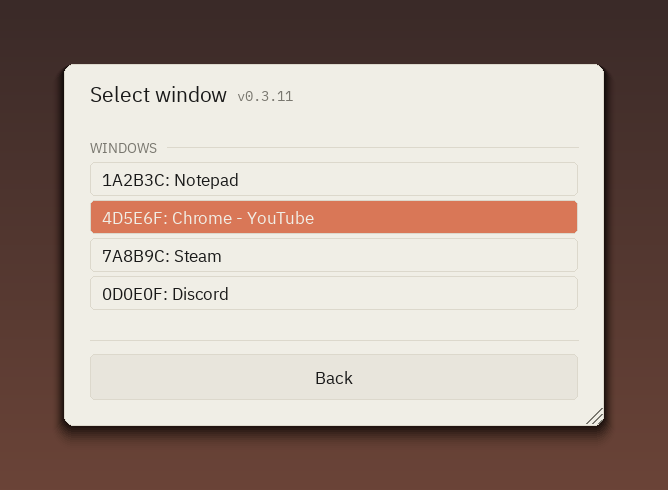
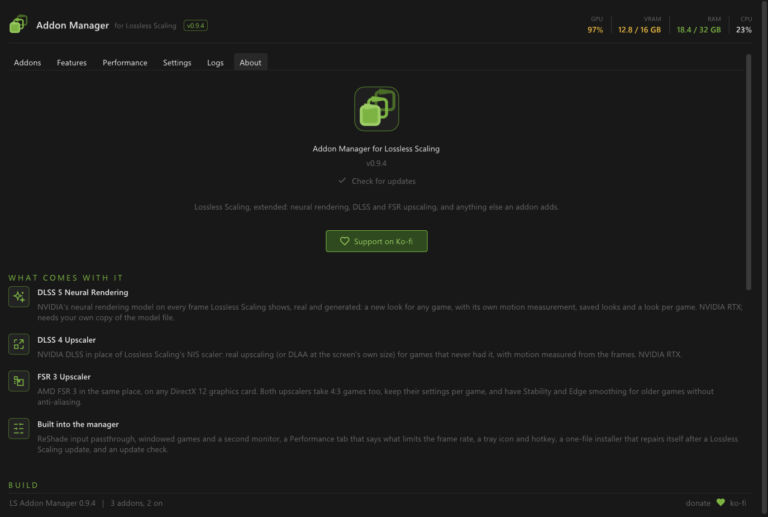
List of windows from the AMD edition of NeuralScreen itself. The capture shows another component of the NeuralScreen-AMD interface and not a measurement of the flicker test. Image: perseval-BLR/NeuralScreen-AMD.
What has not yet changed in version 0.3.24?
The release also makes it clear that several parts of the program remain the same as in version 0.3.23. The neural pass, the capture path, the menu, and the other settings did not receive central changes in this update.
Frame Generation also remains refused on Radeon cards in this edition. Therefore, the flicker fix does not add support for the feature.
Furthermore, other issues remain open. Two reports involve a failure within the D3D12Core.dll before any frame is even processed. Version 0.3.24 does not attempt to fix these cases.
Another separate issue involves hybrid machines with Radeon and NVIDIA. The detection path for these configurations also remains outside the scope of the current fix.
Therefore, the update does not turn AMD NeuralScreen into a mature or universal solution. It resolves a specific visual defect whose cause received a more thorough investigation.
Why is the flicker fix relevant?
The result gains importance because the developer did not simply enable a different setting. Instead, the project compared four combinations, isolated the motion vectors and the private copy, and documented the behavior of each one.
With the vectors off, the corruption continued to appear. With them on, both main paths eliminated the corrupted frames in the published tests.
At the same time, the private copy avoided the 90 recreations observed in the shared module during the comparable 77-frame arm. Thus, each part of the fix has a distinct function.
This type of test helps to separate visual stability from execution cost. To follow other neural load scenarios, Allves Games also published a DLSS 5 test that measured consumption and temperature on an RTX 5090. However, that scenario uses NVIDIA hardware and does not serve as a benchmark for the AMD NeuralScreen.
AMD NeuralScreen remains experimental
The NeuralScreen AMD 0.3.24 represents a concrete advance in flicker investigation, but still needs validation on a wider variety of Radeon GPUs.
The developer himself asks that users who still observe flickering run the standard probe in the same window and scale where the problem appeared before. If the failure persists, the two A/B launchers help to separate the possible causes again.
For now, the documented conclusion is specific: motion vectors eliminated corruption in published runs, while the private copy made the main path more economical in the comparable test.
With this, the configuration ceases to function only as an experiment and becomes the default behavior of the AMD edition.
Sources: NeuralScreen AMD — official release v0.3.24 | NeuralScreen AMD — official repository and documentation.