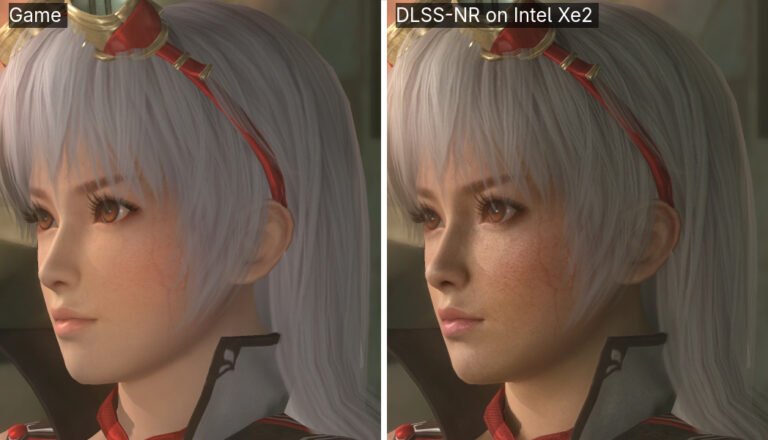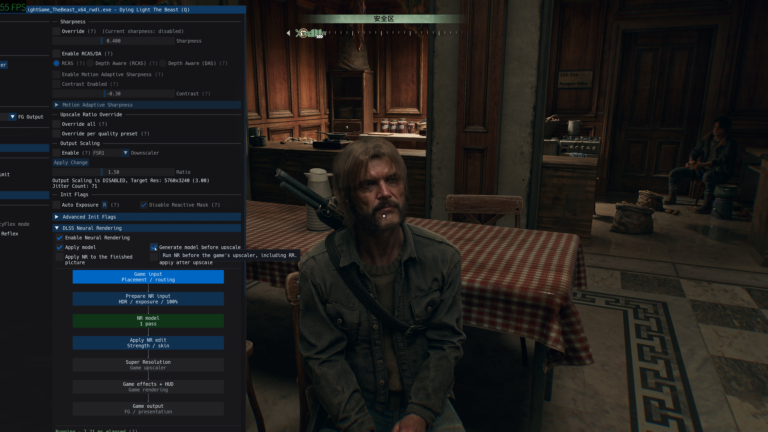
The NeuralScreen 2.2.0 was released on October 8, 2026, featuring a temporal stabilizer to reduce Neural Rendering flicker associated with DLSS 5. According to internal developer tests, inter-frame oscillation dropped by up to 49% in static scenes. The update also adjusts scene cut detection and fixes artificial motion in motionless parts of the image.
This is a departure from the performance fixes and shortcuts presented in NeuralScreen 2.1.9. Now, the focus is on the visual stability of the effect applied to games, videos, and other Windows windows. The published percentages come from the author and do not yet represent independent measurement.
NeuralScreen 2.2.0 reduces neural effect flicker
According to the official version 2.2.0 changelog, the new stabilizer tracks motion between frames and blends part of the previous neural effect with the current output. However, the algorithm keeps the original image without delay: the blending only affects the change generated by the neural network.
In internal tests, effect instability dropped by 43% during pans, 45% on moving objects, and 49% on static content. In addition, flickering around moving objects fell by 57% in a scenario with vectors similar to those of NVOFA. The reported cost is approximately 0.1 to 0.3 milliseconds per frame.
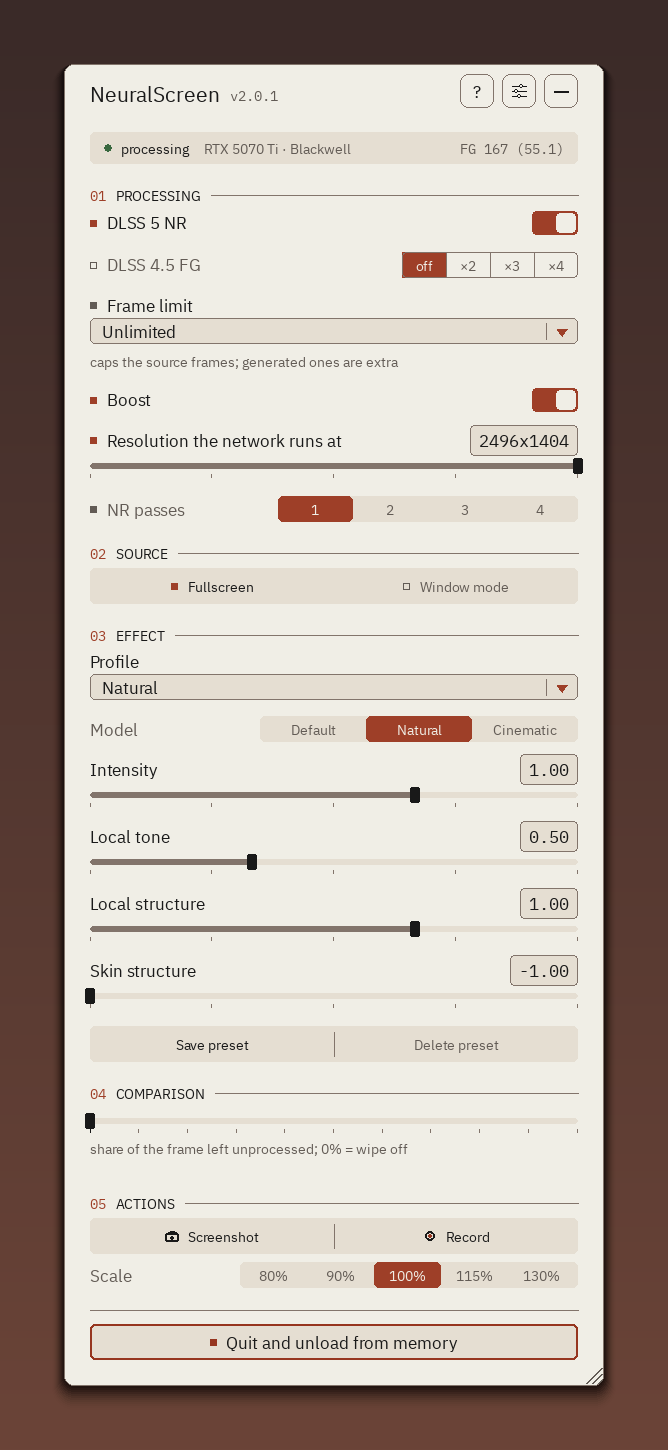
NeuralScreen interface, used as a reference for the updated program. Source: perseval-BLR / GitHub.
The feature is enabled by default in Boost mode. Even so, users who wish to compare behavior can disable it using the NS_STAB=0 variable. The developer states that per-pixel testing prevents trailing when motion vectors are unreliable.
NeuralScreen 2.2.0 improves scene cuts and motion
Previously, the tool used a fixed average difference between frames to detect cuts. Therefore, fast camera movements could unnecessarily wipe the processing history, while cuts between dark images went unnoticed.
Now, the program aligns the frames and compares the remaining content. In the author's evaluation sample, false resets dropped from 4.8% to 0.6%. Meanwhile, undetected cuts went from 39% to 1.3%. These values depend on the set used in the test, so they should not be extrapolated to all videos and games.
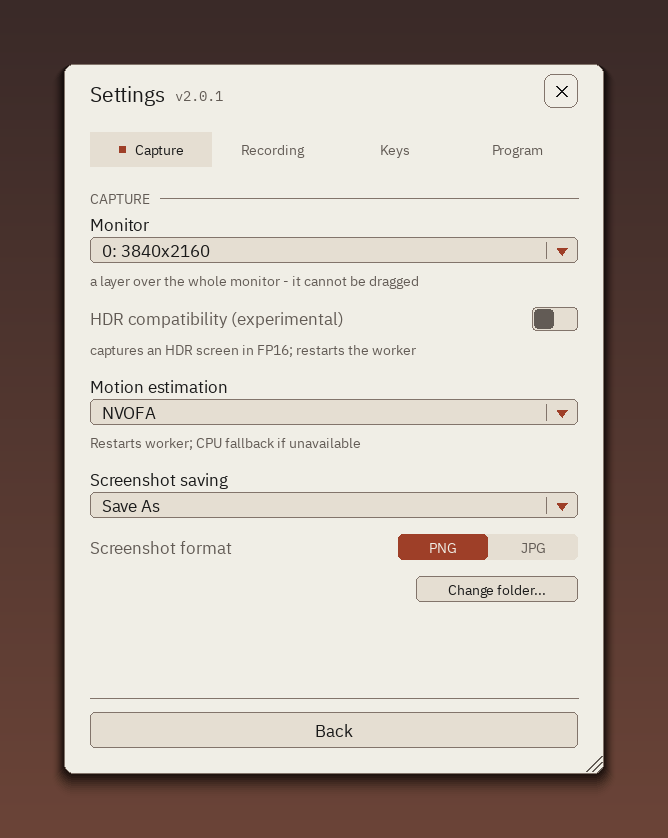
NeuralScreen settings panel. Source: official project documentation.
In addition, version 2.2.0 tries to prevent an object's motion vectors from spilling over into the stationary background. In the test with a moving square, the proportion of background pixels receiving motion dropped from 91.7% to zero, according to the developer.
Similarly, a completely still capture no longer needs to go through the neural network indefinitely. After stabilizing the output, the program keeps the last result until a change occurs in the image, size, or parameters.
Other image and capture fixes
Another fix prevents multiple Neural Rendering passes from progressively darkening the image. The project also adjusted the recognition of runtimes that respond without actually changing the pixels, reducing cases where the tool appeared to work but did not apply the effect.
Meanwhile, capturing an individual window is no longer limited to approximately 60 updates per second in certain Windows 11 configurations. The author recorded 120 new frames per second on his 120 Hz monitor, but this result does not guarantee the same performance on other PCs.
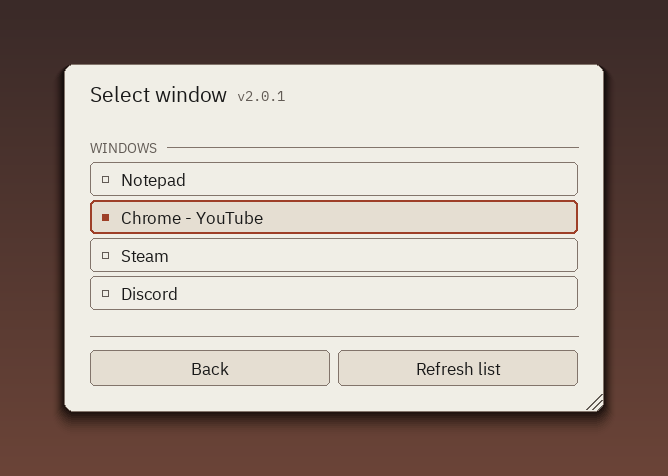
List of capturable windows by NeuralScreen. Source: perseval-BLR / official documentation.
Finally, the changelog notes fixes for unexpected changes in the capture format and controller disconnections. The official 2.2.0 package is available on developer's GitHub. The release offers the complete file for Windows, but does not constitute official NVIDIA support.
For those just starting out, Allves Games also maintains a tutorial on how to use NeuralScreen. It is worth remembering that Neural Rendering compatibility varies according to GPU, driver, and runtime; the documentation itself distinguishes validated results from reports that have not yet been reproduced.
Sources: official changelog v2.2.0; official release; project README.