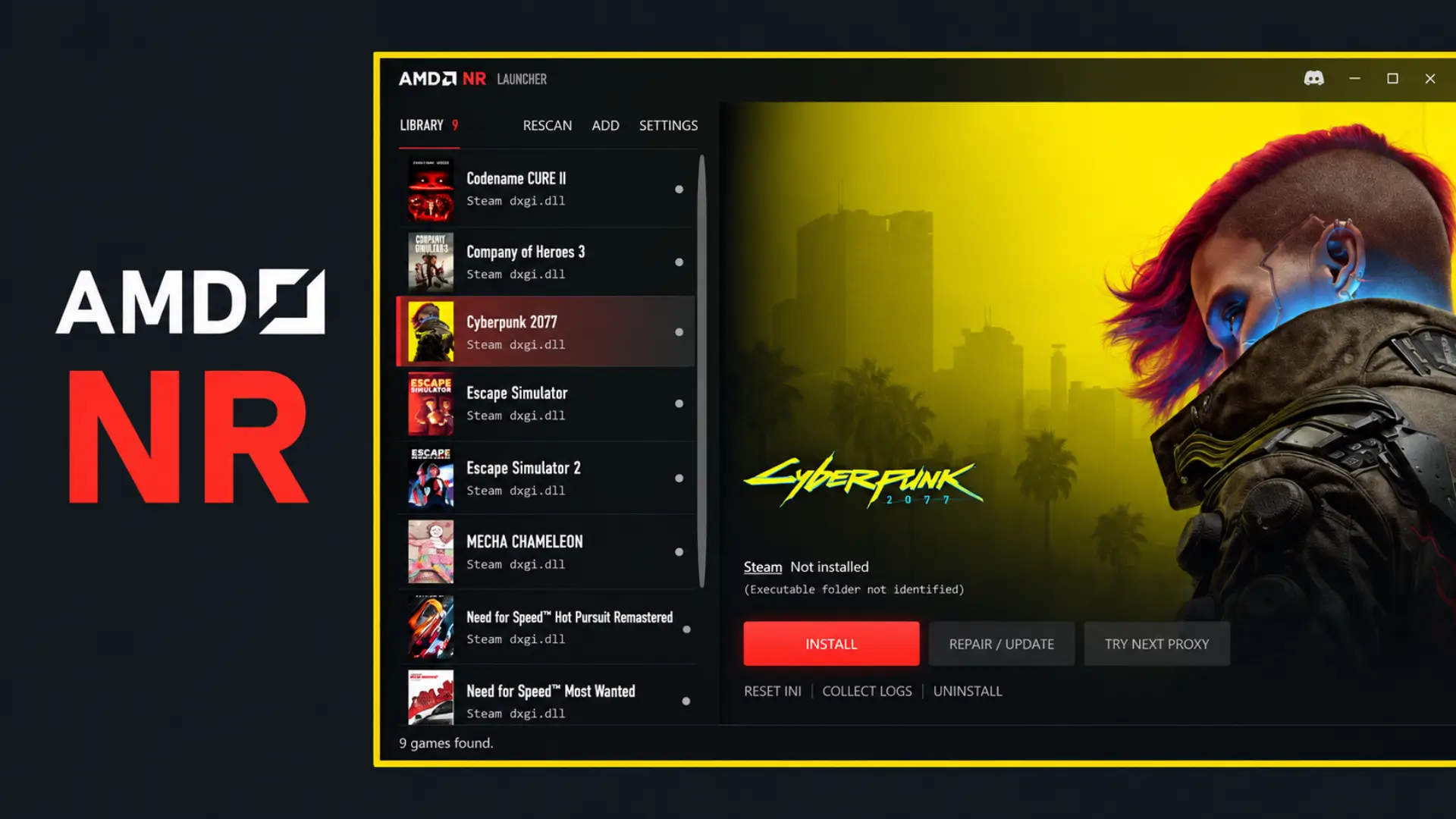
The AMDNR R4, version 0.3.5.5R4 released on October 14, 2026, fixes crashes and visual glitches in PC games that use the community-driven Neural Rendering project for Radeon graphics cards. According to the official changelog of 3zwr1, the update also includes Launcher 0.3.5.12. Therefore, this is a corrective patch, not an official AMD implementation.
In turn, the R4 succeeds the R3, released on October 12. Prior to that, in R3, the developer addressed a boot failure in Dark Souls II, issues in Resident Evil Requiem and improper shutdown of neural processing. Now, R4 fixes other bugs reported by the community, including glitches in games that had already received tweaks.
AMDNR R4 fixes crashes in PC games
For example, among the cases cited are The Witcher 3 and Forza Horizon 5, affected by glitches related to Streamline and frame generation. In addition, the update fixes a duplicate initialization of the XeFG library on certain Radeon RX 9000 graphics cards.
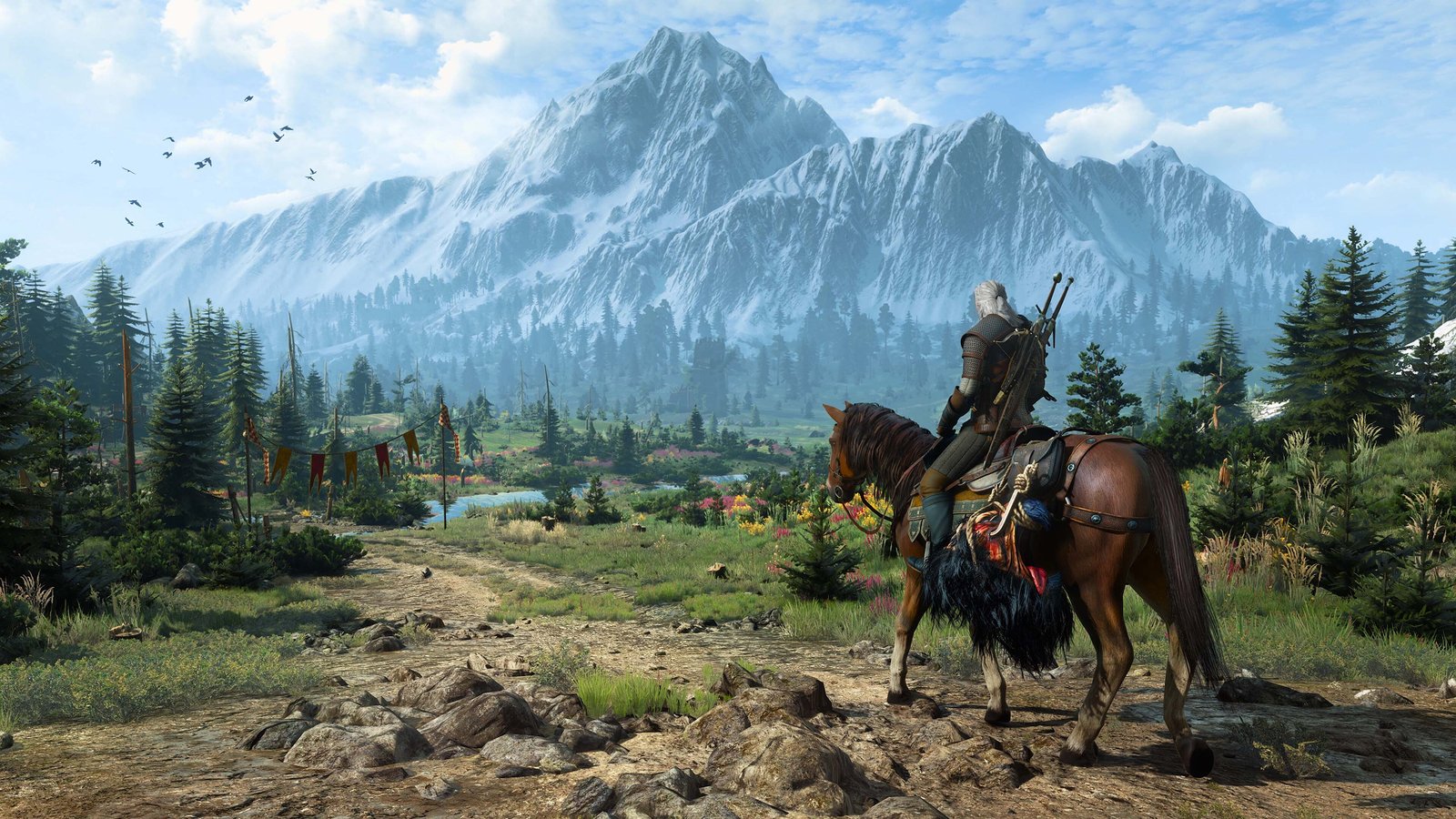
The Witcher 3 appears in the R4 fix list. Official game image: CD Projekt RED. Illustration, not an AMDNR test.
In addition to these cases, the changelog mentions Lies of P, Microsoft Flight Simulator 2024, GTA V Enhanced and Dark Souls II. For example, in the case of GTA V Enhanced, the author describes a fix for a crash that occurred after Neural Rendering started with Daniel Blanco's runtime. However, we did not perform independent tests of these fixes.
Image and performance improvements on Radeons
Regarding performance, for Radeon RX 7000 and handhelds with Z1 Extreme, the creator reports a 3% to 4% reduction in neural network execution time with new lmxxf kernels. In this case, the result comes from the project's own measurements on an RX 7800 XT and a ROG Ally, not from a universal gaming FPS comparison.
As for the RX 9070 class, the NVIDIA-inspired visual mode now uses a higher resolution network for 1440p frames. On the other hand, the developer points out improved visual matching, but also an approximate cost of 8 ms additional. Therefore, the change may hurt performance, depending on hardware and settings.
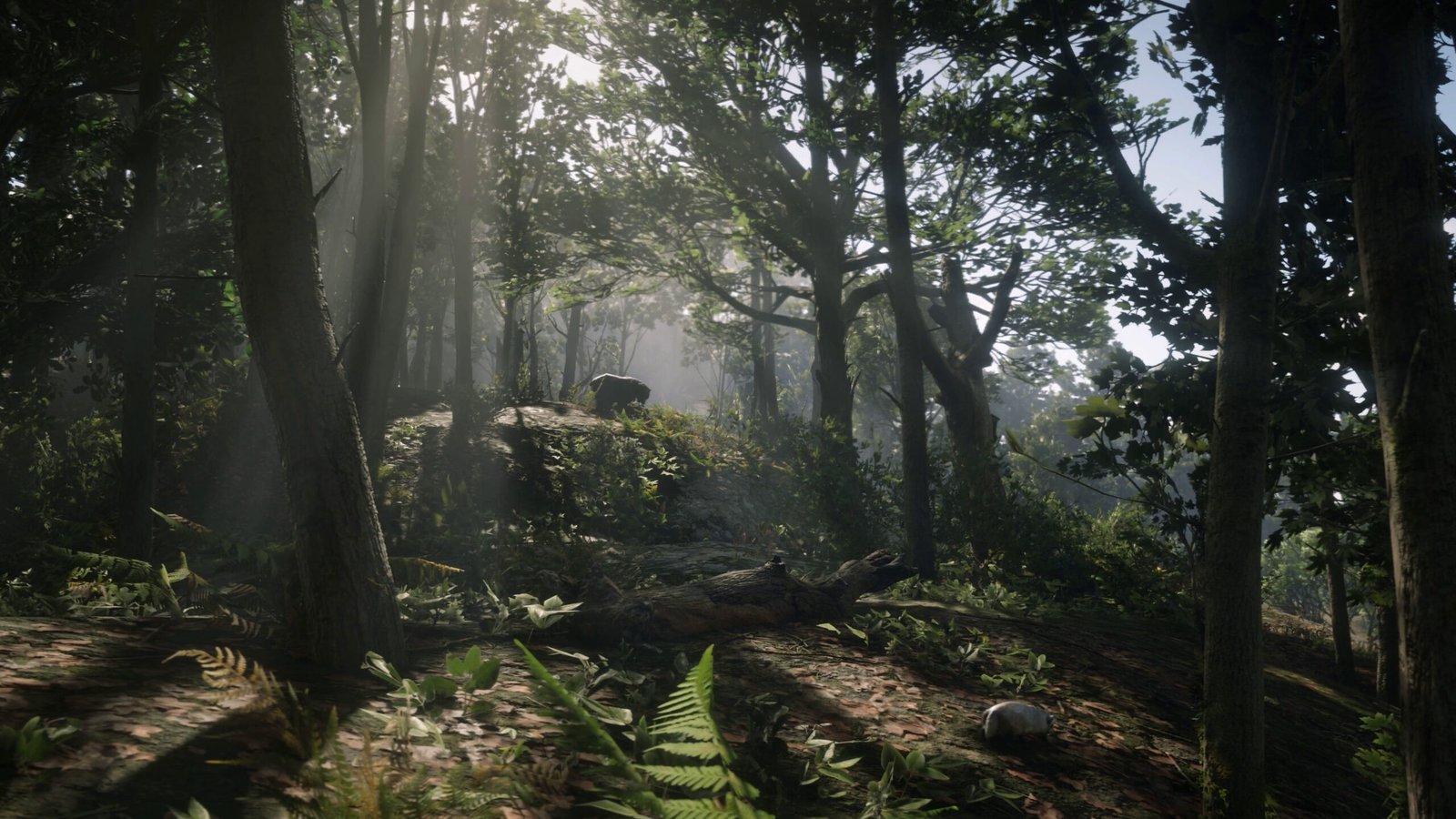
Red Dead Redemption 2 is cited in the HDR frame generation fixes. Original game scene; does not prove the operation of AMDNR R4. Source: Allves Games archive.
Additionally, R4 addresses visual flickering in The Last of Us Part II and exposure and reflection issues in Uncharted. Therefore, the author recommends comparing exposure modes if the image remains incorrect.
Launcher 0.3.5.12 and known limitations
In addition to fixes in games, the new launcher keeps the Anywhere mode active while the game is running, improves graphics card identification, and expands log collection. However, the developer still notes limitations of Daniel Blanco's runtime on some RDNA 3 cards. Thus, the figures presented are results of project tests, not guarantees for any computer.
In addition, the previous article about AMDNR 0.3.5.5R2 explains the history of the series' fixes. In contrast, this news specifically deals with the subsequent R3 and R4 revisions, without altering the original publication.
How to download AMDNR R4 for Windows
To start, the official release provides the main file and the launcher for Windows. Before updating, check the requirements and back up your configuration before updating. Therefore, the links below point directly to the files for version 0.3.5.5R4; they do not update automatically when another release comes out.
- Check in , official README the drivers, runtime, and installation method required for your GPU.
- Download the main package and, for a fresh installation, the official launcher.
- Back up previous files and use the launcher to update or follow the manual procedure described by the developer.
- Open the game, check the Neural Rendering options, and verify the logs if you encounter crashes. Avoid using the project in multiplayer matches.
Finally, the presence of these files in the public release does not equate to an installation test performed by Allves Games. Furthermore, this does not mean that all features work in any game or Radeon.
Sources: 3zwr1 — AMDNR R4 and Launcher 0.3.5.12, 10/14/2026; 3zwr1 — AMDNR R3, 10/12/2026.