The DAORecomp 0.8.0 received a public release on October 14, 2026 and brings the Xbox 360 edition of Dragon Age: Origins to PC via static recompilation. The independent project by 96dot also offers experimental Neural Rendering on certain Radeon cards, in addition to HDR, a photo mode, and modern image reconstruction alternatives.
According to DAORecomp official README, the installer locally translates the game's code and compiles a Windows x64 program. Therefore, it is neither a conventional emulator nor an official Electronic Arts update. Furthermore, the RPG's commercial files are not included with the installer.
DAORecomp 0.8.0: Neural Rendering and HDR
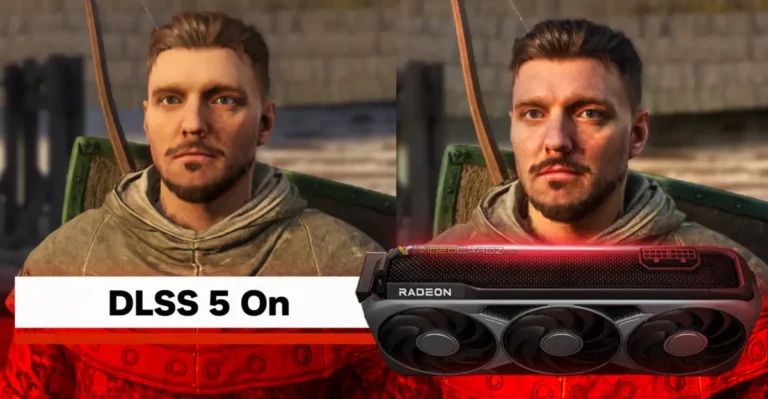
The main technical novelty involves the experimental integration of Neural Rendering into the three-dimensional scenes. The project uses a community adaptation of the DLSS 5 model for AMD RDNA 4 GPUs, such as the Radeon RX 9000. However, the feature relies on separately obtained network weights and is not included with the main download.
According to the documentation, neural processing occurs prior to temporal upscaling. In addition, the user can control the effect's intensity and choose quality options, while the HDR mode retains more brightness information during processing. These features are described by the developer; they do not represent independent tests performed by Allves Games.

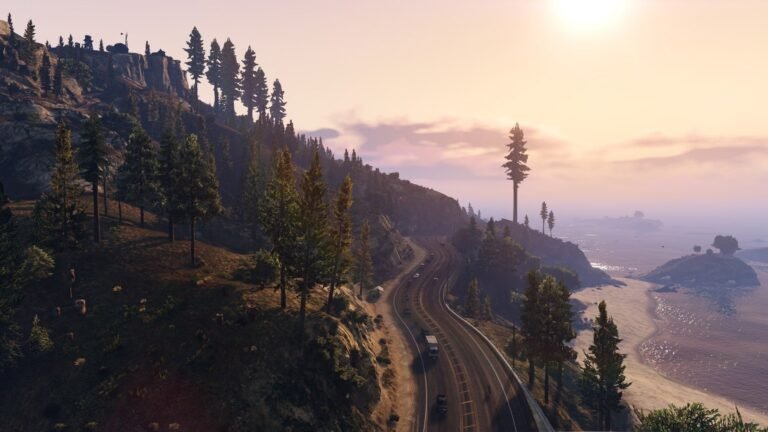
Dragon Age: Origins: forest scenery in official EA/BioWare media. Original game image; does not show DAORecomp running.
On the other hand, Neural Rendering compatibility is more restricted than that of the port itself. The reader can use the recompilation without enabling it, as long as they meet the general requirements. However, visual quality, GPU cost, and stability require testing per configuration.
More graphics options and frame generation
DAORecomp offers FSR 1 and CAS for the final image, in addition to FSR 3.1, FSR 4 on compatible hardware, and Intel XeSS-SR for temporal reconstruction. The developer also documents optional frame generation via FSR 3.1. Therefore, features vary according to hardware, drivers, and configuration, with no guarantee of uniform gains.
While the original Xbox 360 game worked with a 30 FPS cap, the README describes 60 FPS options and experimental higher limits. However, the announced numbers do not equate to a full benchmark, nor do they guarantee correct animations and physics in every situation.

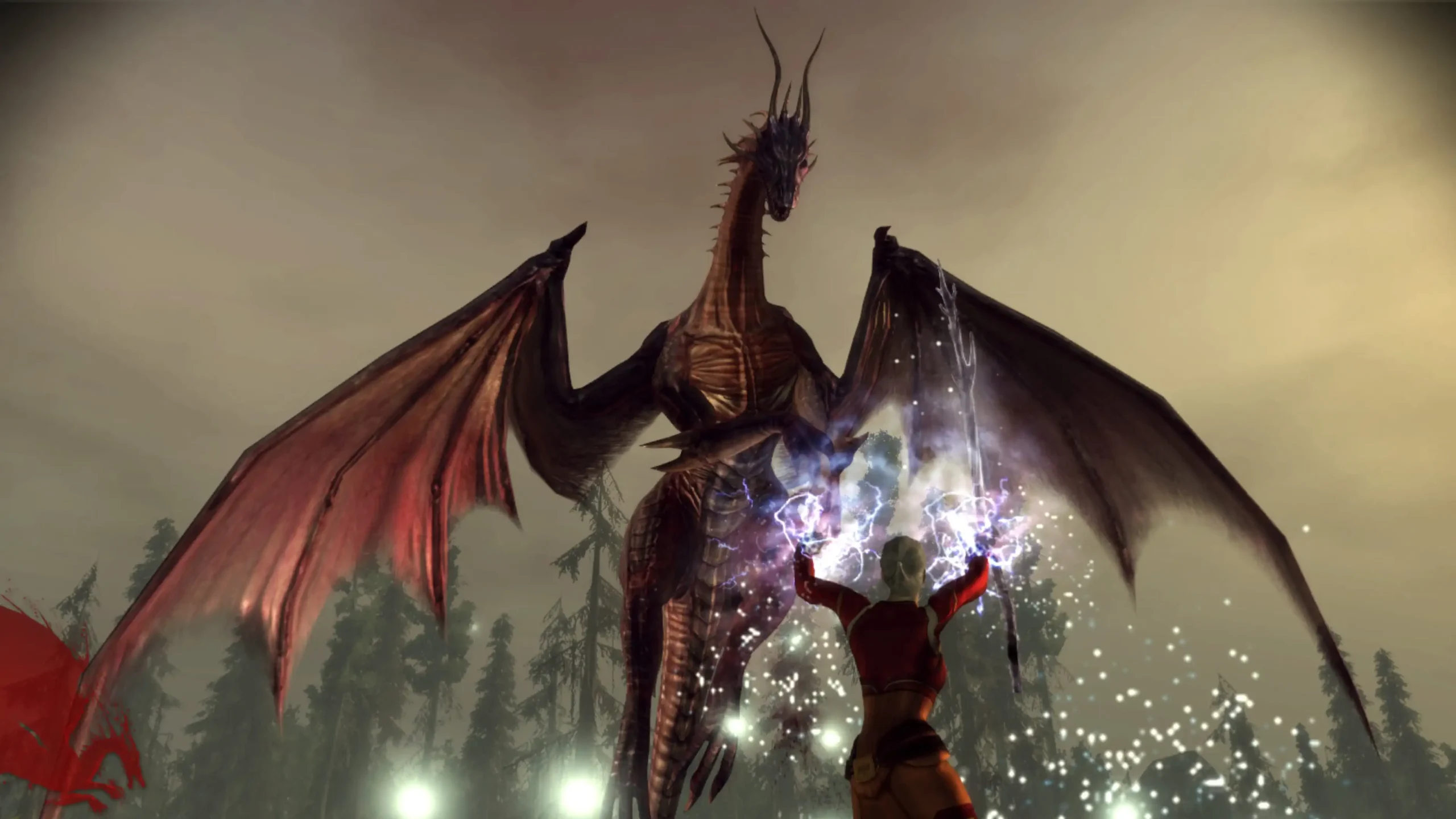
Dragon Age: Origins combat in the official EA/BioWare gallery. Reference for the original RPG, without demonstrating DAORecomp's Ray Reconstruction, FSR, or Neural Rendering.
The previous article from Allves Games on AMDNR in Radeon cards explains another community project related to neural rendering. However, AMDNR and the built-in DAORecomp support are different implementations. Therefore, they should not be confused.
Photo mode, controls and mods
The new photo mode allows you to pause the scene, move a free camera and save PNG images, with framing and aspect ratio controls. In addition, the launcher brings together graphic settings, file modifications and options for modern controllers, including DualSense.
The installer can also work with additional content from owned copies, using compatible files and title updates. However, some of these functions require specific procedures, described in the repository. Thus, support should not be interpreted as the free inclusion of commercial expansions.

Combat scene from the original edition of Dragon Age: Origins. Credit: Electronic Arts / BioWare. Contextual illustration, not a capture of the port nor its photo mode.
Similarly, the presence of modding tools does not prove universal compatibility with files made for the officially sold PC edition. The author provides content conversion and replacement under documented conditions.
How to download DAORecomp 0.8.0 for Windows
The official release v0.8.0 provides the file DAORecomp.exe for Windows, with approximately 33.2 MB. However, this executable is an installer and compiler: it does not contain the full game. To use it, you need your own legally obtained Xbox 360 disc copy of Dragon Age: Origins, a title 454108C0.
Before starting, check if the PC has Windows 10 or 11, an x64 processor with AVX, a Direct3D 12 compatible GPU, and about 25 GB of free space. Initial compilation can take from 30 to 60 minutes, according to the project. Additionally, for Neural Rendering, a compatible AMD RDNA 4 GPU and additional configuration are required.
- Prepare your own compatible Xbox 360 edition ISO image and set aside free space for the compiler.
- Download the public Windows installer using the button below.
The button starts the download of the executable for version 0.8.0 on GitHub, without opening the instructions page. Since the link is specific to this release, it does not automatically change to the next version. The launcher offers its own update mechanism, as per the README.
- Run the installer and, on the initial screen, select the original ISO image and the destination folder.
- Accept the licenses for the necessary tools and click Install. Wait for the extraction, translation, and local compilation.
- Open the
DAORecomp.execreated in the game folder and use the option Play to start. - If you have a Radeon RX 9000 GPU and want to test Neural Rendering, consult the official instructions to separately provide the network weights and enable the feature.
The release page allows checking new versions and exact file names. We do not provide ISOs, DLCs, keys, or game data. The presence of the public installer also does not equal safety approval or an installation test performed by our team.
Is there a Linux or Android version?
On Linux, the documentation describes local compilation and running the Windows program via Wine or Proton. However, the author themselves states that this path has not yet been tested. Therefore, there is no download button for a supposed native Linux build. Likewise, no Android APK has been confirmed.
In summary, DAORecomp 0.8.0 represents a relevant experiment in recompilation and graphic processing in Dragon Age: Origins. Even so, the user should treat high frame rate, HDR, and Neural Rendering features as options under development, whose stability varies depending on the machine.
Sources: 96dot — official repository and README; DAORecomp 0.8.0 release and Windows installer; lmxxf — Neural Rendering project for Radeon; EA/BioWare — official page and images of the original game.