NeuralScreen 2.4.0 was released on October 11, 2026 with changes to real-time neural rendering. According to developer perseval-BLR, the version fixes shadow trails on moving faces, improves window switching, and adds camera effects. The program is community-driven and has no official affiliation with NVIDIA.
In addition, the update makes the cursor appear in standard recordings and reduces CPU consumption when the system interrupts capture. However, the author recommends using the latest NVIDIA driver and warns against untested configurations.
NeuralScreen 2.4.0 fixes delayed shadows
Since version 2.2.0, some soft shadows on slowly moving faces could lag behind. The author attributed the flaw to the detection of small movements by NVOFA and the temporal stabilizer. Therefore, the update changes the pass for real changes in the image and adjusts the history to the frame-interval.
The developer reports a synthetic face test at 30 FPS. However, this trial does not equal an independent benchmark in different games. The previous Allves Games article about NeuralScreen 2.2.0 explains the stabilization already available before this fix.
New camera and image effects
The panel Camera gathers fisheye, webcam noise, vignette, chromatic aberration, and small sensor simulation. In addition, the application applies the effects after neural rendering and frame generation. Thus, they can appear in screenshots, recordings, and Spout output.
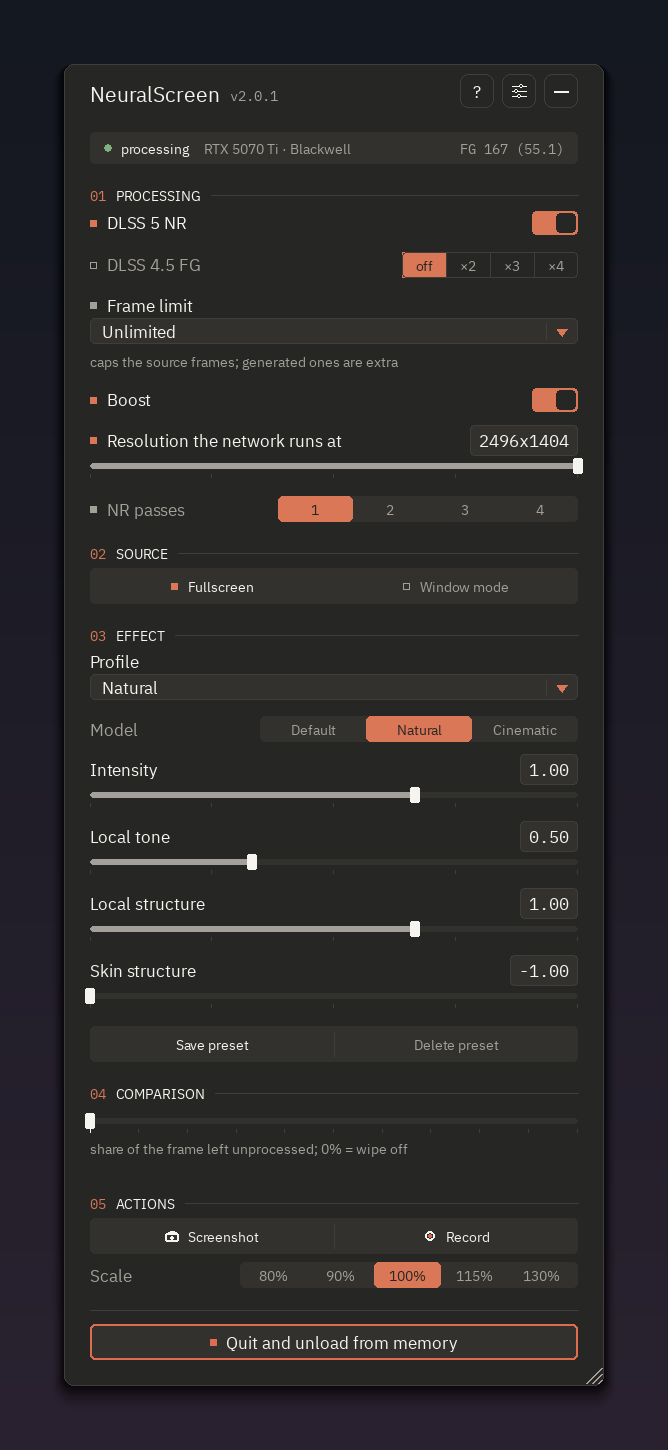
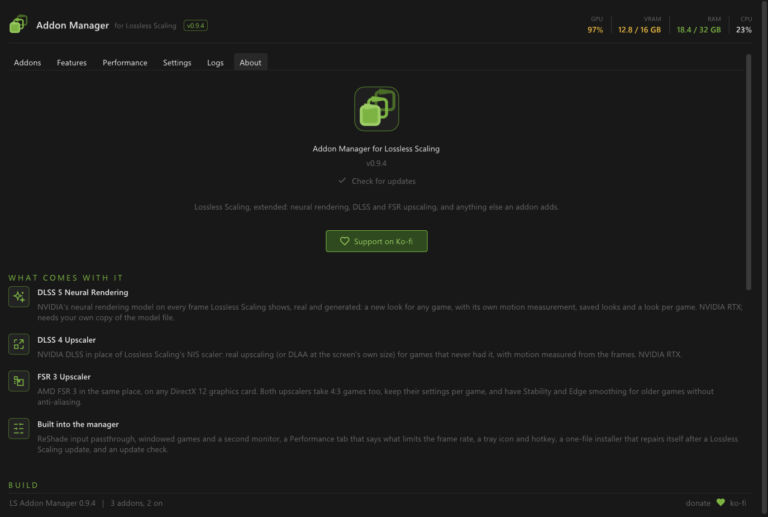
Official NeuralScreen interface. Source: perseval-BLR/GitHub. Reference screenshot from the application; does not prove face testing.
Window switching gets faster
With Neural Rendering active and without recording, switching between two windows on the same monitor can now reuse the rendering process. According to the author, this reduced the wait to less than a second, compared to 17 to 38 seconds observed on a previously reported machine.
However, the numbers depend on test conditions. Therefore, they do not mean that any computer will have the same response time. The version also adds options to show all warnings, only errors, or no notifications on the screen.
Another fix prevents a lost capture during remote access, UAC, or screen lock from occupying almost an entire CPU core. Thus, the program limits the retry frequency until the capture is recovered.
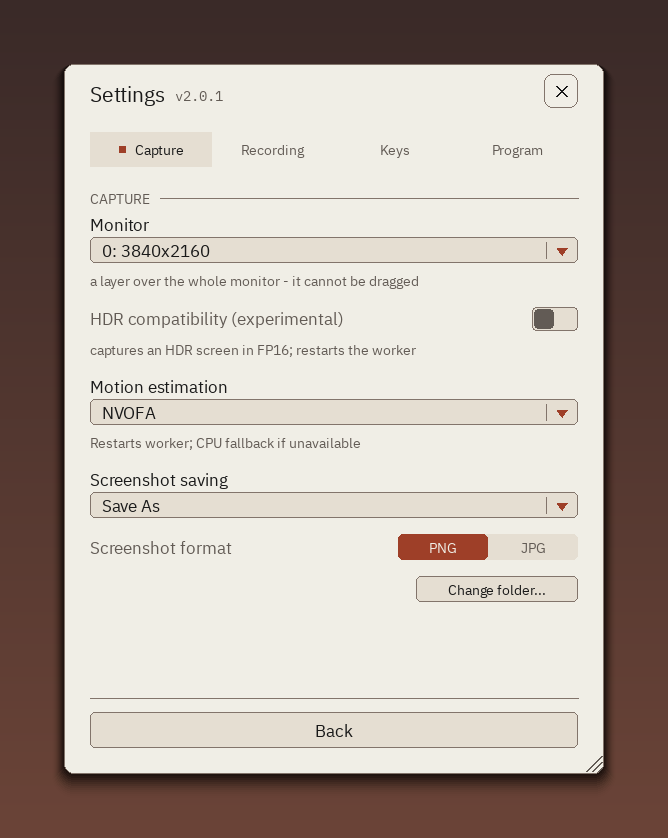
NeuralScreen settings screen. Source: official repository. Contextual image, without performance measurement.
Recordings, tests and limitations
The system cursor now appears in recordings when the game does not hide it. However, the feature does not yet work in HDR10 recordings. Furthermore, the version report logs 307 passed tests, five failures and seven skipped tests. Therefore, it is not a fully approved suite.
The developer detailed that they fixed part of the failures and obtained approval in new runs. Even so, the results belong to the project's internal tests and do not represent independent validation.
How to download NeuralScreen 2.4.0
- Access official release 2.4.0 and download the complete package for Windows.
- Check the ZIP file and requirements in the official documentation before running the program.
- Use the updated NVIDIA driver and configure the Neural Rendering features according to the developer documentation.
The complete 2.4.0 version package is approximately 229 MB. However, the distribution contains third-party components subject to their own terms. The project has no affiliation with NVIDIA and the author does not guarantee it will work on all computers.
Sources: official release of 10/11/2026; report of shadows on faces; window switching; repository.