The project Lost Odyssey DLSS 5 gained experimental support for neural rendering in version 0.9.22 of LostOdysseyRecomp, published on October 10, 2026. The native PC port of Lost Odyssey also received tools to replace textures, prepare translations, and fix video and audio issues.
Lost Odyssey DLSS 5 debuts on Windows
According to the official release 0.9.22, the DLSS 5 Neural Rendering option appears in the graphics menu for Windows when DLSS is available. The user can turn it off or configure from one to four passes and adjust intensity, tone, structure, skin, and character mask with a preview in the current scene.
However, a compatible RTX GPU and a legitimately obtained copy of the file are required nvngx_dlssnr.dll. The project does not distribute this library in the installation package. Furthermore, neural rendering is different from DLSS Super Resolution and Frame Generation, which are already present in previous versions.
Previously, Allves Games had accompanied the update Lost Odyssey Recomp 0.8.21, which consolidated HDR, macOS and DLSS Frame Generation. The integration of neural rendering is a later and distinct novelty.
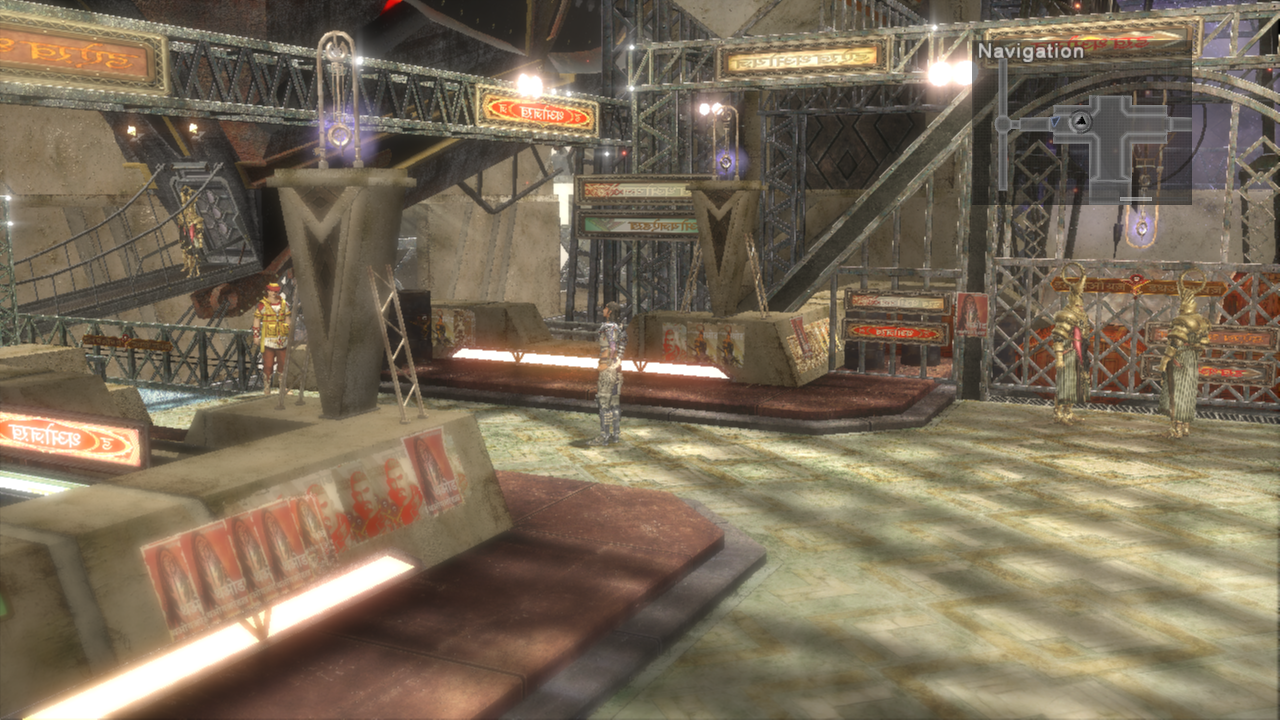
Scenery exploration in an earlier build of Lost Odyssey Recomp. Image: freefrank/GitHub. Does not prove the features of version 0.9.22.
Lost Odyssey DLSS 5 also gets mods and translation
In addition, another important change is support for Mod Organizer 2. The new tools can extract textures and text from the game itself so that modders can prepare replacements and language packs. On Windows, the implementation accepts textures up to eight times the original size.
Furthermore, the experimental translation system can alter menus, descriptions, dialogues, subtitles, and other texts. A translation may appear as an additional option in the game's language settings. However, this does not mean that a full Portuguese translation is already available in the release.
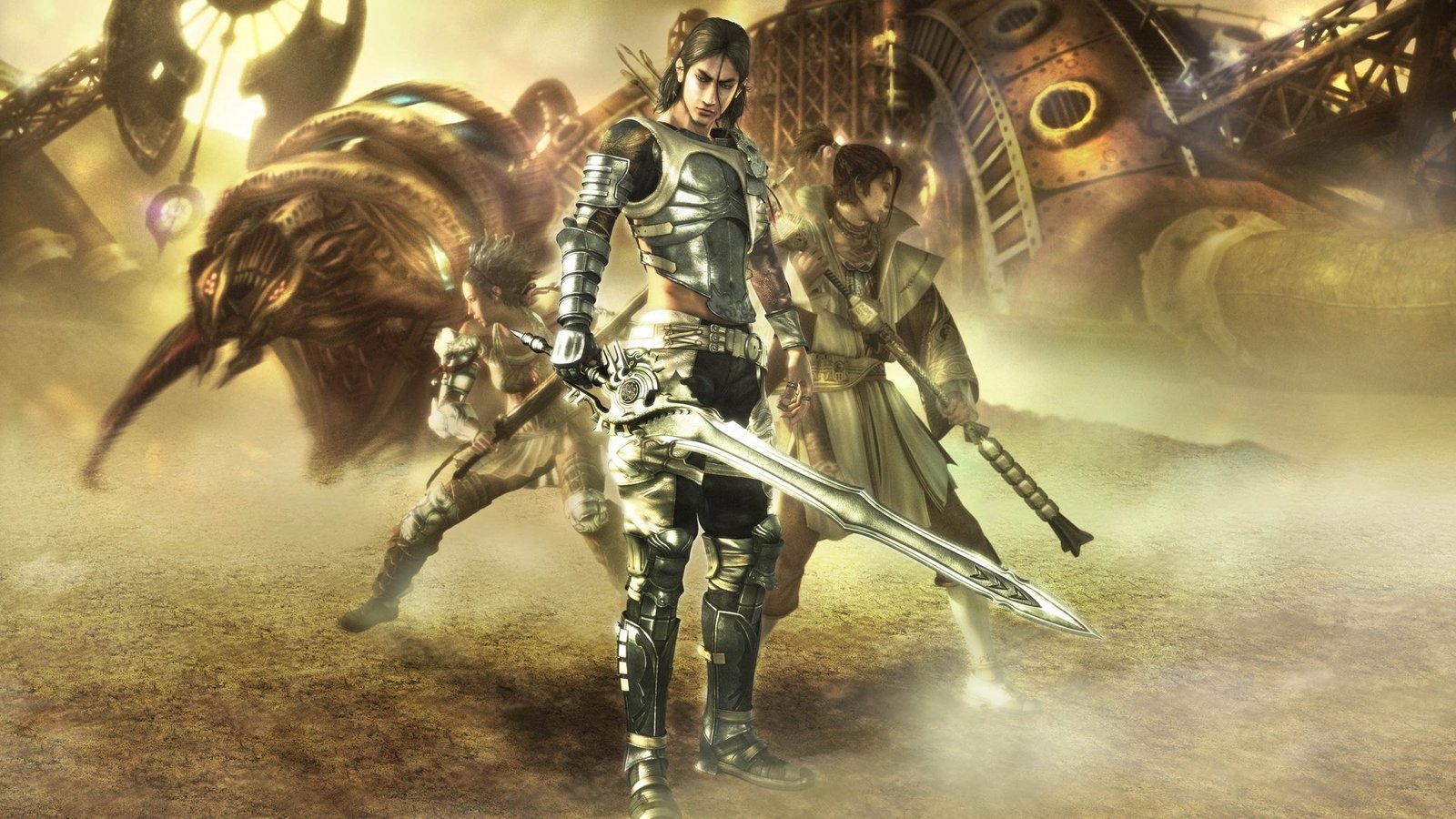
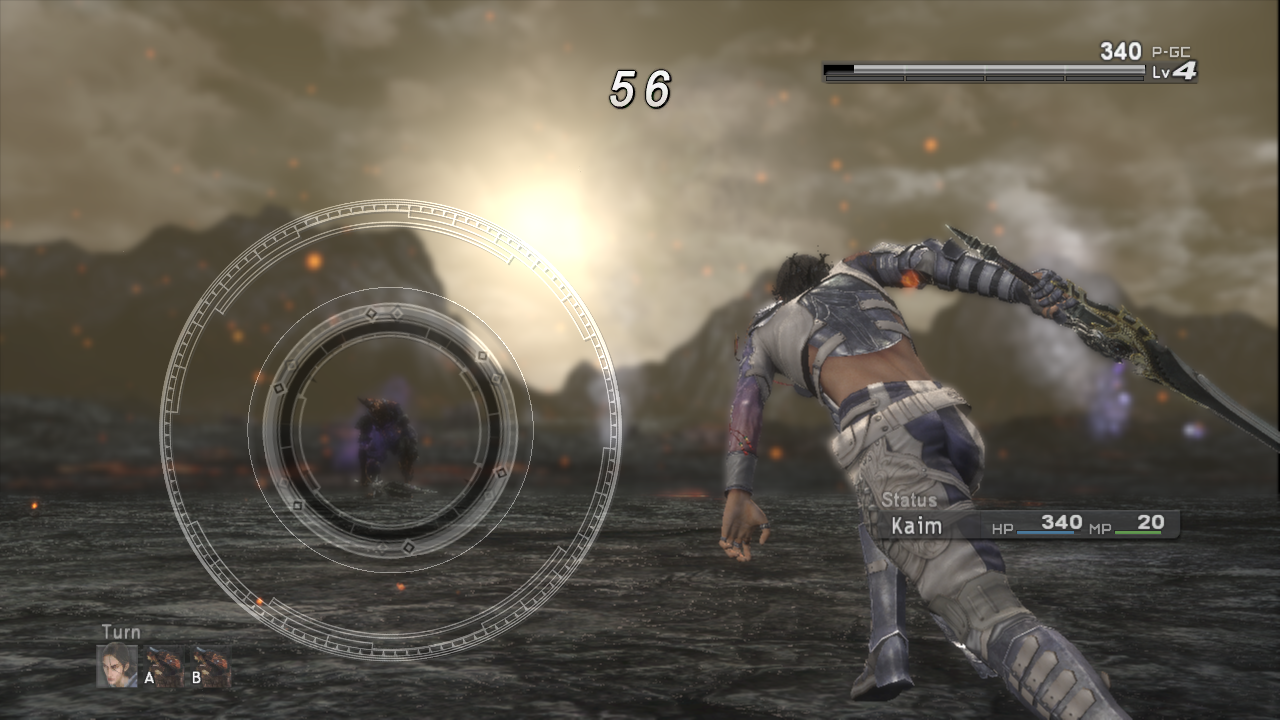
Kaim and allies in promotional art from the original Lost Odyssey, visual reference for the game only; does not represent DLSS 5 testing. Source: Mistwalker / Allves Games.
Update also fixes image and sound glitches
For example, version 0.9.22 adjusts lighting and water artifacts with the new DLSS models, reduces short stutters associated with Frame Generation, and keeps upscalers active during transitions and camera cuts. It also fixes a Vulkan bug with certain ReShade installations and expands surround sound settings.
However, official packages list Windows x64, Linux x64, macOS ARM64 and Android ARM64. Meanwhile, DLSS 5 Neural Rendering support and the experimental modification functions described above are Windows-specific. There is no basis to promise the same features on Android, Linux or macOS.
Where to get version 0.9.22
To make it easier, the developer gathers the files by platform on the official update page. To prepare the port, check the repository requirements and use only legally obtained game data.
- Check the platform and architecture. There are Windows x64, Linux x64, macOS ARM64 and Android ARM64 versions.
- Download the package for your platform. Choose the Windows ZIP, Linux AppImage or Flatpak, macOS DMG or Android APK from the buttons below. The links include the project's latest official packages.
DOWNLOAD LOST ODYSSEY PORT WINDOWS UPDATED
DOWNLOAD LOST ODYSSEY PORT LINUX APPIMAGE UPDATED
DOWNLOAD LOST ODYSSEY PORT LINUX FLATPAK UPDATED
- Prepare the game. Follow the , official README and import only the data from your legitimate copy of Lost Odyssey. The port does not distribute commercial data.
- Configure the graphics. On Windows, if you have a compatible RTX GPU and the legitimate library required by the project, choose the DLSS 5 Neural Rendering options. This experimental feature is not confirmed for macOS, Linux, or Android.
Finally, the above changes are included in the author's official documentation and release notes. No independent performance or compatibility tests of the new version were performed by Allves Games.
Sources: release 0.9.22; change history; project status.