The Lost Odyssey Recomp 0.8 reached version 0.8.21 on October 4, 2026, consolidating a rapid sequence of updates. The new line brought HDR combined with upscalers, DLSS Frame Generation in Vulkan, an experimental package for macOS and, in subsequent versions, corrections for gamma, shadows, AMD, Android and stability.
The change is material compared to the previous coverage of the 0.7 series. Furthermore, the project now distributes packages for Windows, Linux, macOS Apple Silicon and Android arm64, although it remains experimental and still lacks a full playthrough validated by the developers.
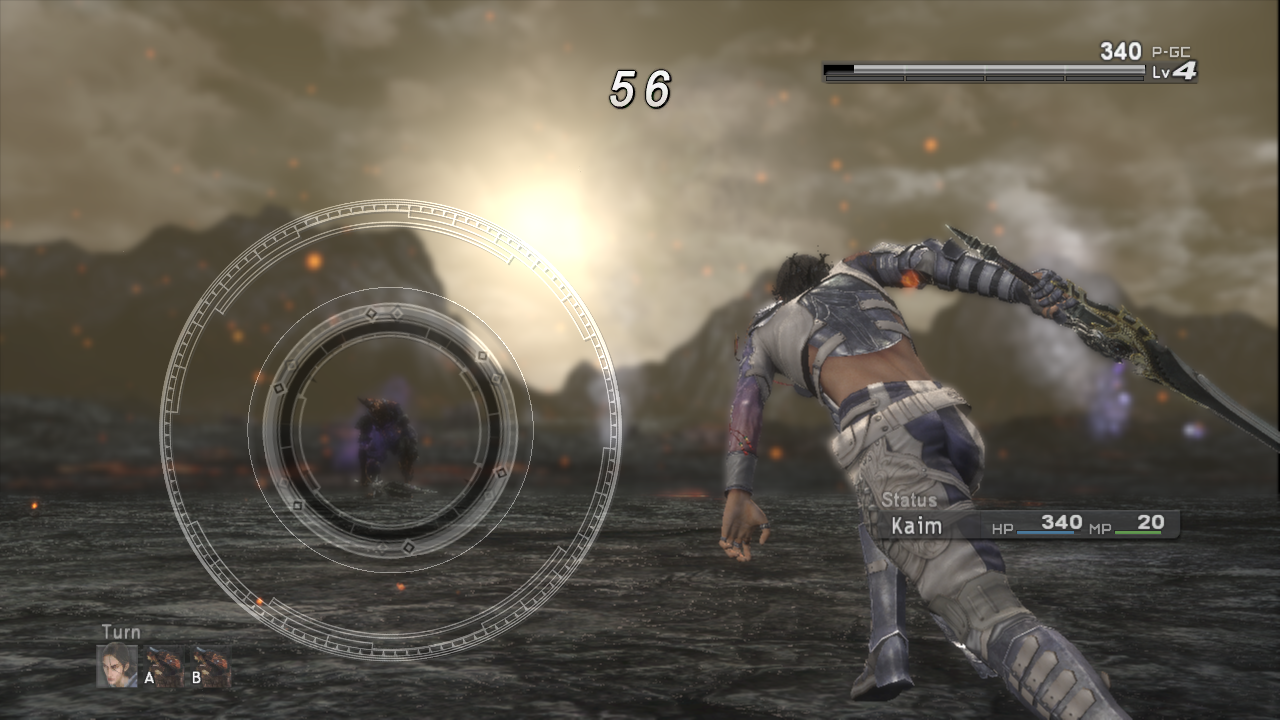
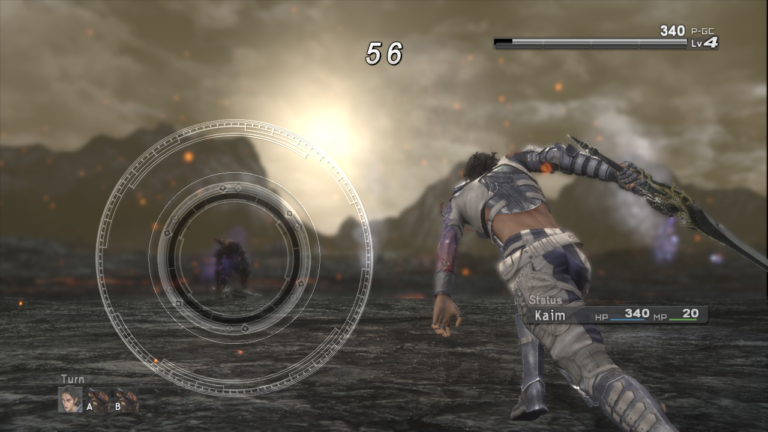
Combat in a development build of Lost Odyssey Recomp. Image: freefrank/Lost Odyssey Recomp.
Lost Odyssey Recomp 0.8.21 closes a rapid sequence of releases
The project released version 0.8.0 on October 3 and unlocked the main graphical leap of this phase. In practice, HDR started working with FXAA, SMAA, TAA, DLSS, FSR, and MetalFX, while the Vulkan path began combining HDR with DLSS Frame Generation.
The same release also added shadow resolution at 1×, 2×, and 4×, alongside experimental SSAO and GTAO. At the same time, the macOS package continued the evolution started in the 0.7.35 line, and Android arm64 became part of the experimental distribution in subsequent revisions.
After that, the pace remained high. For example, version 0.8.10 reduced unnecessary recreations of FSR and DLSS working images and tackled shadow shimmering on AMD GPUs. Meanwhile, 0.8.15 focused on shadow flicker in cutscenes.
HDR and gamma advance in version 0.8.21
Version 0.8.21 adds a Brightness / Gamma page and applies the game's gamma curve to bring blacks and contrast closer to the behavior observed in Xenia. Furthermore, the user can now enable or disable HDR without restarting the app, although toggling it with Frame Generation may still require a restart.
The project also fixed sky flicker in Sea of Stars battles. MeanwhileAndroid received a fix for the descriptor set limit on Adreno 6xx GPUs with Turnip, and the Proton/AMD path got a fix for silent crashes when loading saves with TAA.
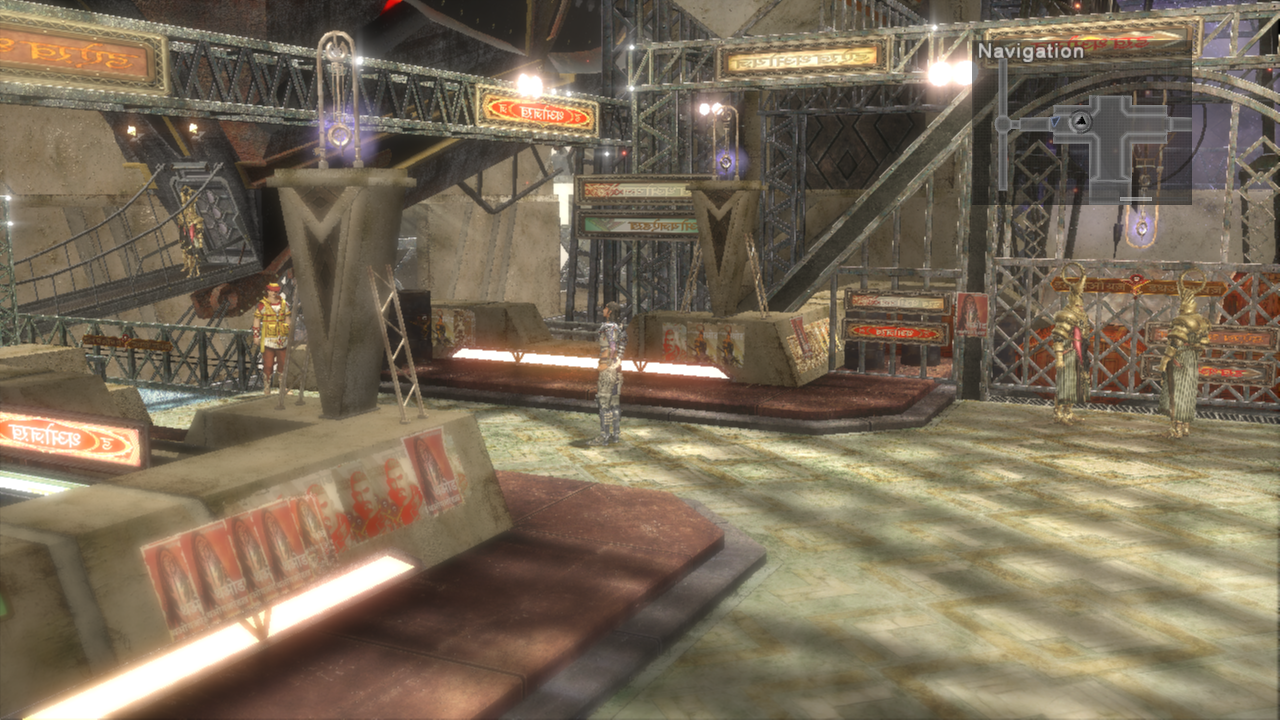
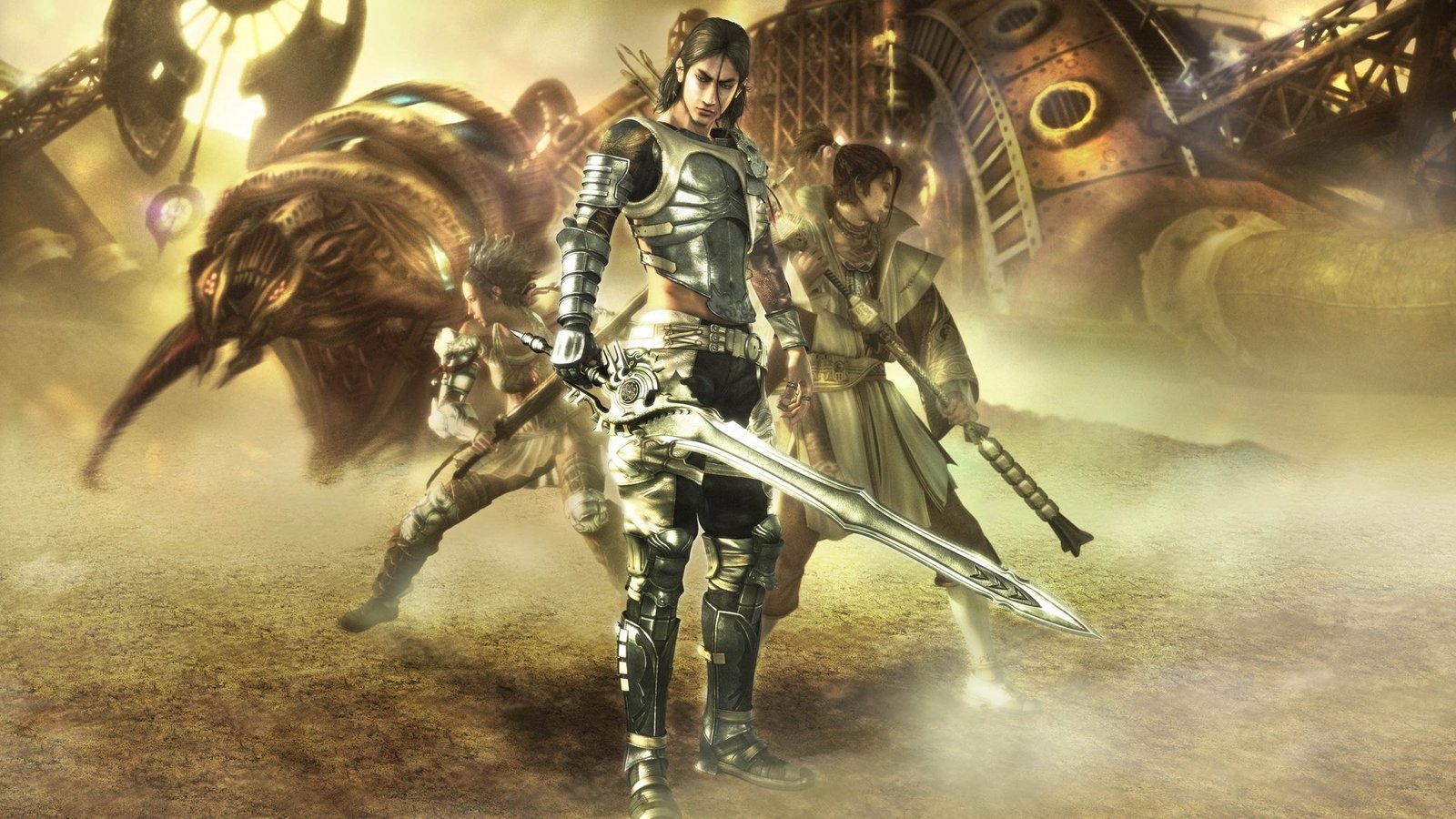
City exploration in an unmodified capture of the project. Image: freefrank/Lost Odyssey Recomp.
Lost Odyssey Recomp expands platforms, but remains experimental
The port continues to use static recompilation of the Xbox 360's PowerPC code, instead of emulating the entire console. Thereforethe project is able to integrate modern features directly into the runtime, including Direct3D 12, Vulkan, Metal, DLSS, FSR, and custom configuration tools.
The current version offers packages for Windows x64, Linux x64, macOS arm64, and Android arm64. However, the documentation explicitly states that macOS and Android remain experimental and that hardware validation is still limited.
How to download and install Lost Odyssey Recomp on Windows, Linux, macOS or Android
- Download the package for your platform. Use one of the buttons below. On Linux, the project maintains AppImage and Flatpak; on macOS, the package is for Apple Silicon; on Android, the APK requires an ARM64 device with Android 8.0 or newer and Vulkan.
DOWNLOAD LOST ODYSSEY PC PORT UPDATED
DOWNLOAD LOST ODYSSEY PORT LINUX APPIMAGE UPDATED
DOWNLOAD LOST ODYSSEY PORT LINUX FLATPAK UPDATED
DOWNLOAD LOST ODYSSEY PORT MACOS UPDATED
DOWNLOAD LOST ODYSSEY PORT ANDROID UPDATED
- Install or open the package. On Windows, extract the entire ZIP into a folder with write permission and run LostOdysseyRecomp.exe. On Linux, grant execute permission to the AppImage and open it, or install the Freedesktop 26.08 runtime and then the Flatpak bundle. On macOS, open the DMG, drag LostOdysseyRecomp.app to Applications and, if Gatekeeper blocks the first launch, allow the app in System Settings → Privacy & Security. On Android, open the APK and authorize the installation when the system prompts.
- Import your game data. On desktop, the importer accepts an extracted folder, default.xex, ISO or GOD data from your own legally acquired copy. On Android, use Game folder → Import disc images… or copy the data already imported on the PC to the device. The project does not include the game; disc 1 is required to start.
- Complete the setup. Choose language and graphics options. If you want to add the other discs or DLCs later, use Settings → Gameplay → Import discs & DLC. The game may also offer pre-compiled shaders on first launch.
The Allves Games had already followed the evolution of the 0.7 series in Lost Odyssey Recomp 0.7 gets DLSS, FSR, and mods. Now, the leap to the 0.8 series warrants its own article because HDR, Frame Generation, new platforms, and subsequent fixes form an independent set of changes.
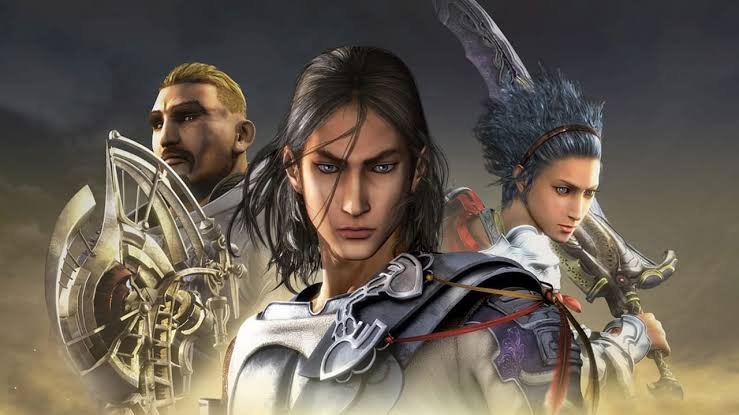
Lost Odyssey Recomp home screen, used as a visual record of the project. Image: freefrank/Lost Odyssey Recomp.
What still requires caution
Publishing a release is not equivalent to proving full compatibility. Still, the documentation records specific tests for several of the new graphics paths and fixes, but also makes it clear where confirmations from players, GPUs, and additional scenes are lacking.
The project proceeds without full campaign validation. Therefore, results from a machine or an area do not guarantee stability for the entire game.
Other recompiled ports also receive quick renderer fixes; recently, Allves Games showed how the DPRecomp 2.0.3 fixed a GPU crash in DirectX 12. Finally, whoever tests Lost Odyssey Recomp must use the extracted files from their own legally acquired copy of the game.
Sources: official Lost Odyssey Recomp repository; official changelog; roadmap and release log.