Lost Odyssey on Android received a series of fixes on October 15, 2026. Furthermore, the 0.9.65 version of the native port addresses crashes during battles on devices with Adreno 650 and Turnip drivers. Additionally, it facilitates disc importing and offers a cleanup of duplicate data from old installations.
The changes add to the audio and image fixes from 0.9.57, released earlier the same day. However, the notes represent the work documented by the developer freefrank; we did not perform independent tests on the mentioned devices.
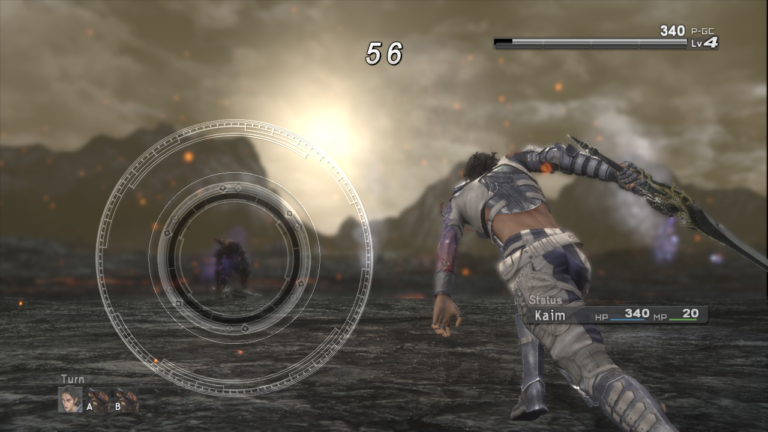
Lost Odyssey on Android fixes battles in 0.9.65
According to the release, devices like the Retroid Pocket 5 would let the game freeze and close during combat with Turnip drivers. Thus, the update records the fix for this Adreno 650 GPU path. Therefore, the advancement is specific and does not prove perfect compatibility with any mobile phone.
In addition, Settings → System → Import discs & DLC now opens the Android importer. This way, the player can add their own discs and content through the corresponding interface, without confusing the port package with the commercial RPG data.
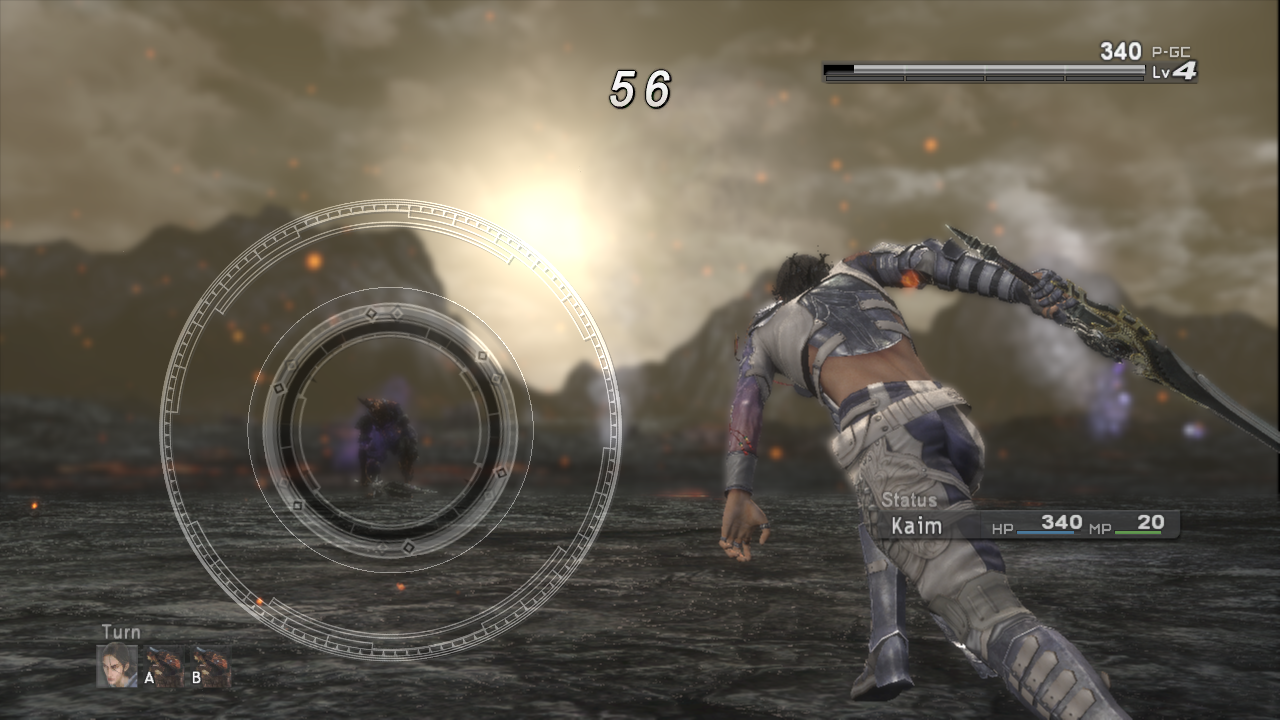
Audio and image of Lost Odyssey on Android have also changed
In 0.9.57, sound started working again after switching to another app or turning the screen off and back on. Furthermore, the game now maintains landscape orientation. Therefore, the fix avoids unnecessary graphical reconstruction during a transient rotation, which could leave black blocks over characters and scenery.
In turn, audio request processing became about ten times faster, according to the author. Thus, the fix seeks to prevent the accumulation of requests that caused music and cutscene dialogue to disappear, or left battle music playing after combat.
Version 0.9.65 offers the ability to free up duplicate files in folders imported before 0.9.57. However, the reported savings are approximately 5.8 GB with the four discs, when the drive allows this type of storage. Therefore, this value is not a fixed reduction for every installation.
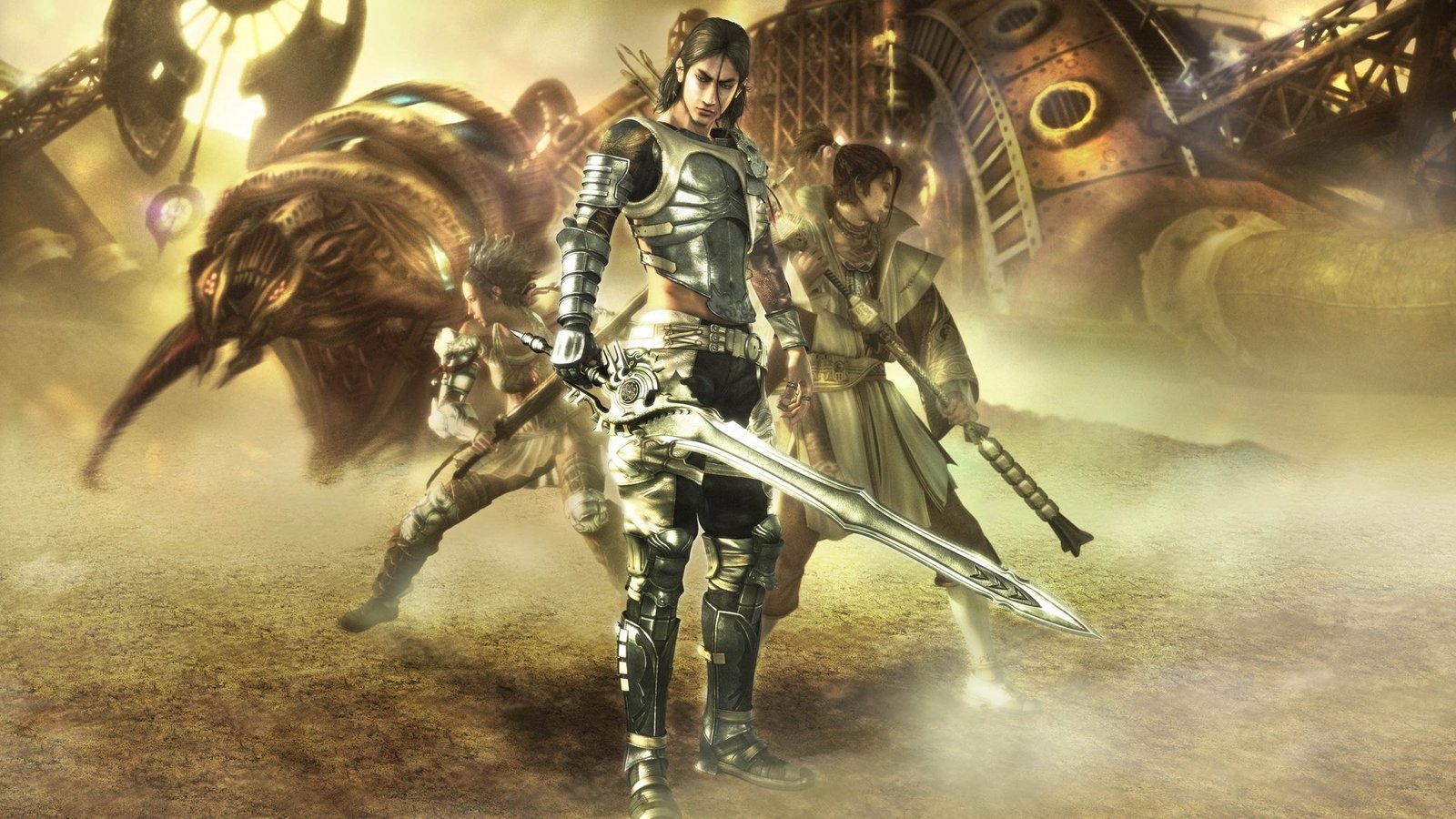
Performance: gains measured by the author in Uhra
The developer reports about 8% more FPS with TAA and upscalers in Uhra in 0.9.57. Additionally, disabling depth of field and bloom now avoids blur passes, with approximately 13% less GPU time per frame in the mentioned scenario.
However, these numbers are not a general Android benchmark. Furthermore, the area, settings, and graphics path influence the result. Therefore, it is not correct to turn the percentages into a performance promise for all devices.
The new Low-end preset maintains the 720p and 30 FPS base, but turns off effects to reduce the load. Meanwhile, Original restores the game's effects. Additionally, in 0.9.65, an option also allows preparing shaders again on the next startup, preserving the already downloaded shaders.
How to download Lost Odyssey on Android and computers
The five official files were checked in version 0.9.65 on October 15. In addition, the buttons reuse the site's existing routes, which select the most recent official package for each platform. None of these options include the Xbox 360 game.
- Choose your system and download the package using the corresponding button below. Therefore, check the architecture before installing.
Android ARM64
The APK is approximately 47.1 MB. In addition, the project requires 64-bit Android, version 8.0 or higher, and Vulkan; however, requirements and drivers vary depending on the GPU. Mali support remains experimental.
Windows and Linux x64
For Windows, the ZIP is about 153.1 MB and requires a CPU with AVX. Then, extract all files to a writable folder.
On Linux, the AppImage is approximately 79.0 MB. After downloading, grant execution permission to the file and open it through your system.
Alternatively, the Flatpak bundle is about 55.5 MB. In addition, the documentation requires the Freedesktop 26.08 runtime before installation.
Mac with Apple Silicon
Meanwhile, the DMG is approximately 65.4 MB and supports Apple Silicon Macs with macOS 15 or higher. The official guide documents the installation and the specifics of the first launch.
Game import and update
- On Windows, extract the ZIP and open
LostOdysseyRecomp.exe. On Mac, open the DMG and move the app to Applications; on Android, open the APK through the system installer. - Next, import data from your own copy. The importer recognizes an extracted folder,
default.xex, ISO and GOD data, depending on the platform. Therefore, disc 1 is required to start. - Then, add the other discs and DLCs in Settings → System → Import discs & DLC. In addition, use a compatible set of four discs from the same edition, without mixing USA/Europe with the multi-language Asian edition.
- Finally, preserve saves and settings before updating. Then, on Android, install the new APK over the previous one; export saves before any uninstallation, which may erase app data.
For specific instructions, consult the official installation guide for 0.9.65. Additionally, the first launch may offer precompiled shaders. On Android, the GPU driver page indicates the drivers compatible with the device.
What changes compared to previous coverage
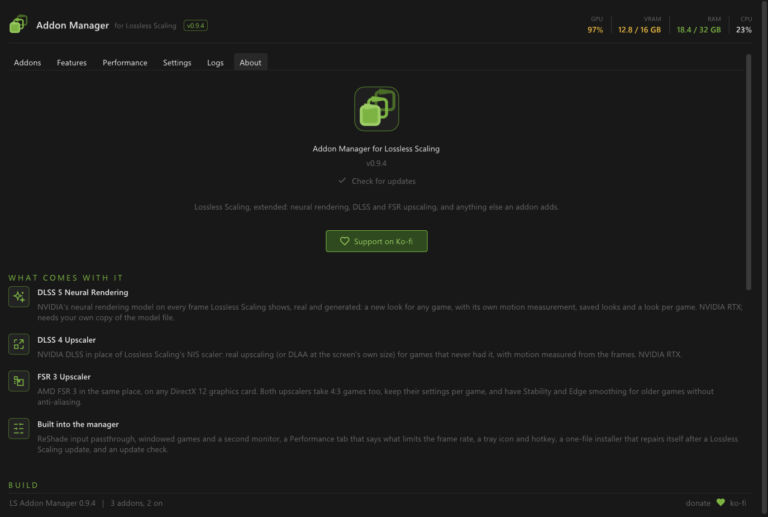
Allves Games has already shown the Lost Odyssey Recomp 0.9.22, with a focus on DLSS 5 and mods. Now, the focus is on Android usage fixes and changes to import and storage. Thus, older features are not presented as releases of this update.
Finally, the investigation consulted the official releases 0.9.57 and 0.9.65, in addition to project repository. Therefore, the fixes and measurements remain attributed to the developer, with no guarantee of a complete campaign on any hardware.
Sources: 0.9.57; 0.9.65; project repository.