
God of War III Remastered received the version 2.3.0 of the PC port on October 15, 2026. According to official notes, the update fixes textures that changed color, visual corruption on the Steam Deck, and a black screen on laptops with AMD and NVIDIA GPUs. In addition, it keeps the startup fixes and controller icons from 2.2.0. The project requires files from the user's own copy of the PS4 game and uses the shadPS4 renderer.
How the God of War III Remastered port works
In practice, the original PlayStation 4 executable is x86-64 and runs directly on the PC CPU. In turn, the project implements substitute system libraries, while the shadPS4 video core translates graphics commands to Vulkan, with adaptations by the team and cuesta4. Thus, it is not a static recompilation of the game nor a fully independent renderer. Furthermore, Allves Games followed recent shadPS4 fixes, which provides the graphics base used here.
According to the author, the campaign was tested from start to finish on their system at 1080p, though other users still report crashes and progression blocks. Furthermore, the launcher offers five pages of settings, patches, mods, and button icons for Xbox or Nintendo controllers. By comparison, the experimental recompilation of the first PS2 God of War is another project, with different technology and development stage.
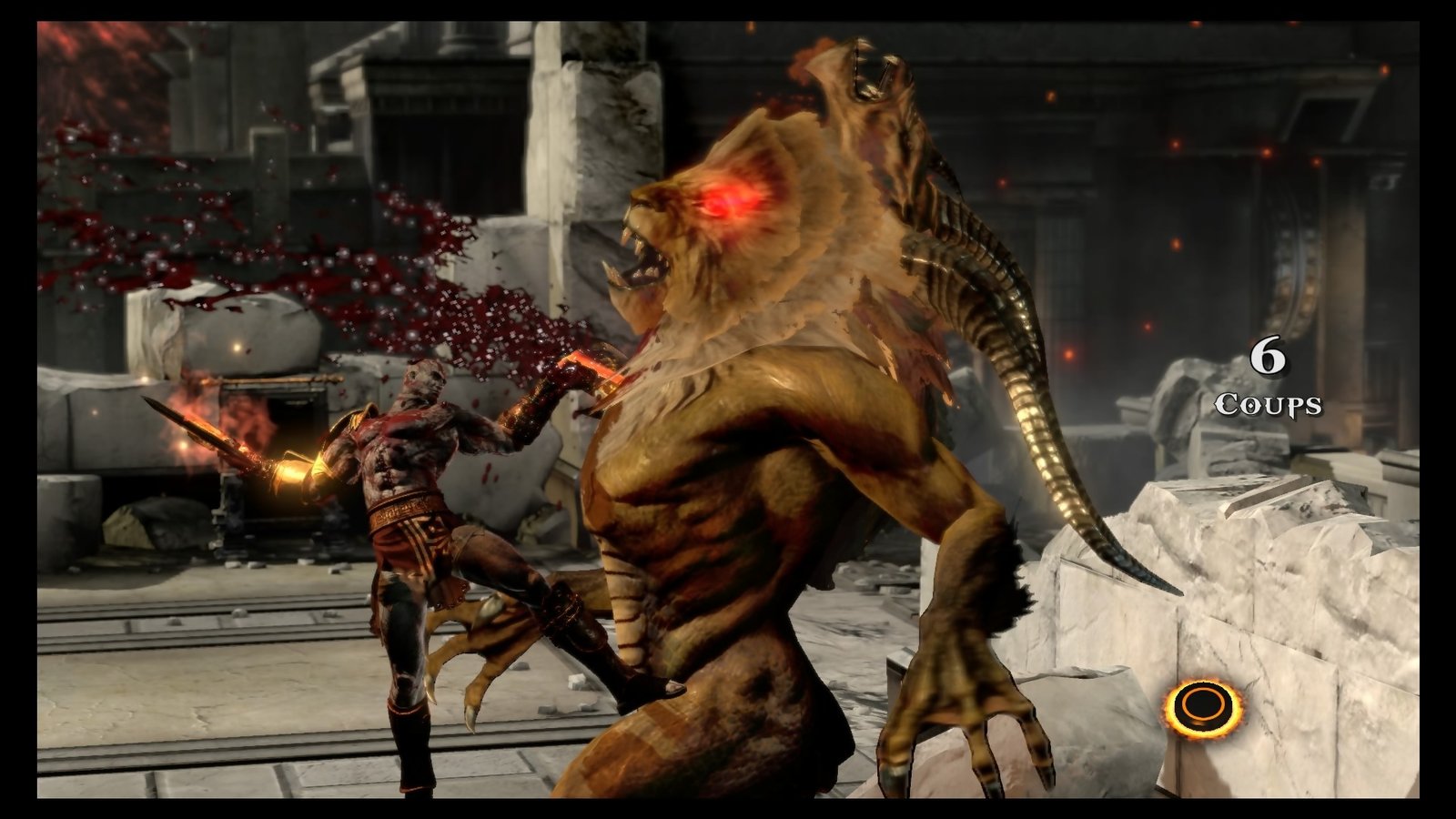
FPS of up to 240 depends on the hardware
For example, the author previously published an average of 144 FPS at 1080p, with a range of 55 to 240 FPS, on a Ryzen 5 5600X, Radeon RX 6700 XT, and 32 GB of RAM. However, this historical result does not represent a benchmark for the entire version. When validating the texture fix in 2.3.0, they report a median of 132 FPS, compared to 128 without the fix, in a specific 1080p test. Therefore, these are the developer's measurements, with no guarantee for other computers.
In addition, the patches allow configuring the engine up to 240 FPS. However, at 120 or 240 FPS, certain sections may prevent climbing or the advancement of repeated inputs; the author recommends reverting to 60 FPS at those points. Meanwhile, FSR 1, FSR 3.1, FSR 4, TAA and DLSS remain disabled in the port's options after being temporarily removed in 2.2.0. RCAS sharpness remains available, but it does not replace these features.

God of War III 2.3.0 fixes textures and Steam Deck
Version 2.3.0 fixes textures that appeared yellow, orange, or white and includes a fix for graphical corruption with RADV, confirmed on the Steam Deck by a contributor. Additionally, it resolves a black screen issue on laptops with integrated AMD graphics and an NVIDIA GPU. It also adds anisotropic filtering, vibration intensity, and PNG screenshots via the F12 key. However, glitches on various Intel GPUs, performance drops, and audio issues persist. Resolutions other than 1080p may still display incorrect textures or lighting; the texture fix was validated at this resolution. The three new options have not yet been verified in-game on Linux, according to the notes.
How to install the God of War III Remastered port on Windows
- Make sure the computer runs 64-bit Windows 10 (1903 or later) or Windows 11, a CPU with AVX, and a GPU with Vulkan 1.3. On Linux, the AppImage requires x86-64 and glibc 2.39 or later.
- Download the package for Windows x64 or the AppImage Linux x64 using the buttons below. During editorial checking, both were available in version 2.3.0.
DOWNLOAD GOD OF WAR III REMASTERED PORT WINDOWS X64 UPDATED
DOWNLOAD GOD OF WAR III REMASTERED PORT LINUX X64 APPIMAGE UPDATED
Prepare the files and start the game
- On Windows, extract the ZIP to a folder and open
God of War III.exe, without running it from inside the archive. First, check the origin and perform a security scan on the package. - On Linux, after checking the AppImage, grant execution permission with
chmod +x gow3-x86_64.AppImageand start the file. - In the interface, indicate the folder of your own copy of God of War III Remastered for PS4, containing
eboot.bin,sce_moduleandsce_sys. The documentation lists CUSA01623 and CUSA01715, versions 01.00 and 01.02. However, the notes also record a boot failure with a specific complete dump of update 1.02; identification alone does not guarantee compatibility. - Save the options and press PLAY. To start, use 1080p and 60 FPS; in case of failure, consult the known issues and logs.
The buttons only download the port's files, without including the commercial game. Version 2.3.0 was released on October 15, 2026, but the addresses latest start offering later versions when published. The AppImage is experimental and has received a fix test on the Steam Deck; this does not prove compatibility with every distribution or GPU. When updating, preserve your saves and settings.
Sources: port repository and documentation; 2.2.0 release notes: black screen, controls, and removal of upscaling; 2.3.0 notes, tests, and packages; original author explanation on Reddit.
Pingback: Vita Recomp Tool mostra God of War de Vita no PC
Pingback: The Last Guardian no PC roda com áudio e até 75 FPS em teste
Pingback: God of War Ascension no PC: primeira fase a 9 FPS
Pingback: ICO no PC 0.2.2: 60 FPS, DualSense e instalador atualizado