Wind Waker HD 0.2.8 was released on October 8, 2026, with a major change for those using the native Wii U port: portable save states now take up only a few KB. In addition, the experimental update expands language support and brings fixes for macOS, Linux, Steam Deck, and Android. The project still requires your own copy of the game.
The new version arrives after the Wind Waker HD 0.2.7 update, which had highlighted the 120 and 240 interpolated FPS options and graphic fixes on Mac. This time, however, the focus shifts to compact saves, regional compatibility, and stability.
Wind Waker HD 0.2.8 brings save states of just a few KB
According to the official version 0.2.8 notes, the new format .wwstate stores saved progress and Link's location: area, room, position, direction, and time of day. Therefore, the file can be just a few kilobytes and attached to bug reports.
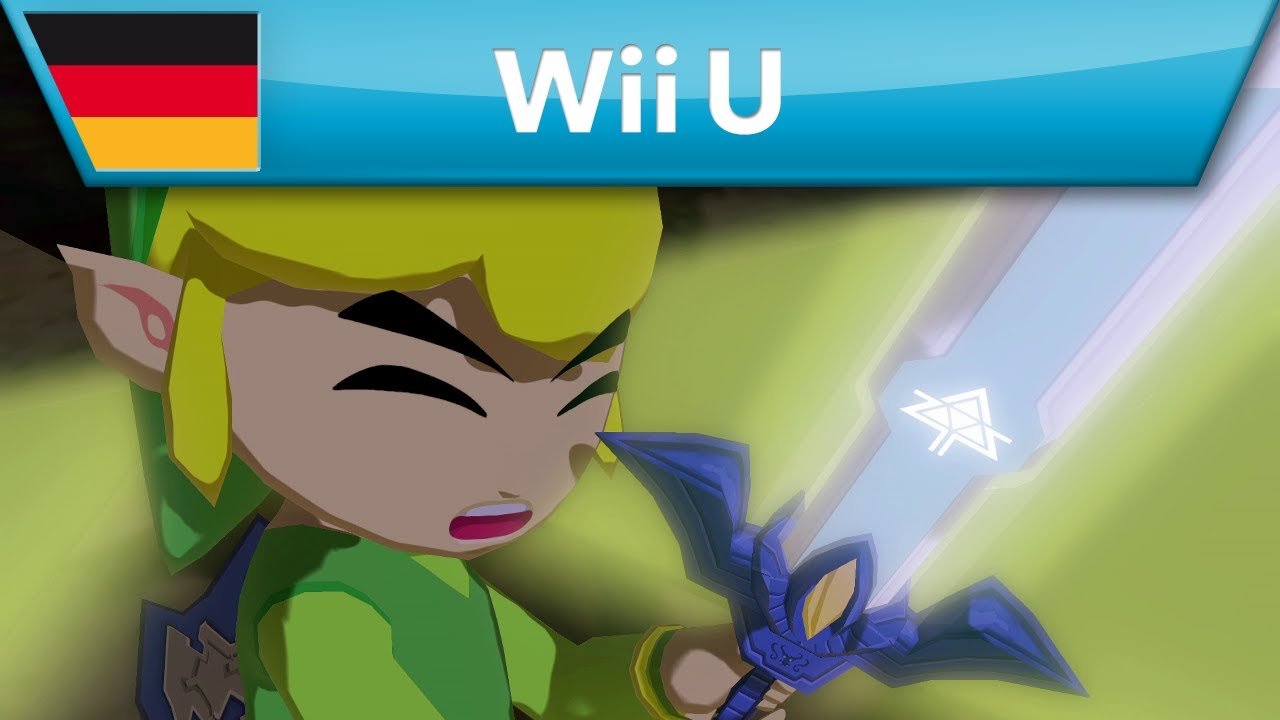
Image from the official The Legend of Zelda: The Wind Waker HD trailer for Wii U; reference to the original game, not the 0.2.8 port. Source: Nintendo.
However, this save state is not an exact snapshot of everything happening in memory. When loading it, enemies, cutscenes, and other characters may reset. Thus, it serves to recover progress and reach the saved location, but not to reproduce every detail of a cutscene or a battle.
Meanwhile, the old complete states, close to 300 MB, remain available for debugging. However, these files include game data and should not be shared. The portable format, on the other hand, does not include code or protected assets. Finally, the player can only create the new state when controlling Link, outside of dialogues and cutscenes.
New languages and fixes for Linux, Mac, and Android
The update also adds experimental support for texts and menus from European and Japanese versions legally obtained by the user themselves. Among the mentioned languages are German, Italian, European French, European Spanish, British English, and Japanese. Furthermore, the mod manager accepts community translations, including right-to-left text such as Arabic and Hebrew.
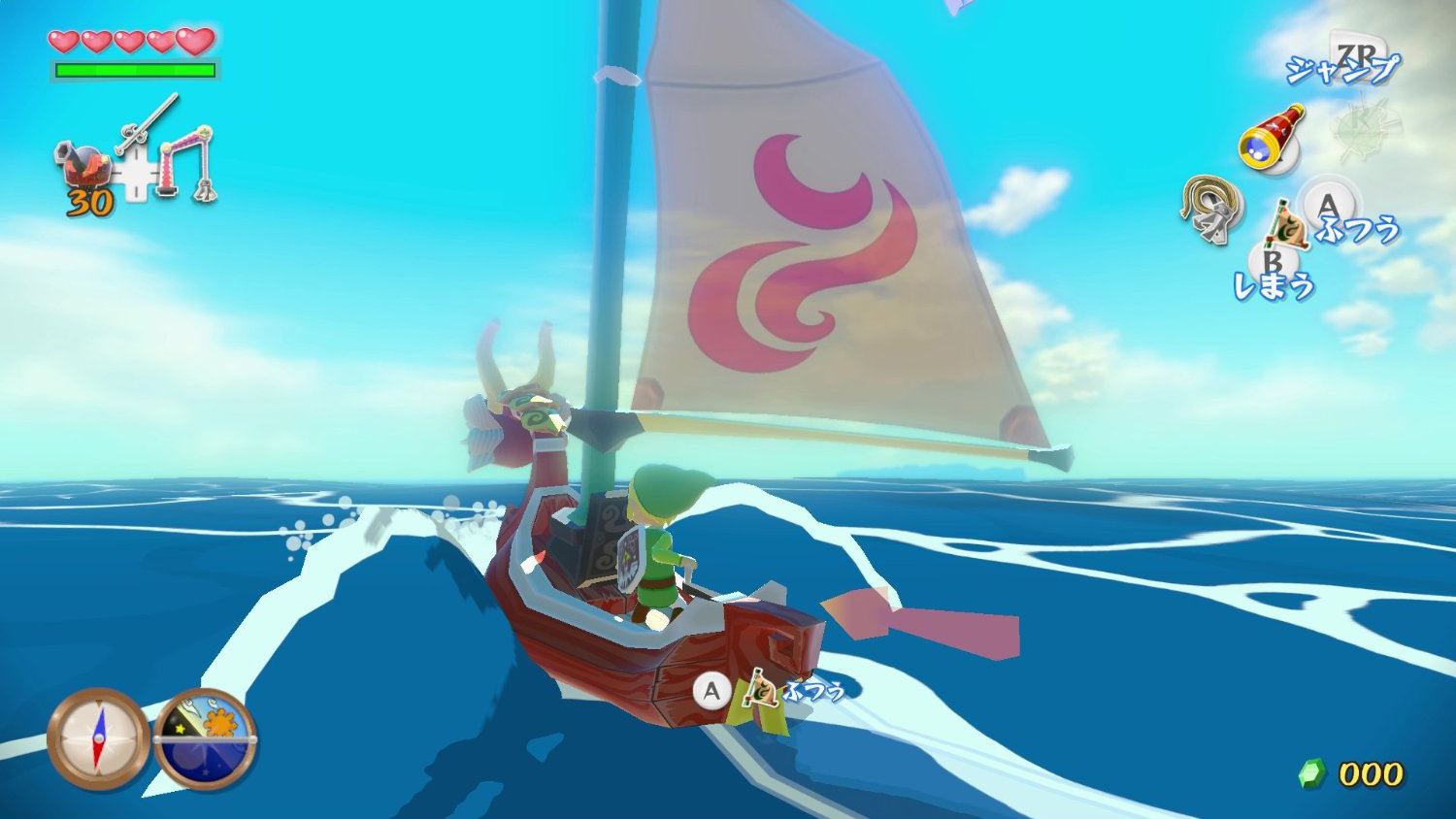
Gameplay of the original Wind Waker HD edition for Wii U, for reference only; it is not a capture of the recompiled version. Source: CinemaBlend.
On Linux and Steam Deck, the Vulkan buffer cache is now enabled by default. With this, in a test reported by the developer with an RK3588 board, the change eliminated a limit of about 20 FPS in demanding scenes. However, this result does not represent a guaranteed gain for all computers and devices.
On the other hand, M1 Mac users receive a fix for a startup freeze. Additionally, the changelog mentions resolving a crash when changing resolution or aspect ratio on certain Android devices, shadow adjustments, and improvements to gyroscope aiming. Still, this Android fix does not mean that release 0.2.8 offers a public APK: the four listed ZIPs are for Windows, Linux x64, Linux ARM64, and macOS Apple Silicon.
How to download Wind Waker HD 0.2.8 for PC, Linux, and macOS
The project provides public packages of the port, but does not include game files or console keys. Therefore, only use your own legally acquired copy of Wind Waker HD for Wii U and files extracted by you. The buttons below reuse the same routes as the Allves Games previous tutorial, without creating a second download mechanism.
- Download the appropriate package for your system. Choose Windows x64, Linux x64, Linux ARM64 or macOS Apple Silicon. For Steam Deck, use the Linux x64 package; there is no exclusive ZIP for SteamOS in the release.
DOWNLOAD WIND WAKER HD PORT WINDOWS PC UPDATED
DOWNLOAD WIND WAKER HD PORT LINUX X64 UPDATED
Linux ARM64: this package is intended for ARM devices, such as Raspberry Pi 5 and ARM laptops; it is not interchangeable with Linux x64.
DOWNLOAD WIND WAKER HD PORT LINUX ARM64 UPDATED
DOWNLOAD WIND WAKER HD PORT MACOS ARM64 UPDATED
How to install the port and configure saves
- Extract the complete ZIP. Keep the application and auxiliary files in the same folder.
- Open the port. On Windows, run
Wind Waker HD.exe. On Linux, openwind-waker-hdof the corresponding package. On macOS, openWind Waker HD.appwithout removing it from the extracted folder. - Indicate your copy of the game. On the first run, the installer prepares the port using the Wii U's own dump or a
.wuaCemu file accepted by the documentation. Do not distribute disk images or keys. - Check the saves. When updating a previous installation, keep a backup of the save folder and check the portable state options in the save menu.
Linux packages require glibc 2.35 or later and compatible Vulkan drivers. In turn, macOS requires Apple Silicon and macOS 14 or newer. Additionally, since the software lacks a commercial signature, confirm the origin in official repository before following your system's opening instructions.
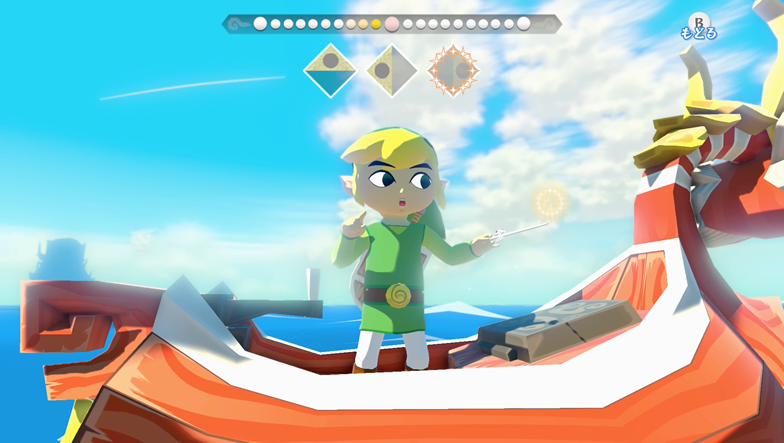
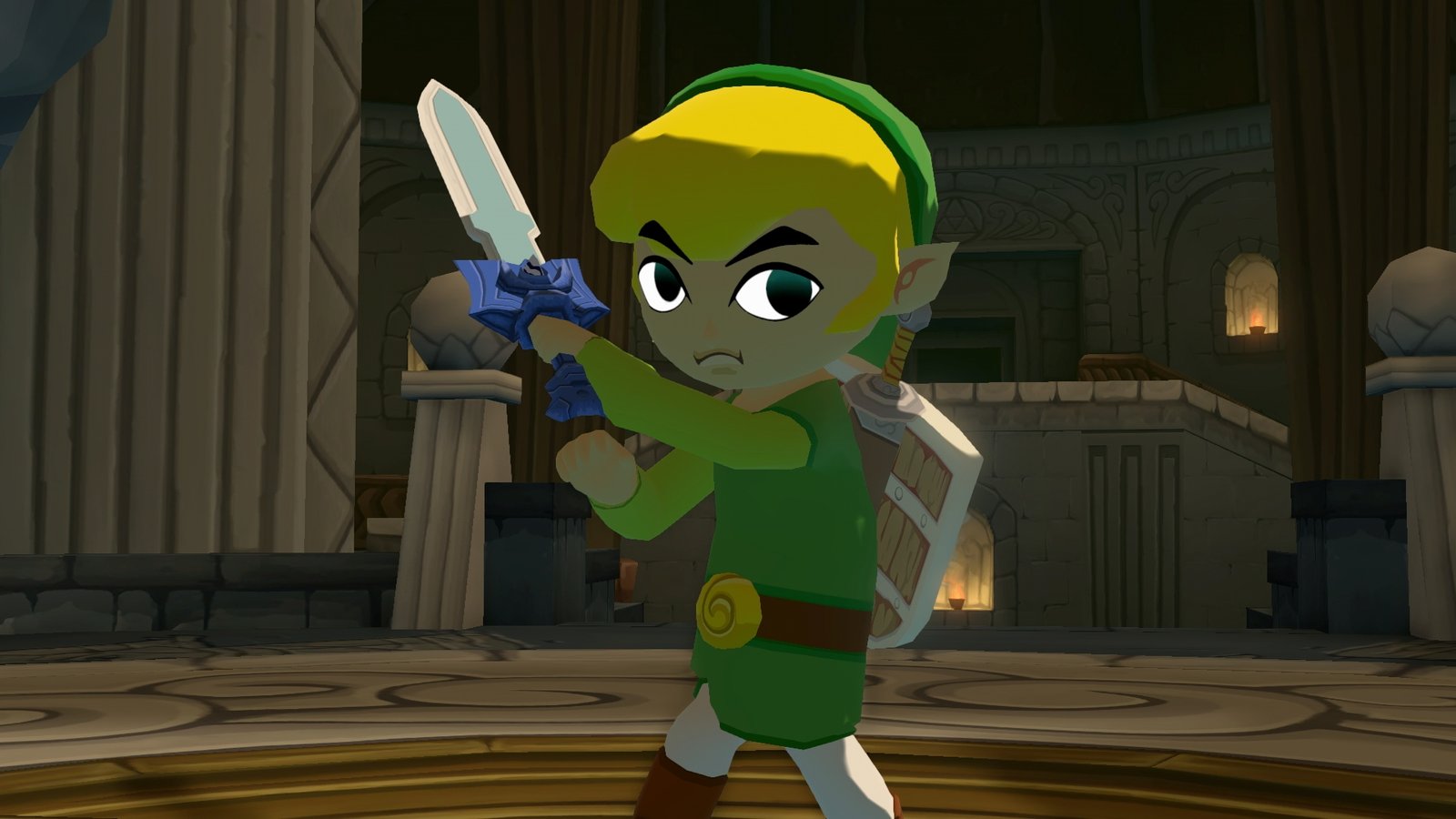
Link wields the baton aboard the King of Red Lions in Wind Waker HD for Wii U. Visual reference, not a capture of port 0.2.8. Source: Nintendo.
What has changed since the previous port?
While version 0.2.7 prioritized framerates and graphics settings, 0.2.8 focuses improvements on progress recovery, languages, and stability fixes. Therefore, the news does not mean that the entire campaign has been validated or that the 120 and 240 FPS modes are equivalent to the game's native logic.
ZeldaWWHDRecomp is a recompilation of the Wii U edition for Windows, Linux, and macOS. However, it should not be confused with the BlueWake for iPhone and iPad, which uses the GameCube edition, nor with independent Switch port projects. Finally, complete documentation is on developer's GitHub.
Sources: official release notes for version 0.2.8 (10/08/2026); save states documentation; ZeldaWWHDRecomp repository.