The native port Wind Waker HD 0.2.12 arrived on October 10, 2026, with an official Android APK and simpler mod installation. The version also retains the performance gains with Vulkan and the AppImage packages for Linux introduced in 0.2.11, from the previous day. The project recompiles The Legend of Zelda: The Wind Waker HD, originally released on the Wii U, for native execution on current systems.
According to the release 0.2.12, the port now features official Android packages and simpler mod preparation steps. Meanwhile, the version 0.2.11 enabled Vulkan buffer caching by default, keeping static data on the GPU and reducing memory copies per frame.
Wind Waker HD 0.2.12 gets an APK and improves controller emulation
Starting with this release, the developer has started distributing an ARM64 APK for phones running Android 13 or higher with Vulkan 1.3. Additionally, there is an Android x86-64 variant for Chromebooks and Android emulators. According to the team, users can select the files from their own copy of the game on their phone and perform the initial setup without relying on a computer.
Furthermore, update 0.2.12 offers guided mod installation and adjusts menu confirmation controls, including on the virtual keyboard. It is worth noting that version 0.2.11 had already added a relevant performance gain: in a test reported by the developer with a Galaxy S25 Ultra, the frame rate went from approximately 34 to 47 FPS in heavy Outset scenes. This represents a 13 FPS boost under that specific condition, not a universal result.
Additionally, the team reports a 13% to 19% reduction in the time spent by the rendering thread on a Radeon RX 6700 XT, with roughly half the data uploads. However, these measurements are from the project and do not equate to an independent benchmark conducted by Allves Games.
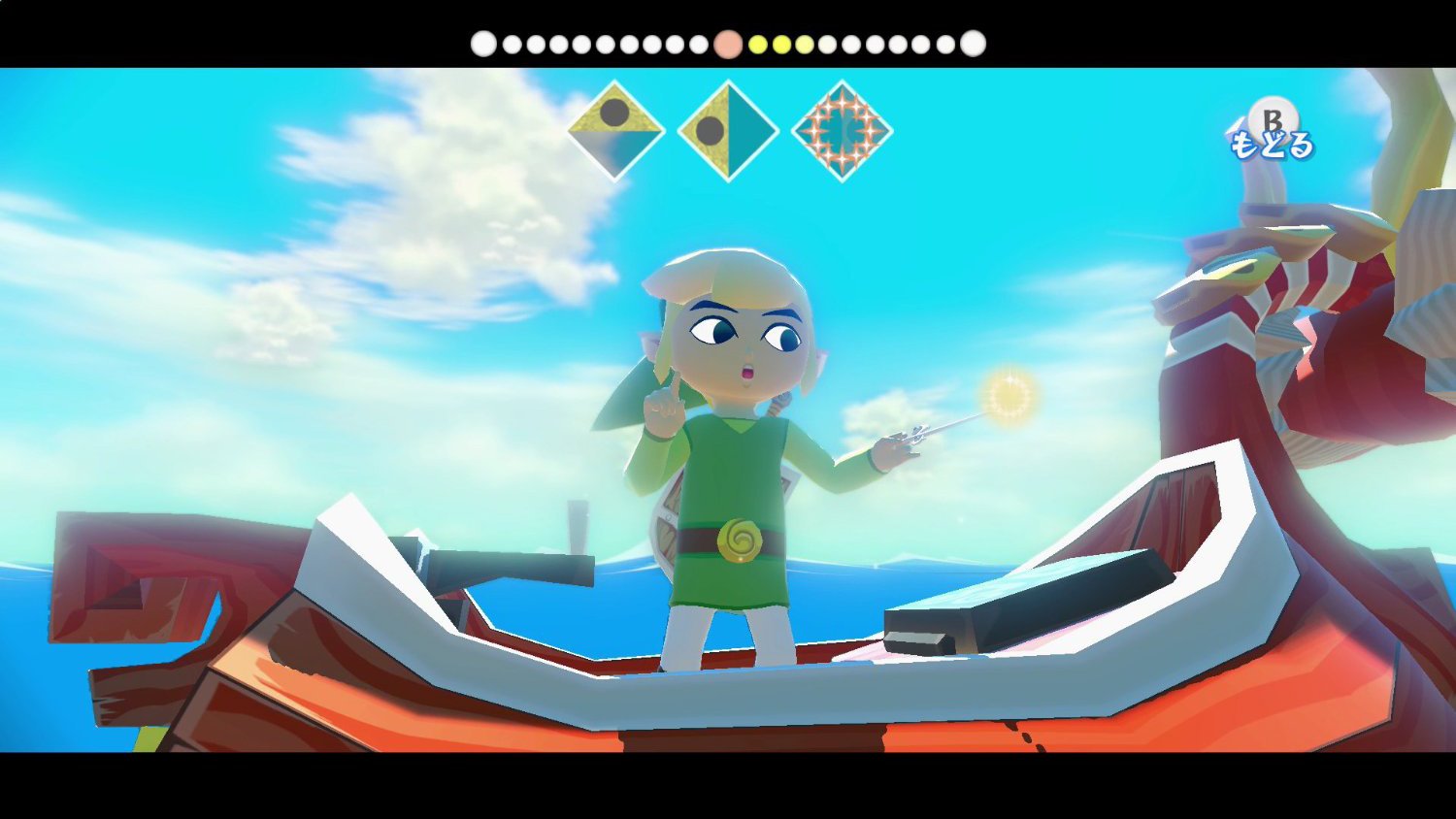
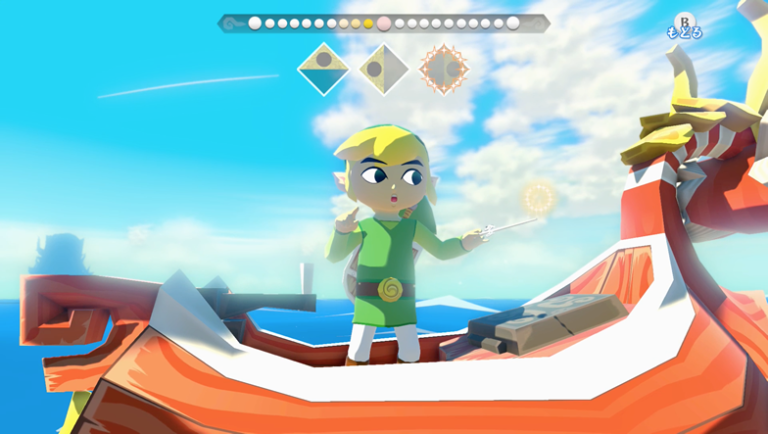
Original game image used as a visual reference for the port. Not a capture of the FPS test on the Galaxy S25 Ultra. Source: Allves Games library.
If incompatibility occurs, the new cache can be disabled via the variable WWHD_VK_BUFFER_CACHE=0 if the user encounters incorrect geometry or image flickering. Therefore, despite the reported gains, the project still recommends reporting specific driver issues.
Wind Waker HD 0.2.12 keeps AppImage on Linux and Steam Deck
In addition to the changes on Android, version 0.2.11 offers an official AppImage package for the first time, alongside the existing ZIP files for Linux. There are variants for x86-64 and ARM64. Thus, users of compatible distributions and the Steam Deck can run the program in a single file after granting execution permission.
In this format, the AppImage stores data, saves, and settings in the user folders instead of keeping everything next to the executable. On the other hand, the ZIP remains available for those who prefer the previous organization. For example, in some recent distributions, it may be necessary to use --appimage-extract-and-run or install the FUSE dependency indicated by the developer.
Audio and interface also receive adjustments
To reduce processor load, the release replaces two heavily used audio loops with native versions. According to the project, this change reduces the audio thread's CPU load by about two-thirds, preserving the sound output. Even so, this does not mean that the FPS of all games will increase in the same proportion.
In addition, the team fixed menus and interface elements on 21:9, 32:9, and 16:10 screens. In the same update, the team adjusted the display of a letter in the Rito post office minigame, the application of Cemu graphic packs, and the recognition of modifications from the European version of the game.
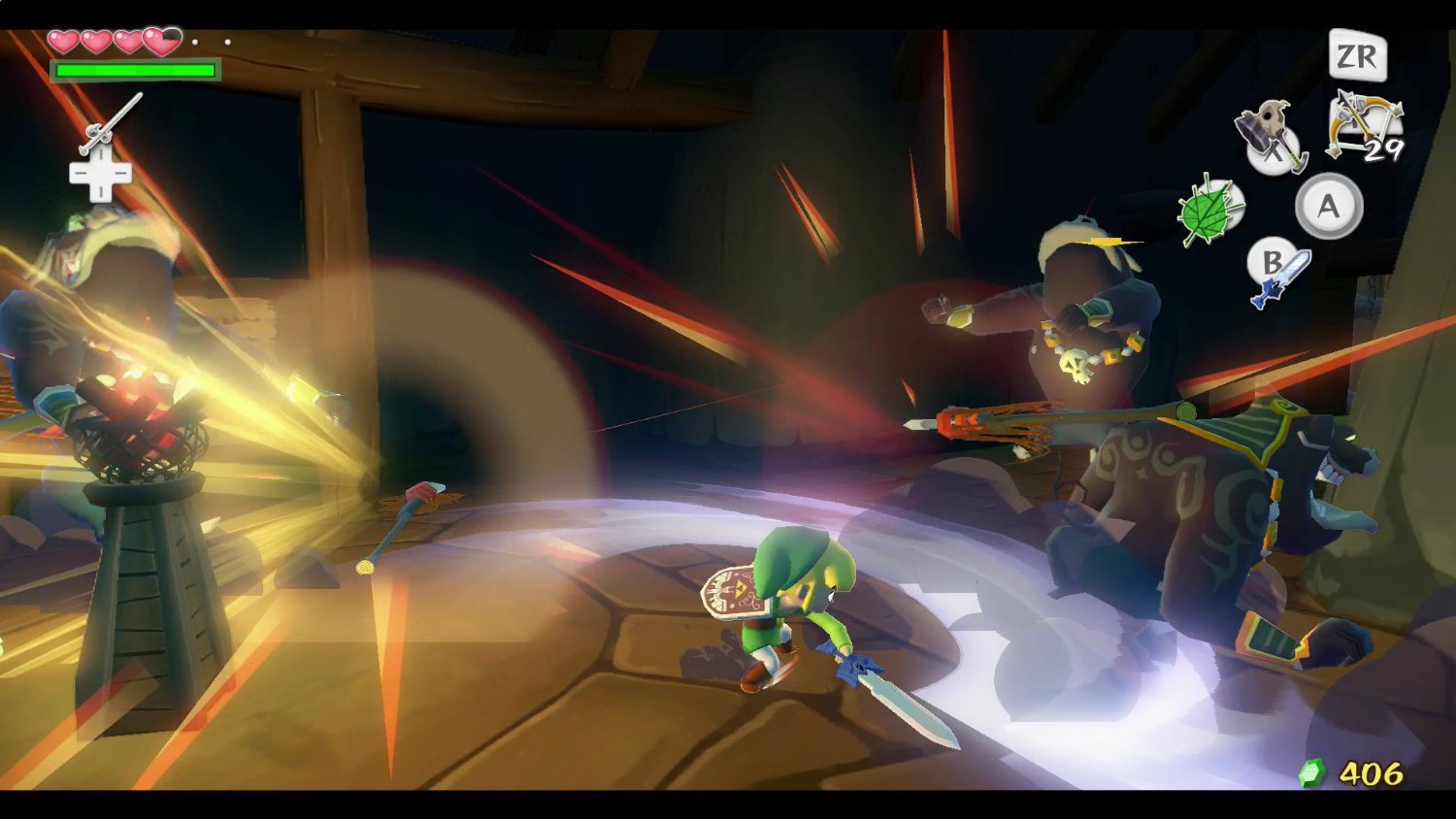
Contextual combat image in Wind Waker HD for Wii U, without demonstrating the port's changes. Source: Nintendo / CinemaBlend.
On Android, the GamePad screen now automatically appears in certain menus and pauses when the player uses the single-screen layout. There were also changes to Vulkan synchronization. Finally, save states now preserve the control mode used.
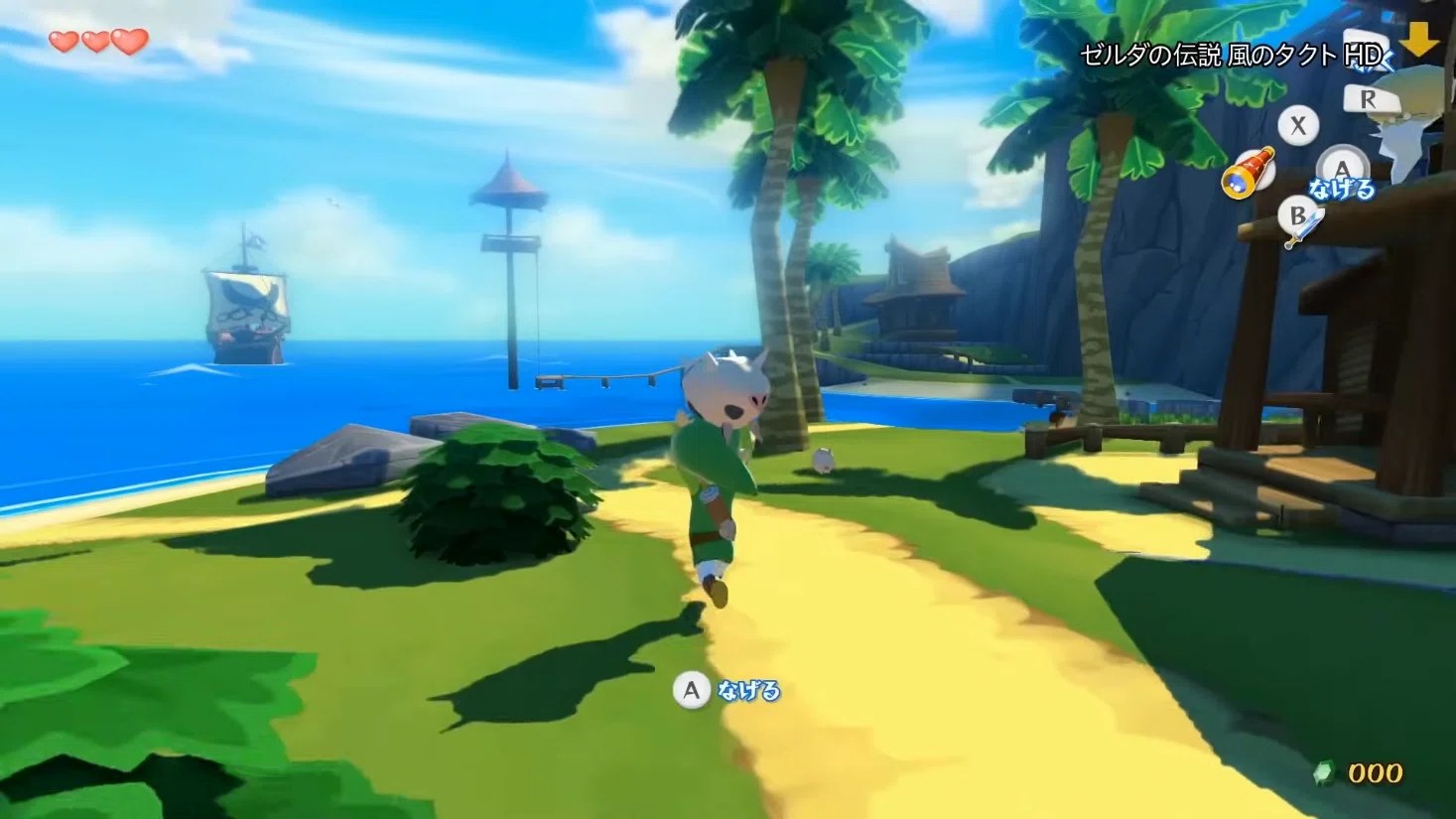
Official gameplay of Wind Waker HD for Wii U, visual reference only. Source: Nintendo, via Allves Games library.
How to install the native Zelda port
Currently, release 0.2.12 provides public packages for Windows, Android, Linux, and macOS. However, the port does not include the commercial game, its files, protected code, or keys. Therefore, to install, use your own legally acquired Wind Waker HD for Wii U data, in a format accepted by the developer. The Android ARM64 version requires Android 13 or higher and Vulkan 1.3 support.
- Check the requirements for your chosen platform and back up your save files.
- Download the package for your device using the buttons below. They point to the latest official versions.
Downloads for Windows and Android
Downloads for Linux, Steam Deck and macOS
- Extract the ZIP or install the APK, depending on the system. For AppImage, grant execution permission.
- On the first launch, provide only the data from your own copy of the game for the initial setup.
- Afterwards, run the port normally. On Linux, check FUSE requirements and file location.
The new version 0.2.12 expands on the work started in 0.2.11, which introduced more efficient Vulkan caching and the AppImage format. Thus, these are different novelties from those reported in the previous article about Zelda: Wind Waker HD 0.2.8, focused on save states and languages. We also published the initial PC port coverage.
Sources: official release 0.2.12; release 0.2.11; AppImage PR; official repository.