A bug in Vita3K that could delete installed games during file import received a fix in the emulator's code on October 8, 2026. The problem arose in a specific situation: the installer encountered a file param.sfo without a game identifier and the user confirmed a replacement. The change seeks to prevent this sequence from reaching the entire application folder.
The commit published in the official repository deals precisely with the validation of the identifier. However, the fix in the main code does not, in itself, mean that all already installed versions have received a stable update.
How the flaw in Vita3K could delete games
The original report, recorded in issue 4113 on GitHub, describes the installation of decrypted game files in formats such as ZIP or VPK. In certain packages, there is a param.sfo used as a template for save data. This file may not have the field TITLE_ID filled.
Thus, Vita3K could interpret the file incorrectly and display a replacement message with the application name blank. If the person chose to overwrite, the installation process could use the general folder ux0/app as the game destination and remove the content already in it.
Therefore, the risk was not an inevitable deletion upon opening the emulator. It depended on the package structure, the reading of the file without an ID, and user confirmation. The author of the report reproduced the behavior in specific builds; this does not demonstrate that all users lost their library.

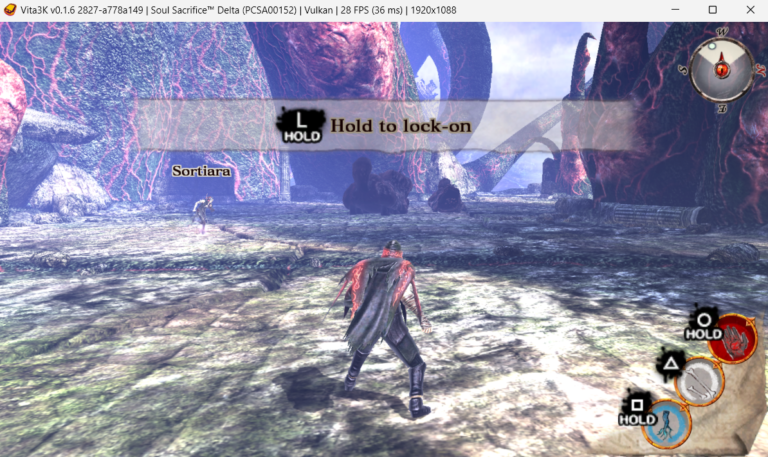
Persona 4 Golden in an image released by the Vita3K project. Illustrative capture of the emulator, not the installation failure. Source: Vita3K.
How the Vita3K bug fix works
The change prevents a param.sfo with TITLE_ID empty from following the normal installation flow. Thus, the installer stops treating a save template without identification as if it were a valid application.
Furthermore, the change addresses the root cause pointed out in the report, instead of just changing the confirmation message. The public record, however, does not confirm as of this date a stable release that already contains the fix. Therefore, it is important to differentiate corrected code from an update distributed to users.
The Vita3K also recently received graphical fixes for OpenGL and Vulkan. The current change has another objective: to protect the integrity of files during game import.

Freedom Wars running on Vita3K in an official capture. The image shows the emulation, not the problematic confirmation screen. Source: Vita3K.
How to reduce the risk until updating
While the fix is not confirmed in the version you use, avoid accepting an application replacement with an empty title or identifier. If an unexpected message appears during import, cancel the procedure and check the origin and structure of the file.
It is also worth keeping a backup copy of the Vita3K data folder before installing packages. This precaution is especially useful because the reported failure affected already installed game files. However, there is no indication in the report that all saves were deleted.
The emulator works with files obtained from the user's own collection. For general installation instructions, consult the official Vita3K guide. The team recommends using copies extracted from your own PlayStation Vita games.

Official capture of Hatsune Miku Project DIVA X on Vita3K, used as a visual reference. It does not represent the reproduction of the bug. Source: Vita3K.
When will the update be available?
As of the time of this investigation, the verified evidence is the commit from October 8, 2026 in the main project. Therefore, it is not correct to automatically attribute the fix to a specific stable version without confirming the respective changelog or distribution package.
Finally, the difference between the main Vita3K and forks also deserves attention. The Vita3K+ 1.2 has already been covered in another news piece, but there is no confirmation here that the fork has incorporated this commit.
Sources: Vita3K (commit); Vita3K (issue 4113); official emulator website.