The Super Mario Sunshine 120 FPS has gained new advancements in the native PC port. On October 9, 2026, developer chasem-dev detailed CPU gains of up to 2.9 times in version 0.1.56 of the SMS Launcher. On October 10, version 0.1.57 brought new features for Windows, Linux, and macOS.
The performance numbers come from tests published by the author himself, and not from an independent analysis. Furthermore, the novelty belongs to the original project sms-pc-port, based on the decompilation of the GameCube game. It should not be confused with the fork we have already covered, with online co-op and 60 FPS.
Super Mario Sunshine 120 FPS: what changed in performance
According to the official version 0.1.56 notes, the CPU started spending less than half the time per frame in demanding scenes. In Delfino Plaza, the time dropped from 9.5 to 3.5 milliseconds, which represents a 2.7x gain.
In another scenario, with 2x resolution and 4x MSAA, the measurement dropped from 11.6 to 4.0 milliseconds, or 2.9 times. However, this does not mean that all computers will have 2.9 times more FPS: the results depend on the scene, the GPU, the CPU, and the settings.
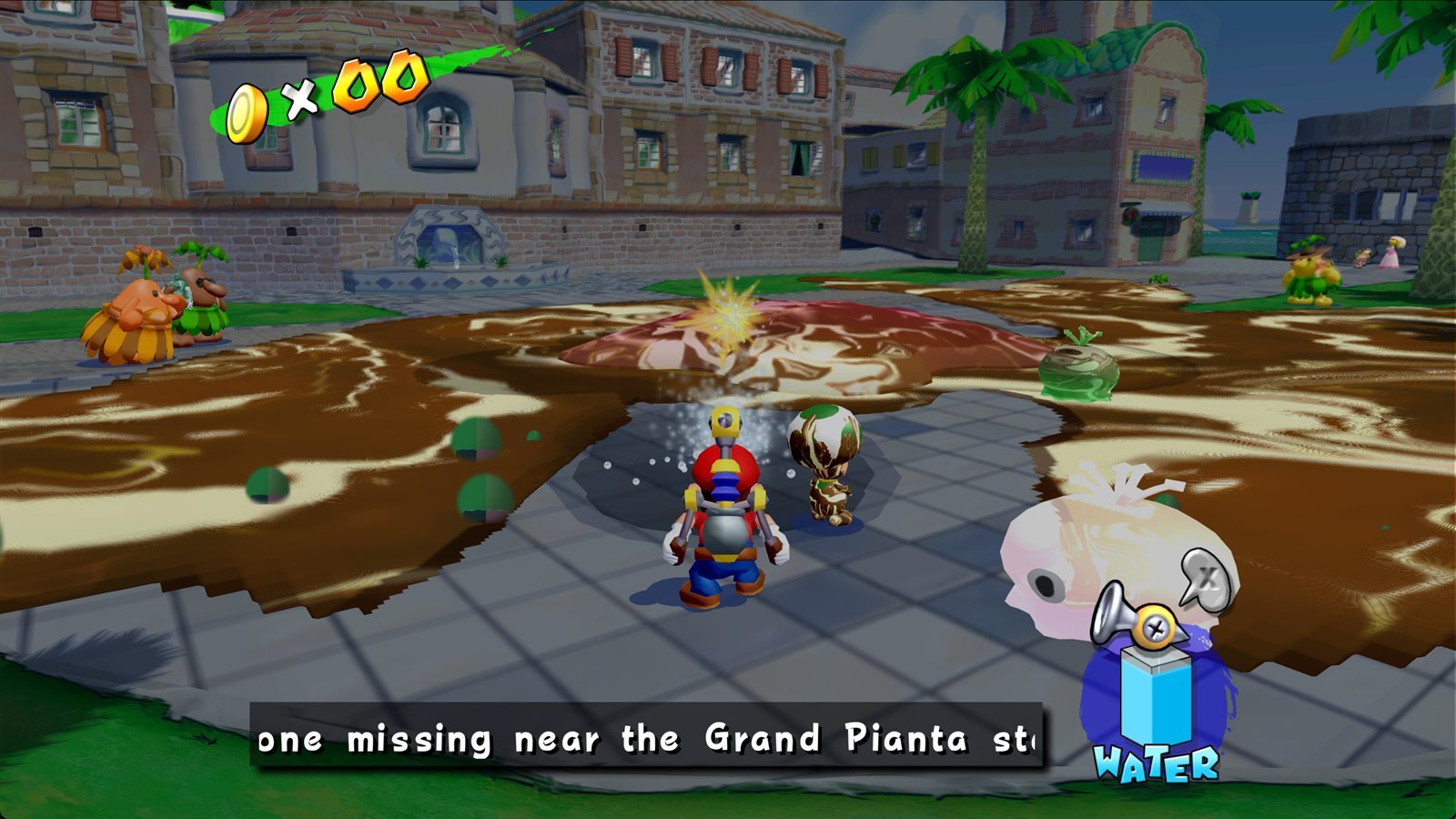
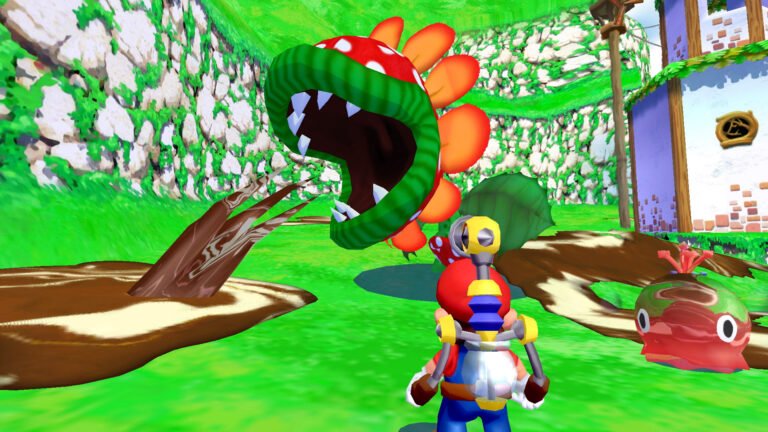
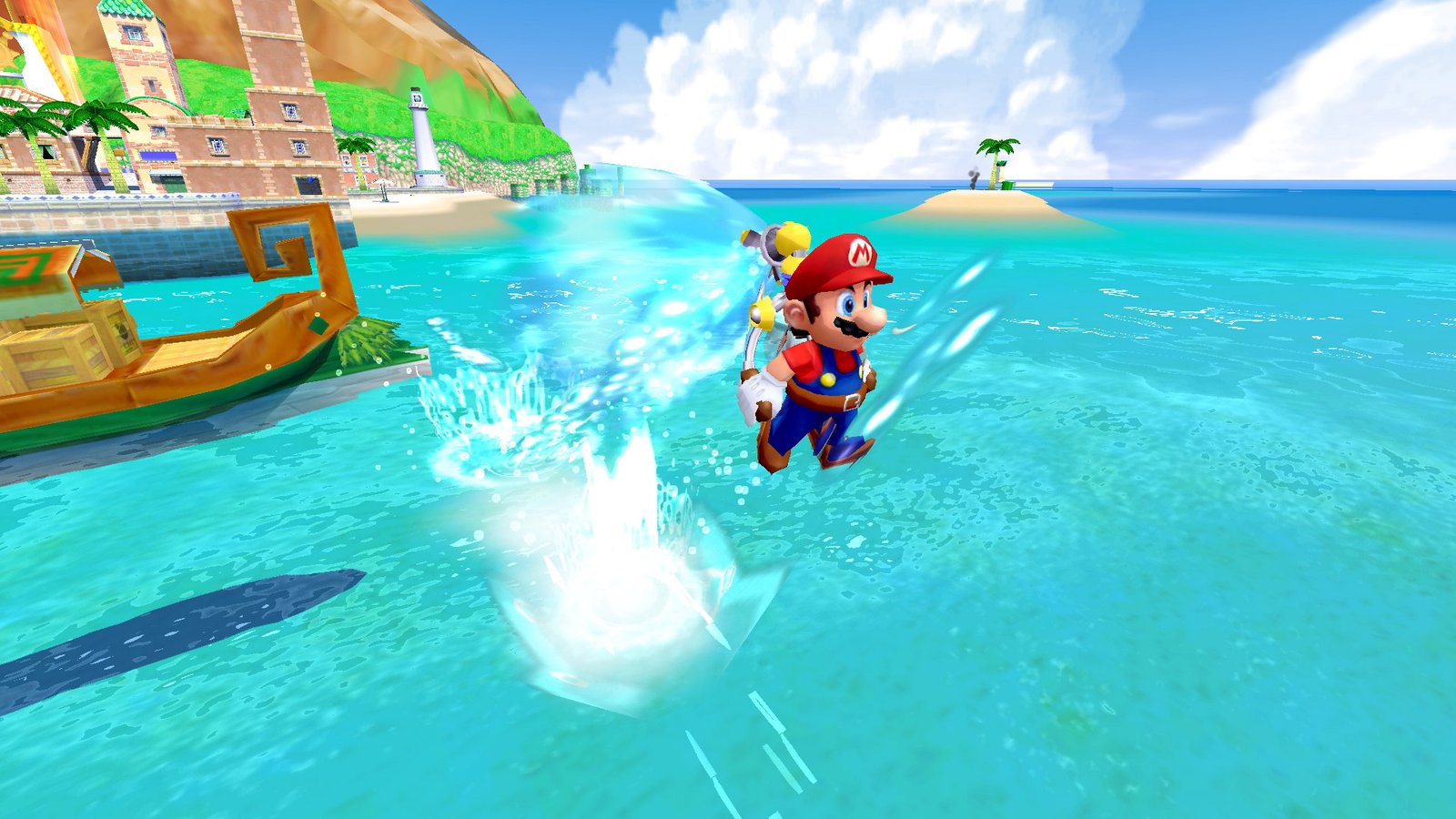
Gameplay of Super Mario Sunshine on PC, captured in a previous version of the project. Contextual illustration, not a benchmark of version 0.1.56. Source: Allves Games archive.
In addition to optimization, the project now preserves compiled shaders in cache. Thus, areas already visited may show fewer stutters caused by effect compilation. The developer also cites fixes for boss animations at 60 and 120 FPS.
In the settings, the launcher offers 30, 60, and 120 FPS for the game. However, logos, menus, and videos remain at 30 FPS. To fully experience 120 frames per second, a 120 Hz or higher monitor and sufficient hardware are also required.
Launcher 0.1.57 adds improvements for Mac and PC
The version 0.1.57, published on October 10th in Brasília time, added a portable executable for Windows. It also started allowing the game to be opened directly via Steam with the argument --play, without displaying the launcher window when the installation is already ready.
On macOS, the project adjusted the build to use an SDK compatible with Apple's linker. Additionally, the launcher now supports controller navigation and offers options to set when HD textures and shaders are loaded.
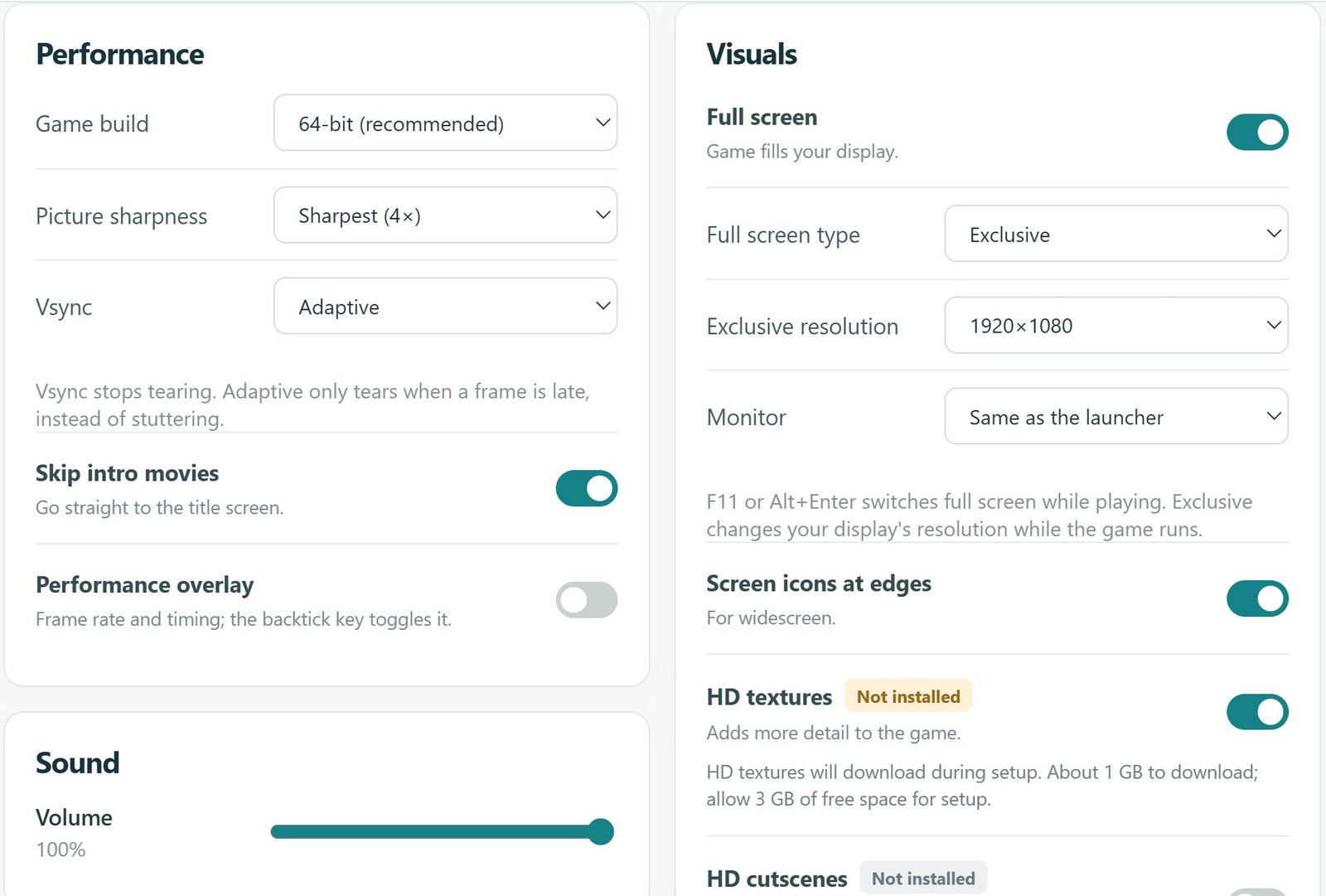
Performance interface of the SMS Launcher, as per the official chasem-dev project documentation. The image documents the available controls, it does not measure FPS.
For Macs, the package is universal, with an installer for both Intel and Apple Silicon machines. However, the game compiled for macOS uses the x86-64 architecture; on Macs with Apple chips, it relies on Rosetta 2. Therefore, it is not a native ARM64 executable of the game.
HD textures, fixes, and current limitations
Furthermore, version 0.1.56 expanded the HD texture pack by 208 elements, including menus and the character Peach. At the same time, the update fixed fog effects in Noki Bay, issues in cutscenes, and crashes related to the Super Mario Eclipse mod.
Despite the progress, the port remains under development. Therefore, graphical, audio, or progression issues may occur. As a precaution, the author recommends following the release notes for each version and keeping backups of your saves.
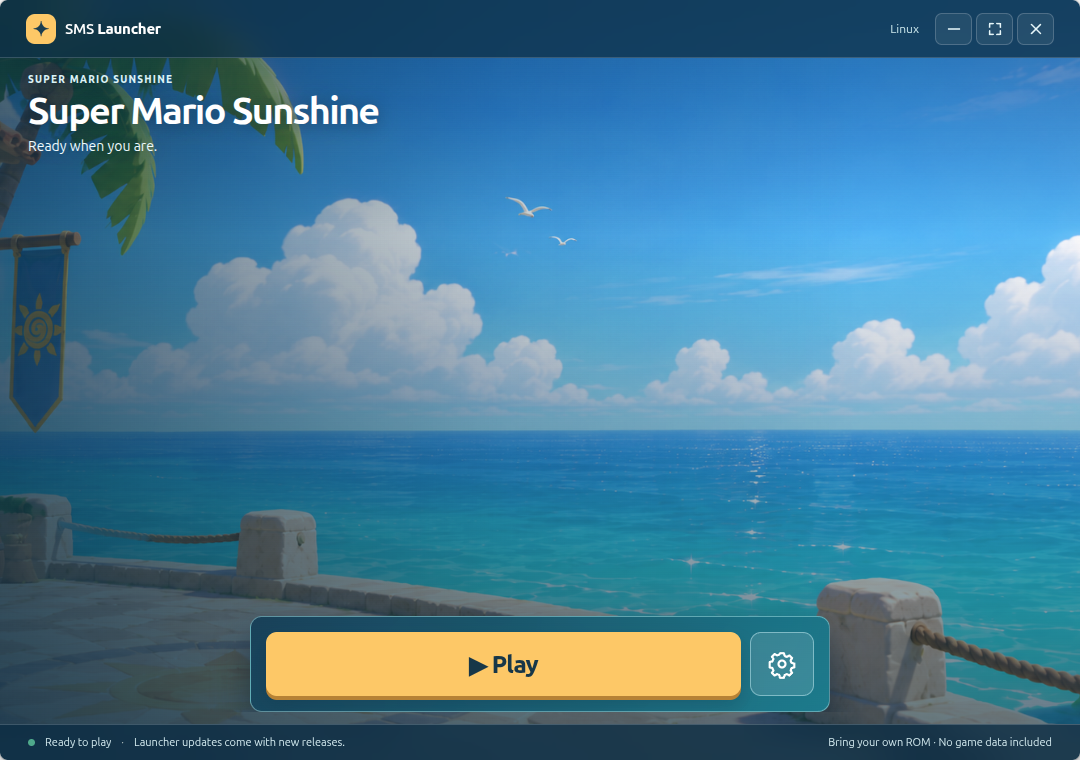
Official screen of the SMS Launcher with the game ready to start. Source: chasem-dev project documentation on GitHub.
In practice, the project uses code obtained through decompilation corresponding to the North American GameCube version. Thus, the launcher downloads tools and prepares the game locally, but does not distribute commercial files of the title.
How to download the Super Mario Sunshine port for PC and Mac
The links below point to the official SMS Launcher, currently in version 0.1.57. They do not include the game. Each button uses a verified route that follows the most recent stable release.
- Download the official launcher for your computer's operating system:
Windows — official installer (.exe)DOWNLOAD SUPER MARIO SUNSHINE PORT WINDOWS UPDATED
Linux — official application (.AppImage)DOWNLOAD SUPER MARIO SUNSHINE PORT LINUX UPDATED
macOS — universal installer (.dmg)DOWNLOAD SUPER MARIO SUNSHINE PORT MAC UPDATED
- Open the installer on Windows, mount the DMG on Mac, or allow the AppImage to run on Linux.
- In the initial configuration, select an image made from your own legally acquired copy of Super Mario Sunshine for GameCube, North American region, code GMSE01 and revision 0.
- Let the launcher prepare the files and compile the game. This process requires an internet connection and may take some time.
- Then, open the settings and choose 30, 60, or 120 FPS according to your computer's performance. Finally, press Play.
As for the files, the program accepts disc images in Dolphin's ISO, GCM, and CISO formats. On Mac, the configuration may request Apple's command-line tools and, on Apple Silicon machines, Rosetta 2.
To understand the differences between the projects, see also our coverage of the Super Mario Bros. Wonder port for Windows. The new SMS Launcher is developed by chasem-dev and should not be confused with the multiplayer fork featured previously.
Sources: SMS Launcher 0.1.56; SMS Launcher 0.1.57; Launcher README; port repository.