RetroArch in VR took an important step on October 7, 2026. A new set of code changes to the project added OpenXR output for headsets connected to Linux PCs, using the Vulkan renderer. The novelty is still experimental and should not be confused with a feature available automatically in the stable version.
Furthermore, the implementation allows for presenting virtual screens inside the headset and distributing separate images to each eye when the emulation core provides the necessary data. However, it does not transform all classic games into immersive virtual reality experiences.
RetroArch in VR uses OpenXR and Vulkan on Linux
The official commit merged on October 7 added OpenXR sessions for PC headsets. This way, RetroArch can draw flat screens on virtual layers, called quad layers, instead of relying solely on the conventional desktop window.
The code also provides for a screen for each eye, recentering of the screen position, and laser pointer and menu commands. For now, the team is documenting tests with the Monado runtime and automated checks, but this does not equate to a list of commercially approved headsets.
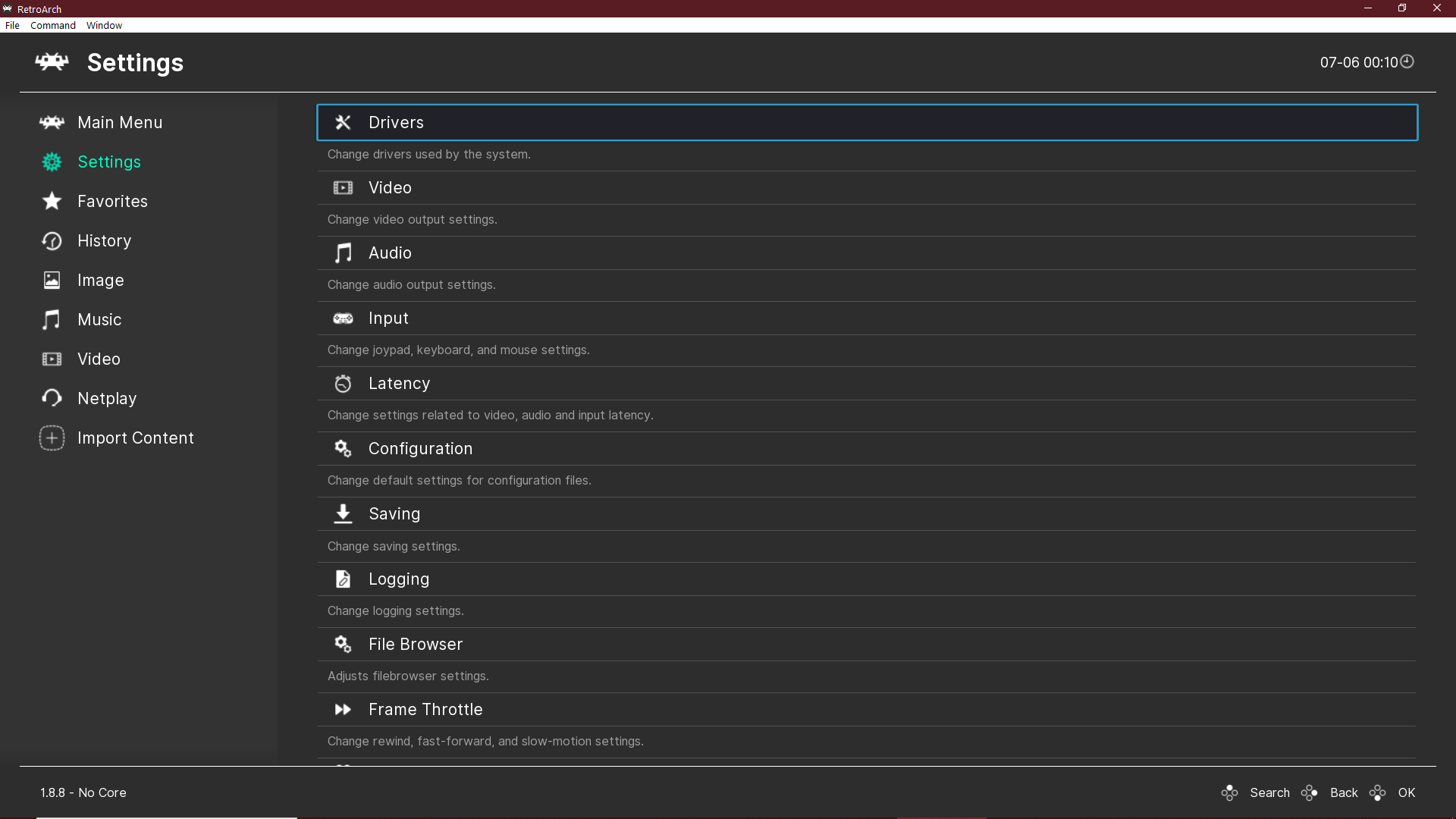
Traditional settings menu of RetroArch. The image illustrates the program's interface, not the new OpenXR output on a headset. Source: official Libretro documentation.
New image modes cater to 3DS, DS, and Virtual Boy
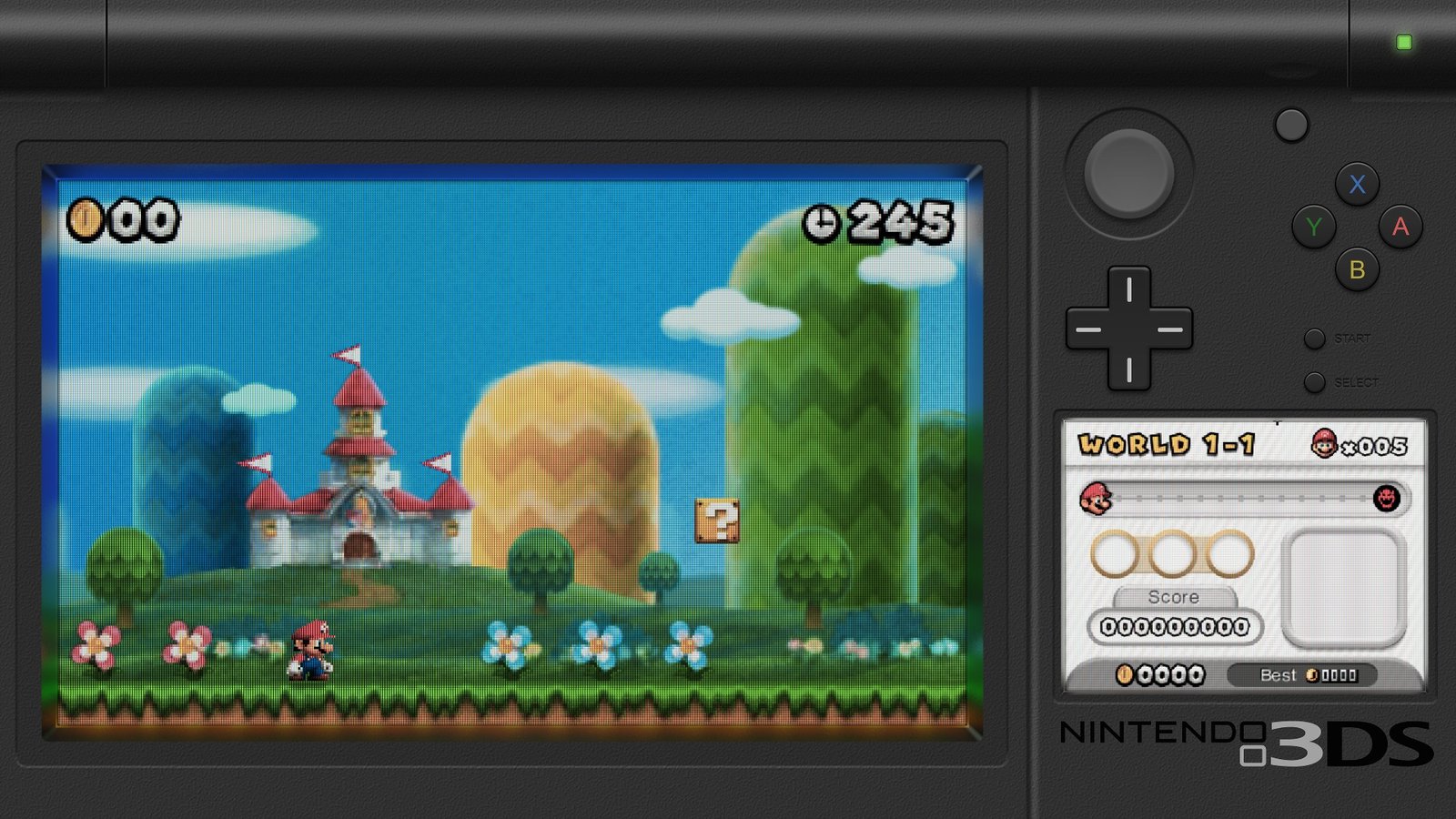
Another part of the update organizes images that a core can provide in multiple views. Thus, the interface is able to distribute screens such as those of the Nintendo 3DS and DS, as well as Virtual Boy content, in different arrangements. The code includes side-by-side, top/bottom, anaglyph, and interlaced options.
However, the result depends on each core providing a compatible view map. Without this data, RetroArch maintains the conventional image. Therefore, there is no guarantee that any game or core already offers stereoscopic imagery on the headset.

List of games in the RetroArch Ozone interface, used as a visual reference for screen organization. This is not a capture of the OpenXR mode. Source: official RetroArch website.
OpenXR support still needs to be enabled manually
An important detail is in a second commit from the same day: the setting HAVE_OPENXR is now disabled by default. In other words, the presence of the code in the repository does not mean that the average user will find the feature ready when updating a stable installation.
Furthermore, the feature requires a build with the appropriate support, Vulkan, and a functional OpenXR runtime. Therefore, there is still no reason to promise universal compatibility, simple installation, or specific performance. The published material describes implementation and development tests, not a finished commercial demonstration.
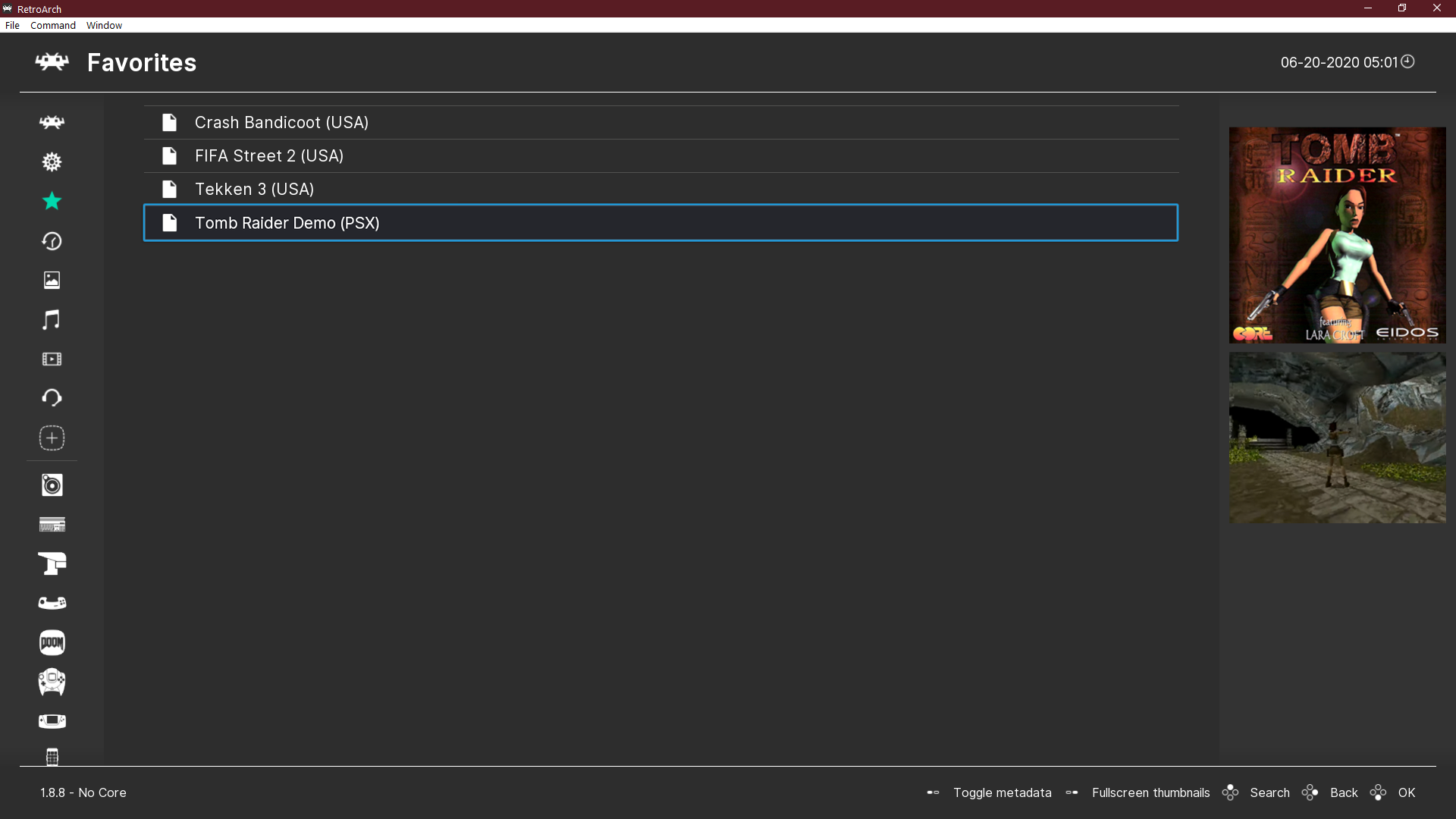
Game library in the RetroArch Ozone interface. Illustrative capture of the frontend, not proof of OpenXR functionality. Source: official Libretro documentation.
What changes for those who want to play RetroArch in VR?
In practice, the advancement paves the way for playing traditional content on virtual screens positioned in front of the eyes and for enjoying distinct views when the cores are prepared. Even so, this is different from converting a 2D game into a three-dimensional environment with free movement.
The Allves Games also follows other projects that explore virtual reality, such as the GoldenEye 007 VR port. However, the proposals are distinct: in that case, the focus is on adapting the game; here, the work takes place on the presentation of images and interaction with the frontend.
Furthermore, support for Nintendo 3DS cores helps to understand the importance of separate views. Those who follow PC emulation can also check out our coverage of EmuDeck 2.7 and its improvements for emulation. For now, the new RetroArch feature should be treated as a promising, yet still experimental, technical foundation.
Sources: main OpenXR commit in RetroArch; manual enablement commit; official interface documentation.