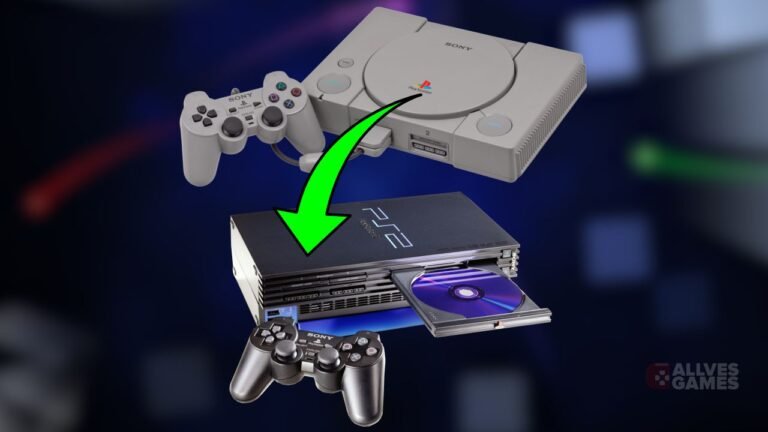
The HD textures in PCSX2 gained a more practical installation method. On October 7, 2026, the project added support for loading ZIP files with replacement textures directly into the PlayStation 2 emulator. Thus, the user does not need to extract all images from a compatible package beforehand.
The change appears in two commits in the official repository. However, it was confirmed in the development code, not as a feature of a specific stable version. Therefore, it is still necessary to check the build being used before following the new method.

Burnout Revenge running on PCSX2. Illustrative image of the emulator, not a test of the new ZIP loading. Source: Allves Games.
HD textures in PCSX2: how ZIP works
Previously, traditional installation required placing images in the game's replacement folder. Now, the loader also looks for ZIP files within that structure and reads entries with valid texture names. Additionally, it recognizes a compressed file in the main textures folder when its name matches the game's serial.
For example, a game identified by the serial SLUS-XXXXX can use a file called SLUS-XXXXX.zip in the folder textures. The code also traverses ZIP files located in the replacements folder of the game. This way, both organization modes can coexist.
Support involves PNG and DDS textures that PCSX2 already recognizes. However, this does not mean unrestricted compatibility with any compression: the code provides a warning when the ZIP uses an unsupported method. In this case, the program's own guidance is to extract the files.

Official PCSX2 menu with a shortcut to the dump and texture replacement folder. Interface capture prior to ZIP support. Source: PCSX2.
How to enable HD textures in PCSX2
First, confirm that your PCSX2 build contains the commits from October 7th. Next, open the graphics settings and enable loading of replacement textures. Without this option, the pack will not be applied to the game.
Then, check the game edition serial and the internal format of the pack. If the file is compatible, place the ZIP in the location corresponding to the serial or inside the replacements folder. Finally, start the game and check if the custom images appear correctly.
It is worth remembering that the file name does not correct differences between regions or editions. A pack prepared for a specific serial may not work on another version of the same game. Therefore, consult the texture creator's instructions before moving the files.
What changes for those who already use texture packs
The main advantage is reducing organization steps. Instead of extracting thousands of individual files, the user can keep the pack compressed, provided its structure and compression are accepted. Furthermore, it becomes simpler to store and exchange texture collections.
On the other hand, the change does not create new textures, does not automatically increase resolution, and does not guarantee FPS gains. It changes the way the emulator locates and reads replacement files. Therefore, the visual result still depends on the installed pack.

Official PCSX2 interface in full screen, shown in the documentation for version 2.8. Illustrative image of the interface; it does not demonstrate the ZIP feature. Source: PCSX2.
When does the feature reach the stable version?
Until these commits are confirmed, there is no basis to state that ZIP support is already present in a specific stable edition. The technical announcement confirms the integration into the main repository. However, practical availability depends on the compilation and distribution of the emulator.
To follow the development, check the official PCSX2 repository. The project also maintains its download site, where it is possible to check the available versions.
This novelty is different from the RAISR texture upscaling in ARMSX2, which alters the visual processing of images. PCSX2 has now started to accept a new way of packaging replacements. For other graphic options of the emulator, also see our DLSS 5 guide for PCSX2.
Sources: ZIP texture reading commit; ZIP by serial commit; official PCSX2 blog.