
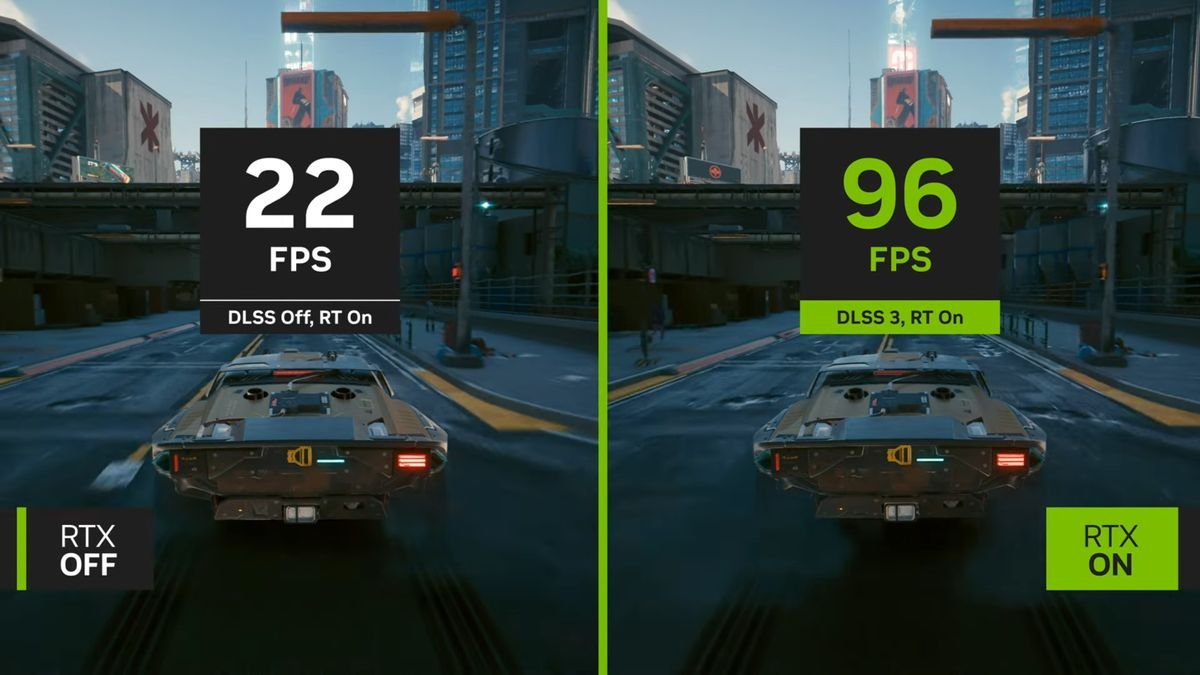
The NeuralScreen 2.1.7 fixes important Frame Generation issues and changes how the program decides which frames should feed DLSS-G. The update, released on September 27, 2026, prevents frames without new visual content from consuming full Frame Generation evaluations and also fixes screen refresh rate-based pacing. In developer tests, simply moving the pointer over a still image caused processing to jump from 144 to 226 slots per second; now, it stays at 144.
The version also resolves two regressions introduced in the 2.1.5 line and adds shortcuts to directly control the number of Neural Rendering passes. Therefore, although classified as a 2.1 series patch, the update alters both the temporal behavior of Frame Generation and neural processing control.
The video above shows the complete NeuralScreen method in use. Below, the article goes into the specific changes of version 2.1.7 for Frame Generation and neural processing.
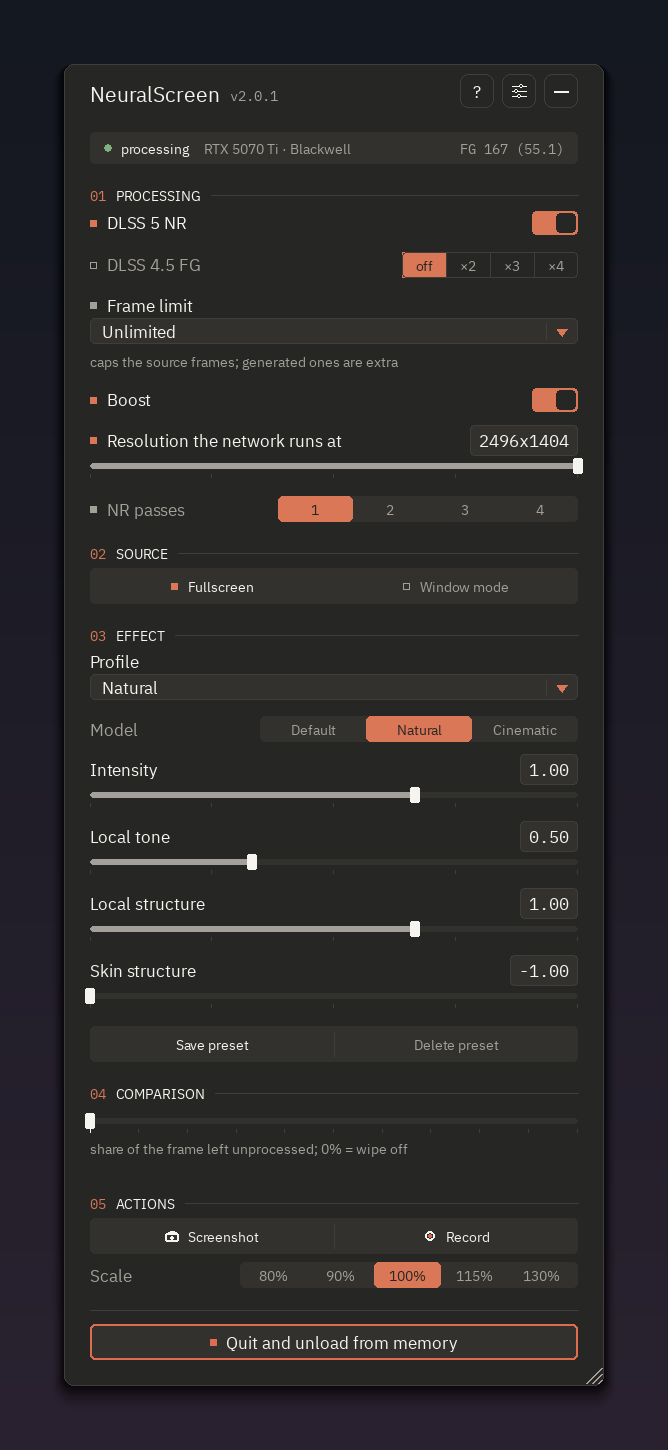
Official interface of the NVIDIA edition of NeuralScreen. The screenshot serves as a reference for the project's interface and does not independently represent the measurements of version 2.1.7. Image: perseval-BLR/NeuralScreen.
NeuralScreen 2.1.7 stops generating frames for repeated images
One of the main fixes targets a behavior that unnecessarily increased the load of Frame Generation. Previously, each frame produced by the NeuralScreen loop entered FG as if it represented a brand new real image.
However, there were not always new pixels. A Desktop Duplication update triggered solely by mouse pointer movement could load the exact same previous image. Likewise, a captured window that had not redrawn its content could return without a useful new image.
Even so, the program treated these events as new frames. Consequently, each one consumed a full set of DLSS-G evaluations and occupied a temporal slot that could interfere with frames generated from actual updates.
According to the developer, this behavior produced a very noticeable symptom: the video could exhibit stutter while the user moved the mouse, while both the counter and GPU load increased.
The NeuralScreen 2.1.7 now retains these frames when there is no truly new image. Furthermore, Frame Generation now distributes the frames using the source's own timestamps, instead of relying on the moment the loop managed to process them.
Mouse movement caused FG to jump from 144 to 226 slots
The developer published a direct measurement to demonstrate the difference. By merely moving the pointer over a static image, the previous implementation caused Frame Generation to jump from 144 to 226 slots per second.
After the fix, the same situation remains at 144 slots per second. Thus, simple cursor movement stops creating extra work as if the captured image had received a full update.
This result should not be interpreted as a game FPS benchmark. The measurement specifically observes the slots processed by the Frame Generation path during the scenario reproduced by the developer.
The behavior complements previous project changes. Allves Games has already detailed how NeuralScreen 2.1.4 fixed the Frame Generation synchronization path. Version 2.1.7 advances on this area, but acts on later and independent issues related to frame selection and effective pacing.
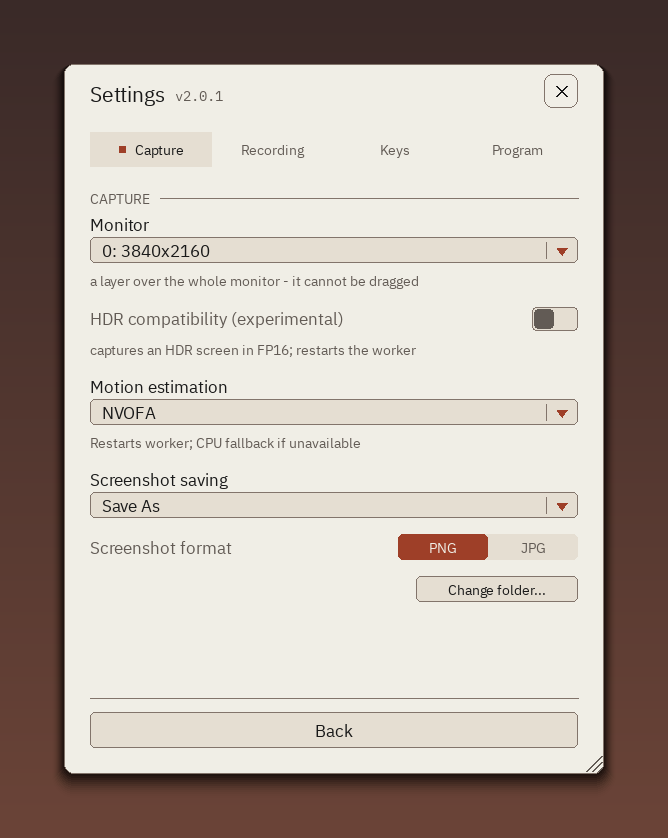
Settings screen of the NVIDIA edition of NeuralScreen. Version 2.1.7 also expands keyboard controls for neural processing. Image: perseval-BLR/NeuralScreen.
Stopped window stops making the loop run hundreds of times
The window capture mode presented a variation of the same problem. When a window had no new content, the capture returned immediately. Thus, a completely static window could cause the loop to execute hundreds of times per second on the same image.
In this situation, Frame Generation seemed not to produce the expected result because the pipeline continued receiving repetitions of the same source.
The update makes the capture wait for the next real frame of the window, bringing its behavior closer to that used in desktop capture.
The test published by the project shows a significant difference. In a static window, the loop went from 232 frames per second to 10 frames per second. Again, this number describes the internal capture behavior in that test, and not the performance of a game.
Frame Generation is now truly display-synchronized
Another important fix involves the mechanism responsible for pacing frame presentation by the display.
The previous line already used a wait object associated with the swap chain's latency. However, this mechanism's counter accumulated one occurrence for each presentation, and normal presentation did not consume that queue.
When Frame Generation started, the object could carry approximately 40 pending signals. Consequently, the presenter's waits returned immediately instead of blocking until the next appropriate display interval.
The log still indicated that the system was being paced by the compositor, but the effective wait could remain at 0.00 ms.
NeuralScreen 2.1.7 clears this counter before starting the FG presenter. Thus, the wait now effectively corresponds to the display's refresh rate.
Test at 144 Hz reduces delayed frames
The developer measured the change using Frame Generation at 4x on a 144 Hz screen. Before the fix, the wait prior to each presentation remained at 0.00 ms.
After the adjustment, each wait now corresponds to a vblank. At the same time, the number of frames discarded due to arriving late dropped from approximately 95 to about 5 every two seconds.
These numbers belong to the configuration tested by the author and should not be generalized to all GPUs, monitors, or workloads. Even so, they directly demonstrate that the previous path was not adhering to the pacing indicated by the log itself.
For those who use the program for games, emulators, or videos, this change is especially relevant because NeuralScreen works on the captured Windows image. Our NeuralScreen guide explains how capture, Neural Rendering, and Frame Generation work, as well as the differences between the NVIDIA and AMD editions.
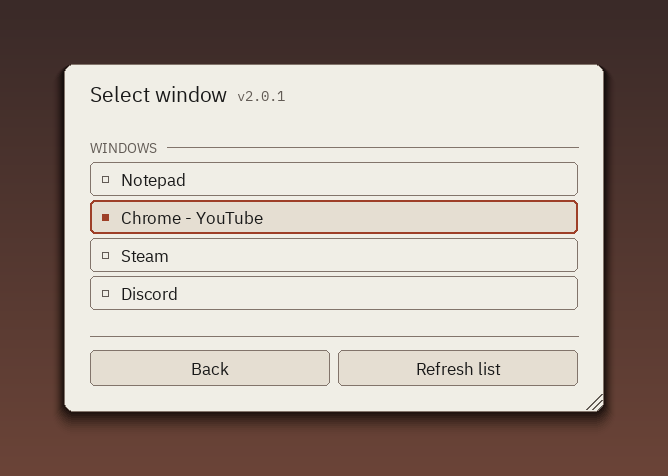
Window selection in the NVIDIA edition of NeuralScreen. Version 2.1.7 specifically fixes capture behavior when a window remains without new frames. Image: perseval-BLR/NeuralScreen.
Two regressions from version 2.1.5 were also fixed
The update also resolves two issues that appeared after the changes in version 2.1.5.
The first one affected static screens. A full second without receiving a new frame was interpreted as a capture pause. When the user scrolled a page again or a video started playing anew, NeuralScreen would reset the Neural Rendering and Frame Generation history.
This reset could cause a hitch right at the start of the movement. Now, the program only resets this history when the capture actually loses its source, such as when closing and reopening the capture or when a window is minimized or hidden.
The second regression involved reopening a capture. A previous fix discarded the first frame of each new session. However, on a still screen, that first frame might precisely be the only available image.
Version 2.1.7 now only discards an initial frame that is truly empty. In addition, the update fixes switching from a disconnected monitor when it corresponded to output 0.
NeuralScreen 2.1.7 adds shortcuts for NR passes
The patch also brings a new feature directly related to Neural Rendering. Now, Num+ and Num- increase or decrease the cascade between 1 and 4 passes.
Shortcuts can be remapped in Settings → Keys. Furthermore, the warning displayed by the program indicates how many passes are actually running.
This distinction matters because the cascade relies on Boost. An image that is too small to reduce the working resolution further may run only a single pass, even if the user requested a higher quantity.
Therefore, the new control does not mean that four passes will be applied unconditionally to any source. The program continues to respect the conditions necessary to build the cascade.
Using multiple passes can considerably increase the computational cost. Thus, a larger quantity should not be automatically interpreted as the best setting for gaming. Utility depends on resolution, GPU load, the image, and the test objective.
What actually changes in this update?
The main delta in version 2.1.7 lies in the temporal handling of Frame Generation. The program now distinguishes a real image update from events that merely repeat already processed pixels.
At the same time, the presenter now correctly consumes the pacing imposed by the display, rather than encountering stale signals accumulated in the wait object.
The two changes address different, yet related problems. The first avoids unnecessary evaluations of DLSS-G. The second seeks to deliver the generated frames at the appropriate moment.
The regression fixes also reduce unnecessary resets when a scene starts moving again. Finally, the Num+ and Num- shortcuts make testing multiple passes of Neural Rendering faster, without requiring manual control changes with each comparison.
Results still belong to the developer's tests
The published measurements are useful because they include reproducible scenarios and before-and-after numbers. However, they come from the project's own tests.
The release does not publish an independent set of benchmarks across different GeForce cards, resolutions, and monitors. Therefore, it is not yet possible to state what the reduction in load or stutter will be in all configurations.
It is also important to separate Frame Generation from Neural Rendering. Although both are part of NeuralScreen, DLSS-G generates intermediate frames, while Neural Rendering performs another type of processing on the image. Version 2.1.7 touches both paths, but for different reasons.
The project still requires an updated NVIDIA driver and remains a community tool, with no official link to NVIDIA.
Sources: NeuralScreen v2.1.7 — official release | NeuralScreen — official NVIDIA edition repository.


Pingback: NeuralScreen 2.1.8 corrige hotkeys e capturas