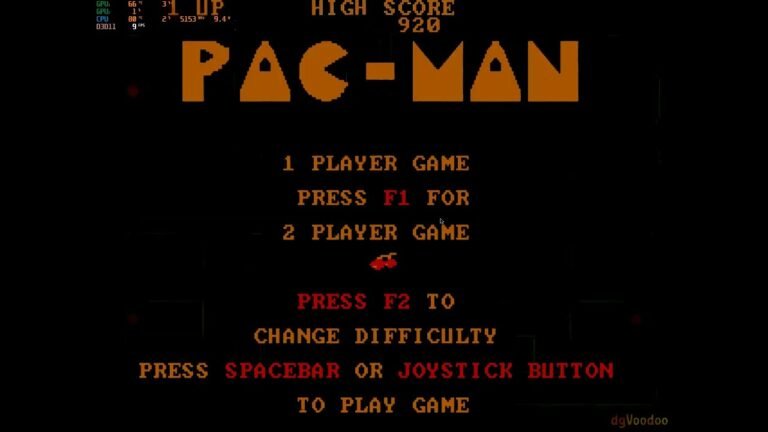
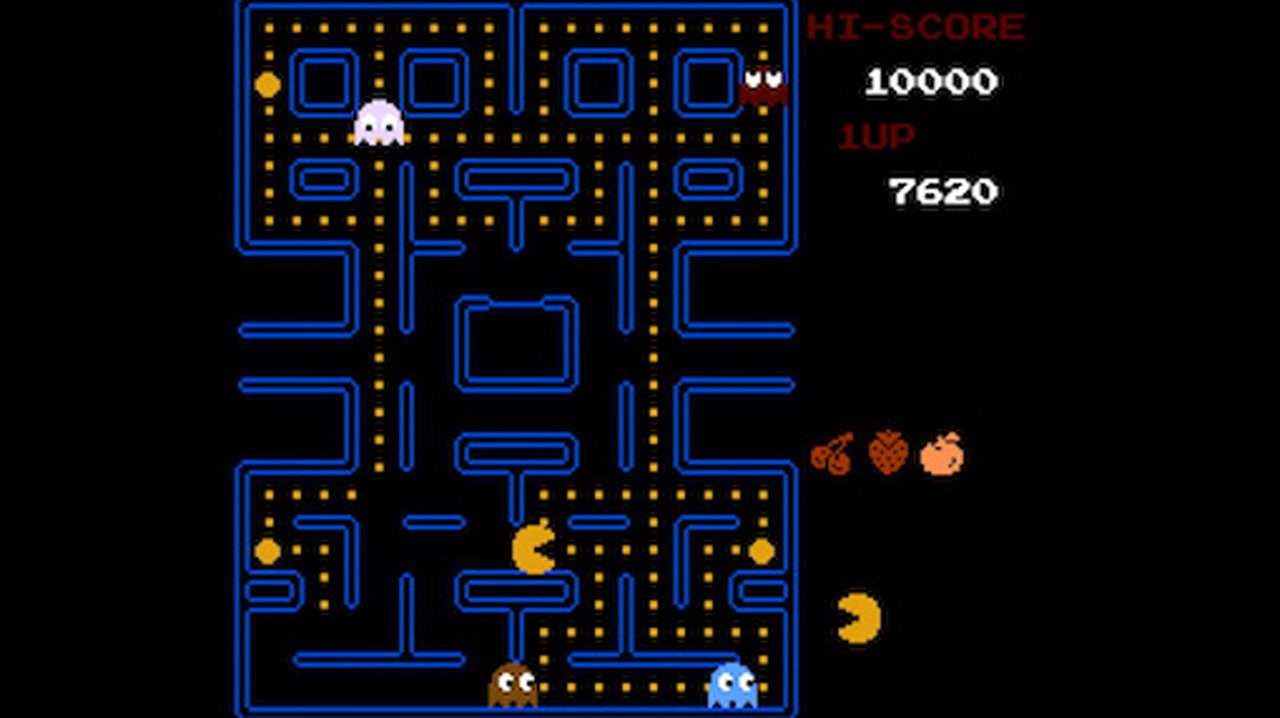
PacManRecomp has reached version 1.1.1 with a native recompilation of Pac-Man from the NES to 64-bit Windows 10 and 11. The project maintains the cartridge logic, but adds a launcher, modern controls, rumble, video options, and a simple mod system.
In addition, the current version simplifies installation: instead of requiring heavy tools and several minutes of compilation, the package of about 5 MB prepares the game locally from the user's own ROM in a few seconds.
PacManRecomp 1.1.1 fixes gameplay and improves installation
In turn, the 1.1 series changed how the project is distributed. The ZIP does not contain Namco commercial code. On the first run, the recompiler and TinyCC use the user-provided ROM to locally generate the file required for the game.
In this context, version 1.1.1 consolidates fixes made after 1.1.0, including gameplay behavior, controls and menus, window scaling, and adjustments to the level selector. Thus, the experience became closer to the expected behavior of the original cartridge.
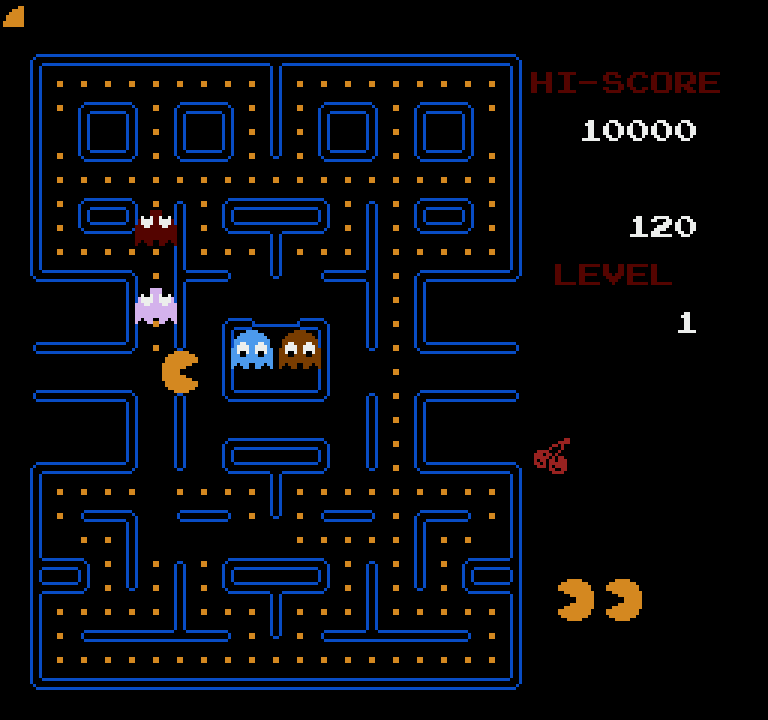
NES Pac-Man running via PacManRecomp, with a level counter added by the project. Source: Mr-Shizzy/PacManRecomp.
Native version maintains the game and adds modern features
Even so, the main goal remains to preserve the Namco version of Pac-Man for NES. Thus, the original cartridge program is translated into C and compiled as native code, without relying on a traditional emulator to execute the game logic.
On top of this base, the project offers fullscreen, integer scaling, optional smoothing, overscan, separate volume for music and effects, and keyboard or gamepad remapping. The rumble also reacts to different events, such as vulnerable ghosts, Pac-Man's death, and collecting dots.
In addition, there is a high score table, level counter, optional cheats, and mod support. The mod system can export graphics and sounds to easy-to-edit files and then automatically rebuild the visual package.
How to download and install PacManRecomp 1.1.1 on Windows
However, the public package does not include the ROM. You need your own legally acquired copy of Pac-Man (USA) (Namco) for NES. The Tengen edition uses a different program and is not compatible.
- Download the latest PacManRecomp package for Windows.
DOWNLOAD UPDATED PAC-MAN WINDOWS PORT
- Extract the ZIP to a common folder on Windows.
- Copy your legally acquired Pac-Man ROM to the same folder. The file name can be different, as long as it is the correct Namco version.
- Open PacManRecomp.exe. The launcher attempts to locate the ROM automatically; if necessary, select the file manually.
- Press Play. The first time, a window prepares the game for a few seconds and then removes the temporary tools used in this step.
After the initial preparation, subsequent launches are direct. Additionally, the launcher has an optional update that preserves settings, high scores, and mods when a new version is installed.
PacManRecomp was also designed for mods
For example, the project organizes each graphic into PNG files with clear names and allows replacing sounds with WAV files. This way, anyone who wants to create a mod does not need to directly edit the small cartridge tiles or maintain a complex HD pack configuration file.
Similarly, the launcher can export images and sounds to a new mod folder. Afterward, the user can edit these files in common programs and select the result through the game's own menu.
This focus on preservation and ease of use brings the project closer to other recompilations we follow, such as Phase Distorter for EarthBound and the Conker Recompiled, although each uses a different technical approach.
Version 1.1.1 is the current reference
The agenda started on version 1.1.0, but it has already been replaced by 1.1.1. Therefore, the download for this article comes with the most recent release instead of tying the button to an old file.
The developer continues to accept feedback on compatibility and behavior. Even so, the current version already offers a simple path to run the Namco version of Pac-Man on Windows as a recompiled application, using only the user's own ROM.
Sources: PacManRecomp on GitHub; official releases; developer announcement and feedback on Reddit.