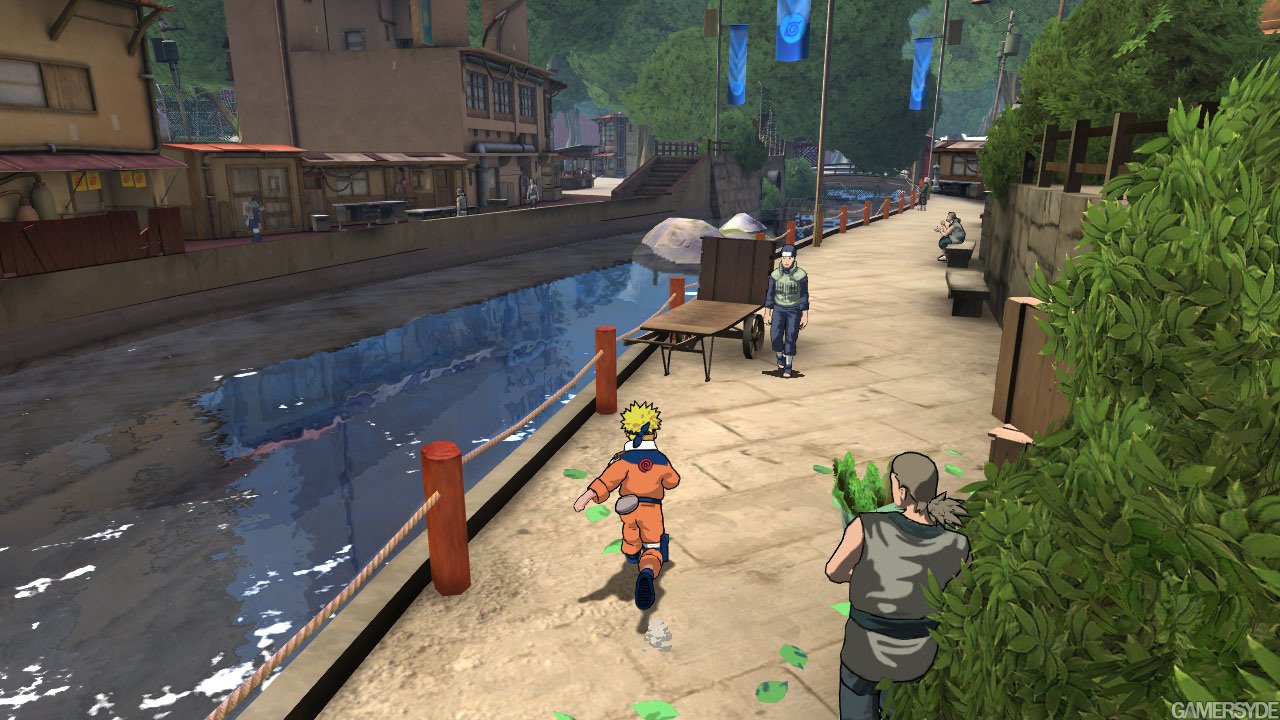
Naruto Rise PC received its first public beta for Windows x64 on October 5, 2026. Furthermore, the project brings Naruto: Rise of a Ninja, originally from the Xbox 360, to native PC execution via recompilation and already distributes an official installer and portable package.
Beta 1 is treated by the developer itself as a test version. Even so, the README confirms features such as 21:9 and 32:9 ultrawide, 1× to 4× resolution scaling, DLC support, an English and Brazilian Portuguese launcher, as well as options for fullscreen, VSync, anisotropic filtering, and FXAA.
Official logo of the Naruto: Rise of a Ninja Recomp project.
Naruto Rise PC already offers a beta for Windows
The v1.0.0-beta.1 release brings two formats: the installer NarutoRiseInstaller.exe and the portable package naruto-rise-recomp-win-amd64.zip. In turn, the installer can also import the user's own ISO, while the portable version works with the extracted game files.
The game uses Direct3D 12 as its default backend and requires Windows x64. Additionally, the launcher uses Direct3D 11 and recommends an SDL-compatible controller; mouse and keyboard are disabled by default.
Naruto Rise PC gets ultrawide and DLC
Among the modern improvements are 21:9 and 32:9 support, a 16:9 option, internal scaling up to 4×, and anisotropic filtering up to 16×. In addition, there is FXAA, an FPS and frametime overlay, and an option to skip intro videos.
DLC support allows importing packages via the launcher and installing STFS content during startup. On the other hand, the repository does not include commercial game data or DLC packages.
How to download Naruto Rise of a Ninja on PC
- Download the desired format for Windows x64. The installer is the most guided option; the portable ZIP is recommended for those who prefer to prepare the files manually.
DOWNLOAD NARUTO RISE PORT WINDOWS UPDATED INSTALLER
DOWNLOAD NARUTO RISE PORT WINDOWS UPDATED PORTABLE
- Use only the files from your own legally acquired copy of Naruto: Rise of a Ninja for Xbox 360. The project does not provide the game.
- In the installer, import your ISO when prompted. In the portable version, place the extracted files in the indicated folder or select the folder through the launcher.
- Open
narutorise_launcher.exe, choose screen aspect ratio and graphics options, and start the game.
Thus, the two routes above follow the project's most recent public release and currently resolve to beta 1.
Port joins other Xbox 360 recompilations
The work uses the ReXGlue SDK to ahead-of-time translate the game's PowerPC code. In this regard, the approach is similar to other recent Xbox 360 projects, such as The Simpsons Game Recompiled and the native port of King Kong.
On the other hand, the developer also maintains presets for other platforms, but the README itself makes it clear that they do not yet represent full or verified support. Therefore, in this beta the confirmed public platform is Windows x64.
Sources: official repository; release v1.0.0-beta.1.