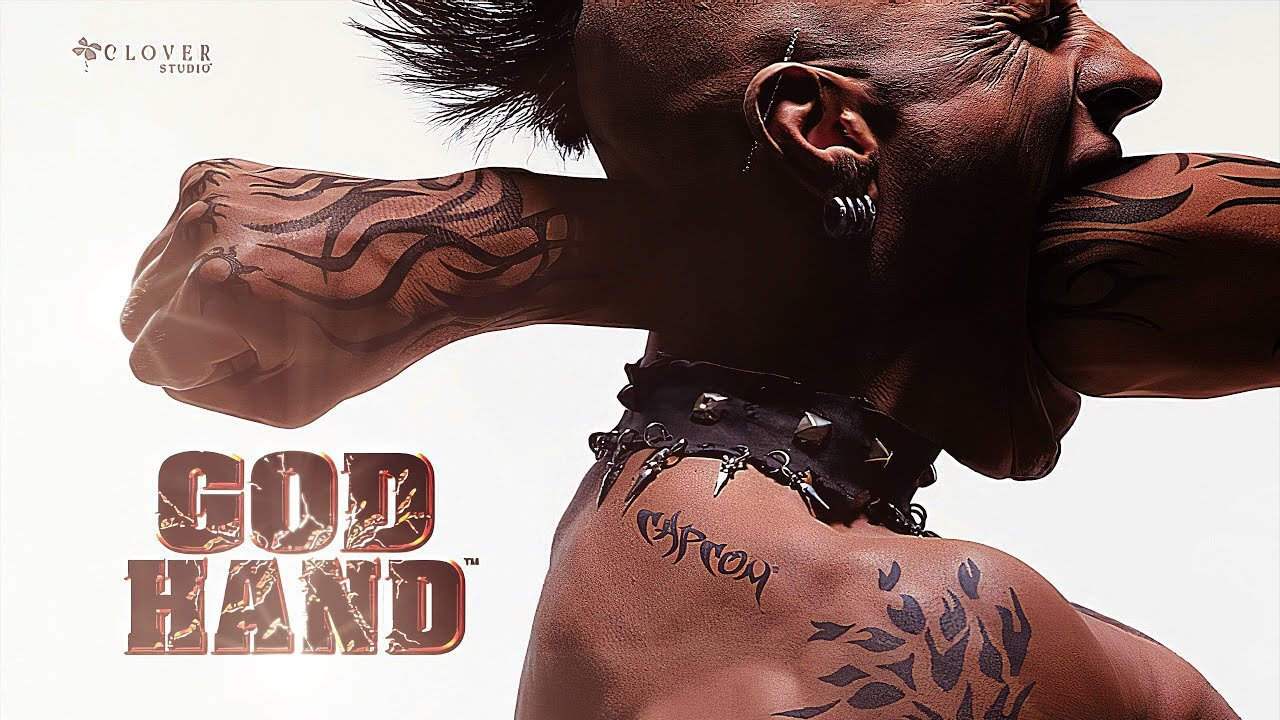
God Hand: Rearmed, a fan-made project that recompiles the PlayStation 2 action classic for Windows, received version 0.6.9.1 Beta on November 19. The update brings fixes to the enemy stun indicator, adjustments to modern controls, improvements to the launcher, and more available memory for mods and larger models.
In practice, the project allows playing God Hand on PC as a native program, without running the game inside a traditional emulator instance. Even so, the team keeps the PCSX2 graphics renderer integrated into the port. The package does not include the game files; therefore, the player needs to provide an image of the original North American edition, identified by the serial SLUS-21503.
What changed in God Hand: Rearmed 0.6.9.1?
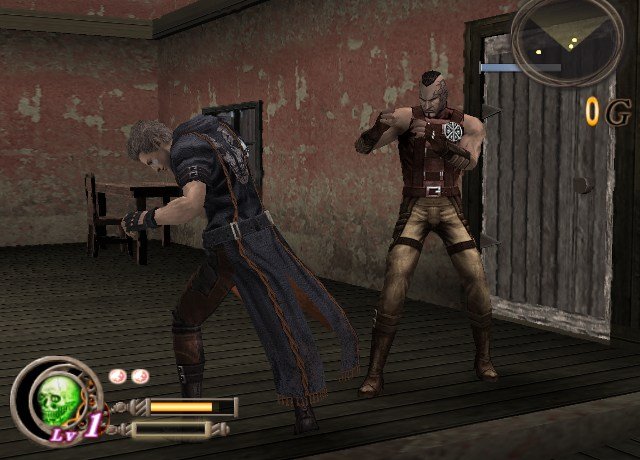
Among the main new features is the return of the layout Modern: Hold, which had already appeared in an alpha version. In this mode, the player holds L1 to enter combat with tank controls and double-taps the button to perform a 180-degree turn. Meanwhile, those who prefer to toggle the mode manually can choose Modern: Toggle, a name the team now uses for the former Modern scheme.
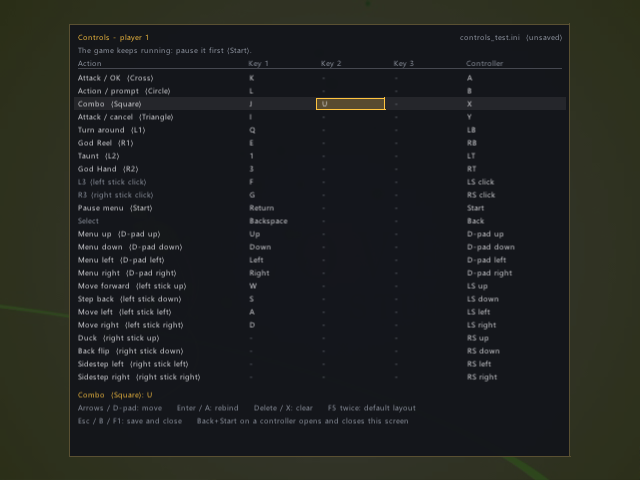
Additionally, the automatic mode has gained a more practical behavior: when the player combines Auto with Modern: Hold, the game itself ends combat mode as soon as no enemies are found nearby. The Remastered, Rearmed, and Sleazy Mode presets have also started using Modern: Hold as their default setting. However, players who already have an installation with these presets may need to select them again to apply the change; until then, the launcher may show the setting as Custom.
Version 0.6.9.1 also fixes an issue related to the Sway Bar. Previously, defeating the sub-bosses Mr. Gold or Mr. Silver could remove the health and stun bars of the remaining enemies. Now, the game keeps these indicators after both characters are defeated.
Another improvement benefits those who connect more than one controller to the computer. Starting from this version, the device that sends the most recent command takes direct control of the game. Thus, the player can switch between controllers without restarting the session.
The launcher also gained a presentation of the new features in a newspaper format and smoother navigation through the pre-rendered interface. Furthermore, the notes mention new actions associated with the Y/triangle and X/square buttons when the player uses a controller. The team, however, does not detail the behavior of each command individually.
More memory for mods and models
On the technical side, the update adds 128 MB of RAM in addition to the 32 MB originally available for the game. According to the developers, this extra memory makes room for larger mods and models. The team also confirmed that old save states and test cases continue to load after the change.
To facilitate problem analysis, the testing system now identifies each replay with a digital fingerprint. In addition, the team compares snapshots of the entire game memory with the data from the previous build. This way, those responsible for the port can locate behavioral differences between versions.
What is God Hand: Rearmed?
Clover Studio originally released God Hand for PlayStation 2 in 2006. Rearmed, in turn, is an unofficial project that recompiles the game's code to generate a Windows executable. Therefore, this is not an official PC release by Capcom, but rather a community effort that is still in development.
Among the project's features are a 60 FPS mode, aspect ratios up to 32:9, internal resolution up to 8x, camera options, modern or classic controls, configurable shortcuts, and support for texture packs in the format used by PCSX2. Although the game runs the recompiled code for Windows, the port still takes advantage of the PCSX2 graphics renderer.
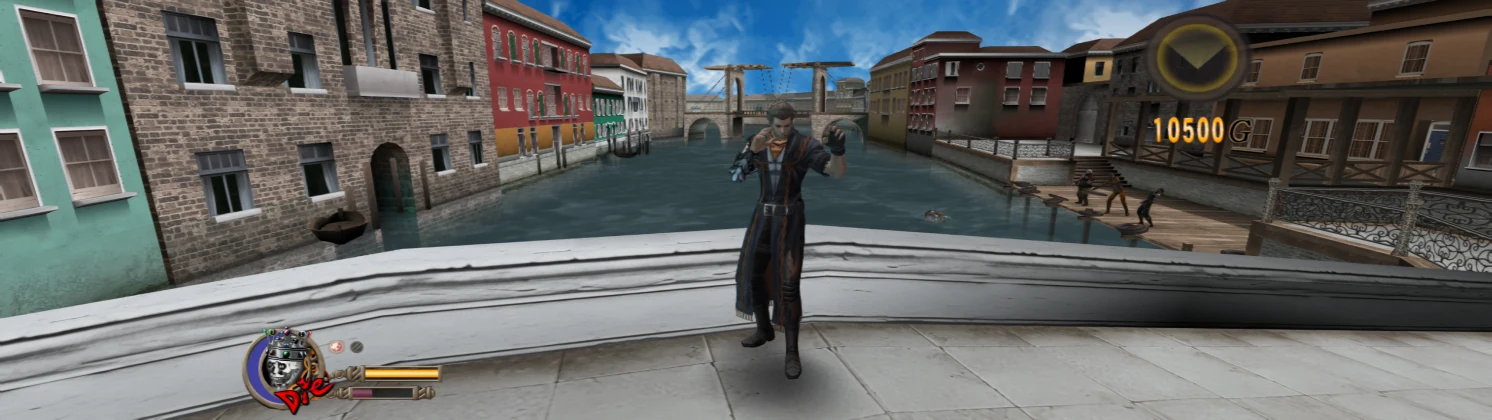
It is worth noting that the developers classify the version as beta and warn that bugs may still arise. According to the official README, the game works from beginning to credits. This information, however, represents the team's own account, not an independent test performed by Allves Games.
How to download and install
The release comes with a ZIP file of approximately 74 MiB, named GHR-v0.6.9.1.zip. To get started, download the package and extract the contents to a folder with write permissions. The team recommends avoiding the Program Files folder, as the launcher updates the installation files in place.
- First, download the package using the button below and extract the ZIP to a folder of your choice.
- Next, run the file GHR.exe to open the launcher.
- Next, indicate your own disc image of God Hand. The documentation points to the North American edition, serial SLUS-21503, in ISO or CHD formats.
- Finally, choose one of the available presets and press Play.
On first launch, the screen may remain black for some time while the program prepares the shaders for the graphics card. According to the documentation, this wait is part of the initial process and tends not to repeat in the same way on subsequent runs.
As for security, the executable does not have a digital signature. Because of this, Windows SmartScreen may display an unknown publisher warning, something the project itself informs users about. Before running any file, make sure the download came from the official repository and that the package name matches the indicated release.
Requirements and compatibility: the compilation guide indicates Windows 10 or 11 and a relatively modern graphics card. Meanwhile, Visual Studio 2022 Build Tools and Python 3.10 or higher come into play only for those who intend to compile the project from source code; the guide does not present them as dependencies for running the pre-compiled ZIP. So far, the team still does not offer official support for Linux or Steam Deck.
View full release notes for version 0.6.9.1 on GitHub
More PC recompilation projects
The advancement of initiatives like Rearmed accompanies a wave of projects attempting to bring older console games to computers through recompilation. To better understand this scenario, also check out Allves Games's article on PS2 Native Recomp and the overview of PlayStation 2 games that already exhibit varying levels of functionality.