The independent project DOAXBV-Re 0.6.0-rc1 now offers experimental support for macOS, Linux, and Steam Deck in the adaptation of Dead or Alive Xtreme Beach Volleyball, originally released for Xbox. According to the official release candidate, the new packages appeared on October 10, 2026. However, the maintainer does not confirm that the entire game has been tested on these platforms, and the files for Mac and Linux require local preparation.
Dead or Alive Xtreme Beach Volleyball arrives on Mac and Linux
The update brings build scripts for Mac with Intel and Apple Silicon processors and for x86-64 Linux, including SteamOS environments. The procedures use build_game.sh and launcher.sh and depend on compatible tools and libraries, as per the official documentation.
On Linux, the project uses system Vulkan and shaderc. However, the available logs describe only initial tests: the Mac version reached options and save menus, while a contributor reported access to menus on Steam Deck at 60 FPS. This does not prove full gameplay or 60 FPS in matches.
Dead or Alive Xtreme Beach Volleyball adjusts textures
In addition to the new platforms, the 0.6.0 release candidate introduces optional high-refresh-rate presentation on Windows. The option RECOMP_SPLIT_RATE=auto provides interpolation for the camera, characters, and ball while maintaining the simulation at 60 Hz. This does not mean that the game logic starts running at a higher frame rate.
The changelog also describes texture replacement with PNG, commands for image dumping and reloading, and graphics, audio, and save fixes. Some options, such as VRR, remain experimental.

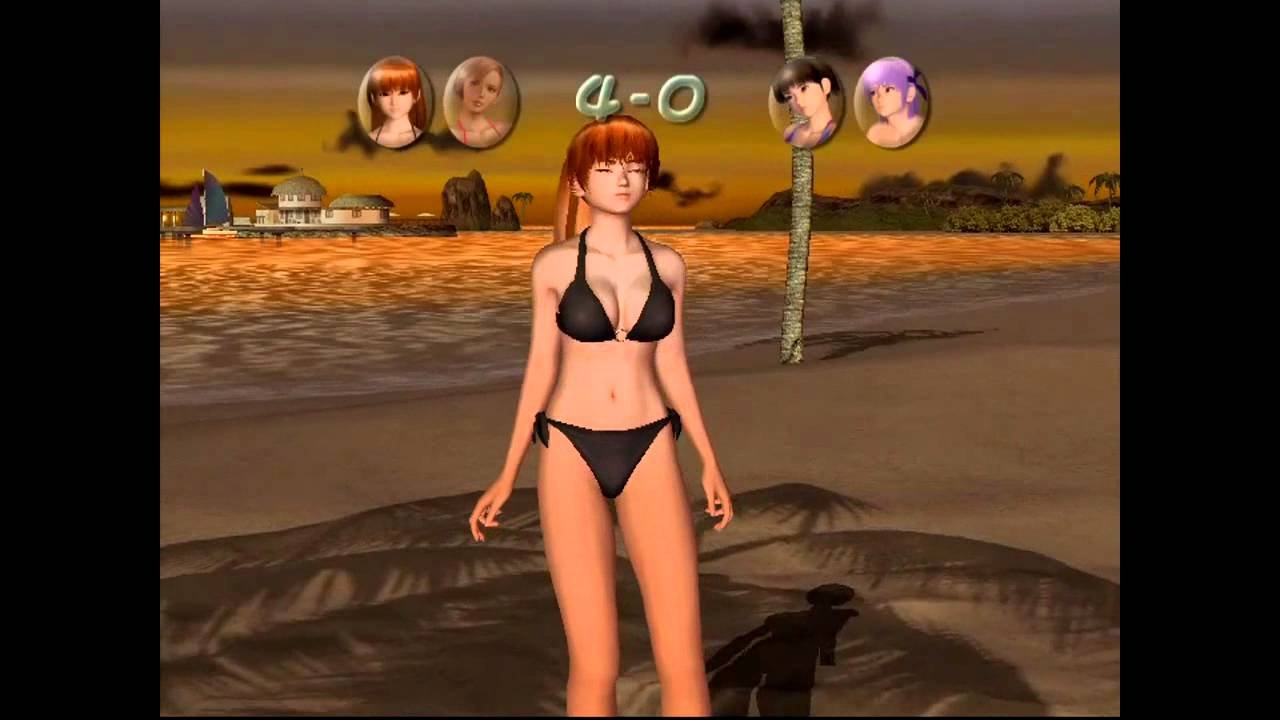
Opening scene of the original Dead or Alive Xtreme Beach Volleyball for Xbox. Illustrative image; it does not represent the port running on Mac, Linux, or Steam Deck. Source: Allves Games collection / original game.
What is not yet working perfectly?
Mac and Linux builds still have missing or incomplete features, including fog, certain lights, sea effects, SMAA, and custom music support. Therefore, the project maintains the stable version 0.5.3 as a reference for users who prefer a less experimental experience.
Differences in operating system, GPU, and drivers can alter the result. Thus, it is not correct to announce definitive support or functionality of the entire campaign based on a simple menu test. In another independent project, the Midtown Madness 3 PC port also works with an original Xbox game, but uses a different technical base.
How to obtain the official files
The release 0.6.0-rc1 lists ZIP variants for Windows, macOS and Linux. The Mac and Linux files are small because they contain build scripts and resources, not a ready-to-play copy of the game with commercial content.
- Open the official release candidate page and choose the package for your system.
- Read the variant's README and install the dependencies indicated by the author.
- Prepare an image of your own legal copy of Dead or Alive Xtreme Beach Volleyball for Xbox, according to the project requirements.
- Run the build script and, after completing the process, use the indicated launcher. Check the specific warnings for macOS or Linux.
No ready-to-use installers for all platforms or automatic download routes have been verified. Thus, the links lead to the official files without promising one-click installation.
How to download DEAD OR ALIVE XTREME BEACH VOLLEYBALL
The 0.6.0-rc1 release candidate provides the official packages below. This is an experimental project; follow the instructions to use the files from your own copy of the Xbox game.
- First, check the requirements, required proprietary files, and installation instructions at official developer release.
- If this is your platform, download the package for WINDOWS.
- If this is your platform, download the package for LINUX.
- If this is your platform, download the package for MACOS.
- Finally, follow the repository instructions, without distributing or downloading commercial game files or protected third-party data.
Sources: release 0.6.0-rc1; changelog; official repository.