The Finest Hour Remastered received its public version 1.0 on October 17, 2026, and a cumulative update on October 19. The project by crazyriddler brings Call of Duty: Finest Hour, from the original Xbox, to Windows with a Direct3D 12 renderer. In addition, it offers real-time shadows, upscaled textures, and keyboard, mouse, and gamepad controls.
This is a community adaptation of the 2004 game, with no affiliation with Activision. According to the author, the work recompiles the x86 code into C++ and replaces Xbox functions with Windows components. However, the user must provide their own compatible copy of the game.
Finest Hour Remastered overhauls the graphical presentation
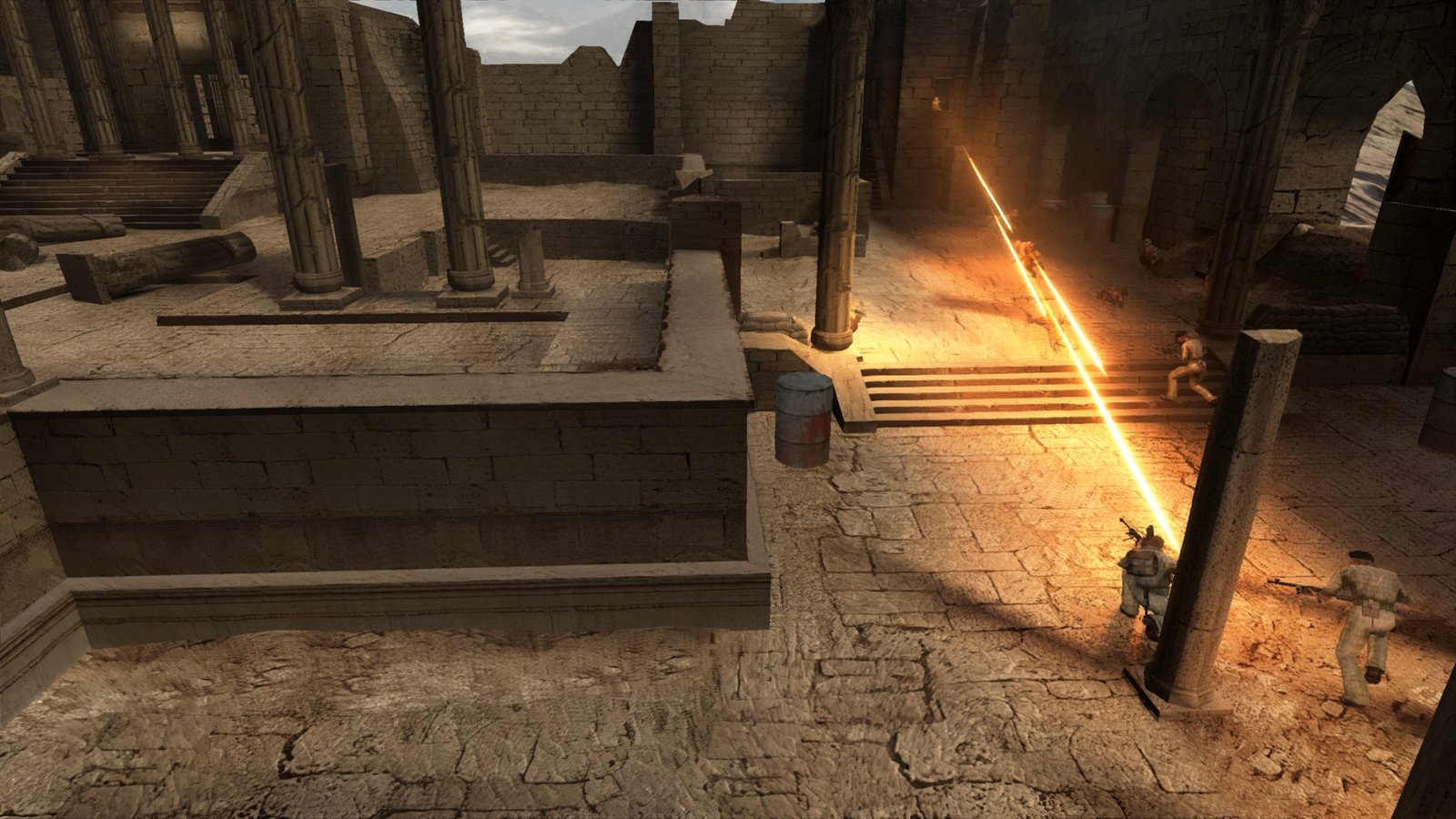
For example, the renderer includes per-pixel lighting, character and object shadows, dynamic gunshot and explosion lights, reflections, and volumetric fog. In addition, the project adds water effects and footprints in the snow. These features come from the developer's documentation.
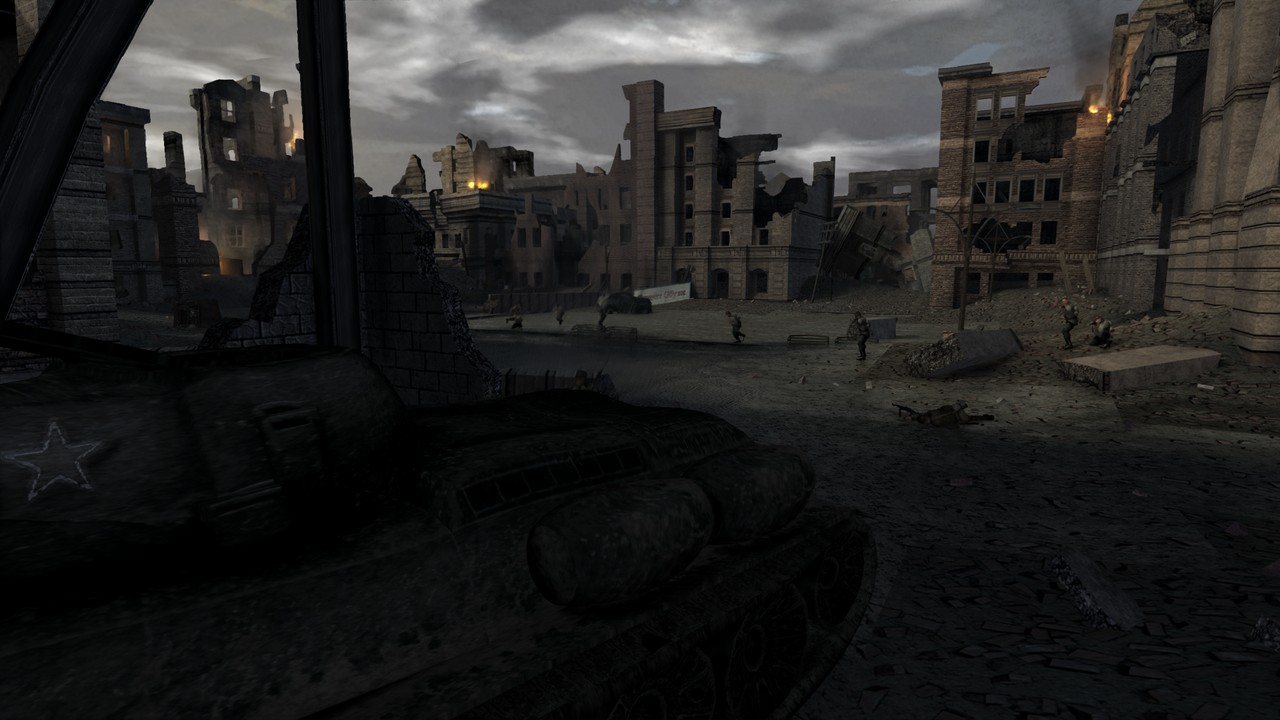
Furthermore, textures undergo a fourfold upscaling with AI assistance, accompanied by material maps. However, this does not mean all of them are native 4K textures. The author also describes fonts and HUD remade in higher resolution.
Unlocked FPS and PC controls
In the video options, the limit can range from 30 to 360 FPS or be unlocked. In addition, the program offers field of view adjustment, VSync, and widescreen, maintaining HUD proportions. However, the October 19 update removed the render scale: the image now uses the screen resolution, according to the official patch notes.
Input support includes keyboard and mouse with remapping, as well as Xbox, PlayStation, and Switch controllers. In this case, the PC Settings menu centralizes the adjustments, with an F10 shortcut. However, the existence of a 360 FPS option does not guarantee that performance on every computer.
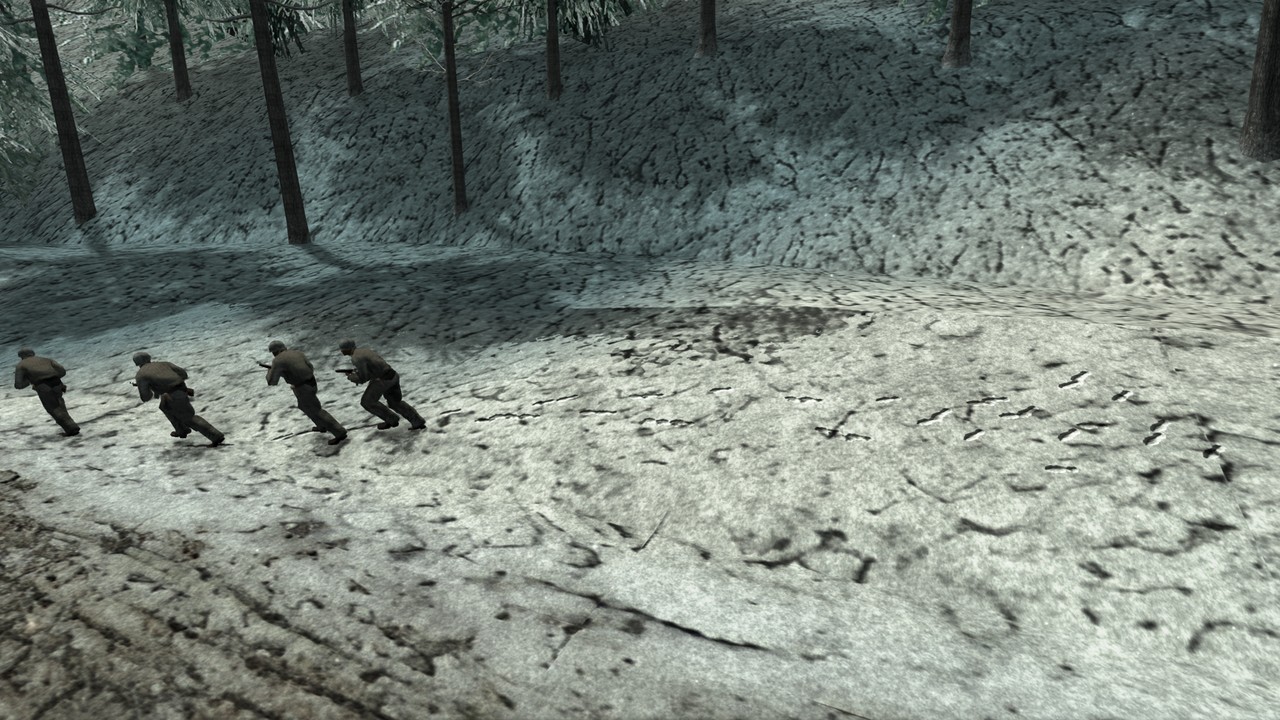
The developer mentions over 60 FPS at 1440p with a recent mid-range GPU, but does not provide a precise model there to generalize the result. Therefore, this indication should be understood as the author's report. No performance testing was conducted in this investigation.
Requirements and compatible Xbox edition
The project requires 64-bit Windows 10 or 11, a Direct3D 12 graphics card with at least 4 GB of VRAM, and about 9 GB of storage. In addition, it specifically accepts the edition European PAL, version 3, for the original Xbox, with title 4156002A.
The installer reads the user's own game folder, ISO or XISO image and checks the edition. Therefore, having another commercial version does not guarantee compatibility. In addition, the documentation lists English, French, Italian, and Spanish for text and voice; Portuguese does not appear in this list.
How to download Finest Hour Remastered
The installation requires five files in the same folder. In addition to the small installer, it is necessary to download the index and the three data parts. Furthermore, these parts total approximately 5.2 GB in decimal units; the installation space indicated by the author is about 9 GB.
- Download all five official files below, keeping their original names and the same destination folder:
First, get the installer, which is approximately 14.2 MB. In this case, it coordinates the file preparation and requests the compatible copy of the game.
Next, download the index, which is about 619 KB. It also needs to be placed alongside the installer.
Finest Hour Remastered data parts
Then, get the first part of the data, approximately 1.99 GB in size. It needs the next two parts to make up the package.
Now, download the second part, also approximately 1.99 GB in size. Keep the end .002 in the name.
Finally, complete the set with the third part, approximately 1.23 GB in size. The MP4 trailer of the release is optional and does not replace any of these files.
- Open
FinestHourRemasteredSetup.exein the folder with the index and the three parts. - Select the files or disc image from your own compatible Xbox PAL edition.
- Choose the installation folder and confirm Install, as per the author's guide.
- On first launch, wait for the shaders to prepare for your GPU. Afterward, adjust the controls and options in PC Settings.
According to the README, saves are located in the folder hdd, settings in codfh.toml and the shader cache in shadercache. Therefore, keep a backup of your saves before replacing the installation files. No package was downloaded or executed in this review; download verification used public metadata.
Project continues to receive fixes
The October 19 cumulative update adds pre-calculated lighting and reflections, in addition to SMAA and MSAA options. According to the author, these adjustments reduce flickering and graphical cost. However, the improvements described are project claims, without independent testing in this report.
In addition, the full installer already incorporates the most recent update. Therefore, anyone doing a fresh installation still needs the five files above; anyone who has already installed version 1.0 can use only the approximately 14.2 MB updater.
How to update Finest Hour Remastered
- First, download the official updater below for an existing installation.
- Next, open
FinestHourRemasteredUpdate.exe, select the folder where the port is installed and confirm Update. - Finally, check
version.txtnext to the game to check the installed version. According to the author, the update preserves saves and settings.
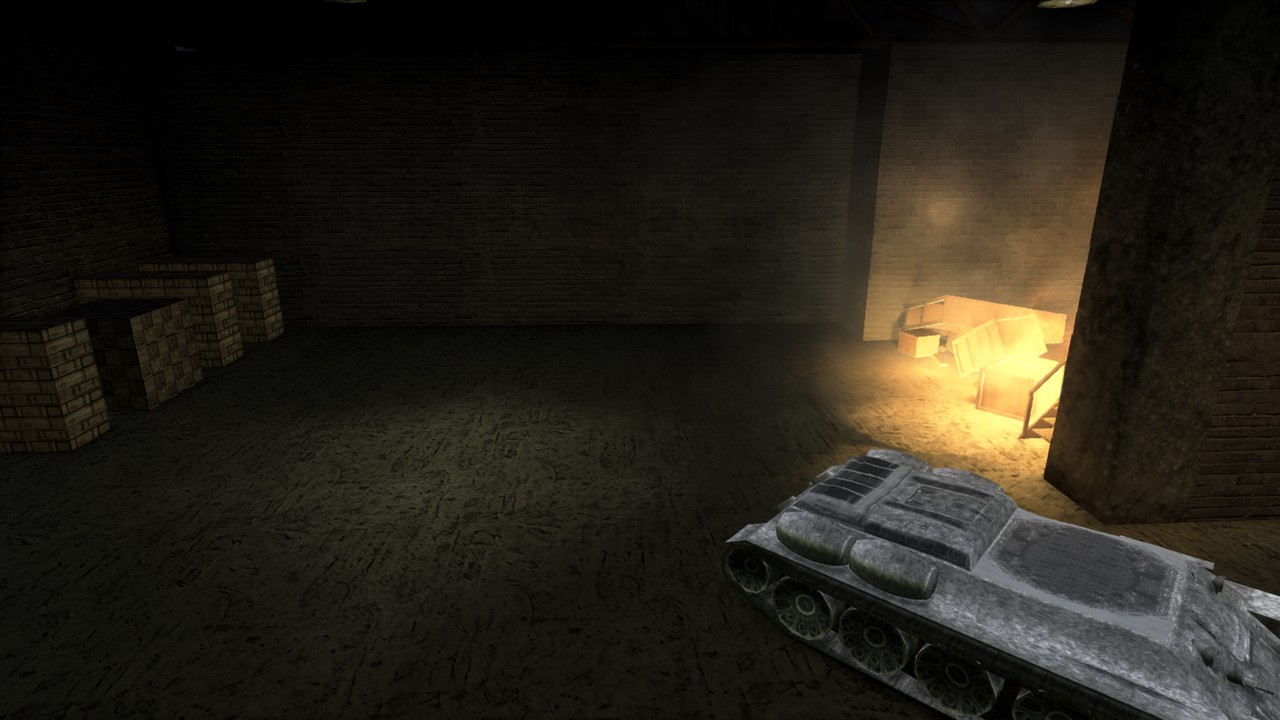
Thus, the public release should not be confused with a fully validated campaign without flaws. The images and trailer are demonstrations by the maintainer and do not replace independent testing. The project also does not represent an official remaster from Activision.
To follow other adaptations, see the coverage of Modern Warfare 2 on Android and Army of Two PC port. These are different initiatives, with their own requirements and limitations.
Sources: Finest Hour Remastered 1.0 — full installation; cumulative update for 10/19/2026; Current project README; original version 1.0 documentation and its images.