
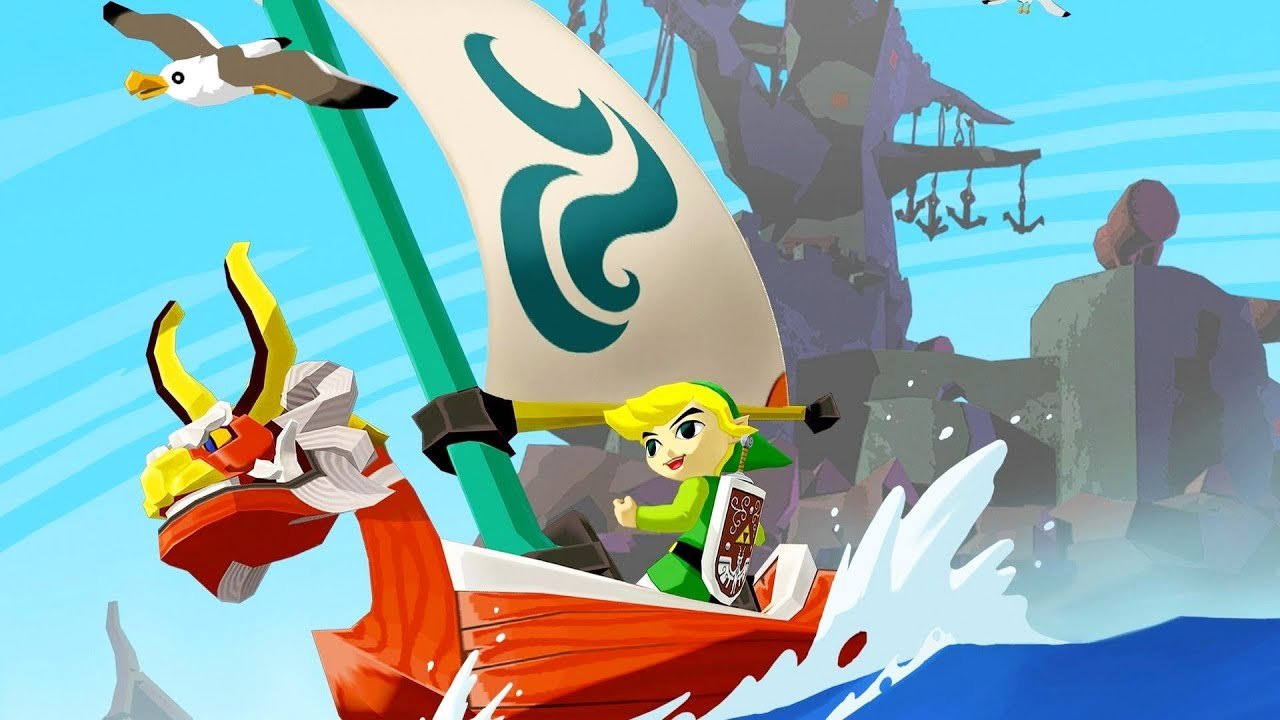
BlueWake was publicly unveiled on September 28, 2026 as an experimental port of The Legend of Zelda: The Wind Waker for iPhone and iPad. The project ahead-of-time recompiles the PowerPC code of the original GameCube version for ARM64, uses Metal for graphics, and does not require JIT at runtime. The developer build already maintains 30 FPS on an M2 iPad Pro, although later parts of the campaign still need testing.
The technical distinction is important. BlueWake does not run the game in the same way as a traditional GameCube emulator. On the other hand, it is not a complete rewrite of the game either: the runtime derives from Dolphin and continues to emulate original hardware services, while some rare instructions may still fall back to an interpreter.
BlueWake recompiles Wind Waker for ARM64
According to the official BlueWake documentation, the process translates the main executable and the 415 game modules into ARM64 ahead-of-time. This step takes place on the Mac when creating the app, rather than on the iPhone or iPad while the player is running The Wind Waker.
Therefore, the project does not rely on a Just-in-Time recompiler. After conversion, the application runs native ARM64 code and uses a compatibility layer for memory, timing, disk, memory card, controllers, and DSP audio.
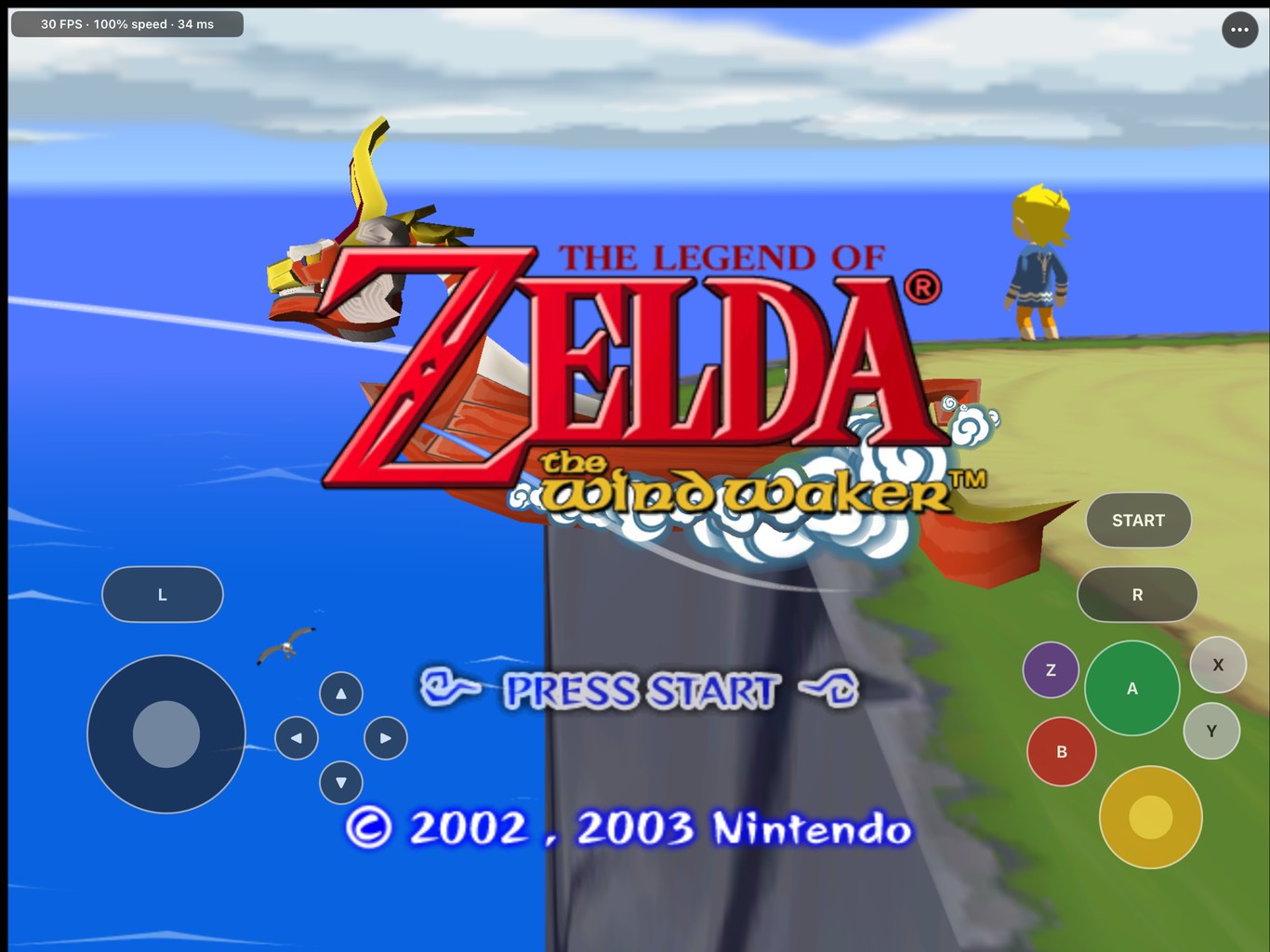
For graphics, BlueWake uses Metal. The project relies on components from RecompCore and DolRecomp, as well as the Aurora renderer. However, the documentation avoids classifying the system as completely emulation-free: the Dolphin-derived runtime still implements parts of the GameCube environment.
BlueWake is not the same as running Dolphin on the iPhone
The architecture places the project in a different category from iCube, which recently ran GameCube and Wii games without JIT on the iPhone and iPad. iCube remains a Dolphin-based emulator and can run several games. Meanwhile, BlueWake specifically prepares the code of The Wind Waker for ARM64 before execution.
Thus, calling BlueWake simply a “Dolphin without JIT” would also be inaccurate. The CPU follows a static recompilation path, while the runtime provides the necessary services for the recompiled code to continue interacting with an environment equivalent to what the game expects.
BlueWake maintains 30 FPS on M2 iPad Pro
The numbers published by the developer provide enough context to avoid generalization. On the 12.9-inch iPad Pro with M2 chip, the development build maintained 30 FPS at full speed. In a 44-minute session, the project recorded only 14 seconds below 29 FPS, concentrated in small drops during area loading.
The iPhone 14 with A15, on the other hand, showed 30 FPS during most of the test, but dropped to approximately 25–27 FPS in heavier scenes and during the home screen animation. Therefore, 30 FPS should not be treated as guaranteed performance on any compatible iPhone.
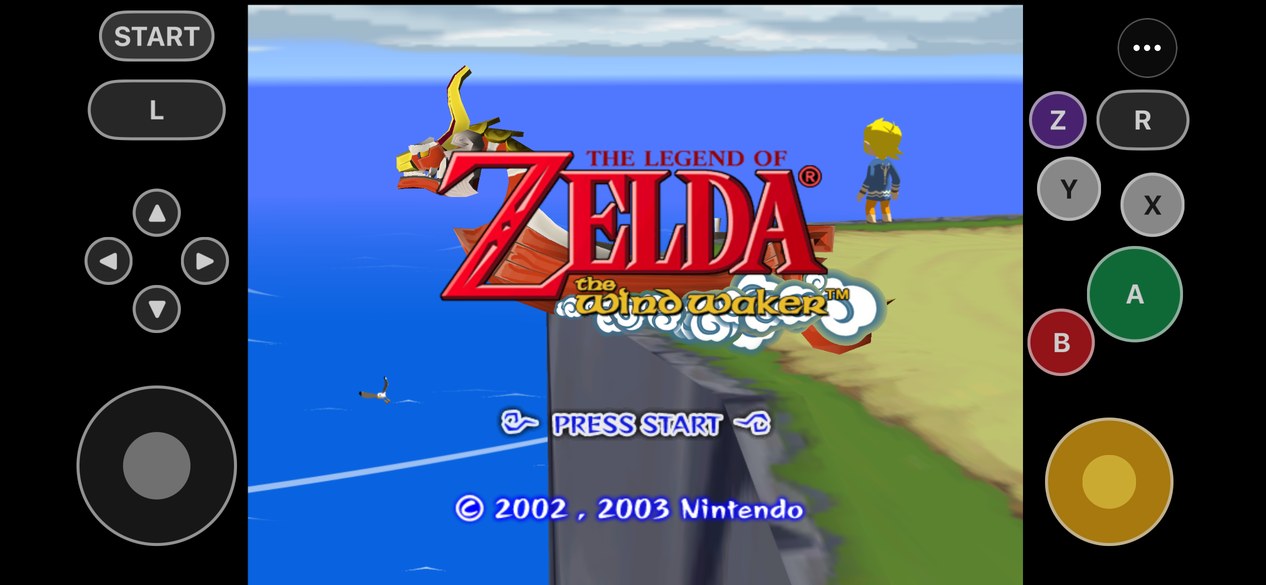
In addition, performance depends on an optimization step performed during compilation. The builder creates a profile based on snippets of the game itself and uses this information to better organize the code. Without this training, the developer measured approximately 27.5 FPS at the Outset Island pier on the same M2 iPad Pro.
Port requires A13, iOS 17 and a Mac to compile
The documented minimum requirement is an iPhone or iPad with an A13 chip or higher and iOS/iPadOS 17 or later. The user also needs to enable Developer Mode.
The project now publishes a ready-to-use Windows build as well as an unsigned IPA used as a base in the iPhone and iPad workflow. On iOS/iPadOS, this IPA is not a standalone ready-to-play package: BlueWake needs to incorporate the translated code from the user's own copy before installation.
How to download and install BlueWake on Windows or iPhone/iPad
- Download the package for your platform. On Windows, use the ready-made x64 build. On iPhone or iPad, the button downloads the unsigned base IPA published by the project; it still needs to be prepared with your own copy of Wind Waker before sideloading.
DOWNLOAD UPDATED BLUEWAKE PC PORT
DOWNLOAD UPDATED BLUEWAKE BASE IPA IPHONE / IPAD
- Prepare the package. On Windows, extract the entire ZIP and run BlueWake.exe. On iPhone/iPad, the official recommended route is to use PadMint on a Mac with Apple Silicon to combine the app with your own game image and generate the personal application.
- Provide your own copy of Wind Waker. BlueWake accepts the USA GameCube version, code GZLE01, revision 0. On Windows, select an image .iso or .gcm on the first run; files .rvz must be converted to ISO first.
- Install on iPhone/iPad, if applicable. After generating the personal IPA with your disc code, install it using SideStore, AltStore, Sideloadly, or Xcode. The project requires iOS/iPadOS 17 or later, an A13 chip or higher, and Developer Mode enabled.
BlueWake only accepts the original American GameCube version identified as GZLE01, revision 0. The user must provide their own disk image. The repository does not include commercial data for The Wind Waker.
A single command runs the builder, verifies the copy, translates the code, performs optimization training, and produces an unsigned IPA. After that, the app can be installed using Sideloadly, AltStore, SideStore, or Xcode.
A free Apple account works for signing. However, in this case, the app expires after seven days and needs to be signed again. The project is not available on the App Store or TestFlight at this time.
Touch, controls, and resolution up to 4×
In addition to native ARM64 code execution, the BlueWake already offers touch controls with a layout editor, size and transparency adjustment. iOS-recognized controls also work, including button remaping, camera inversion, and rumble.
The menu allows changing the internal resolution up to 4×, anisotropic filtering up to 16×, and aspect ratio. The project also offers support for HD texture packs in the format used by Dolphin.
Among the mods, there is 16:9 widescreen and compatibility with Better Wind Waker, which adds quality-of-life changes inspired by Wind Waker HD, such as Swift Sail and instant text.
Full campaign has not been validated yet
Despite the results, the project is still in an early stage. The developer tested the opening, prologue, Outset Island, Great Sea navigation, Windfall, menus, saves, and a save file located in Hyrule later in the campaign.
However, later dungeons and boss fights remain largely untested. There are also minor stutters during area transitions, and objects may take longer to appear on the first visit to locations not yet present in the cache provided by the project.
Consequently, the public presentation of BlueWake represents a technical milestone, but it does not equate to declaring everything The Wind Waker perfectly playable on iPhone and iPad. The next relevant milestone will be broader campaign validation, performance improvements on smaller chips, or a simpler public distribution.
Sources: BlueWake — official repository; Today's Point; original coverage featured by MacMagazine/Apende News.
BlueWake 0.3.0 arrives on Windows and macOS
On October 1, 2026, the project moved forward with version 0.3.0 and expanded support beyond the iPhone and iPad. The new release adds native builds for Windows x64 and Apple Silicon Macs, maintaining the goal of recompiling The Wind Waker for native execution.
On Windows, BlueWake now uses Direct3D 12, while the macOS version utilizes Metal. In addition, the update includes optimizations aimed at slower CPUs and expands frame interpolation, with options of up to 240 FPS on Windows.
Thus, version 0.3.0 turns BlueWake into a cross-platform project and broadens the scope of recompilation beyond Apple's mobile devices. The release is documented in the official Wind Waker Recomp repository.

Pingback: Infinity Blade 3 no PC ganha port completo para Windows
Pingback: Unleashed Recomp Android 0.6.0 ganha SD card e corrige crashes
Pingback: Wind Waker HD ganha recompilação nativa para PC
Pingback: MCLA 4iOS: Midnight Club chega ao iPhone e iPad
Pingback: Wind Waker HD 0.2.7: 120/240 FPS e correções no Mac
Pingback: Wind Waker HD 0.2.8: save states leves e novos idiomas
Pingback: Wind Waker HD no Switch: Zelda roda a 30 FPS