The Legend of Zelda: Skyward Sword HD received the first public beta of SkyRecomp for Windows on October 17, 2026. Apolinario-coder's independent project proposes running the Nintendo Switch edition via static recompilation, with Vulkan graphics. The package already appears on GitHub; however, the promises of 60 FPS and 4K come from the author and do not yet have independent validation in this coverage.
Furthermore, users have opened reports of the program closing and failure in preparing the game. Therefore, Beta 1 requires attention to current limitations: the available download does not prove that the entire campaign works without issues.
SkyRecomp adapts Switch's Skyward Sword HD
According to the README, the tool pre-converts ARM64 instructions to C/C++ code executable on x86-64 PCs. The graphics environment, in turn, translates NVN interface calls and shaders to Vulkan. The author also announces support for keyboard, mouse, and Xbox, PlayStation, and Nintendo Pro Controllers.
This is a different initiative from SkyBreak, a project working with the Wii's Skyward Sword. Here, the base is the Switch HD remaster. Therefore, files, progress, and compatibility from one project should not be automatically transferred to the other.
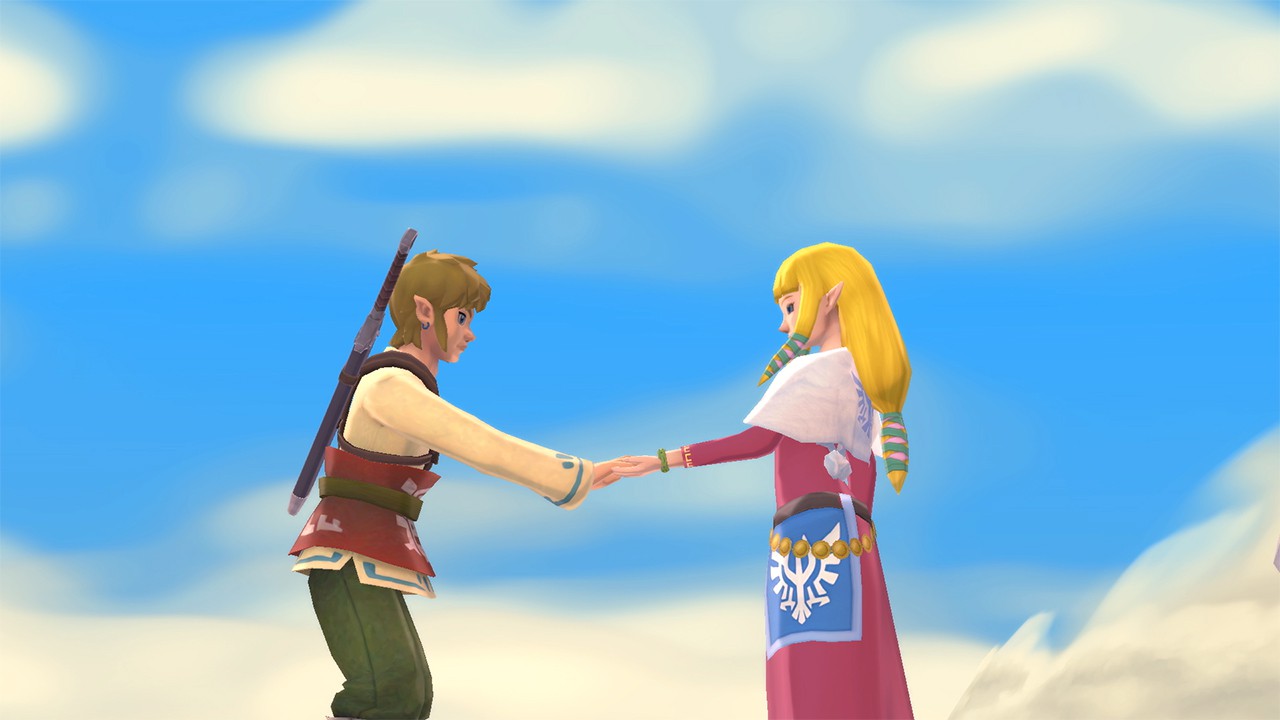
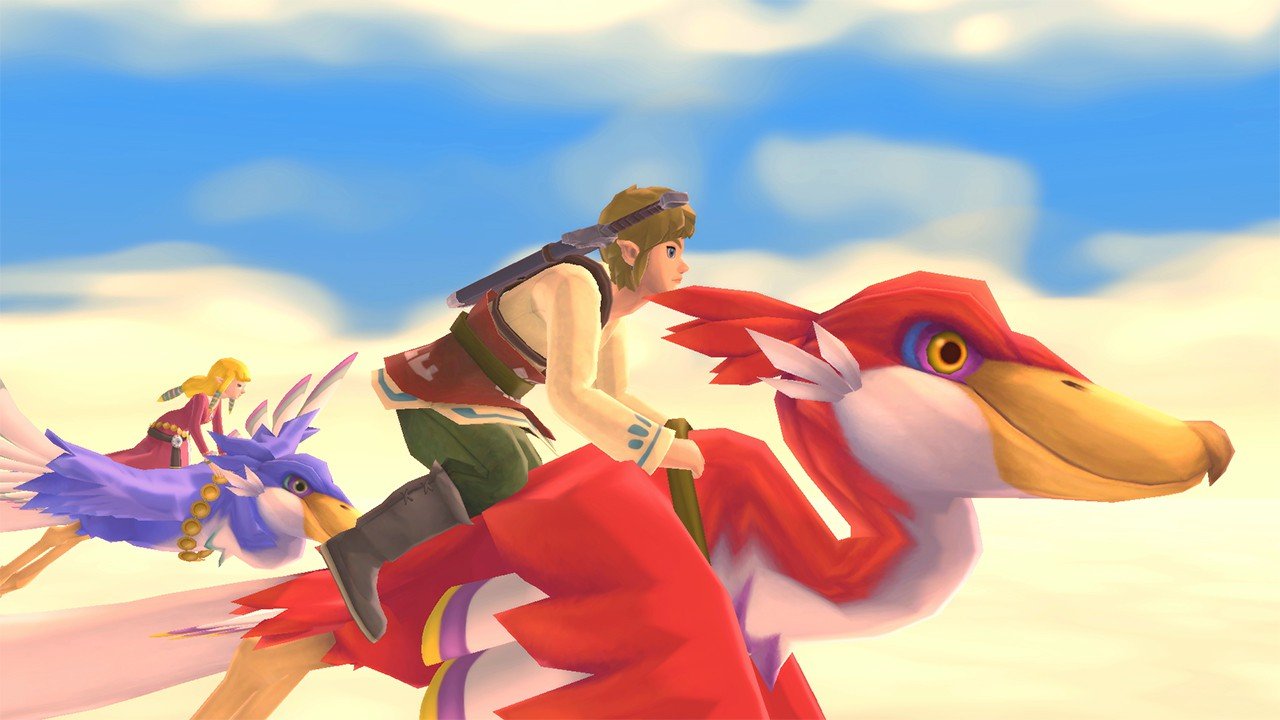
Link and Zelda in the original Switch edition. Nintendo promotional material, from 2021; this is not a SkyRecomp capture.
What the Skyward Sword HD beta promises
In the release notes v1.0.0-beta1, the developer presents a launcher with a graphical interface and a pre-compiled native library. Thus, the proposal is to prepare user data without requiring a long local compilation for each installation.
The README also lists internal resolution up to 4K, ultrawide, and stable 60 FPS. However, the documentation consulted does not offer a battery of benchmarks reproduced by our team. Therefore, these numbers represent the project's claims, without a performance guarantee on any configuration.
Likewise, there is no proof that all scenarios, bosses, saves, and control schemes work throughout the entire adventure. For those who follow other Switch adaptations, the Allves Games also covers the Zelda: Link’s Awakening LAS Recomp, another independent work.
Reported bugs and divergent instructions
In the October 17th query, the issue 1 remained open: a user reports that the executable closes after about two seconds. Furthermore, issue 2 describes a name or path error during preparation. These are individual reports, and the cause does not yet appear confirmed in these records.
There is also an important discrepancy in the guide. The initial warning asks for files extracted from version 1.0.0, without updates, in folders exefs and romfsThe step-by-step guide and the release describe the selection of NSP or XCI in the launcher, using the user's own keys. Thus, it is not possible to present one of these paths as a universally proven procedure.
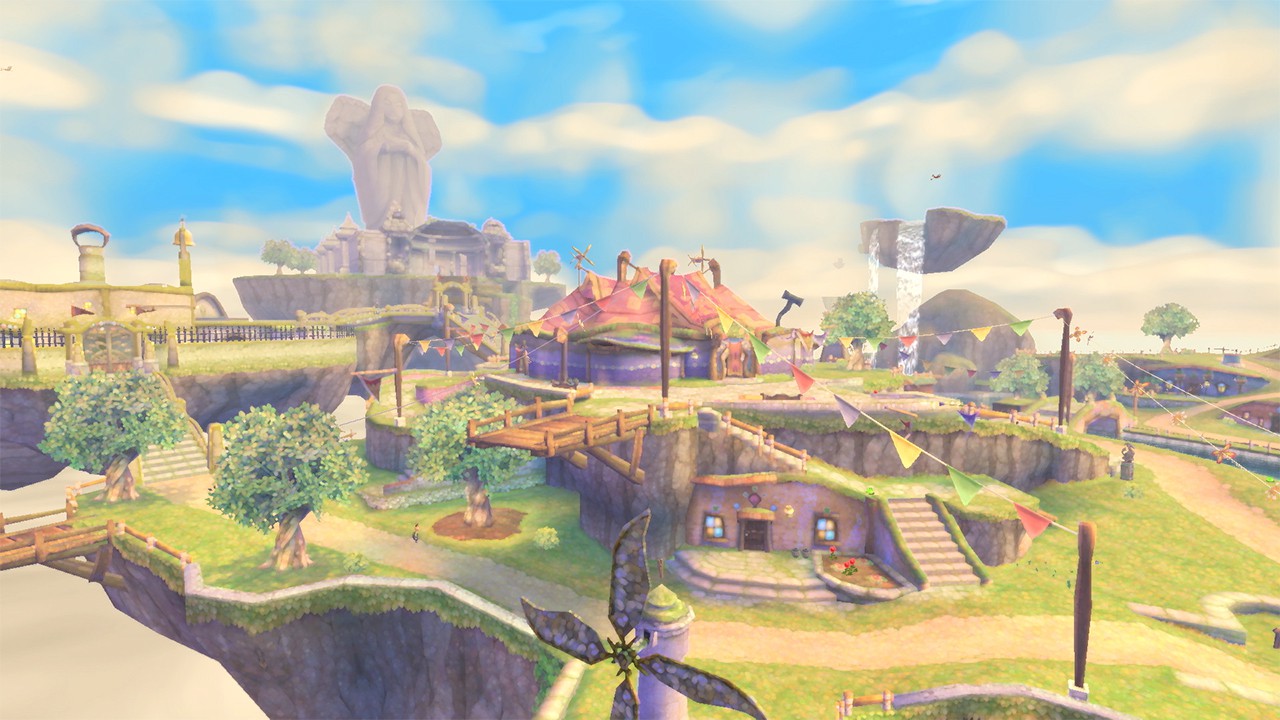
Skyloft in an official image of the Switch edition, published by Nintendo in 2021. Contextual material; it does not demonstrate the execution of the beta on PC.
Stated requirements for the beta
Before testing, compare your computer with the requirements published by the author:
- System: 64-bit Windows 10 or 11.
- Processor: x86-64 with AVX2.
- Graphics: GPU compatible with Vulkan 1.3 or higher.
- Memory: 8 GB of RAM, with 16 GB recommended.
- Space: approximately 15 GB for the extracted game files.
These values come from the SkyRecomp documentation. Even so, meeting the list does not guarantee the absence of the reported flaws. In this first release, the public package corresponds to Windows; there are no Linux, macOS, or Android installers in the consulted file list.
How to download Skyward Sword HD via SkyRecomp
1. Download the official beta for Windows
The file SkyRecomp-v1.0-Beta1-Windows.zip has 117,687,761 bytes, about 117.7 MB. The link below points directly to the Beta 1 package on the project's GitHub. It does not provide a commercial copy of the game.
2. Check the guide before preparing your copy
Next, extract the ZIP to its own folder and check the release notes. The workflow announced by the author uses skyrecomp.exe to select the game and start the preparation via the interface. However, consider the discrepancy between the formats described in the guide before proceeding.
You need to provide a compatible owned copy and the data required by the project. SkyRecomp does not distribute these files. Furthermore, Allves Games has not tested the executable or confirmed this process as functional on an independent machine.
3. Record any failures
If you encounter an issue, check the issues and report the version, hardware, step, and error message to the developer. Thus, the report helps differentiate beta bugs from local incompatibilities. Do not attach games, keys, or other private files to the issue.

Combat in the original Switch version. Nintendo publicity, 2021; the scene does not prove compatibility for this area in SkyRecomp.
For now, Beta 1 opens a new front for those following Zelda recompilations. Still, it is worth keeping an eye on the author's fixes before treating SkyRecomp as a fully validated alternative to play the entire adventure.
Sources: official Beta 1 release, dated 10/17/2026; project README; public reports of issues; Nintendo's original announcement and images. SkyRecomp is not affiliated with or endorsed by Nintendo.