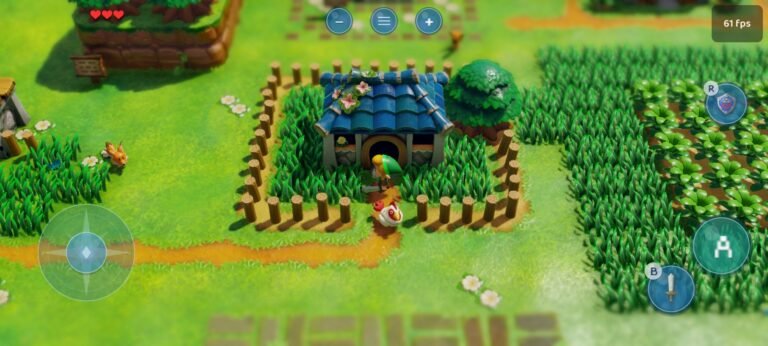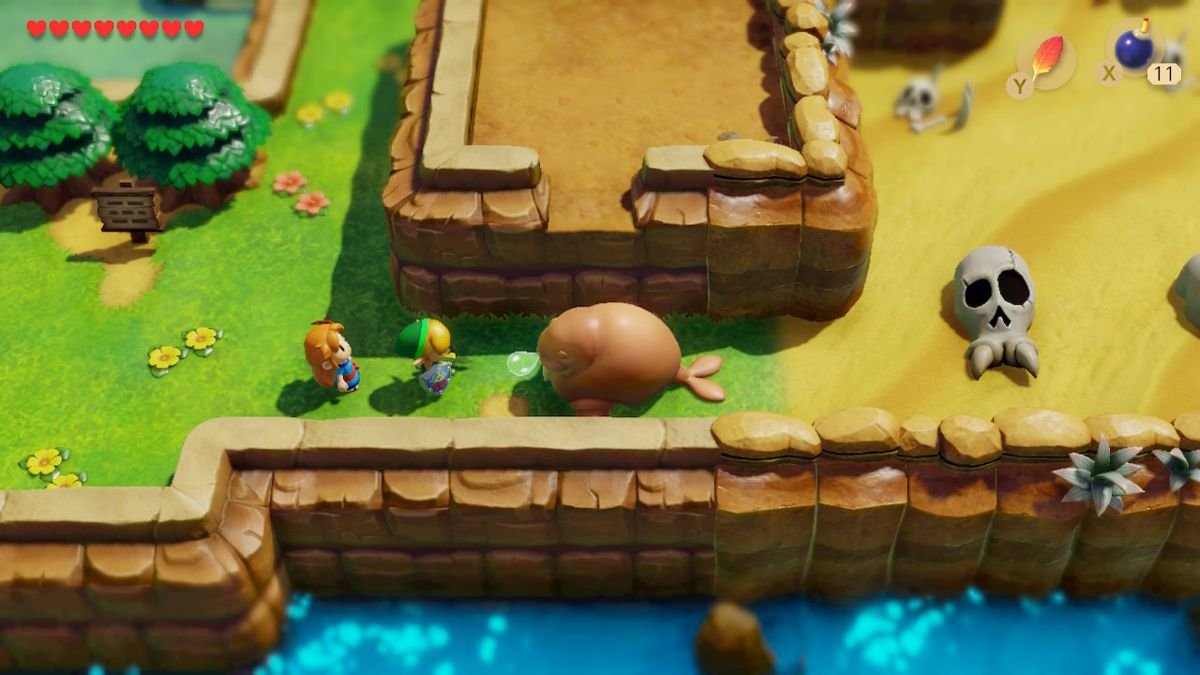
The LAS Recomp released Beta 4 on October 15, 2026, to adapt The Legend of Zelda: Link's Awakening, from the Switch, to computers. Furthermore, the update expands the randomizer, fixes performance issues, and adds Linux packages, in addition to Windows and Mac.
Furthermore, this beta offers packages for Windows, macOS Apple Silicon, and Linux x64 or ARM64. However, none of them include the game: the initial setup requires the extracted files from version 1.0.0 of the user's own copy.
LAS Recomp uses the 2019 Switch edition
Thus, the project statically recompiles the code from the Switch edition. Therefore, it should not be confused with ports of the Game Boy version nor with a simple change in image size.
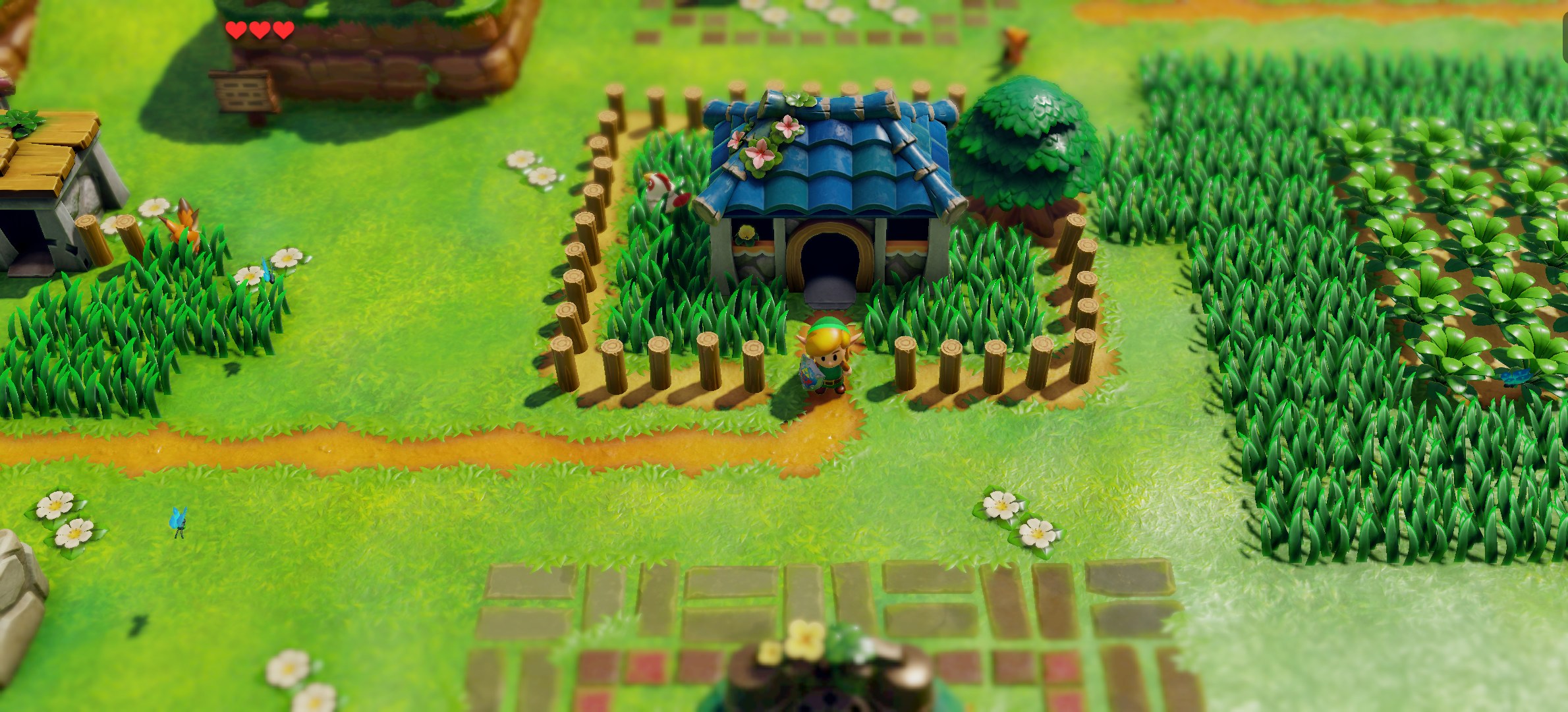
Additionally, wider windows can show more of the island, while interiors maintain their own framing. The original 16:9 aspect ratio remains available. On Mac, the project uses Metal and MetalFX; on Windows, it uses Vulkan.
Randomizer shuffles items, entrances, and rooms
In addition, the generator allows for rearranging items, entries, and other elements. Likewise, some modes shuffle dungeon rooms. However, these options remain experimental and may create unsolvable situations.
Therefore, do not treat any seed as a validated campaign. Furthermore, the README notes graphical bugs, crashes, and controller limitations on the home screen.
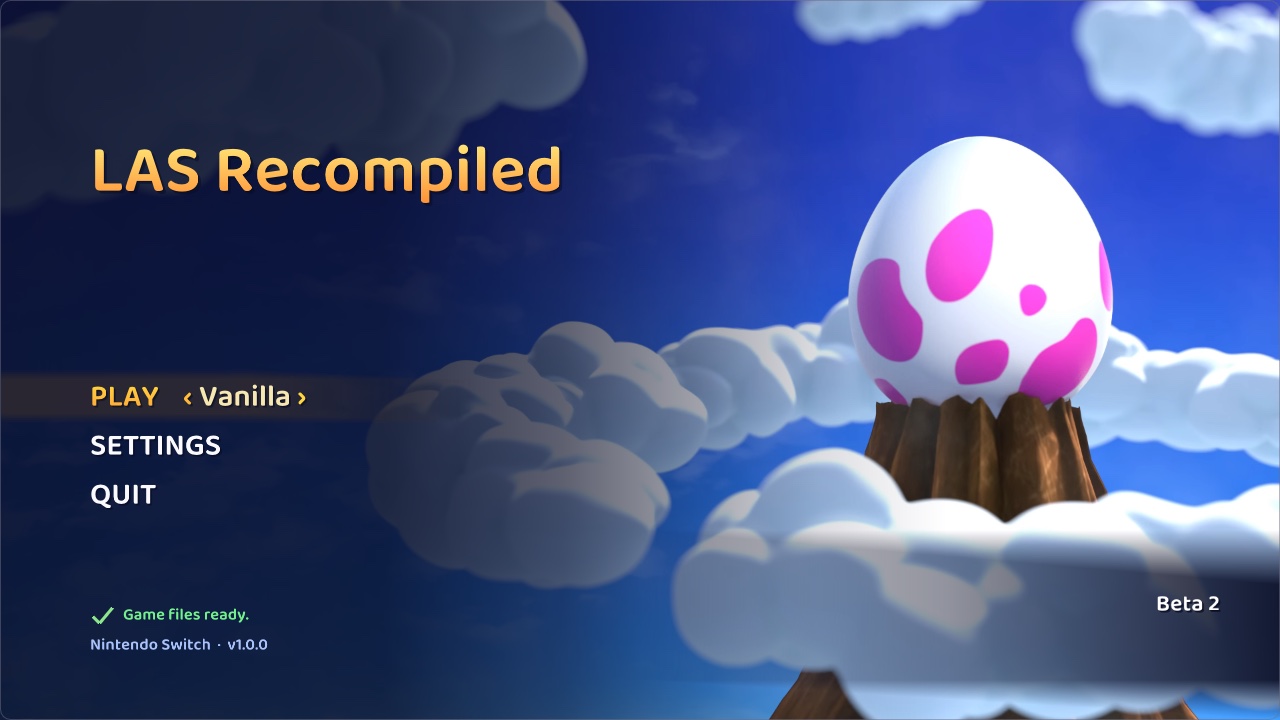
How to download and prepare LAS Recomp
First, check the platform requirements. On Windows, the project documents a 64-bit system, CPU with AVX2, and GPU with Vulkan 1.3. Meanwhile, the Mac package uses Apple Silicon; there is no Intel Mac support in this release.
- Download the package corresponding to your platform and architecture using the buttons below.
For Apple Silicon Mac, use the corresponding DMG image.
Additionally, Beta 4 offers AppImages for Linux x86_64 and ARM64. However, the ARM64 variant remains experimental, without validation on real hardware by the author.
For Linux ARM64 equipment, choose the specific package below.
- Next, extract or install the package according to the system.
- Then, open the application and use the file preparation to provide your extracted copy of version 1.0.0.
- Wait for the local generation of the necessary components. Finally, choose the original mode or a randomizer seed.

Beta 4 expands randomizer and fixes performance
According to official changelog, the randomizer can now distribute mini-bosses throughout the open world, reorganize submerged items, and use Bomb Bag and Mirror Mode. Furthermore, Beta 4 brings eight languages, Vulkan improvements on Windows and Linux, and a fix for the improper 30 FPS limit in outdoor areas. Thus, on these platforms, the game no longer depends on maintaining 60 FPS to preserve normal speed. However, the author plans to bring this last adjustment to Mac in a later patch.
In addition, the update fixes Link appearing completely white on certain M1 Macs and adjusts fog, dungeons, and the title screen. However, some Bomb Refills still appear labeled as Bomb Bag. Therefore, the project remains experimental, without independent testing of this version. The author also states that they produced almost all of the code and documentation with AI assistance, under their direction and review. Finally, follow other adaptations in the section of ports.
Sources: , official README; Beta 4 and packages; Beta 3 history.