Wind Waker HD 0.2.13 arrived on October 11, 2026 with faster shader preparation, save backups for experimental mods, and fixes on Android, Windows, and Linux. According to the official notes, the community port update of The Legend of Zelda: The Wind Waker HD is detailed in the official release notes.
The project recompiles the Wii U edition for current systems, without including the original game. In addition, it maintains separate packages for different architectures, including Android ARM64 and Windows ARM64.
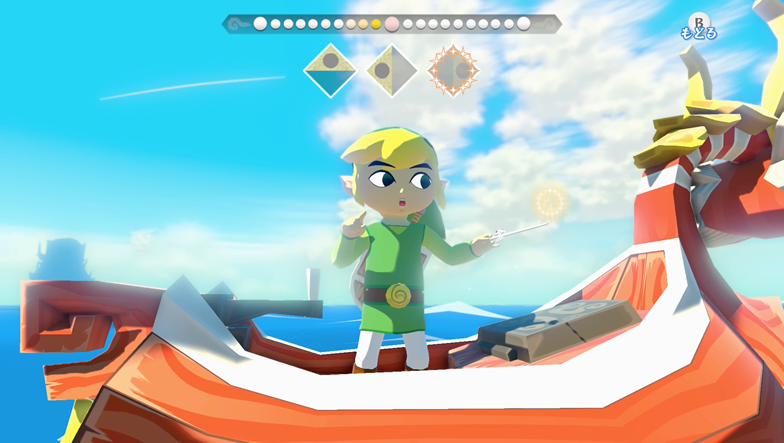
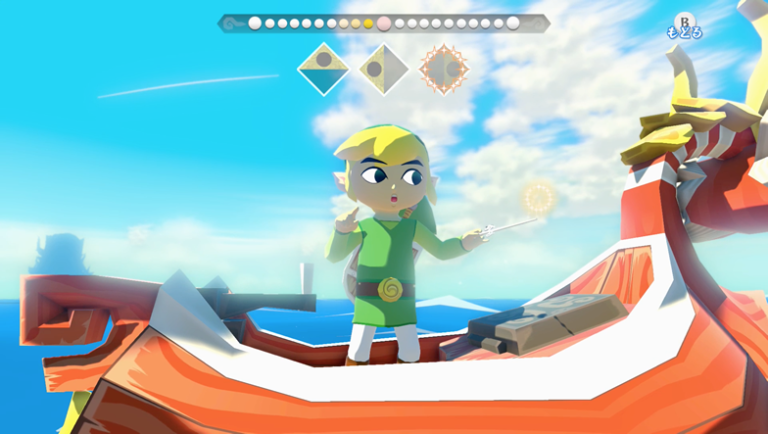
Official image of the game Wind Waker HD for Wii U, used as an illustration; it is not a capture of the 0.2.13 port. Source: Nintendo / Allves Games library.
Wind Waker HD 0.2.13 speeds up shaders
In practice, the most important change occurs during the initial preparation. According to the developers, the installer now uses a native decoder and examines the game files across multiple processor cores.
On a Mac with Apple Silicon, the team reports that this step dropped from about four minutes to ten seconds. However, the comparison corresponds to the test reported by the project, not an independent measurement on different computers.
In addition, the application shows the actual preparation progress. On the Mac, it now prepares both Metal and Vulkan; thus, switching renderers does not require the same initial shader compilation.
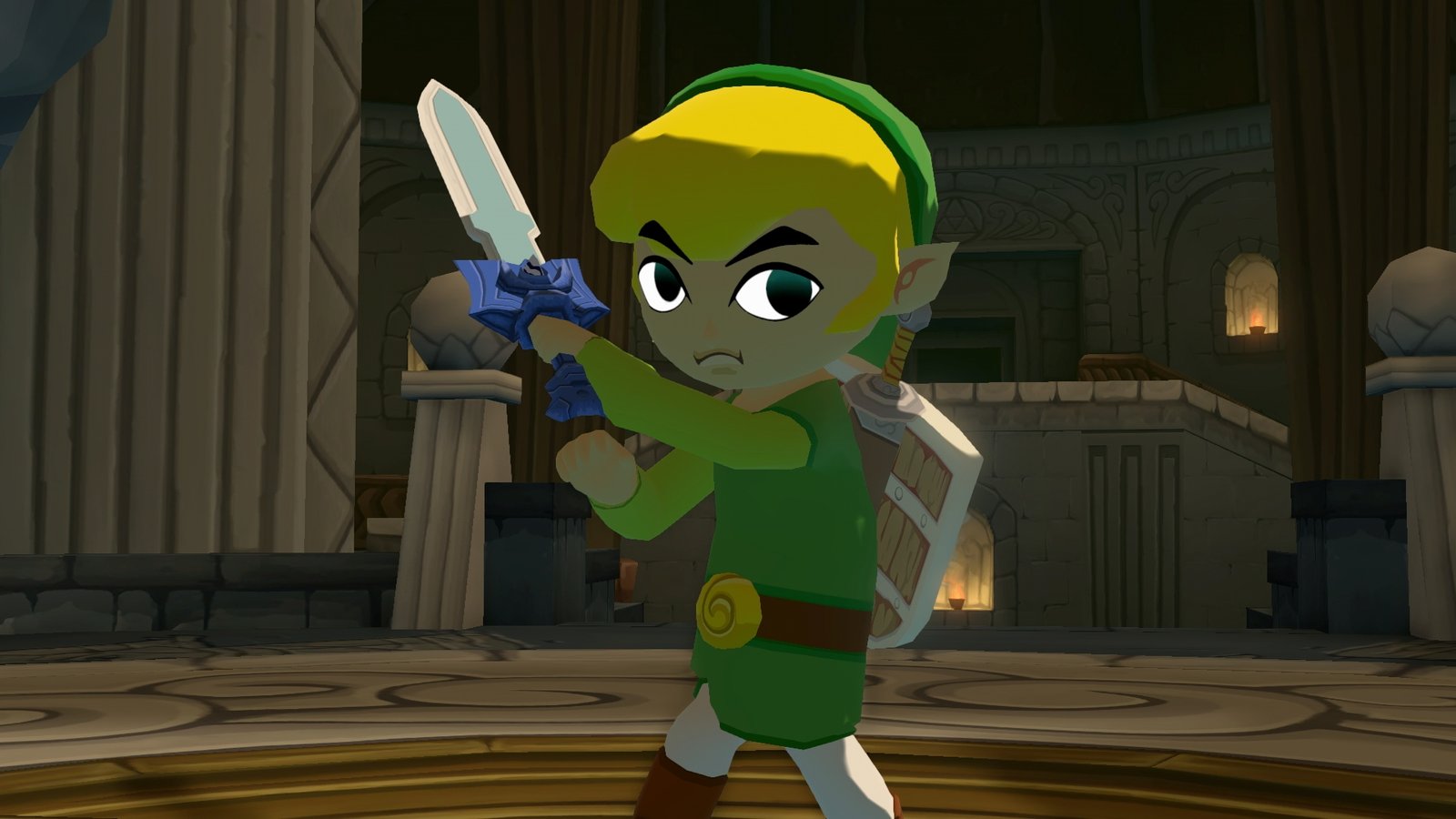
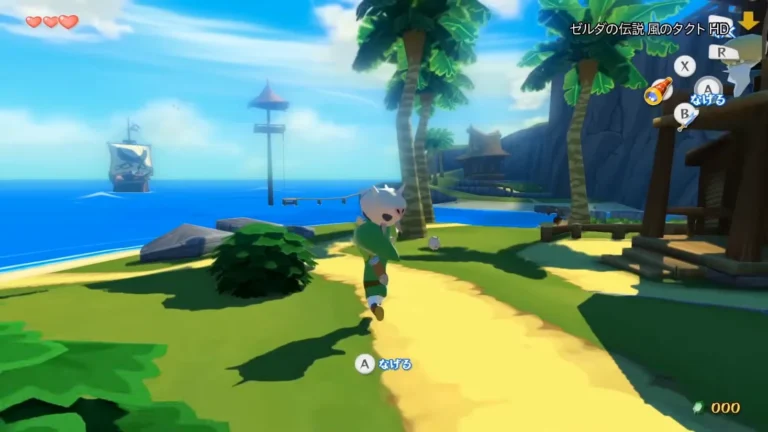
Illustrative scene of Wind Waker HD on the Wii U edition. Does not represent testing of the new shaders or backups. Source: GamesRadar / Allves Games library.
Save backups and gameplay fixes
In the Mods tab, packages marked as experimental are hidden until the user enables their display. For security, before activating one of these mods, the application creates a backup of the saves. Furthermore, it allows restoring copies on the next startup.
The port stores up to ten recent automatic backups and preserves manual copies. This way, the user can test modifications with a recovery option, although this does not eliminate the risk of incompatibility.
In addition, among the fixes are a bug with fast doors in areas with spores and inconsistent shadows at high internal resolutions. On Android, the setup assistant has received instructions in Portuguese and the icon can launch the game directly after preparation.
On Windows, the version includes an alternative for Vulkan driver crashes on Intel UHD GPUs. In addition, it improves frame pacing on computers that cannot maintain a constant 60 FPS. Even so, this does not speed up the original game logic.
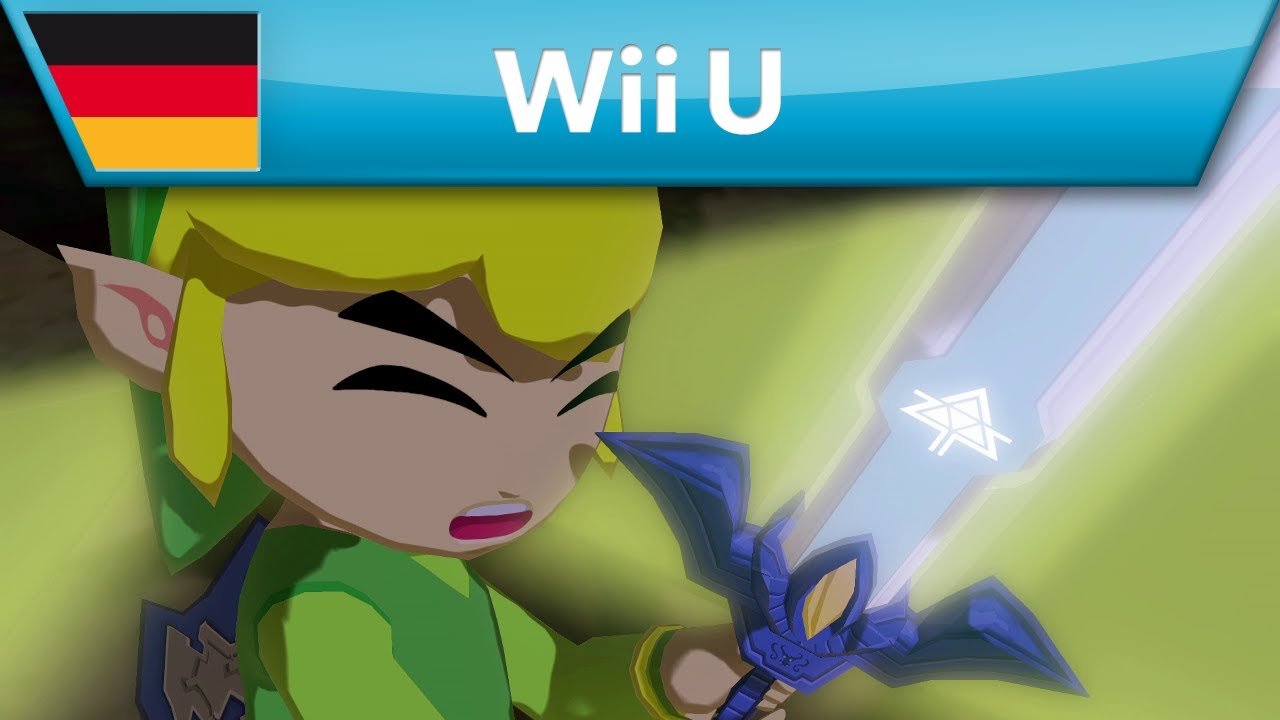
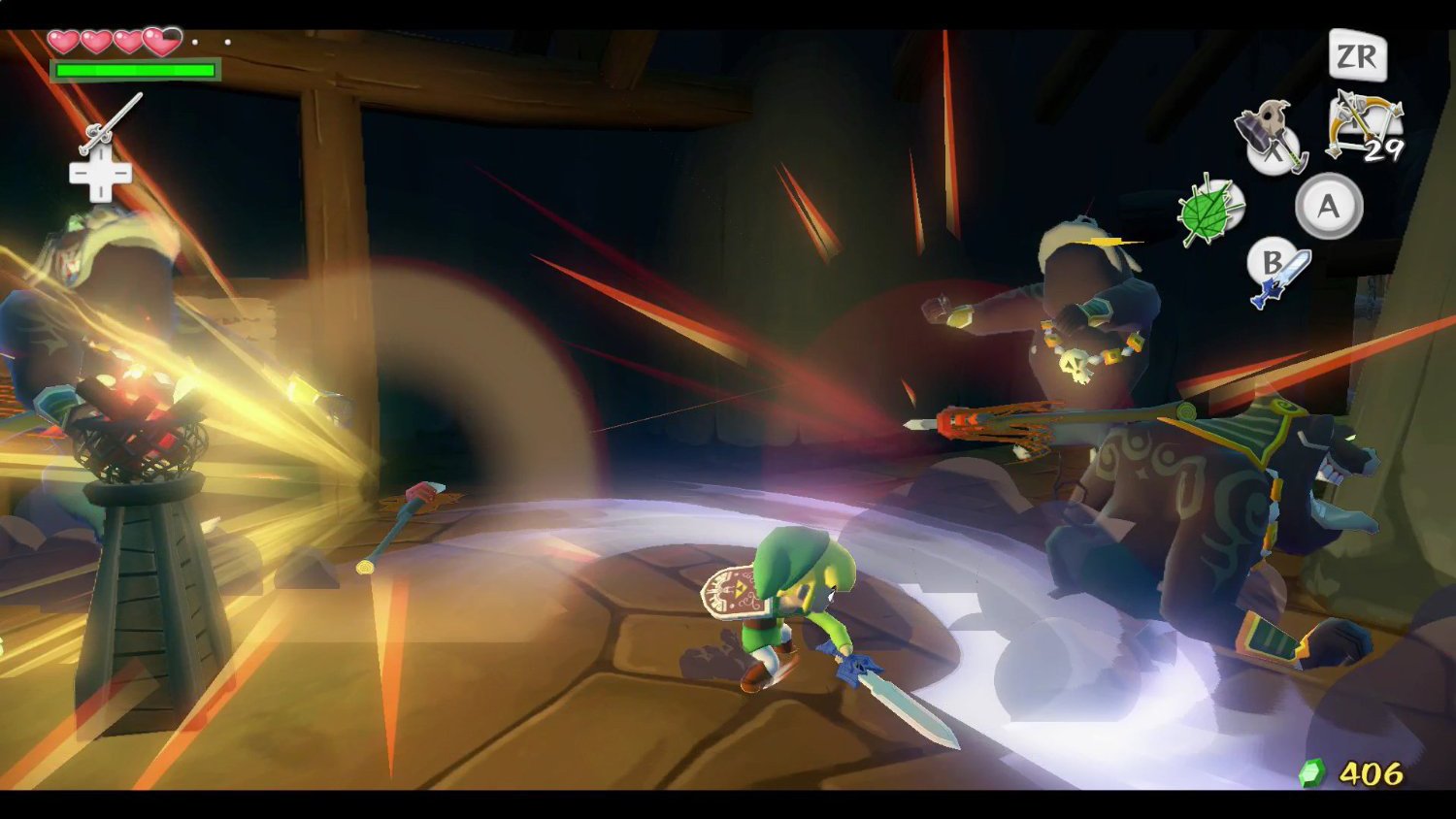
Illustrative gameplay of the original Wind Waker HD edition on Wii U. Source: official Nintendo trailer / Allves Games library.
How to download the updated port
The release 0.2.13 distributes files for Windows, Linux, macOS and Android. Therefore, always choose the package corresponding to your device's architecture.
- Download the package for your system. On Windows, the official file is WindWakerHD-v0.2.13-windows-x86_64.zip. For Android ARM64, use the button below.
In turn, for Linux x64, use the specific ZIP package. Meanwhile, the macOS version requires Apple Silicon and macOS 14 or higher.
The Mac package contains the application and its auxiliary files. Therefore, keep the entire extracted folder.
- Extract the complete ZIP or install the official APK on compatible Android.
- Launch the program and select your own legally acquired copy of the Wii U game. The project accepts specific formats described in the documentation; it does not distribute ROMs, keys, or firmware.
- Wait for the initial preparation. Then, configure the renderer and back up your saves before enabling experimental mods.
The Allves Games has already explained the Android APK debut in version 0.2.12 and the 120 and 240 FPS options from version 0.2.7. Now, 0.2.13 adds its own preparation changes, save security, and fixes.
Sources: official notes v0.2.13; project repository.