Wind Waker HD received a static recompilation of the Wii U version that already runs the game natively on modern computers. The ZeldaWWHDRecomp project ahead-of-time translates the executable's PowerPC code into C and replaces Wii U services with native implementations. Furthermore, development has already expanded the initial macOS base to builds on Windows and Linux.
The project uses Metal on macOS and a Vulkan renderer with SDL3 on Windows and Linux. So, it does not depend on the Cemu runtime nor emulate GPU commands during execution. The user, however, needs to provide the extracted data from their own legally acquired copy of The Legend of Zelda: The Wind Waker HD.
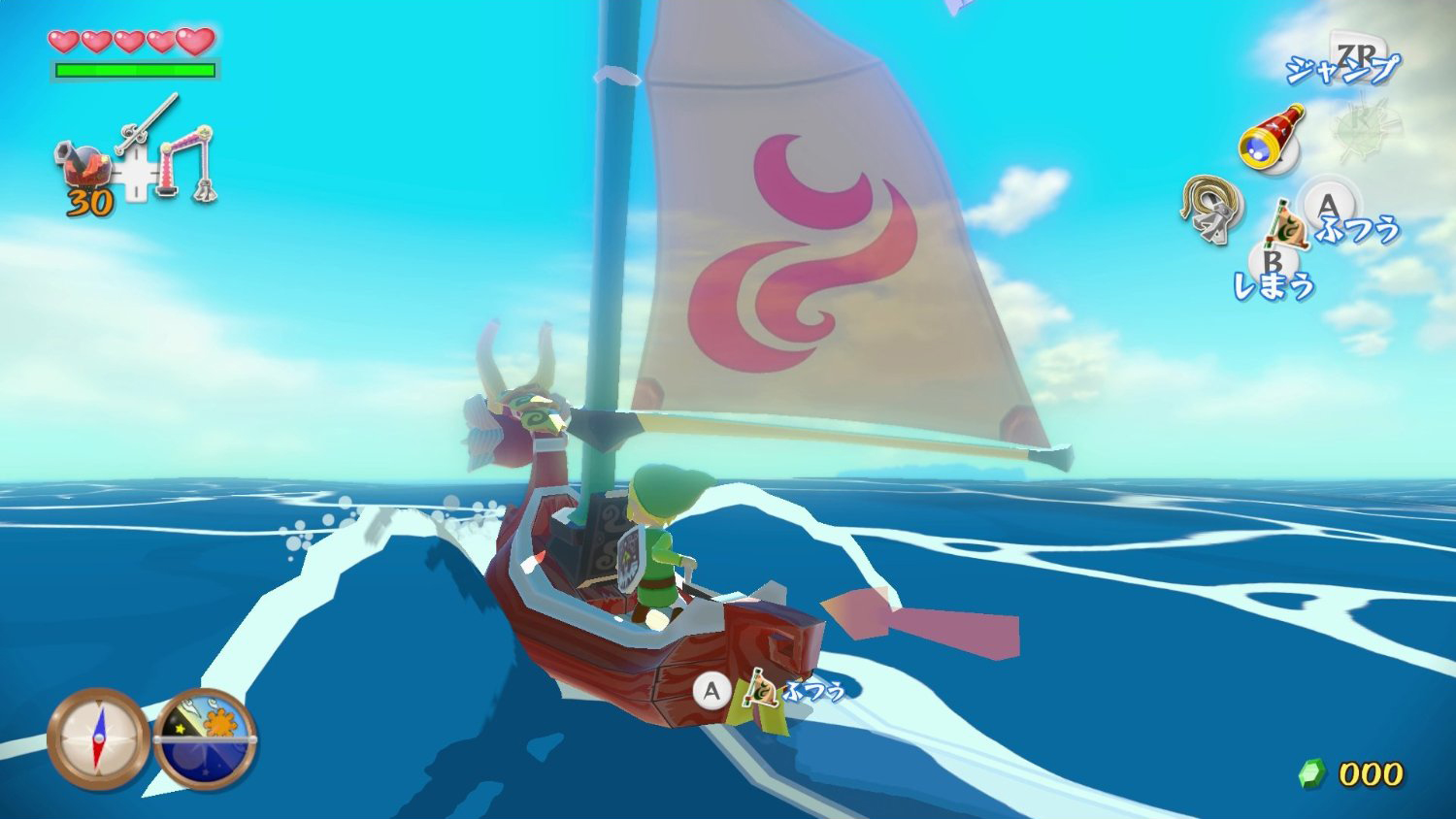
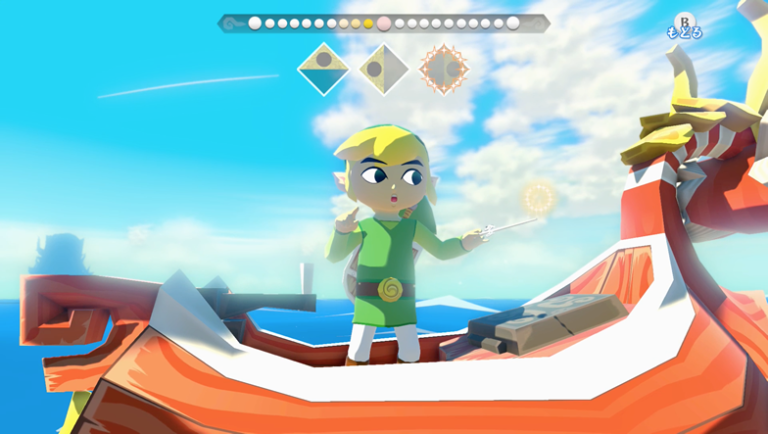
Gameplay of Wind Waker HD on the Wii U, used as a visual reference for the recompiled game. Image: Future/CinemaBlend.
Wind Waker HD runs without the Cemu runtime
The technical difference lies in the path used to run the game. Instead of reproducing the full Wii U environment in real time, the recompiler converts the PowerPC code of the RPX file before execution. Afterwards, its own runtime implements the system, audio, input, and graphics APIs expected by the game.
Therefore, the documentation classifies the result as a native port via static recompilation. Cemu components still serve as a reference and part of the graphics translation code was reused under a compatible license, but the emulator does not need to run alongside the game.
The project also keeps the Wii U GamePad screen in a second window. Furthermore, Xbox, PlayStation, Switch Pro, and MFi controllers can be remapped, while keyboard and mouse are also part of the input path.
Wind Waker HD gets 60 FPS and up to 3x resolution
Among the graphic features, the port offers internal resolution at 1x, 1.5x, 2x or 3x, FXAA and anisotropic filtering. At the same time, there are two paths for 60 FPS: frame interpolation, recommended by the project, and an experimental True 60 mode that increases part of Link's and the camera's logic.
The interpolated mode keeps the original logic at 30 steps per second and draws intermediate frames for the camera, models, particles, sea, vegetation, fabrics, weather, and lighting. Already True 60 requires deeper changes and remains experimental; therefore, it should not be confused with a full conversion of all game logic to 60 Hz.
Meanwhile, save states, aspect ratios like 16:10, 21:9 and 32:9, full screen, rumble and a settings overlay enhance the PC experience. The project has also added frame pacing fixes and renderer optimizations throughout recent updates.
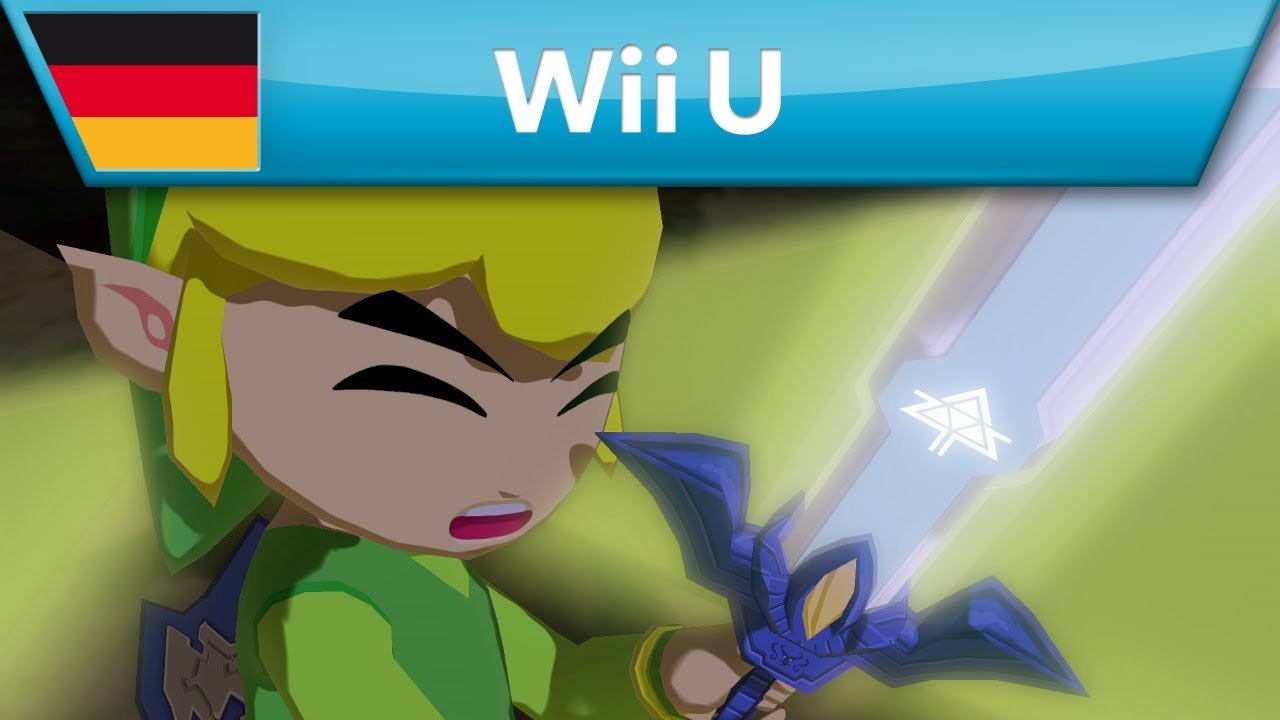
https://www.youtube.com/watch?v=P3wJ4m2u3EsOfficial Nintendo trailer shows the Wii U HD edition that serves as the basis for the recompilation.
Port also arrived on Windows and Linux
The first public demonstration drew attention for running on Apple Silicon, with GX2 translated directly to Metal. Then, the project incorporated a Vulkan renderer and an SDL3 host to bring the same base to Windows and Linux.
On Windows, the documentation uses Clang and Vulkan; on Linux, the path also relies on Vulkan and SDL3. On macOS, Metal remains available and the application may include both Metal and Vulkan in the same build.
How to download and install the Wind Waker HD port on Windows, Linux or macOS
- Download the package for your platform. Use one of the buttons below to automatically get the latest public version for Windows x86-64, Linux x86-64 or macOS on Apple Silicon.
DOWNLOAD UPDATED WIND WAKER HD PC PORT
DOWNLOAD WIND WAKER HD PORT LINUX UPDATED
DOWNLOAD WIND WAKER HD PORT MACOS UPDATED
- Extract the ZIP and open the installer for your platform. On Windows, run Wind Waker HD Setup.exe. On Linux, open a terminal in the extracted folder and run ./install.sh. On macOS, open Install Wind Waker HD.command. As the packages are not yet signed/notarized on all systems, the operating system may ask for confirmation on first opening.
- Select the data from your own copy. The installer accepts an image .wux or .wud compatible, or a folder already extracted with code, content and meta. The project does not include the game or keys; use only files and keys obtained from your own legally acquired copy and your own Wii U.
- Let the Setup complete the process. The installer extracts the data, prepares the code locally, compiles the port, and launches the game. The first run may still prepare shaders while you play.
This project should not be confused with BlueWake/Wind Waker Recomp previously covered by Allves Games. Indeed, the BlueWake starts from the GameCube version and has also made its way to other platforms, whereas ZeldaWWHDRecomp works directly with the executable of the Wii U HD edition.

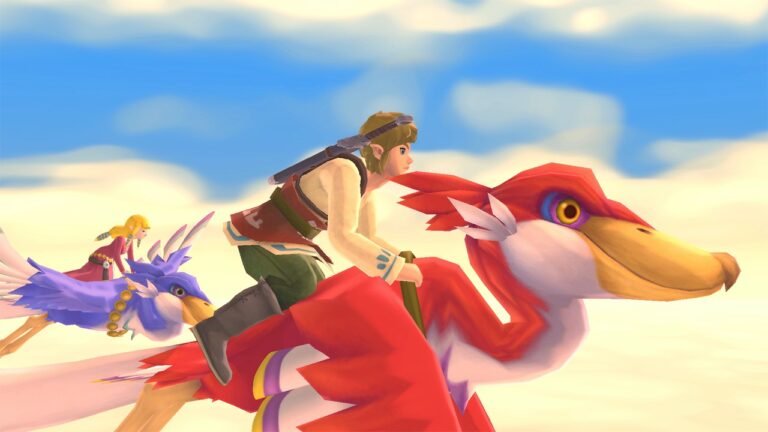
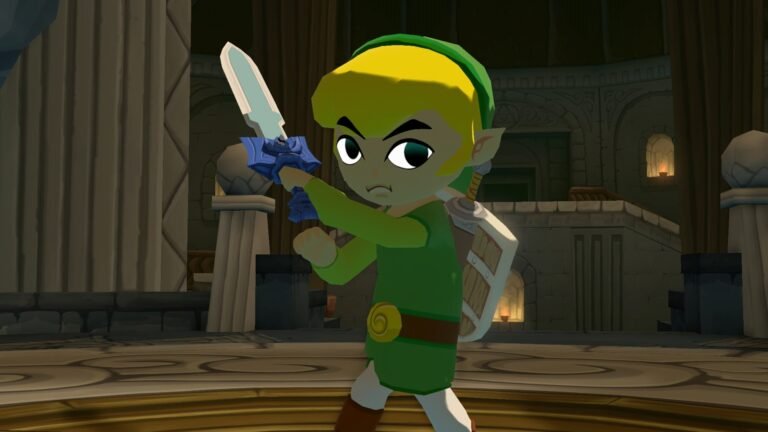
Another Wind Waker HD navigation scene used as visual context; it does not represent a capture from ZeldaWWHDRecomp. Image: Teacher by Day – Gamer by Night.
Wind Waker HD still has sections without full validation
The current stage remains experimental. Although the opening, file selection, introduction, and Outset Island have been compared side by side with Cemu, the documentation states that later parts of the game have not yet undergone the same level of testing.
There are also known gaps, such as specific primitives not yet implemented, differences in shadow edges, and an occasional startup lag. Therefore, the performance gains and 60 FPS do not equate to declaring the entire campaign perfectly validated.
Allves Games follows other modern ports of Nintendo classics, such as Metroid Prime Port 0.7.1 for PC and Android. Finally, in the case of Wind Waker HD, the user needs to extract the files from their own legally acquired copy of the Wii U; the repository does not distribute code, assets, or game keys.
Sources: ZeldaWWHDRecomp — GitHub; initial demonstration on r/decomps.