The Ultracraft 1.0.4, a passthrough mod that connects ULTRAKILL to Minecraft Java, received cooperative combat, Cyber Grind and ally rescue features on October 6, 2026. According to developer alfr0762, both games run simultaneously on Windows, with ULTRAKILL content integrated into the Minecraft window.
In this sense, the project is different from other mods called Ultracraft that merely recreate enemies or weapons inside Minecraft. In this implementation, the original ULTRAKILL runs alongside the block game. Therefore, the user must own both games; there is no free redistribution of their files.
What changes in Ultracraft 1.0.4
According to the version 1.0.4 patch notes and with the official documentation, bosses select targets considering the threat of multiple V1 players. In addition, markers indicate allies' name, health, and distance.
For example, when a player falls during a fight or Cyber Grind session, teammates can revive them by staying near the indicated point: four seconds with one person, or two when there are two helping. If the entire group falls, the round ends.
In addition, Cyber Grind allows cooperation, joining during matches, and waves adjusted to the number of participants. There are optional PvP duels and P currency transfer between players. However, the author notes limitations in some bosses' attacks against different targets and in hits during duels.
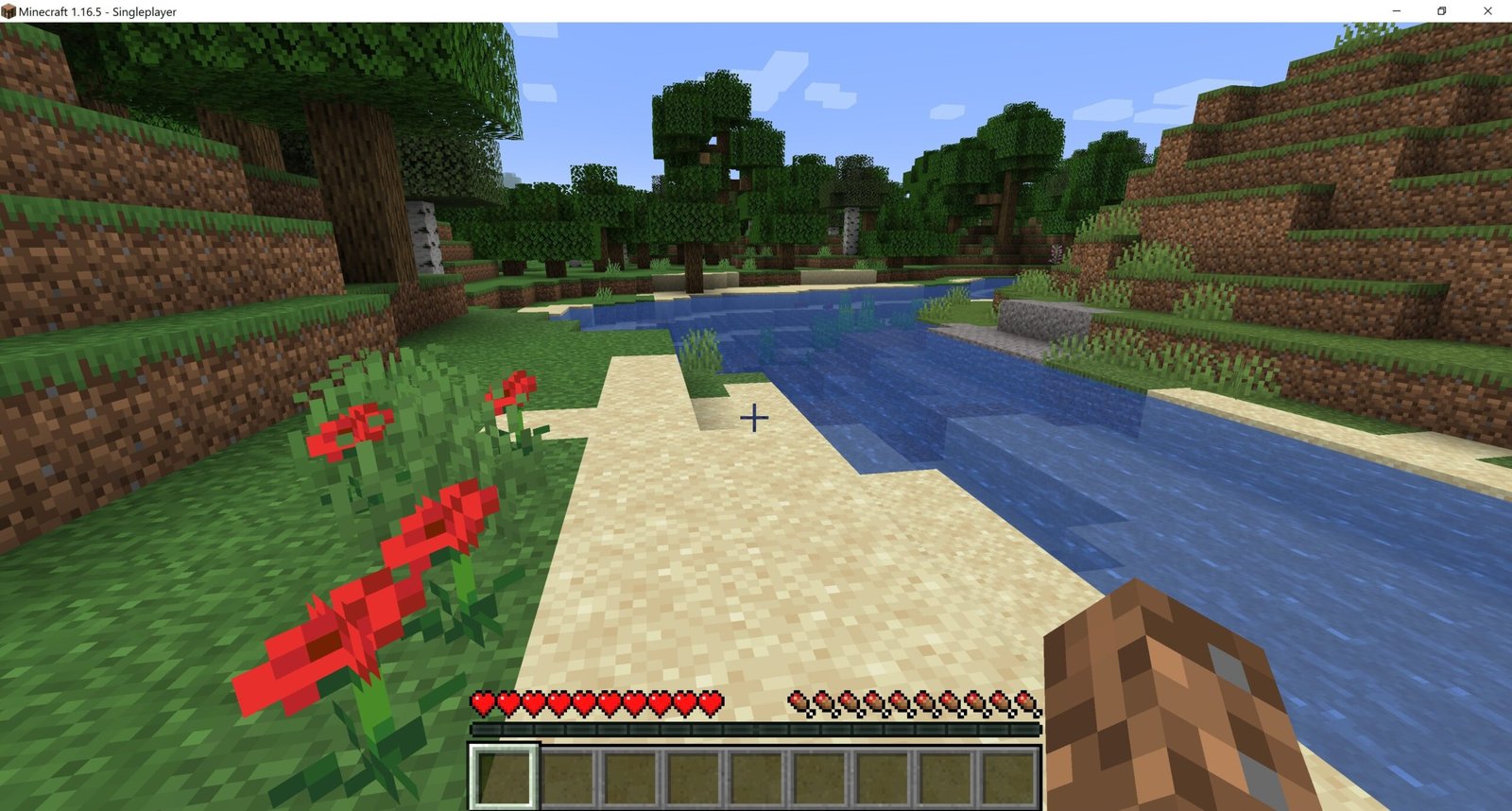
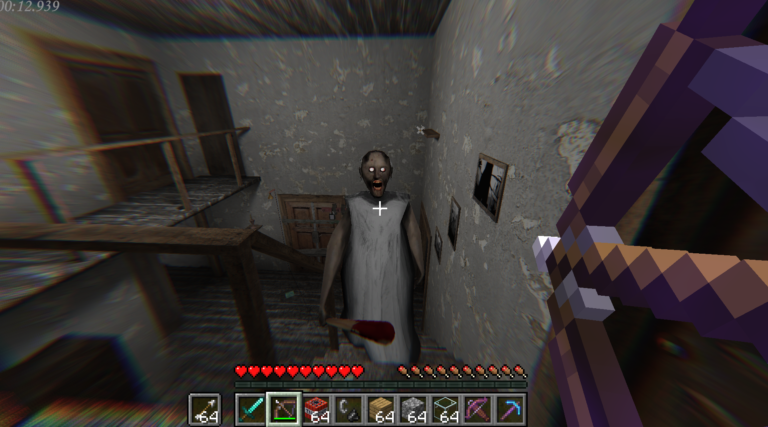
Original Minecraft Java. Source: Malavida; contextual reference, not a capture of the Ultracraft mod.
How Ultracraft runs ULTRAKILL inside Minecraft
According to the Author's README explains that a Fabric mod in Minecraft Java 1.21.11 works with a BepInEx 5 bridge in ULTRAKILL. Thus, Minecraft terrain and creatures can enter ULTRAKILL's combat world, while weapons, bosses, and V1's perspective appear in the connected session.
The F8 key toggles between V1 and Steve. The project also supports LAN sessions and invites using the Essential mod, according to the requirements provided by the author. Despite this, there is no guarantee of universal operation on all hardware and configurations.
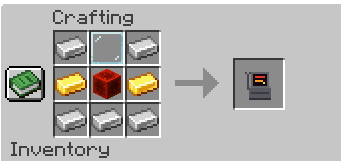
Screenshot of the shop recipe in the official Ultracraft code. Source: alfr0762/GitHub.
How to install Ultracraft on Windows
Fortunately, there are installable public packages in the official release. Choose one of the main options according to the mod manager. The manual package and individual components are alternatives for experienced users, not mandatory downloads for those who have already imported a modpack.
- Install Minecraft Java Edition and ULTRAKILL through official means. Open Steam and keep both games legally acquired. The documented version of Minecraft is 1.21.11, on Windows.
- To use Modrinth App, download the package Ultracraft.mrpack and import it in Add an instance → Import from file.
- Alternatively, for CurseForge App, download Ultracraft-CurseForge.zip and choose Create Custom Profile → Import.
- For manual installation with compatible Fabric Loader and Fabric API, download the mod file .jar and place it in the folder
mods. - If you need the complete package for manual assembly, download Ultracraft.zip and follow the official README, without mixing it with the already installed modpack.
- Only for advanced manual bridge configuration, the plugin UltraBridge.dll is available separately. The modpack can install and update the bridge automatically; follow the official instructions before copying the DLL.
- Launch the Minecraft instance, keep Steam open, and wait for the connection to ULTRAKILL. Consult the instructions in the repository if the game installation is in a non-standard directory.
The five buttons use permanent Allves Games routes that select files from official releases. The existence of the packages was verified by GitHub metadata; Allves Games did not perform independent installation tests or verify mod performance.
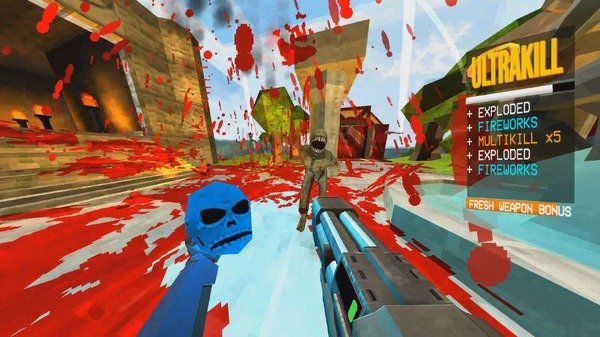
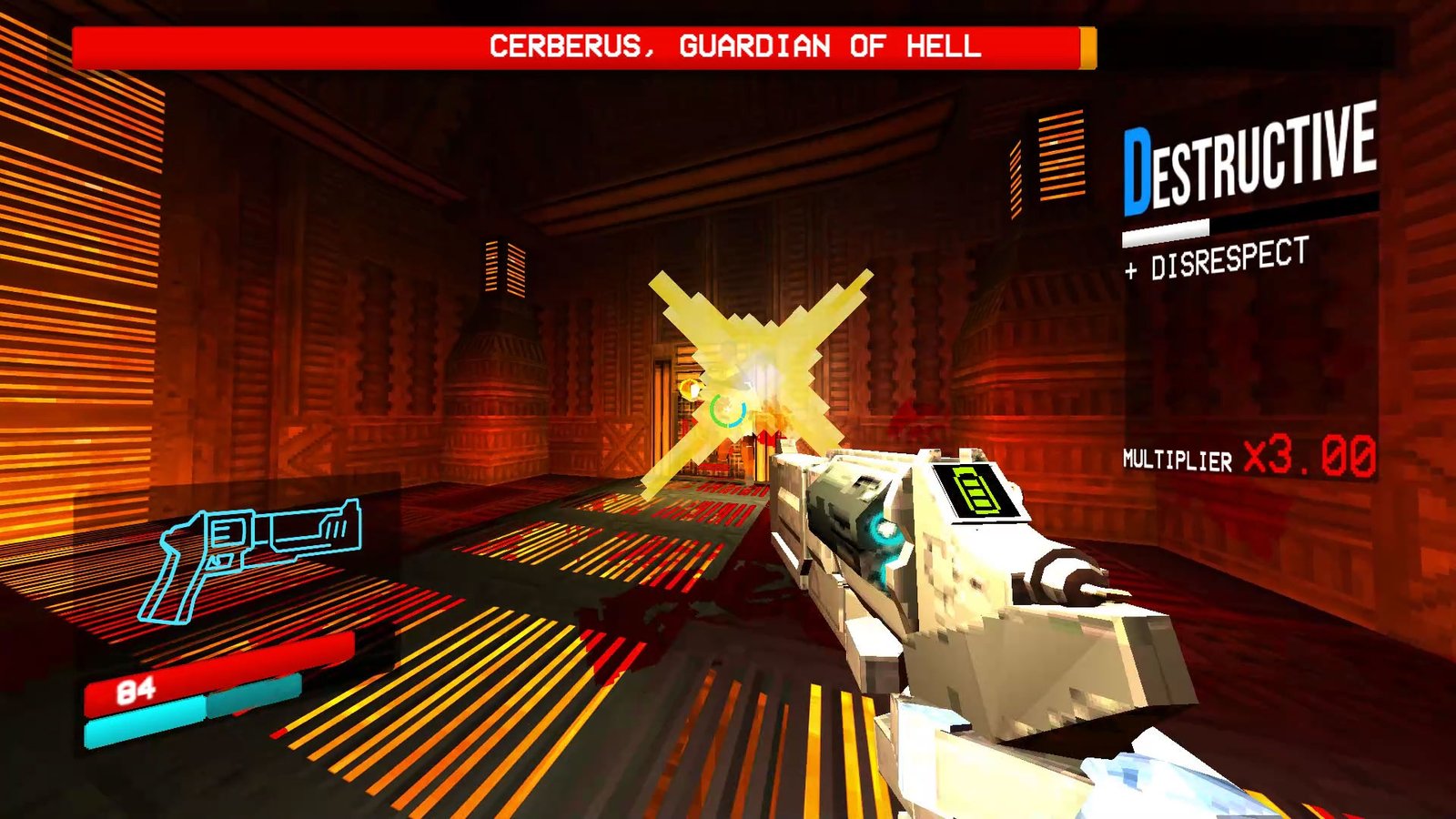
Contextual image of original ULTRAKILL. Source: Game*Spark; not a demonstration of the mod in Minecraft.
Limitations and next steps of the mod
According to the author, Ultracraft uses resources from two games at the same time, which can affect performance. In addition, ULTRAKILL quality and resolution options are available in the settings to reduce the load.
Thus, version 1.0.4 brings a material evolution to multiplayer, although some behaviors still require fixing. No verifiable video of the mod itself was found to embed in this article; images of isolated ULTRAKILL or Minecraft should not be interpreted as a demonstration.
Finally, to learn about other projects that integrate different games, see also EldenCraft with Minecraft inside Elden Ring and the CallOfWarcraft.
Sources: official repository; release 1.0.4 and packages.