
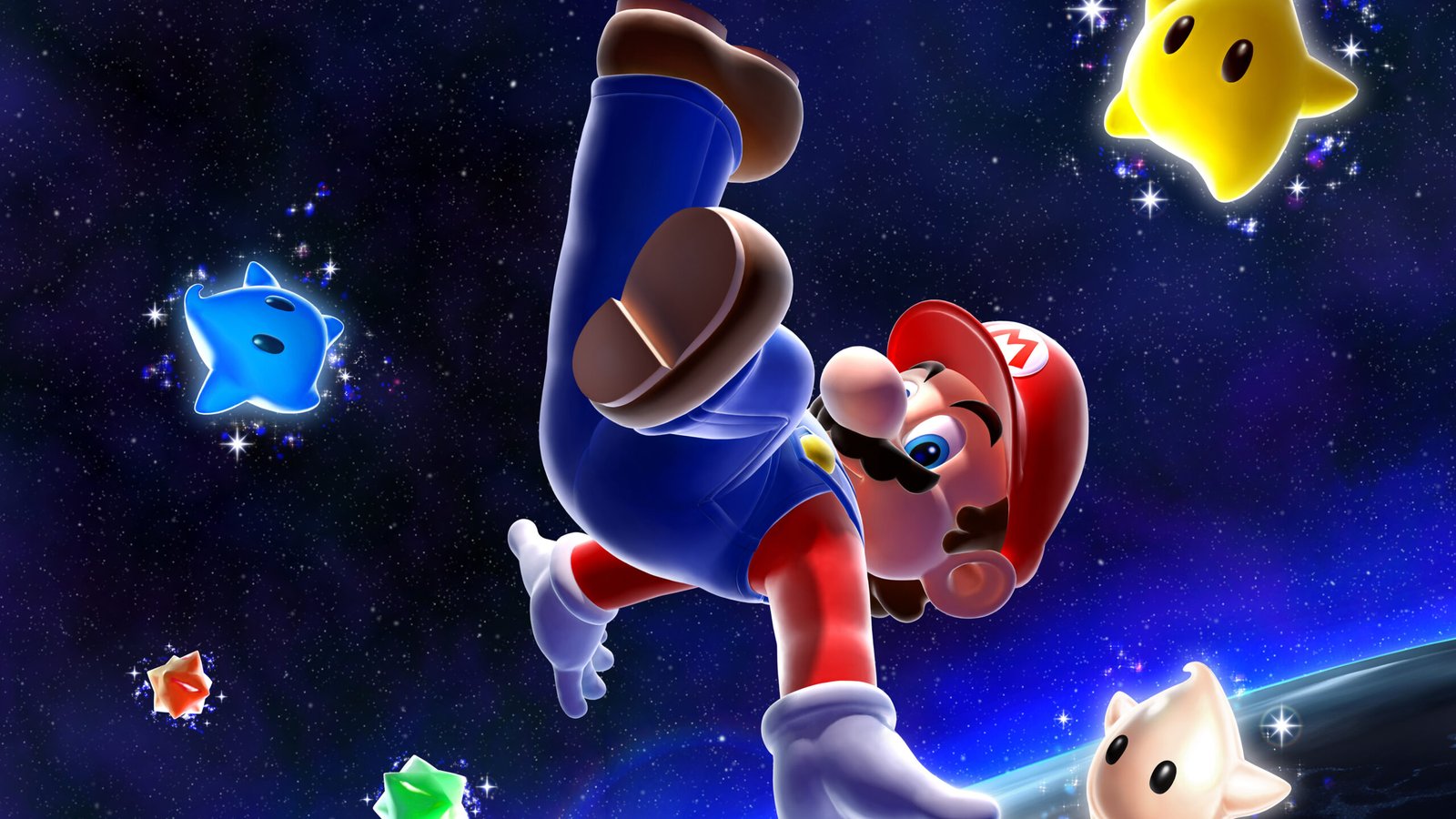
Super Mario Galaxy received an experimental native port for Windows called Nebula 1.0. Developer keepvaibin announced the public release on October 13, 2026, featuring an installer to create the playable version from Wii files that the player must supply themselves.
The official GitHub project describes keyboard and mouse support, Xbox and Switch Pro controllers, ultrawide aspect ratios, and Direct3D 12 rendering. However, Nebula remains under development and is not a Nintendo release.
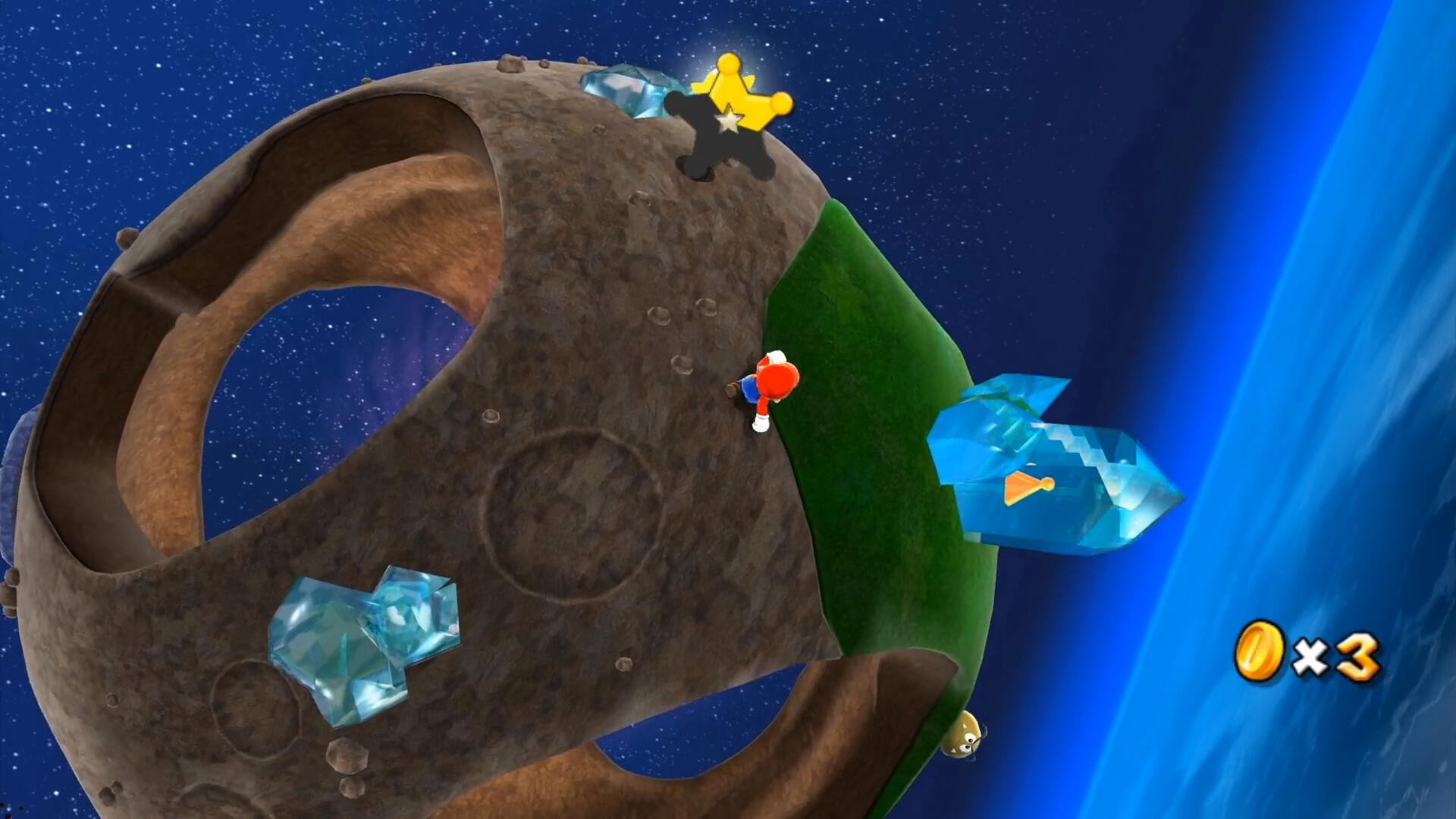
Gameplay scene from the original Super Mario Galaxy, used for illustration only; not a test of Nebula 1.0. Source: LaunchBox Games Database.
How does Nebula 1.0 work on PC?
Instead of continuously emulating the Wii processor, Nebula reads the compatible copy of Super Mario Galaxy, converts PowerPC instructions to C++ in advance, and compiles the modules on the computer. Thus, the native runtime replaces console components for graphics, audio, input, and storage.
According to the author's documentation, the installer Nebula-Setup.exe downloads the necessary tools, prepares the game, and creates the program shortcut. However, this does not mean that an ISO, ROM, or commercial data of Super Mario Galaxy is included with the download.
The project lead also released a demonstration of the Loopdeloop Galaxy stage using a Switch Pro controller. The video accompanies their announcement on Reddit and represents a test done by the creator, not an independent benchmark.
Controls and graphical improvements
Nebula 1.0 supports Xbox controllers and keyboards with mice, as well as the Switch Pro Controller and Switch 2 Pro Controller via USB. According to the author, the Switch controllers use gyroscope for pointing and tilting in compatible challenges. In addition, the controls can be remapped within the application.
There are also aspect ratios from 4:3 up to 32:9, internal resolution up to 16x, SMAA and FXAA antialiasing, anisotropic filtering, and FSR 1. In addition, the user can change settings during gameplay without necessarily restarting the game.

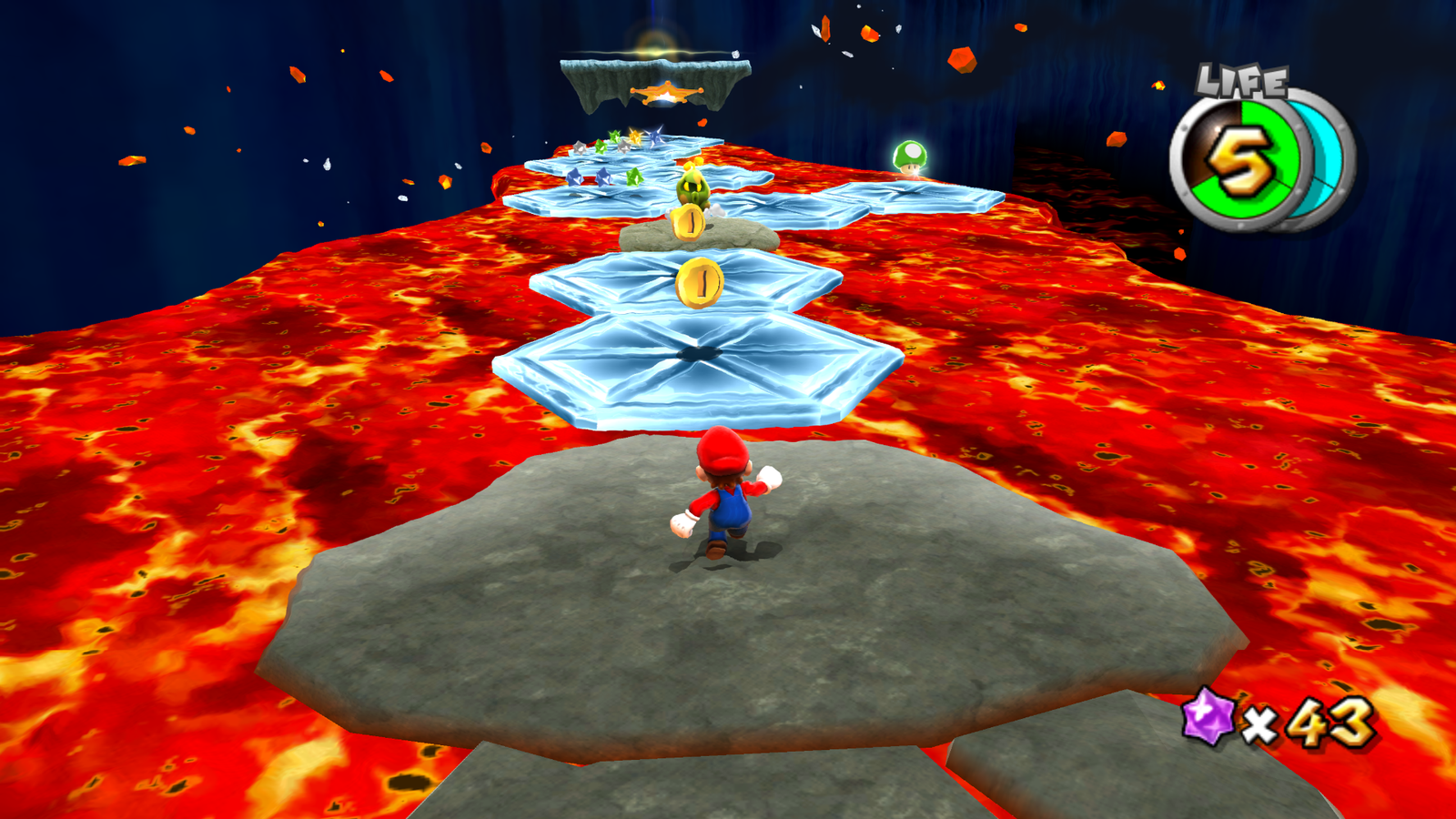
Gameplay capture of the original Wii game, to contextualize the graphic presentation. Does not represent Nebula running. Source: LaunchBox Games Database.
Performance and port limitations
The developer reports execution at 60 FPS in 1440p, at a 16:10 aspect ratio, on a laptop with a Core Ultra 9 185H, integrated graphics, and 16 GB of RAM. However, this figure describes the creator's own test. Therefore, it does not guarantee the same result on other computers or in all stages.
The README reports FPS drops in locations like Gateway Galaxy, lighting and bloom differences at the Comet Observatory, and potential audio glitches under heavy CPU load. In addition, there is still no full automated comparison with the original Wii game. However, this version does not include frame interpolation.
Nebula's code and documentation were developed with the assistance of AI agents, as explicitly stated by the creator. In turn, they emphasize that the game logic is the original one, translated via re-compilation, rather than an AI-recreated physics engine.
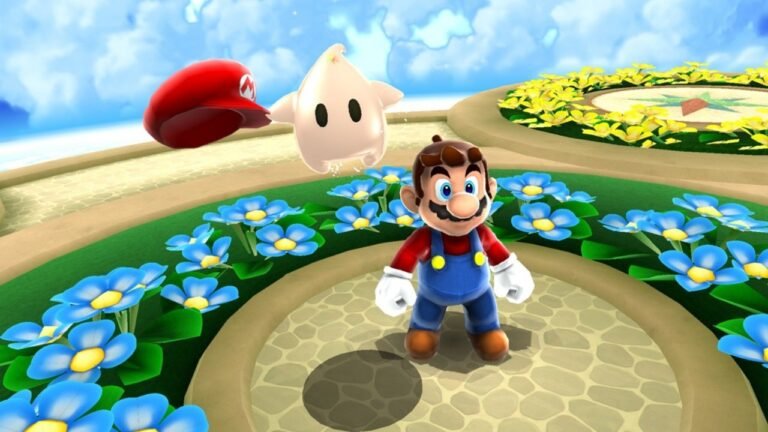
Previous capture of Super Mario Galaxy in Dolphin, used as the game's visual reference. It does not prove Nebula's features or performance. Source: Allves Games / PC Gamer.
How to download and install Nebula 1.0 on Windows
Before installing, confirm that you own a legitimate copy of Super Mario Galaxy for Wii, American version RMGE01, revision 0. The program accepts ISO, RVZ, or a folder with extracted files from the compatible copy. However, it does not provide the game or protected Nintendo material.
- Check the requirements: 64-bit Windows 10 (1803 or newer) or Windows 11, Direct3D 12 GPU, at least 8 GB of RAM, an internet connection for the initial installation, and approximately 16 GB of temporary free space.
- Download the official installer for version 1.0.0 of Nebula for Windows:
- Check the file's origin on GitHub and perform your own security check before running it. The installer lacks a traditional code signature; an unknown publisher warning on Windows should not be automatically treated as proof of safety.
- In the program, select your compatible copy of the game and start the installation. Nebula needs to download tools and compile the modules on your own machine.
- After preparation, open Nebula in the Start menu and configure video, audio, and controls. Saves are located in
%LOCALAPPDATA%\Nebula\saves.
The file Nebula-Setup.exe of version 1.0.0 was listed in the official release of October 13th. This verification confirms the public distribution metadata, but does not equate to downloading, executing or auditing the binary. As of this version, there are no confirmed public installers for Android or macOS.
Nebula is different from the AstroCore project
Nebula is independent of the community work that decompiled Super Mario Galaxy, including Petari and the AstroCore port, linked to Luma's Workshop. The Allves Games has already reported on the progress of the decompilation in September. Now, the new development is the public installer and the operation of keepvaibin's specific project on Windows.
Although the developer cites previous research as a technical reference, the projects should not be treated as the same release. Furthermore, another separate work covered by the site is the GalaxyCraft, which integrates elements of Minecraft into Super Mario Galaxy 2.
Sources: official Nebula repository and README; Nebula v1.0.0 — GitHub Releases; creator's announcement and demonstration on Reddit; Super Mario Galaxy image gallery — LaunchBox.
Pingback: Super Mario Galaxy Android: port nativo experimental avança