The Super Mario Galaxy Android already has a public APK in the Galaxy Android project, by OpenPort Labs. Version 0.0.1c, released on October 15, 2026, fixes controls and graphics issues on Mali and Adreno GPUs, according to the official release notes. However, the port remains experimental and depends on the files from your own copy of the Wii game.
The proposal uses the Petari and GalaxyQuest code reconstruction works as a reference. According to the developer's documentation, the goal is to compile the game code for Android instead of running the Wii version via traditional emulation. However, we did not perform installation, performance, or compatibility tests on real devices.
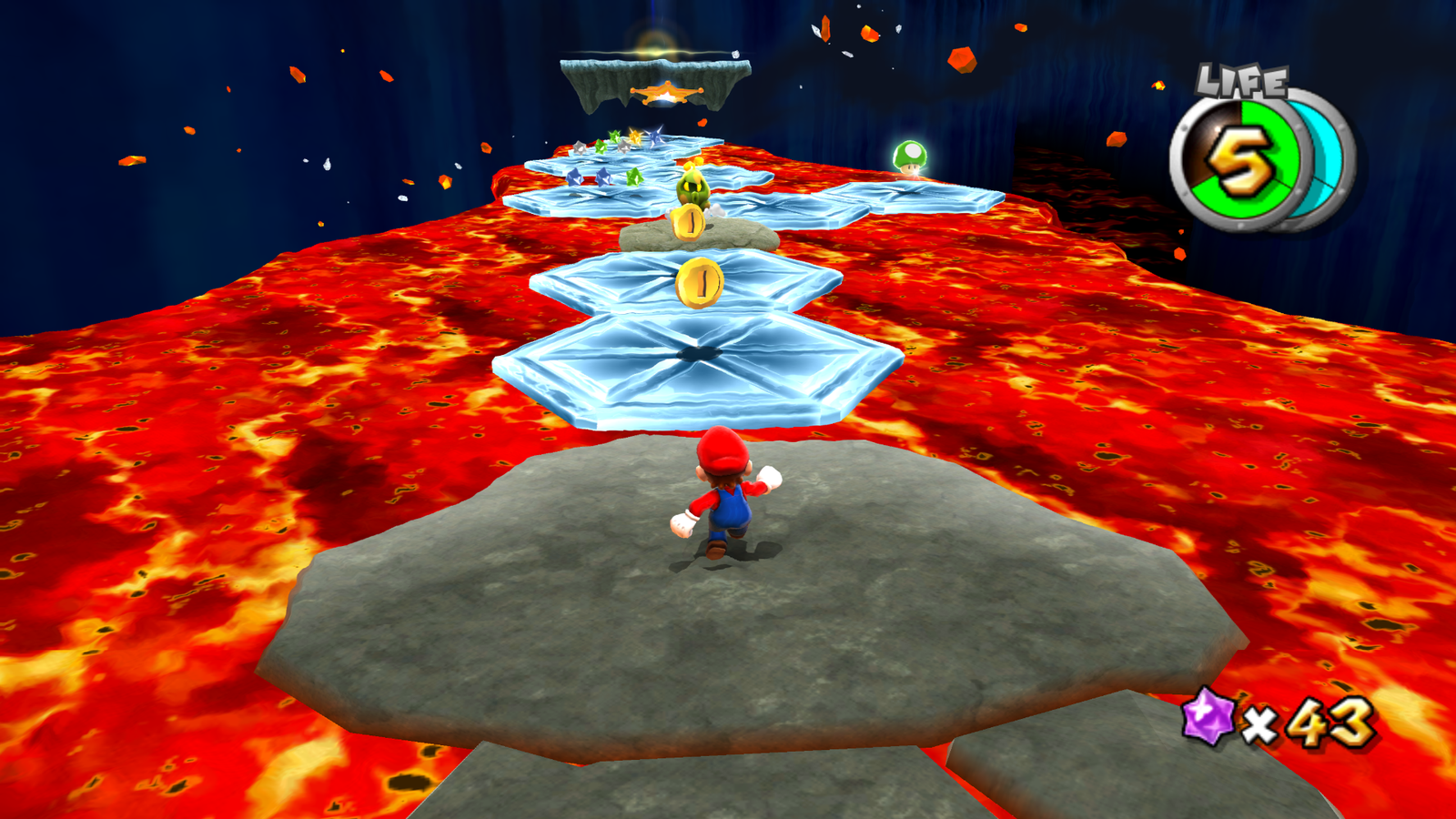
What the Super Mario Galaxy port for Android aims to offer
Furthermore, the README specifies Android 11 or later, ARM64 processors, at least 3 GB of RAM, and OpenGL ES 3.2 support. The current version uses this renderer by default, includes audio via AAudio, and offers touch controls and support for Bluetooth or USB gamepads.
Among the described features are a touch pointer to collect Star Bits, adjustments for the position and size of virtual controls, and a horizontal field of view adapted to ultrawide screens. These functions are listed in the project's documentation; therefore, they do not yet represent an independent assessment of how they work.
The developer mentions 60 frames per second in the documentation. However, verified sources do not present an independent battery of benchmarks on different mobile phones. Thus, the value does not represent guaranteed performance, including on entry-level Mali devices.
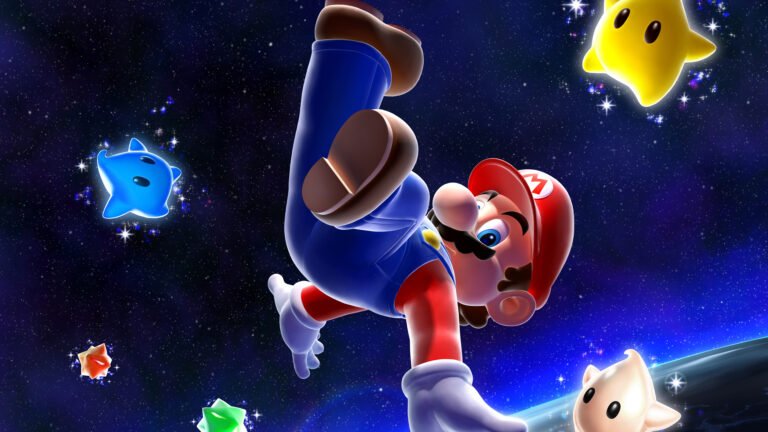
To contextualize the settings and visual direction of Super Mario Galaxy, the image below shows Mario in the original game art. It does not demonstrate how the Android port works.
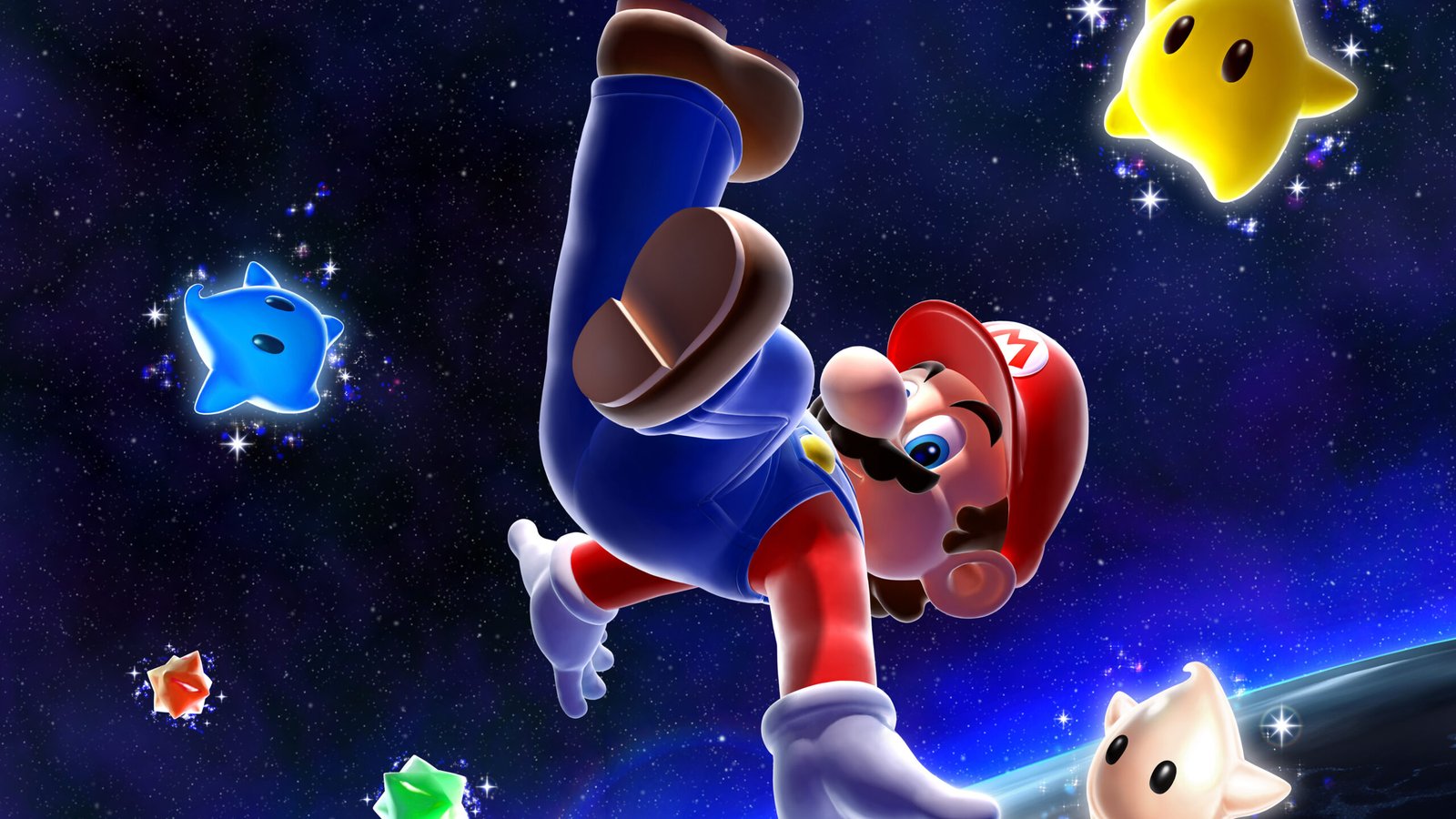
Thus, the public APK allows experiencing the ARM64 adaptation. However, the original game images used in this article remain only visual context, without proving the functioning of the executable on the mobile phone.
Super Mario Galaxy Android 0.0.1c fixes controls and graphics
According to version 0.0.1c changelog, the team fixed the crash when pressing action buttons and the virtual analog stick drift after releasing the touch. In addition, it restored the display of on-screen controls and expanded gamepad mapping for handheld devices.
The update also fixes blank eyes, invisible Mario, and lighting glitches on certain Mali and Adreno drivers. Furthermore, it changes water reflections, transparencies, and horizontal orientation. However, these are corrections declared by the authors, without independent validation of compatibility across all devices.
How to download Super Mario Galaxy Android and prepare the game
The current public package is GalaxyAndroid.apk 0.0.1c, with approximately 40.1 MB. The release brings together the installer and the engine in the same application. However, the commercial game data continues to be provided by the user.
- Download the updated official APK using the button below.
- Copy the image of your own Wii edition to the device's Download folder. The current README lists the RVZ, WBFS, ISO, and WIA formats.
- Install the GalaxyAndroid.apk and open the application. Then, follow the initial preparation to locate and convert your game files.
- Wait for the data processing before starting the game. Reserve about 2.5 GB without the videos or approximately 5 GB with the cutscenes, according to the documentation.
- Finally, start with the OpenGL ES 3.2 renderer, the default for this release, and adjust resolution and controls according to the device. Vulkan support remains under development.
The tutorial follows the unified package described in the current README. Additionally, the supplementary guide still contains references to the previous workflow with two applications; the names GalaxyMobile and GalaxyInstaller belong to that old documentation.
The project requires each user to provide their own legally obtained copy of the original Wii game. The repository does not include Super Mario Galaxy commercial data, and we do not provide ROMs or disc images.
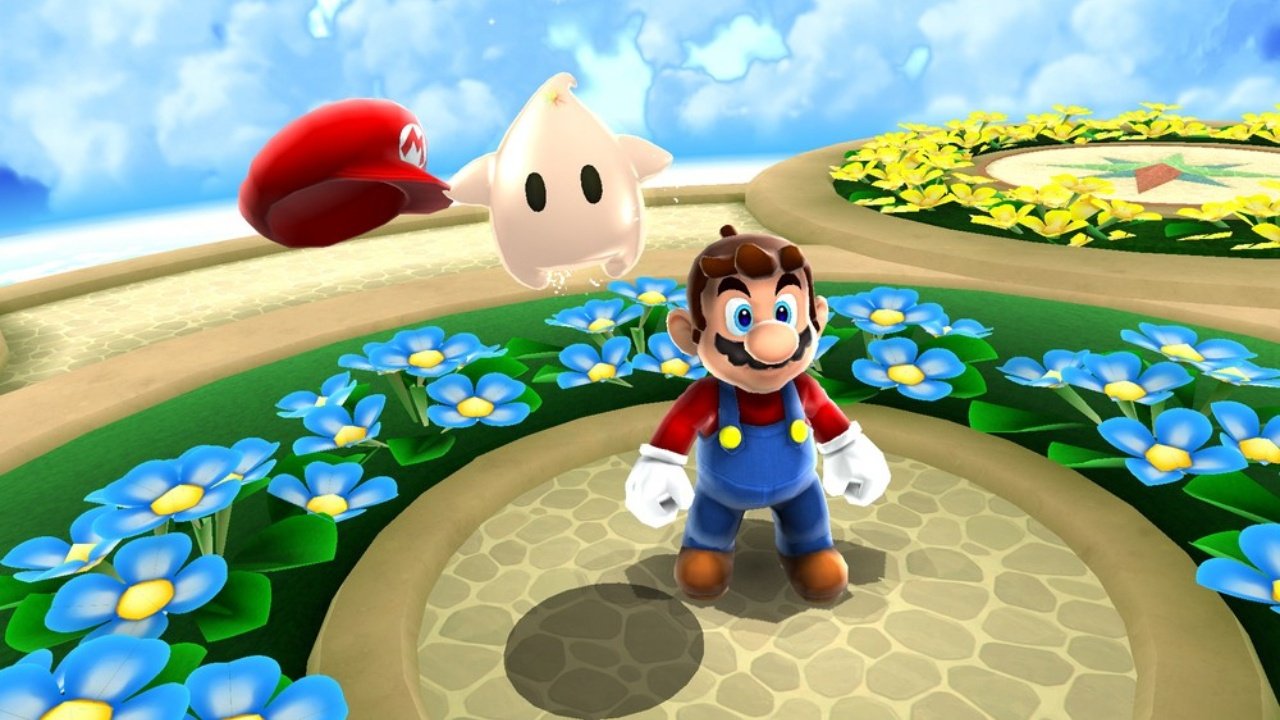
The Wii game also features levels with motion and gravity mechanics, as shown in the screenshot below.
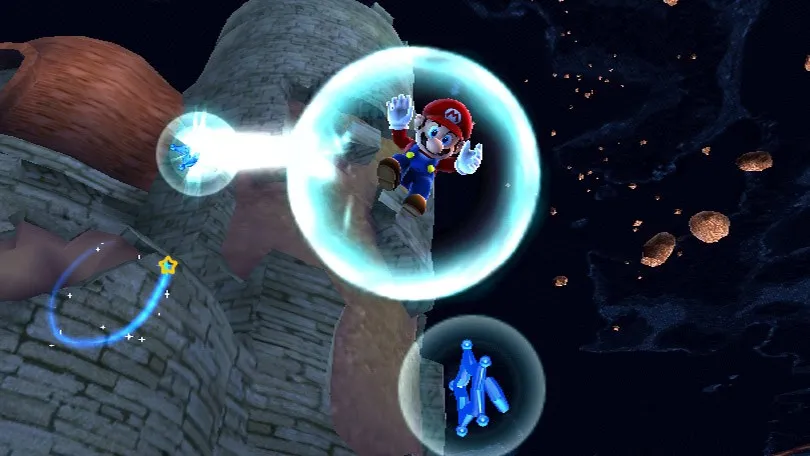
Therefore, images of the original game should not be confused with demonstrations of the new Android executable.
Project is different from PC ports
Galaxy Android should not be confused with Nebula 1.0 for Windows, previously reported by Allves Games. These are distinct initiatives, with different teams and platforms.
We have also already explained the progress of Super Mario Galaxy decompilation and the AstroCore project for PC. These efforts help contextualize reverse engineering, but they do not prove that the Android port has reached the same stage of development.
Finally, the availability of the APK is already a confirmed public milestone. However, it does not equate to proven broad compatibility. Therefore, follow the fixes and reports for each device on official repository, keeping a copy of your saves before updating.
Sources: release 0.0.1c and public APK; README and unified package instructions; version 0.0.1b history.