The SpeedBreaker 0.1.3 brings the Xbox 360 edition of Need for Speed: Most Wanted (2005) to Steam Deck, Linux, and Macs with Apple Silicon. The project uses static recompilation of the PowerPC code, without relying on a full Xbox 360 emulator. Now, version 0.1.3 fixes minor stutters during races and recovers visual effects from the original game.
Following the public debut of 0.1.1 on October 10, 2026, the developer documented versions 0.1.2 and 0.1.3 on official changelog. New features include fixed shadows, nitro trails at 60 FPS, and a 1.5× internal resolution. In addition, features up to 4K, ultrawide format, and up to 60 FPS remain supported, subject to hardware.
SpeedBreaker turns the Xbox 360 version of Most Wanted into a native port
The project code is an unofficial static recompilation of 2005's Need for Speed: Most Wanted. Unlike other projects that leverage the older PC version, it specifically starts from the Xbox 360 edition.
The recompiler translates PowerPC code for native execution on target platforms. Therefore, SpeedBreaker does not use full Xbox 360 emulation during gameplay.
In addition, the project retains console edition features and offers new presentation options. Among them are adjustments for resolution scaling, aspect ratio, and frame rate.
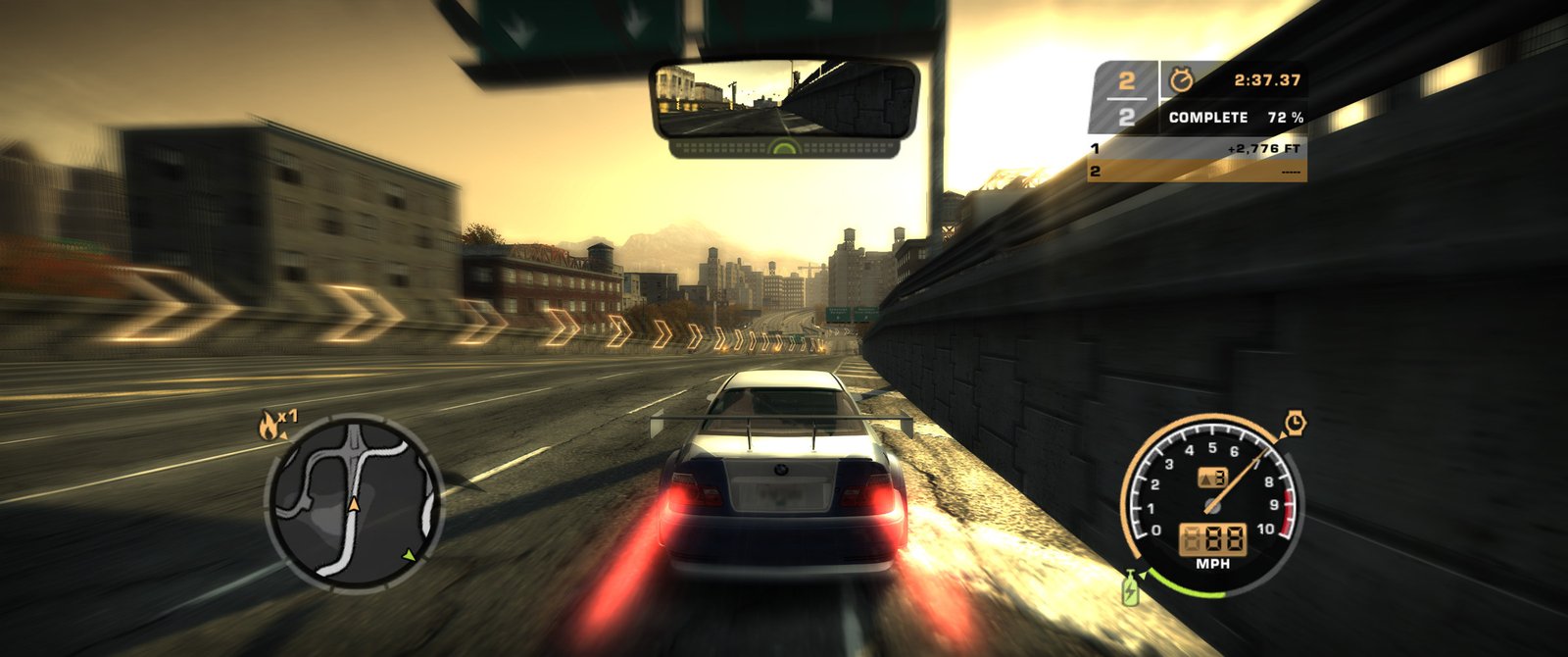
Official SpeedBreaker gameplay in ultrawide screen. Source: SpeedBreakerProject/GitHub. Later version capture featured in the current README, not an independent test of 0.1.3.
However, the recompilation does not include the commercial game files. The user must provide a disc image of their own North American Xbox 360 version.
SpeedBreaker 0.1.3 fixes stutters, shadows, and nitro trails
In version 0.1.3, SpeedBreaker fixes minor stutters that interrupted the car's fluidity, even when frametime graphs did not show the issue. In addition, it restores sun shadows on cars, walls, and tunnel ceilings, bringing the scenes closer to the original Xbox 360 edition.
Another fix in 0.1.3 recovers the length of nitro trails at 60 FPS. The Performance Tuning menu also once again displays the correct name for each adjustment. Meanwhile, version 0.1.2 added a 1.5× internal resolution (1080p), an intermediate option between 1× and 2×.
Furthermore, the 0.1.2 update improved dedicated graphics card selection on laptops, included handheld mode on SteamOS and Linux, and fixed the appearance of sun glare across different aspect ratios. The project also began documenting an experimental IPA for iPhone and iPad, without guaranteeing that it will work on all devices.
Therefore, SpeedBreaker 0.1.3 expands upon the fixes from the initial version, without promising identical performance across all devices. The result still varies depending on the platform and video settings.
SpeedBreaker 0.1.3 allows up to 4K and 60 FPS
SpeedBreaker offers image scaling options that can reach up to 3840 × 2160 pixels. In addition, the player can select frame rates of 30 or even 60 frames per second, depending on the device's capability.
The project also implements proper presentation for ultrawide monitors. On 21:9 screens, for example, the camera displays a wider field of view, while interface elements remain correctly positioned.
In ratios like 16:10, the system takes advantage of the additional vertical area. Thus, the port adapts the image without simply distorting the original content.
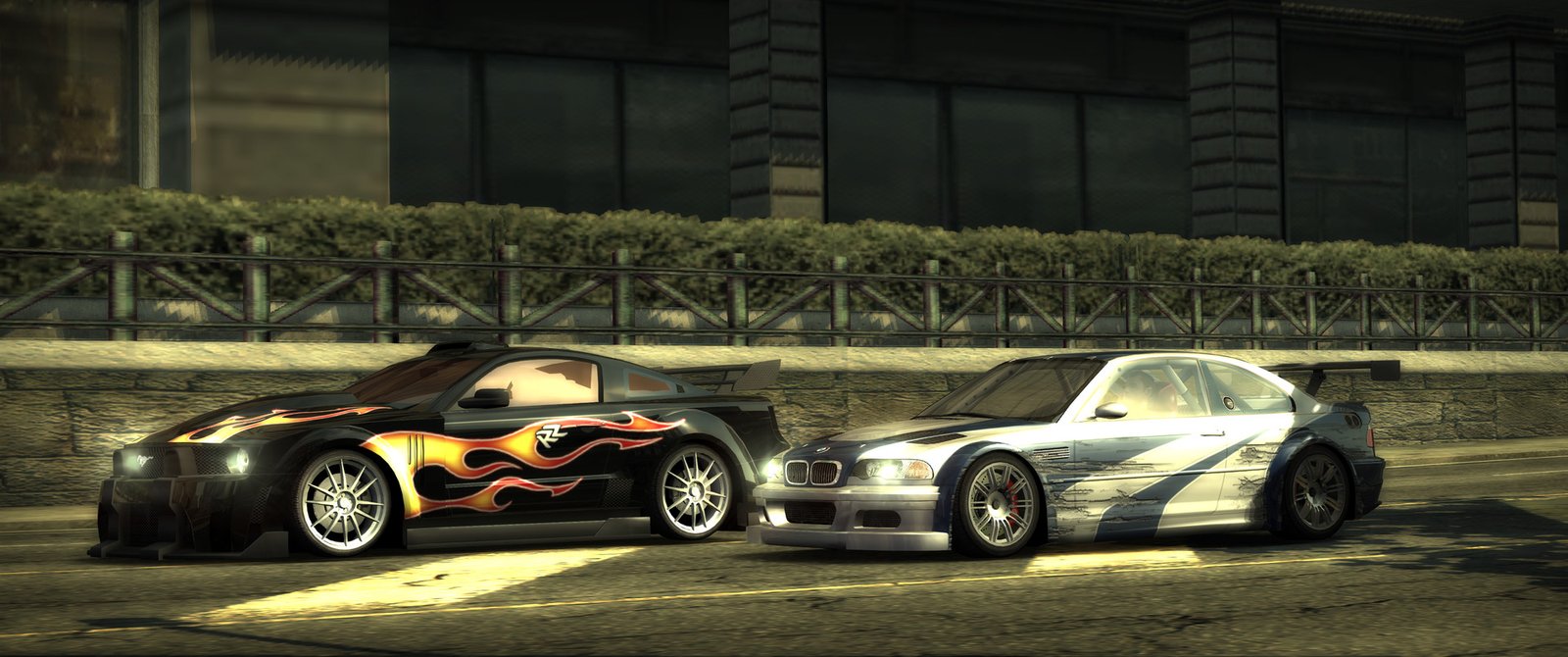
Cinematic scene from Need for Speed: Most Wanted in ultrawide via SpeedBreaker. Source: SpeedBreakerProject/GitHub. Material from current documentation, illustrating a later build.
Although these features expand visual possibilities, the developer does not guarantee constant 4K and 60 FPS on all devices. The result depends especially on graphics performance and selected settings.
SpeedBreaker 0.1.3 caters to Steam Deck, Linux and Mac
SpeedBreaker offers an x86-64 version targeted at SteamOS, used on the Steam Deck and compatible Linux computers. In addition, the developer provides a specific build for Macs with Apple Silicon processors.
The project also has an ARM64 package for Steam Frame. However, this build targets Valve's device environment and should not be treated as compatible with any ARM Linux computer.
On the other hand, the consulted documentation does not confirm ready-made packages for Windows and Android. Starting from 0.1.2, the developer also documented an experimental IPA for iPhone and iPad, subject to installation, memory, and signing limitations. Therefore, this is not a stable mobile version.
SpeedBreaker includes an in-game settings menu during races
Another difference from the original game involves the settings menu. The user can open the options during a match to change certain graphical and presentation parameters.
In addition, the port includes options for controls, resolution, and frame rate. This way, the player can adapt the experience to the device without directly modifying the game files.
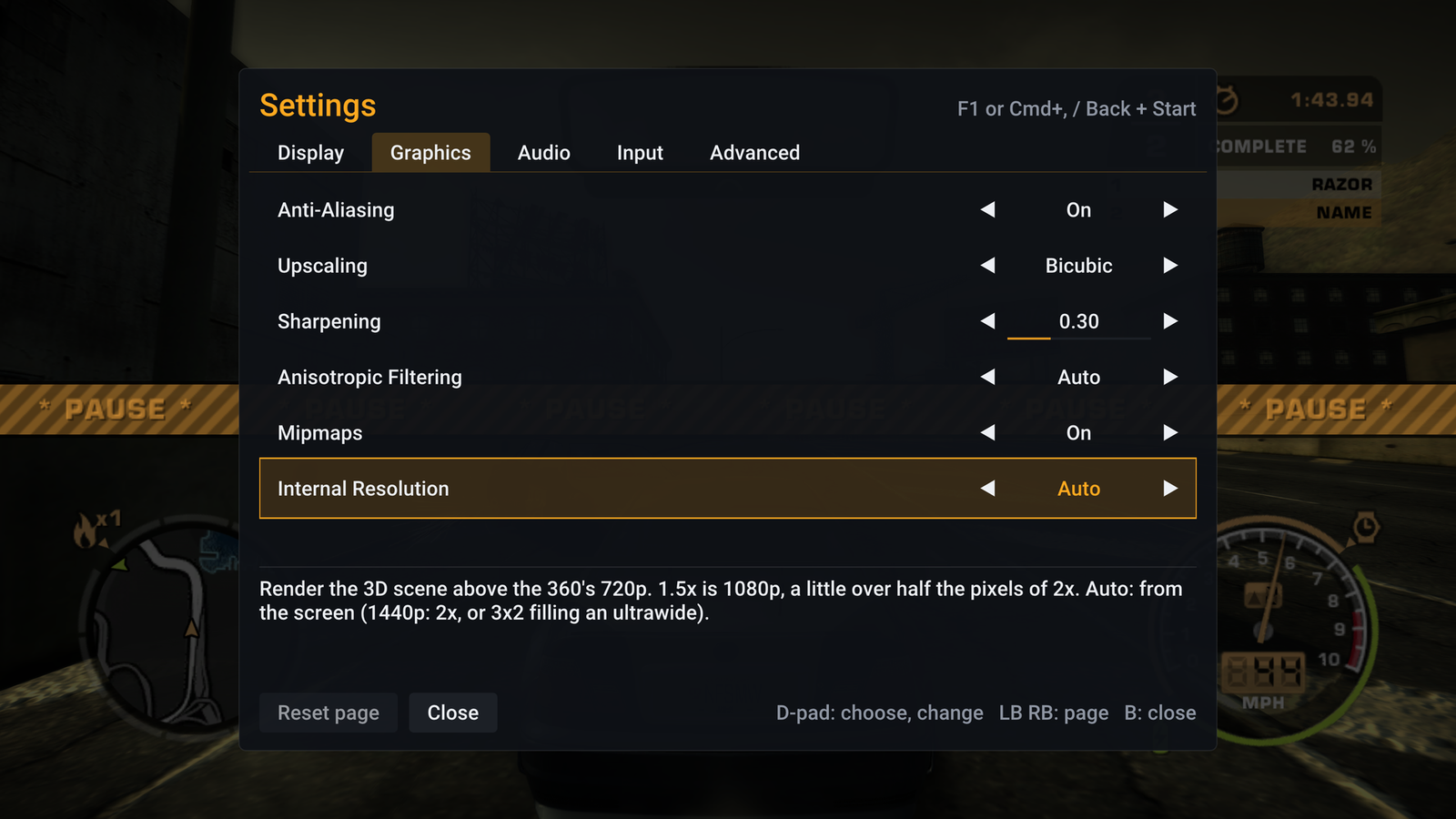
SpeedBreaker graphical settings menu during a race. Source: SpeedBreakerProject/GitHub. Screenshot from current documentation, not specific proof of version 0.1.3.
The project also keeps configurations and saves separate from the game files. Thus, the user can update the application without necessarily having to reinstall their data.
How to download SpeedBreaker 0.1.3 for Steam Deck and Mac
The SpeedBreaker official GitHub brings together the available versions and packages. The changelog documents version 0.1.3; however, we have not yet validated the binary files for this version. Therefore, the local buttons below remain linked to the previously verified packages of version 0.1.1. Check the available version before installing and prepare an image of your own North American copy of Most Wanted for Xbox 360.
Steam Deck and Linux
- Download the SpeedBreaker SteamOS x86-64 package.
- Extract the content to a game folder on the device.
- On Steam Deck, add the speedbreaker.sh file to the Steam library as a non-Steam game.
- Keep native execution, without enabling Proton.
- Launch the program and select your own Xbox 360 disc image.
- Finish the installation and adjust the resolution according to the device's performance.
DOWNLOAD SPEEDBREAKER PORT STEAM DECK AND LINUX UPDATED
The Allves Games route directs to the SteamOS x86-64 package. On other Linux distributions, check the requirements and limitations provided by the developer.
Mac with Apple Silicon
- Download the SpeedBreaker-macos.dmg file.
- Open the disk image and move the application to the Applications folder.
- Authorize the program to open according to the official macOS instructions.
- Select the files from your own copy of Most Wanted for Xbox 360.
- Finish the installation and configure the graphics settings.
DOWNLOAD SPEEDBREAKER PORT MAC UPDATED
The Mac package requires an Apple Silicon processor and a compatible macOS version. Intel Macs are not part of the officially supported platforms.
Steam Frame
For the Steam Frame, the developer provides a specific SteamOS ARM64 package. Therefore, look for the SpeedBreaker-steamos-arm64.tar.xz file on the official version page.
DOWNLOAD SPEEDBREAKER PORT STEAM FRAME UPDATED
This button opens the official release to select the ARM64 package. Steam Frame runs the game on a virtual screen, not as a native virtual reality experience.
What is the difference compared to other Most Wanted ports?
Allves Games has already featured another port of Need for Speed: Most Wanted for Mac. However, that project uses the PC version as a base.
SpeedBreaker takes another path: it starts from the Xbox 360 version's code and recompiles it for compatible devices. Therefore, the two projects have different technical bases and should not be confused.
Additionally, SpeedBreaker does not distribute the game's commercial content. The user must own the corresponding Xbox 360 edition and provide the disc data for the installer to prepare execution.
SpeedBreaker 0.1.3 remains in development
The SpeedBreaker 0.1.3 expands the options to play the Xbox 360 edition of Most Wanted on current devices. However, the project remains independent and has no official affiliation with Electronic Arts.
In addition, some Linux configurations require additional compatibility checks. Therefore, it is worth consulting the official documentation and checking the newest versions before installation.
Sources: SpeedBreaker v0.1.1 — official release; SpeedBreakerProject repository; project website.