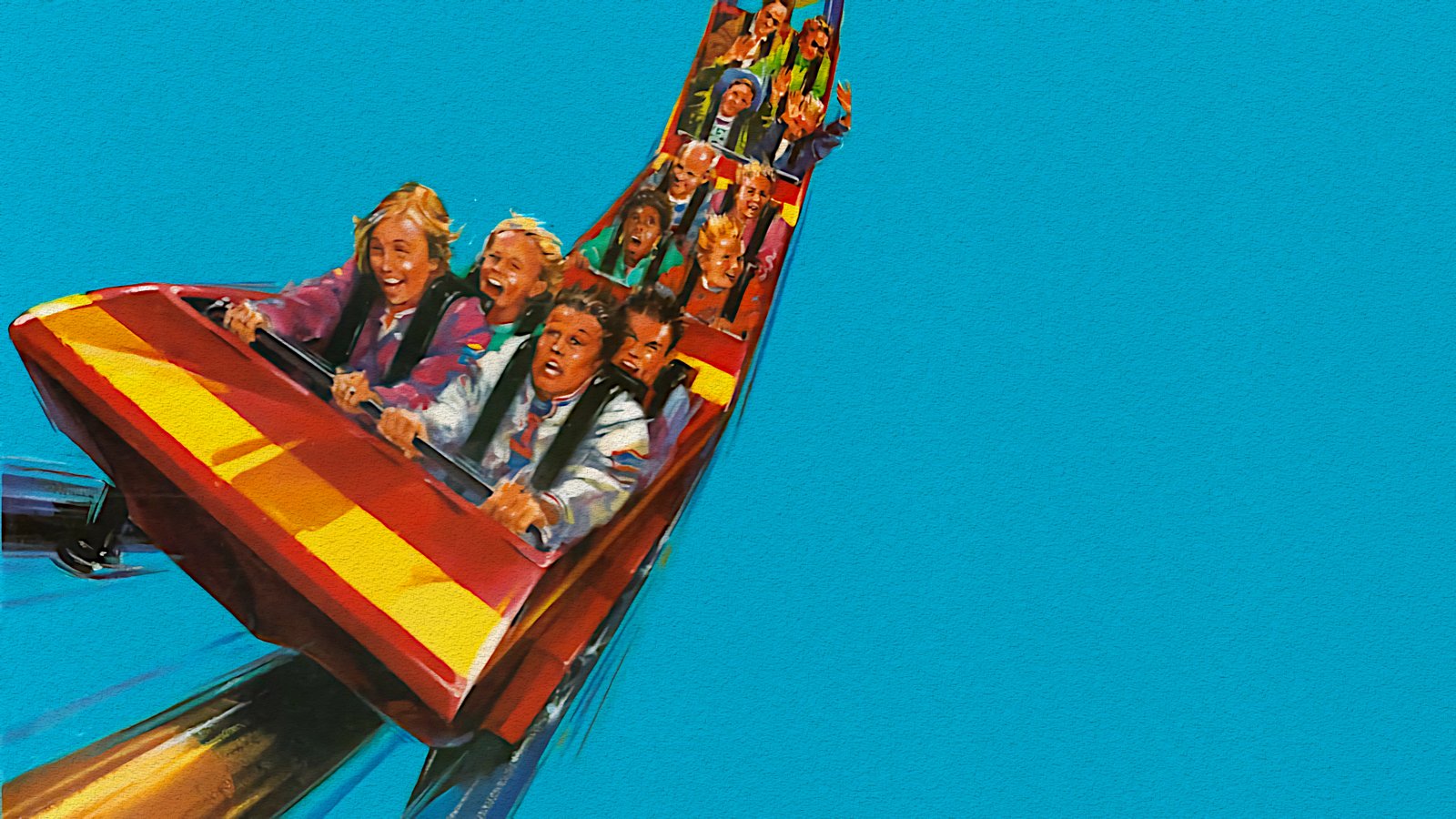
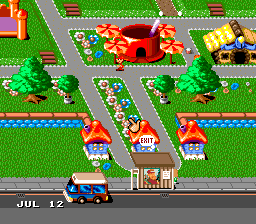
Gateway to Theme Park for SNES. Source: LaunchBox; original 256×224 pixel screenshot, displayed without scaling.
SNES Theme Park now runs in native code
According to the developer, the version preemptively converts instructions from the main S-CPU and the SPC700 audio processor into native code. Furthermore, the program implements the components necessary to reproduce the console's operation, including video, DMA, audio, and PAL timing. In this regard, the README states that version 1.0.0 does not use a runtime CPU interpreter, JIT, or emulation fallback. Even so, the project reproduces original hardware functionalities through software. Therefore, the expression native port refers to the recompiled execution of the program, not an integral recreation of the game.At the same time, the developer points to a natural pacing of approximately 50.007 frames per second, corresponding to the PAL game, as well as stereo audio. However, this does not mean that the port runs at 60 FPS or offers widescreen. As a reference, in the video below, LongplayArchive shows the original Super Nintendo PAL version, prior to this recompilation; the scenes are not a test of the native Windows executable.
How to download and install Theme Park on Windows
The official package is a ZIP for Windows x64 of about 5.4 MB. The original game is not included. Before starting, have your legally acquired copy of Theme Park for Super Nintendo ready and prepare the headerless European PAL ROM in .sfc format.- First, check if your PC runs 64-bit Windows and set aside a folder with write permission.
- Next, download the latest public Theme Park SNES Static Recomp package for Windows using the button below.
DOWNLOAD UPDATED THEME PARK SNES PORT WINDOWS
- Then, extract the entire ZIP into a writable folder and run Launcher.exe.
- Next, close the welcome screen, choose Browse ROM and select your legitimate PAL ROM. Alternatively, place the file in the Rom folder.
- Finally, configure your keyboard or controller in Controller Bindings (F5) and start the game with F7.
Controls, snapshots and limitations
To begin with, the version allows one player and offers keyboard and gamepad mapping via SDL3. Additionally, F2 and F3 open snapshot controls, F4 displays settings and F8 allows capturing images. The launcher stores preferences and snapshots in the same folder.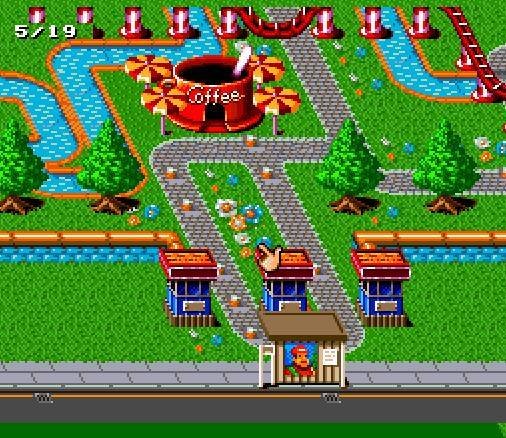
Another park area in the original SNES version. Source: LaunchBox; contextual image, does not prove port functionality.
More classic game recompilations
The project follows the trend of adapting old games for native execution on current systems. In this regard, it is worth checking out the SNES SimCity recompilation and the ActRaiser PC port. These are distinct projects, with their own features and requirements.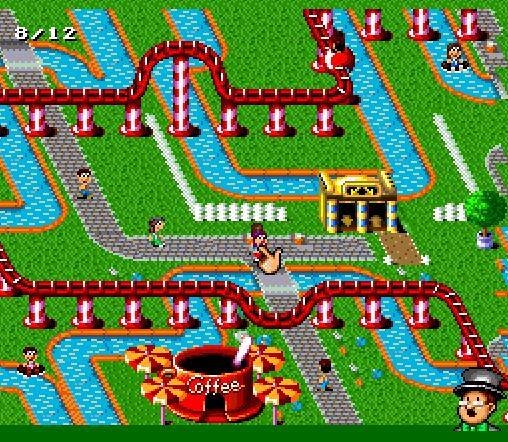
Gameplay of the original SNES edition of Theme Park. Source: LaunchBox; contextual image, does not demonstrate the Windows port.