
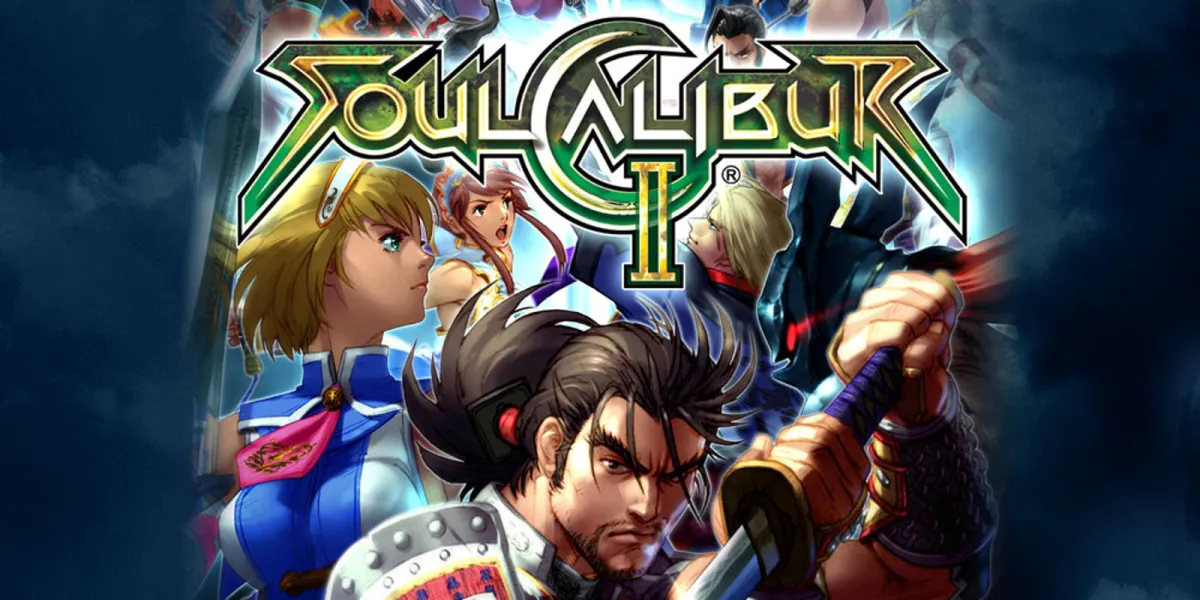
RingOut 1.6.6 received an update on October 3, 2026, focused on performance and the native port of SoulCalibur II for Windows. The new version recompiles the game's PowerPC code to x86-64 and improves the execution path on PC, while keeping Vulkan as the primary rendering option.
The highlight of the release is the optimizations applied to the recompiled module. On a dual-core laptop used by the project, the combination of Clang, LTO, and a speed-oriented profile increased fight performance by about 21%. Therefore, the documented gain comes from the project's own testing and should not be treated as an independent benchmark for all PCs.
RingOut is the community project responsible for the static recompilation of SoulCalibur II for PC. Image: GitHub / RingOut.
RingOut 1.6.6 improves performance on Windows
In version 1.6.6, the project started compiling the main module with the same Clang used in performance profiles. In addition, the build uses Link Time Optimization and speed-focused adjustments. Thus, the recompiled code manages to reduce part of the CPU cost during fights.
According to data recorded by the project itself, the gain reached approximately 21% on a laptop with a dual-core processor. However, this result depends on the hardware and the tested scene. Therefore, it serves as a reference for the version's technical advancement, rather than a fixed performance promise.
Vulkan becomes standard and Direct3D returns
RingOut 1.6.6 also changes the renderer behavior on Windows. Vulkan is now the default option, while Direct3D reappears in 1.6.x line builds. In addition, the user can choose the graphics backend directly from the project menu.
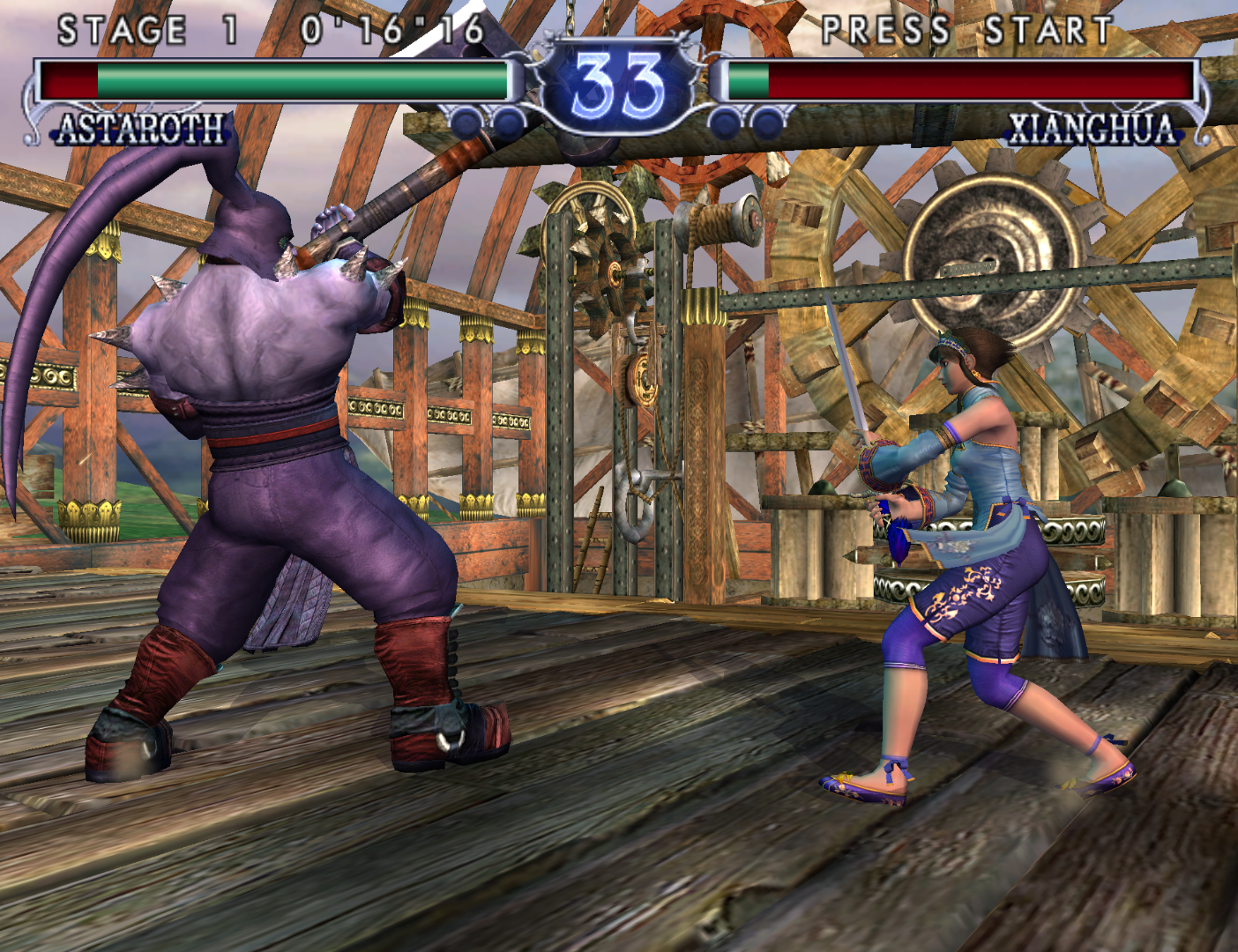
SoulCalibur II gameplay on the Nintendo GameCube, used here as a visual reference of the game recompiled by RingOut. Image: LaunchBox Games Database.
This flexibility helps test the port across different GPUs and drivers. Meanwhile, the project continues to refine Windows compatibility, which still receives test build treatment within the current documentation.
How to download and install the SoulCalibur II port on Windows, Linux or Steam Deck
- Download the files for your platform. On Windows, use the installer. On Linux desktop, use the Linux package. On Steam Deck, download both packages: Linux and Steam Deck, because the Linux package contains the files used to build the module that will be installed in the Deck package.
DOWNLOAD SOULCALIBUR II PC PORT UPDATED
DOWNLOAD SOULCALIBUR II PORT LINUX UPDATED
DOWNLOAD UPDATED SOULCALIBUR II STEAM DECK PORT
- Prepare the package. On Windows, run RingOut-...-windows-x64-setup.exe and complete the installation. On Linux desktop, extract the ZIP and run ./RingOut. On Steam Deck, extract both ZIPs; the Deck package does not come with the ready-made module.
- Provide your game image. RingOut accepts formats like .iso, .gcm, .nkit.iso and .rvz. Use only an image created from your own legally acquired copy of SoulCalibur II.
- Complete the initial setup. On Windows and Linux, the first run extracts the data and recompiles the executable from your disc. On Steam Deck, use the setup.sh --deck from the Linux package with your game image to build the module and install it in the Deck package. This process occurs once for that installation.
- Open RingOut normally. After preparation, start the port directly. On the Steam Deck, the project advises adding RingOut to Steam as a non-Steam game to launch it from Game Mode.
Native port recompiles the code of SoulCalibur II
RingOut does not function like a traditional emulator during gameplay. Instead, it pre-converts the PowerPC code of the GameCube executable into a form that modern computers run as native x86-64. Thus, the project follows the same line of technical preservation as other ports covered by Allves Games.
The site has already shown similar approaches in projects like the native Daytona USA port and the PC port of Rave Racer. Although each project uses its own architecture, all of them replace part of the real-time emulation work with code prepared for modern hardware.
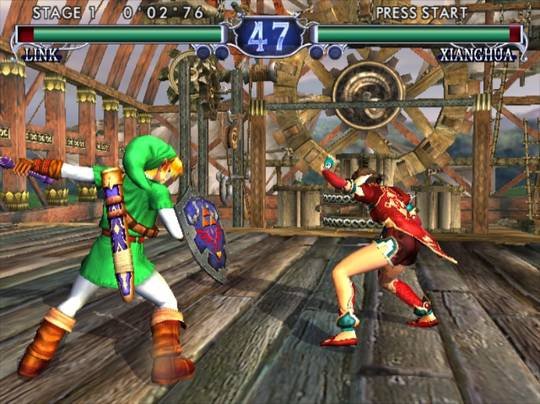
Combat scene from SoulCalibur II on the Nintendo GameCube, representing the gameplay that RingOut recompiles for native execution on the PC. Image: LaunchBox Games Database.
Linux also receives a reduction in CPU usage
In addition to the changes aimed at Windows, the update documents an approximate 8% reduction in CPU usage related to disk access on Linux. Therefore, the release does not concentrate all adjustments on a single operating system.
This type of improvement can especially help more modest machines, where the processor becomes the main bottleneck. However, the actual impact varies depending on storage, CPU, system, and project configuration.
RingOut 1.6.6 still requires the game data
The project does not distribute the commercial files of SoulCalibur IITo test the port, the user needs to provide the data obtained from their own legally acquired copy. Allves Games does not provide ROMs or proprietary game files.
For now, the main progress of RingOut 1.6.6 lies in efficiency: the project improves the recompiled code, expands rendering options on Windows, and continues to reduce CPU overhead. Thus, the update strengthens the proposal to run SoulCalibur II natively on modern PCs without relying on a traditional emulator during gameplay.
Sources: update commit; official project repository.

Pingback: Phase Distorter 0.2.1 leva EarthBound ao PC em até 300 FPS
Pingback: CallOfWarcraft mod leva armas de Modern Warfare 2 ao WoW
Pingback: NFS Underground 2 Android: port experimental chega a 51 FPS
Pingback: Ridge Racer 6: port nativo com ultrawide, 60 FPS e DLC
Pingback: Magic Carpet port nativo para Windows com 4K e 75 fases
Pingback: Soulcalibur Recompiled leva Dreamcast ao PC com lutas e áudio
Pingback: Soulcalibur II HD ganha port para PC e Mac em 720p
Pingback: Portes Nativos de Jogos: Bloodborne, Zelda e Mais no PC com Melhorias!