With this, the PS5SX2 2.02 brings together the new features from the 2.01 update and the fixes released on October 10, 2026. The main change is experimental support for reading physical PS2 discs on the unlocked PS5, with a copy to storage when necessary. The emulator also now recognizes compatible USB guitars and other input devices.
Physical PS2 discs: what changed in PS5SX2 2.01
For example, according to the official version 2.01 notes, the user can insert certain PS2 DVDs into the unlocked PS5's drive. The system identifies the disc, prepares a copy if necessary, and can start the game without manually opening the emulator interface.
However, this feature does not turn the PS5 into an officially backward-compatible console. It is necessary to use an environment with an exploit and the components specified by the project. Furthermore, the author reports tests on only a PS5 fat. PS2 blue discs burned to CD and PS1 discs on CD are not recognized by the device's reader.
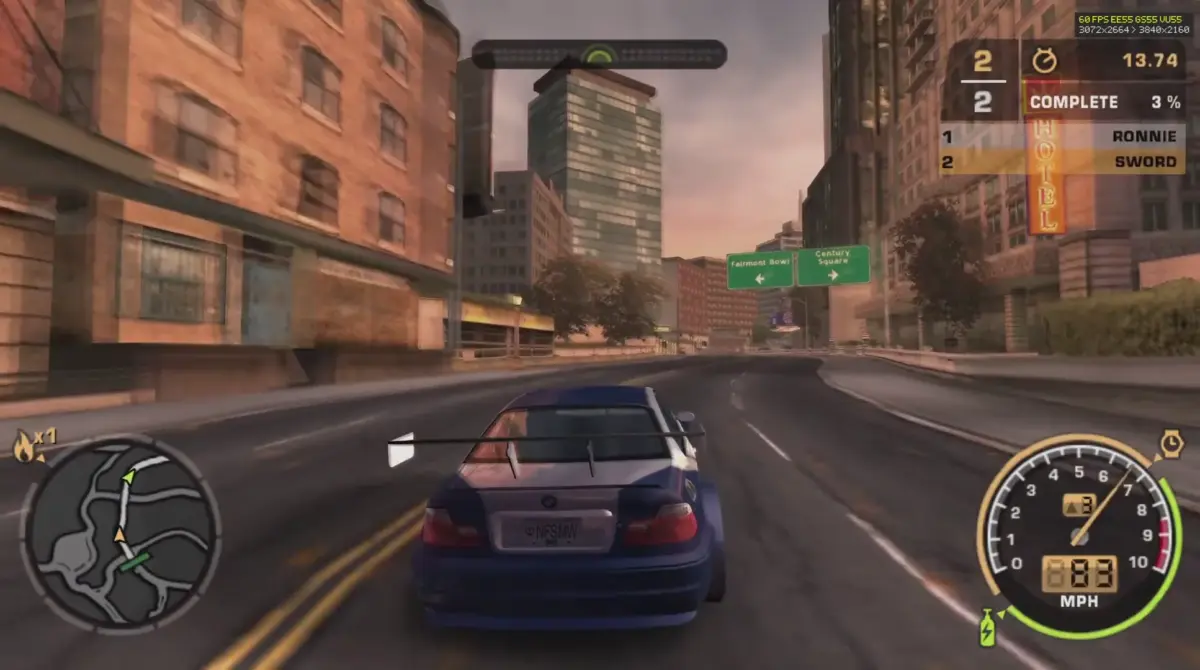
Archive image of PS5SX2 showing PS2 games on PS5. It does not demonstrate physical disc reading in version 2.02. Source: Allves Games.
USB guitars and controllers receive improvements
In addition, version 2.01 also added recognition for USB guitars used in Guitar Hero and Rock Band games, as well as improvements for HID controllers, DualShock 3, and use of the DualSense microphone in compatible titles. Even so, compatibility depends on the device and the game; therefore, there is no guarantee that all accessories will work.

Official visual identification of the PS5SX2 emulator; reference image, not a capture of the disc reading function. Source: Swordpdf/PS5SX2.
Previously, Allves Games already accompanied previous versions of the emulator, including the PS5SX2 1.85, with adjustments for games like Gran Turismo 4, and the first version 1.00. The current novelty is the experimental integration of the disc drive and USB accessories.
Update 2.02 fixes issues from 2.01
Next, the release 2.02, published a few hours later, added CRT, Scanlines, VHS, and VHS Soft visual filters. It also started displaying disc copying progress and fixed startup delays, issues with USB drives, and freezes related to the detection of certain controllers.
In addition, the project distinguishes automatic disc copying from an experimental direct read option, which remains disabled by default. Therefore, it is not correct to promise that the game will always run immediately without copying files.
How to use PS2 physical discs with the PS5SX2 2.02
To install, the developer has made the package available PS5SX2-vk-285-162.zip and the payload ps5sx2-aio.elf on the official version page. The second brings together the auxiliary components indicated in the installation procedure. No games, commercial BIOS or firmware are provided as content of the article.
- Check the unlocked PS5 requirements, permissions and disk models in the official documentation.
- Download the official version 2.02 packages (both are required in the procedure described by the project):
- Use the payload manager and the installer according to the official manual and release.
- Use your own original discs and wait for the copy to complete when prompted. Direct reading is still experimental and is disabled by default.
Finally, these steps summarize the author's documentation. Allves Games did not perform independent testing with discs, consoles, or USB controllers in this news article.
Sources: PS5SX2 2.01; PS5SX2 2.02.