The ICO on PC received the version 0.2.2 alpha on October 20, 2026. At this stage, recompilation of the PlayStation 3 edition already allows controlling Ico, exploring sections of the game, and running gameplay at 60 FPS on the developer's computer. In turn, the most recent update fixes installer and program bugs, while controls and performance improvements arrived in version 0.2.0 on October 19.
According to official version 0.2.0 changelog, the jump table fix restored the protagonist's movement. In addition, the project started supporting DualSense and DualShock 4 via SDL2, XInput controllers, and basic keyboard. The port uses Direct3D 12 and does not depend on an emulator during gameplay, but utilizes RPCS3 when preparing the original files. Therefore, it is important to distinguish file preparation from native game execution.
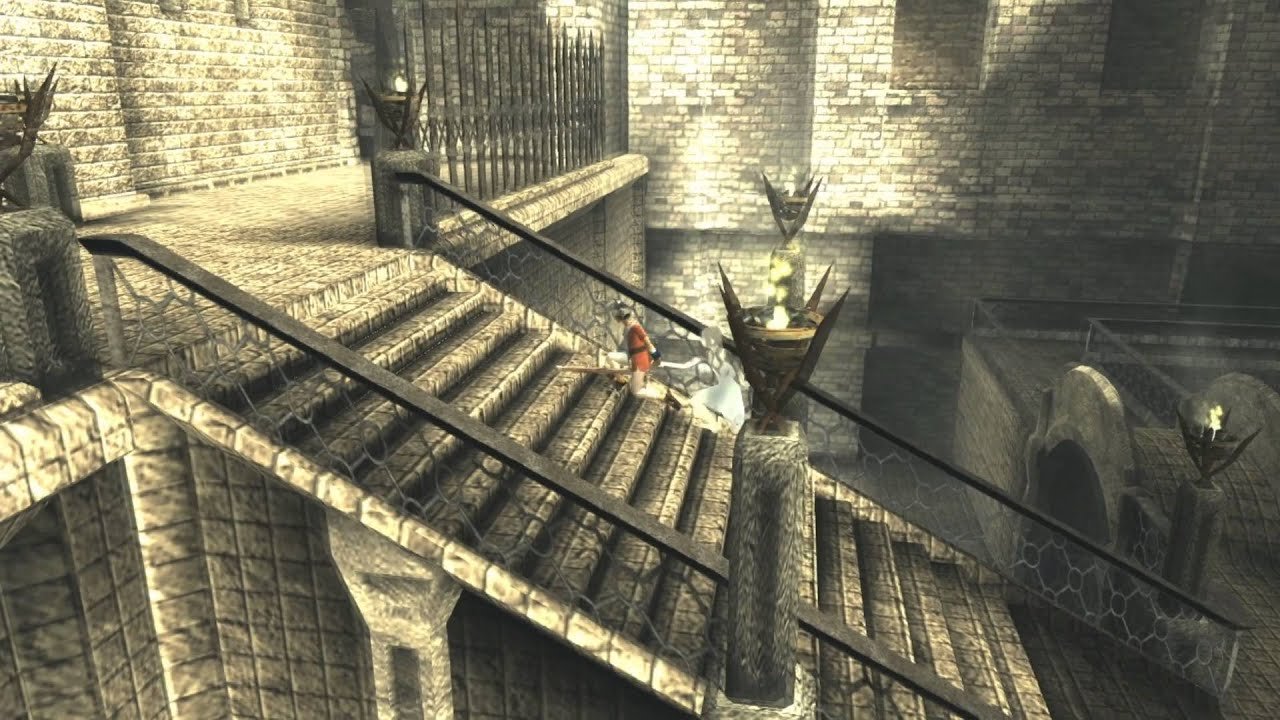
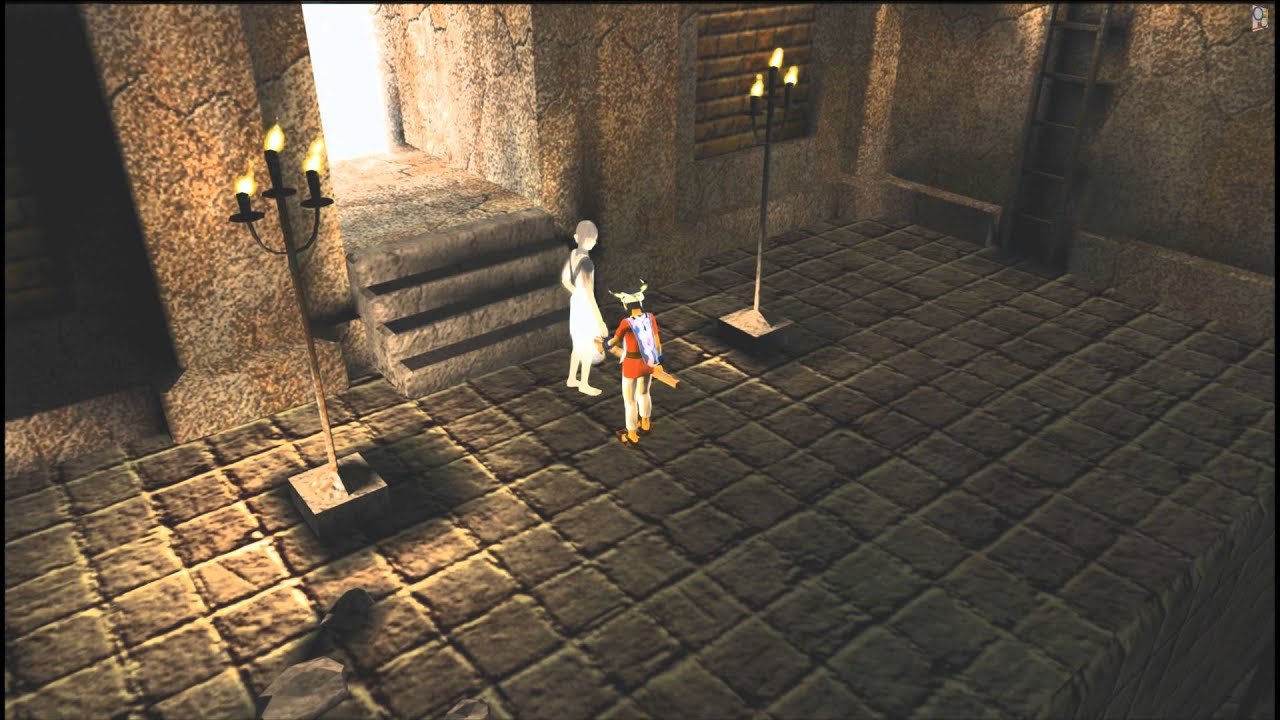
Staircase from ICO HD on PlayStation 3. Credit: Sony / Team ICO / Bluepoint Games, via LaunchBox. Historical image, not a capture of the PC port.
ICO on PC: what changed in version 0.2.2?
The version 0.2.2, published on October 20, maintains the gameplay of 0.2.0. However, it improves the handling of settings ico.ini, preserves the execution error log from the previous run in ico.prev.log and presents clearer messages when required files are missing. In other words, the latest package prioritizes stability and diagnostics, without announcing a new playable phase.
In addition to these changes, the developer fixed a rare internal task restart issue and adjusted the menu output. Version 0.2.1 had already fixed Python installer dependencies and added SHA-256 files to check download integrity. Therefore, it would not be correct to attribute the 60 FPS to update 0.2.2. Thus, the performance and control improvements should be attributed to the previous version.
60 FPS, controls and current limitations
In version 0.2.0, the author reported gameplay at 60 FPS without speeding up the original speed. Meanwhile, the cutscenes remain at 30 FPS. In addition, the project started displaying shadows under the characters, fixed brightness issues, and eliminated stuttering related to frame pacing.
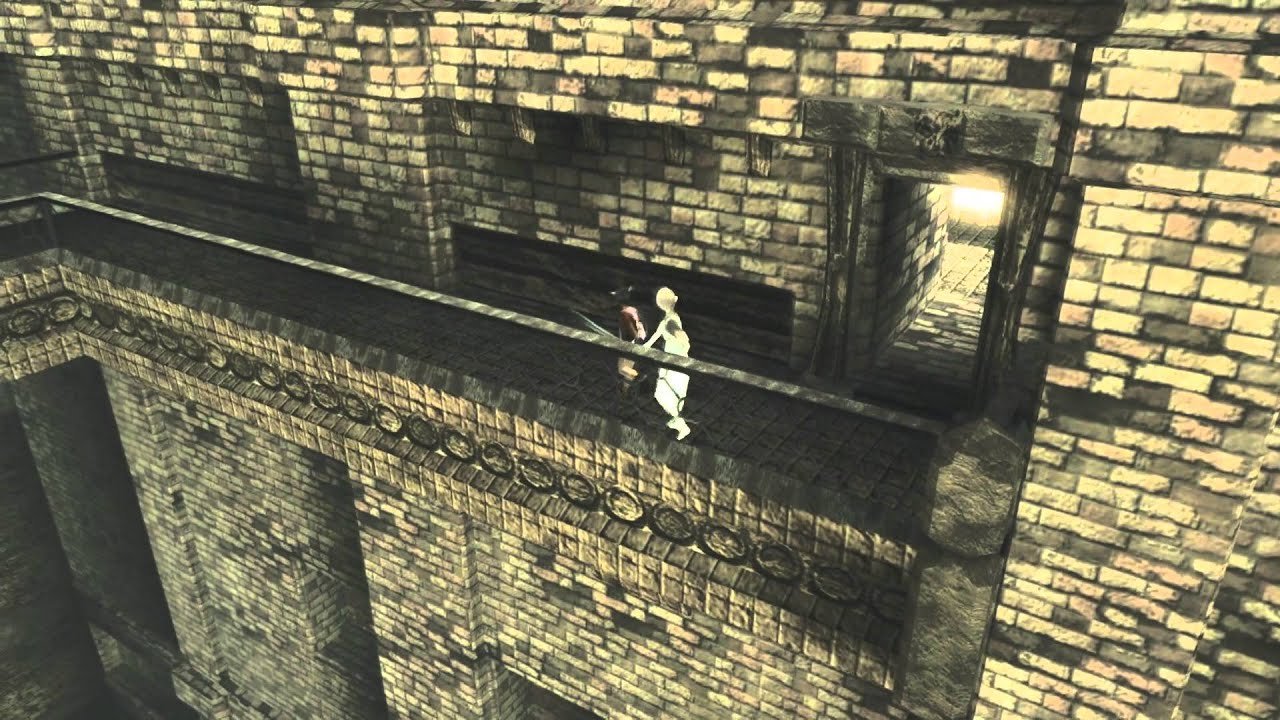
ICO HD catwalk on the PS3 edition. Credit: Sony / Team ICO / Bluepoint Games, via LaunchBox. Historical scene, not a test of the 0.2.2 port.
In addition, the updated README states that Ico can already walk, climb, and lead Yorda. However, the creator has not yet validated long sessions or complete save functionality. Thus, the results represent developer tests, not an independent review of the entire campaign. For instance, the keyboard maintains a fixed mapping, still without full customization.
On the other hand, important limitations remain: the window is fixed at 1280 × 720 pixels, there is no antialiasing or graphical settings menu, some sound effects are missing, and moving or resizing the window can impair the image. In addition, a prolonged black screen before the first cutscene may also occur during loading. Furthermore, only the North American edition of the game is accepted at this stage of the project.
How to install ICO on PC
The public installer ICO.PC.Port.Setup.exe is available for 64-bit Windows 10 and 11. However, it does not contain the game: the tool uses its own copy of the North American collection ICO & Shadow of the Colossus Collection, identified as BCUS98259, to compile the port on the user's computer.
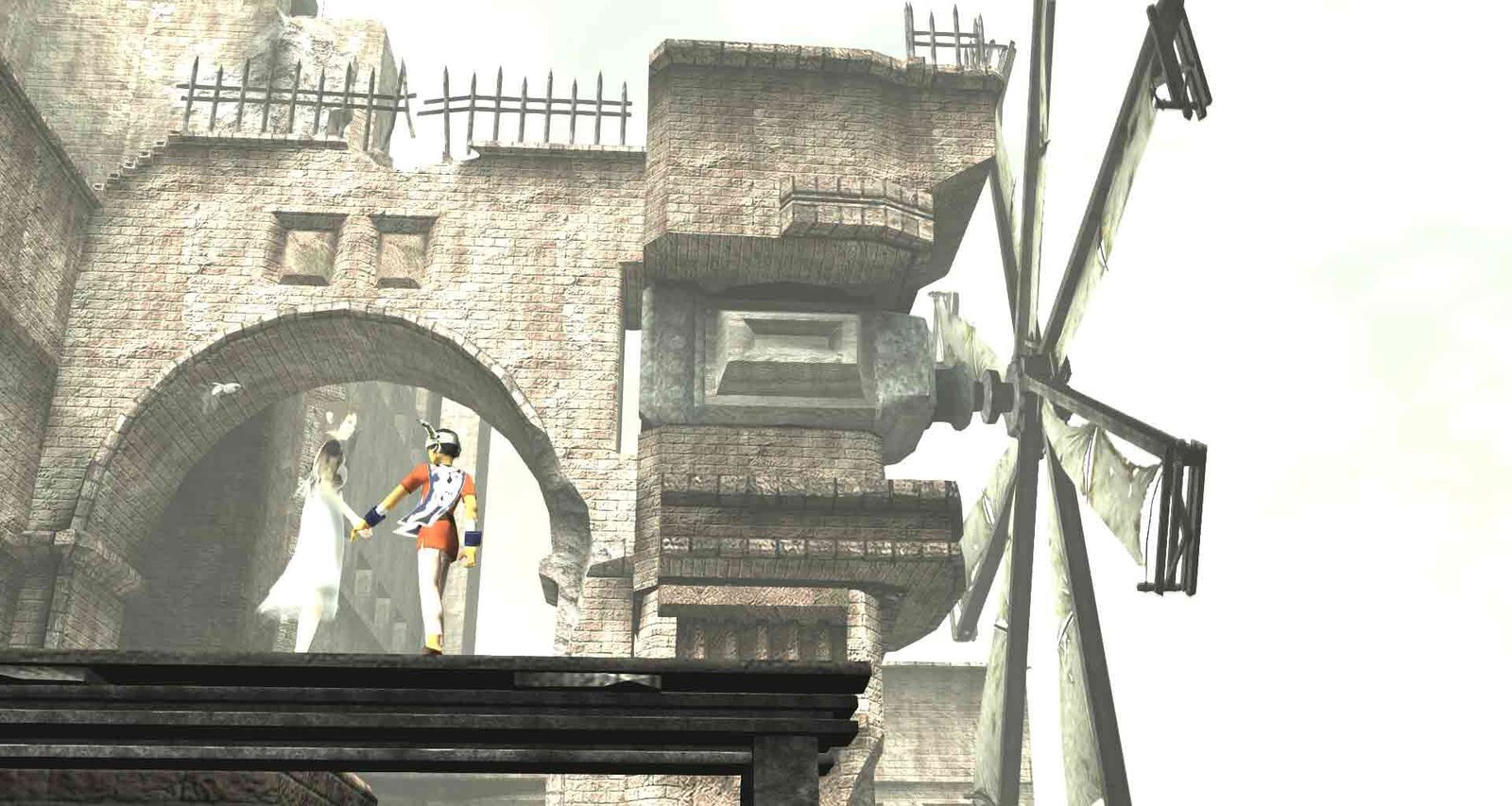
Original PS2 ICO, contextual image. Credit: Sony / Team ICO, via Famitsu. Does not represent the recompilation of the PS3 edition for Windows.
- Prepare a legally obtained dump of your PS3 disc, keeping the folder
PS3_GAMEof the compatible North American edition. - Install RPCS3 and configure the officially obtained firmware legitimately in it. The installer uses these components to decrypt the files from your own copy.
- Download the official version 0.2.2 installer using the button below and, before running it, compare its SHA-256 with the checksum file published by the developer.
- Open the installer, select the game folder and the RPCS3 installation. Then, specify the destination folder.
- Allow the configuration of the necessary build tools, such as Visual Studio Build Tools and Python, when prompted. The process requires an internet connection and approximately 5 GB of free space.
- Finish the build and launch the program
ico.exe. According to the README, the first installation can take from 6 to 30 minutes, depending on the computer.
As for the download, package 0.2.2 is approximately 55.7 MB and was published by the author on October 20. Its official SHA-256 is f8e5cbd47ad18557c4e622ba841359c3ad8178de460dfed95d8d15ab5cf8cbf2. Downloading the installer does not equate to a ready-to-play game executable, and no independent installation tests were performed in this report. Therefore, checking the SHA-256 sum helps detect an installer altered during transfer.
What to expect from the project?
ICO on PC remains in the alpha phase. According to the developer, upcoming priorities include prolonged testing, saves, audio fixes, and resolution options. However, there is no guaranteed date for these features or for the completion of the port.
Finally, other PlayStation game recompilations follow different paths. The Allves Games also accompanies the God of War III Remastered port for Windows, which should not be confused with the work on ICO.
Sources: ICO PC Port 0.2.2; ICO PC Port 0.2.1; ICO PC Port 0.2.0; , official README.; LaunchBox (historical captures of PS3 ICO HD)