
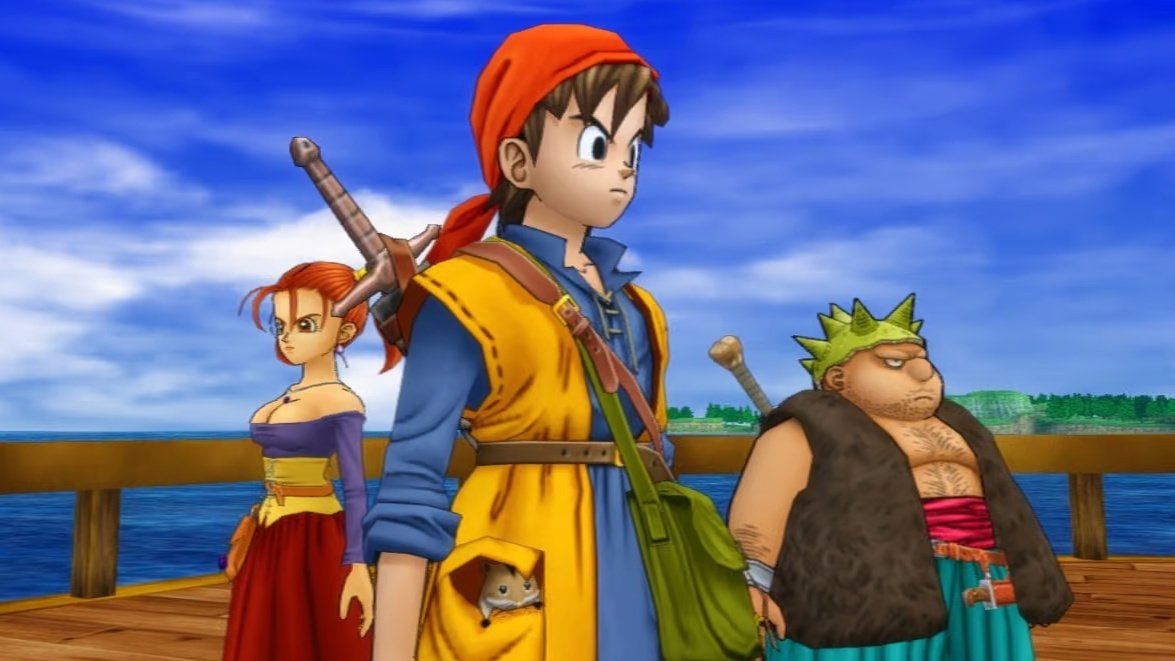
Dragon Quest VIII, classic RPG originally released for PlayStation 2, has received an experimental native recompilation for Windows, Linux, and macOS. The DQ8Recomp project uses the code from the North American edition of the game to generate an executable on the user's computer. Furthermore, it can already start the RPG, load saves, play audio, and reach exploration areas.
Developer Sinan Karakaya published build 3e74da6 on October 11, 2026. According to the official notes, this update fixes video speed and sound during playback on Windows. However, the port does not yet offer full compatibility with the campaign.
Dragon Quest VIII gets a native PS2-to-PC recompilation
To do this, DQ8Recomp uses the PS2Recomp framework to translate the MIPS code of the PlayStation 2's Emotion Engine processor into C++. Afterward, the program compiles that code for the player's chosen platform.
Thus, the goal is to run a large portion of Dragon Quest VIII's original logic in native code. However, the project also needs to recreate PlayStation 2 services, including graphics, audio, memory, and processing functions.
Therefore, this is not a traditional PS2 emulator. Even so, the recompilation does not eliminate all hardware simulation either. The system maintains interpreted components when an equivalent native path does not yet exist.
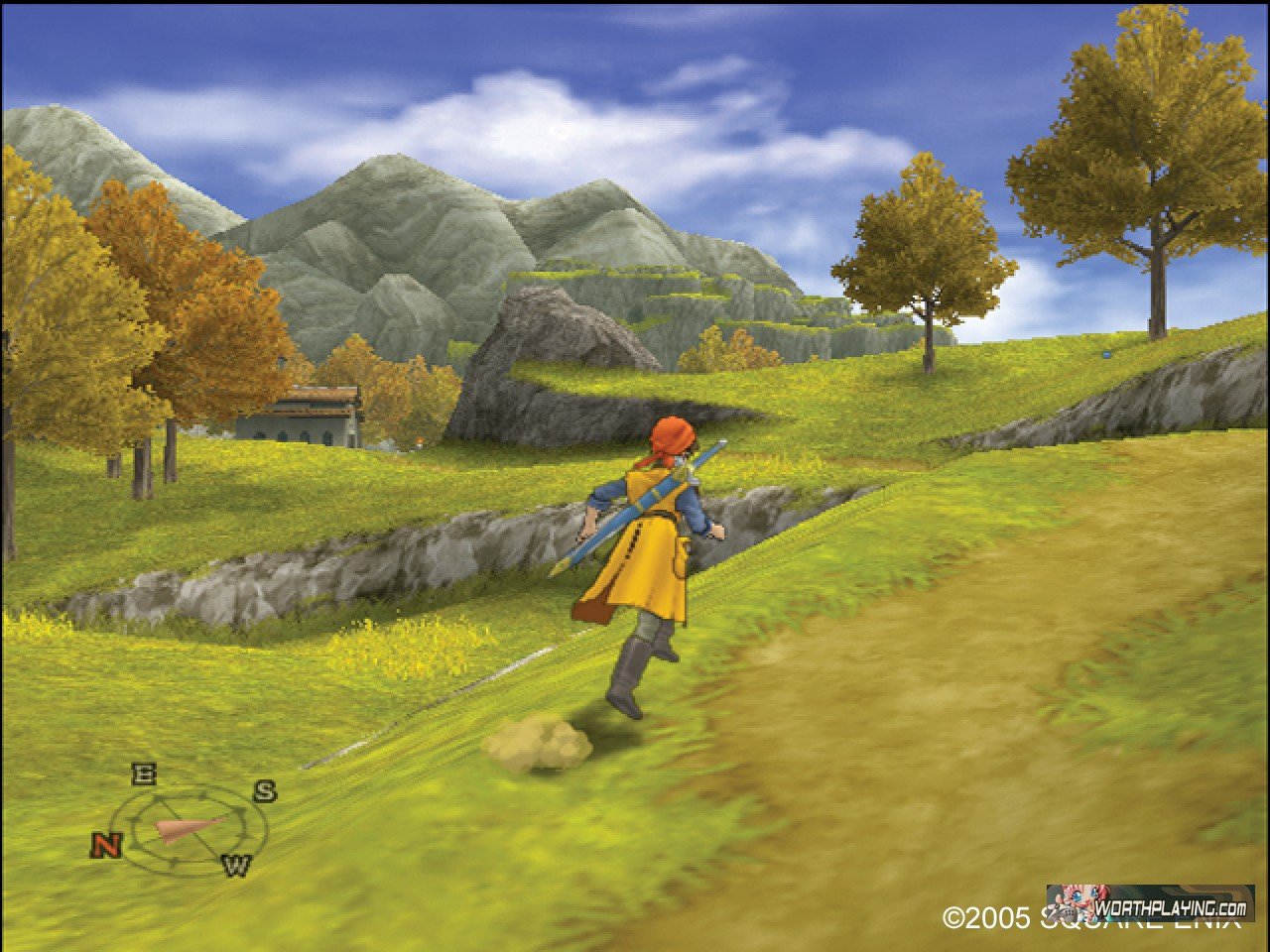
Exploration of Dragon Quest VIII in its original PlayStation 2 edition. Source: WorthPlaying. Illustrative image, not a capture from DQ8Recomp.
In addition, the repository brings together code generation tools, a graphics runtime, and a launcher. In this way, the user can prepare the port from the disk image of their own copy of the game.
Build 3e74da6 fixes movies and audio on Windows
First, the most recent update focuses efforts on video cutscene playback on Windows. According to the developer, build 3e74da6 fixes issues that affected the speed of these sequences and their audio.
Additionally, the previous version, identified as 3250957, had already improved the compilation process on Microsoft's platform. Among the fixes are issues with Visual Studio tools, user directories, and computers without AVX2.
As a result, the installer also now provides more accessible log messages. Therefore, players can forward more complete information when they encounter errors.
However, these improvements do not equate to the completion of the port. The author himself still limits operating guarantees to situations he has managed to verify.
Dragon Quest VIII already achieves exploration with audio and saves
The official progress report confirms that the North American edition of Dragon Quest VIII boots, displays menus, and reaches the opening sequence and field exploration.
Additionally, the developer verified character movement, menu access, save loading, and the playback of music, sound effects, dialogue, and cutscenes in specific segments.
In this process, the audio system uses the game's original modules running on an implementation of the console's sound components. Thus, part of the logic remains close to the PlayStation 2 behavior.
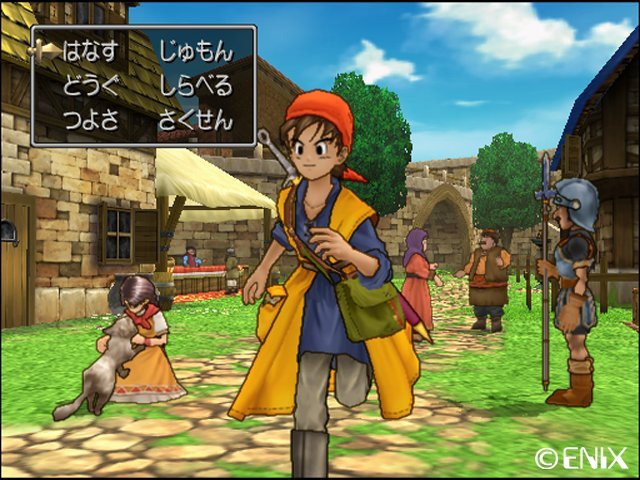
Urban environment of Dragon Quest VIII in the original PS2 version. Source: Ruliweb. The image does not represent a recompilation test.
On the other hand, the author has not yet confirmed the execution of the entire campaign. Nor has he performed comprehensive validation of battles, towns, later cutscenes, and compatibility with different saves.
Therefore, anyone installing this preview may encounter crashes, rendering issues, and differences compared to the original edition.
Test on Mac M1 Pro reached approximately 30 FPS
The developer published a measurement of the starting area on a Mac with an Apple M1 Pro chip. According to the results, the exploration sequence averaged 29.97 rendered frames per second for about one minute.
In addition, the slowest two-second segment hit 29.4 frames per second. In another check, at Farebury church, the minimum measured segment stood at 27.3 FPS after the area loaded.
However, these results represent specific tests by the creator, not independent benchmarks. Therefore, it is incorrect to claim that the entirety of Dragon Quest VIII already runs at a constant 30 FPS on Mac.
According to the documentation, a previous stage ran the starting area at approximately 15 FPS. The improvements involve ahead-of-time compilation of vector unit programs and changes to the renderer.
Project offers graphical options and configurable controls
At this stage, DQ8Recomp includes graphical rendering with SDL3 GPU and a software reference renderer. In addition, the player can change resolution options and display parameters during tests.
To open the internal menu, the user can press F1 or use the corresponding button on the controller. The menu offers settings for video, sound, keyboard, controls, screenshots, and performance monitoring.
On the other hand, frame interpolation, save states, content modifications, and custom presentation rates are still described as future plans. Therefore, they are not yet confirmed features of the 3e74da6 build.
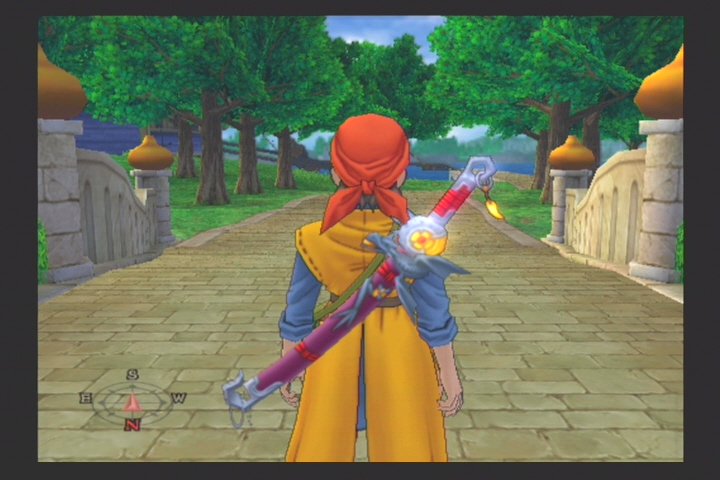
Exploration scene from the original Dragon Quest VIII, featuring the hero in front of a bridge. Source: GameMeca. Visual reference from the PS2 game, not the recompiled version.
In addition, the developer intends to expand graphics compatibility and performance on other computers. However, he first needs to stabilize the operation of the routes already tested.
How to download Dragon Quest VIII Recompiled 3e74da6
Currently, the author provides launchers for five system and architecture combinations: Windows x64, Linux x64, Linux ARM64, macOS Apple Silicon, and macOS Intel.
However, these files do not contain the ready-to-play RPG or its commercial data. The launcher translates and compiles the game locally from the ISO of a legitimate copy of Dragon Quest VIII for PlayStation 2.
In addition, the documentation requires the North American edition, identified by the code SLUS-21207. The PAL version still has incomplete configuration. In addition, the computer needs approximately 8 GB of free space.
Installation on Windows
- Open the page of the official 3e74da6 build.
- Download the file
DQ8Recomp-3e74da6-Windows-x86_64.zip.
DOWNLOAD DRAGON QUEST VIII RECOMP PORT WINDOWS UPDATED
- Extract all contents of the ZIP before running the launcher.
- Open the file
dq8-launcherfrom the extracted folder. - Drag the ISO of your North American copy of the game into the window.
- Use the option Install for me if the launcher identifies a missing build tool.
- Click on Start building and wait for the translation and compilation process.
- Then, press Play to try to start the game.
On the first run, Windows may display a warning because it is an independent application with no established reputation. Verify the file and its source before authorizing any program.
Linux x64 installation
- On the same official page, select
DQ8Recomp-3e74da6-Linux-x86_64.tar.gz.
DOWNLOAD DRAGON QUEST VIII RECOMP PORT LINUX X64 UPDATED
- Extract the package, run
dq8-launcherand select the game ISO. - Install the requested build dependencies and press Start building.
- After preparation, test the button Play.
Installation on Linux ARM64
For Linux ARM64 computers, the author also offers a specific package. Therefore, do not automatically use the x86_64 file on that architecture.
DOWNLOAD DRAGON QUEST VIII RECOMP PORT LINUX ARM64 UPDATED
Select DQ8Recomp-3e74da6-Linux-arm64.tar.gz in the release files and follow the launcher instructions. Support remains experimental on this platform.
Installation on Mac with Apple Silicon
- Download the file
DQ8Recomp-3e74da6-macOS-arm64.zip.
DOWNLOAD DRAGON QUEST VIII RECOMP PORT MAC APPLE SILICON UPDATED
- Extract the ZIP and open the DQ8Recomp Launcher.
- Since the application is not yet signed for macOS, check the official page for secure opening instructions.
- Select your ISO, prepare the requested tools, and start the compilation.
Installation on Intel Mac
Intel Mac users need to select another package. The author offers DQ8Recomp-3e74da6-macOS-x86_64.zip specifically for these computers.
DOWNLOAD DRAGON QUEST VIII RECOMP PORT MAC INTEL UPDATED
After extracting the file, follow the same process as the launcher. However, the performance results measured by the author on the Apple M1 Pro do not automatically apply to Intel Macs.
The five buttons above open the official release to choose the indicated package. None of them distribute the game's commercial ISO.
Dragon Quest VIII Recompiled does not yet replace the original game
Despite the progress, DQ8Recomp remains a development preview. Current support does not guarantee the functioning of all battles, towns, cutscenes, and save systems throughout the entire campaign.
Additionally, the compilation may require additional tools and processing time. According to the developer, the initial preparation takes approximately ten minutes on a recent computer, but may take longer on older machines.
Allves Games also accompanies other experimental PlayStation game recompilations, such as the Tomba! 2 port with widescreen and background enhancements. However, each project has its own stage of development and compatibility.
Finally, DQ8Recomp has no official affiliation with Square Enix, Level-5, or Sony. Those interested can follow new versions and tests via the developer's GitHub.
Sources: release 3e74da6 from 10/11/2026; DQ8Recomp repository; documented status and performance; execution instructions.

Pingback: Fire Emblem: The Sacred Stones para PC e Android