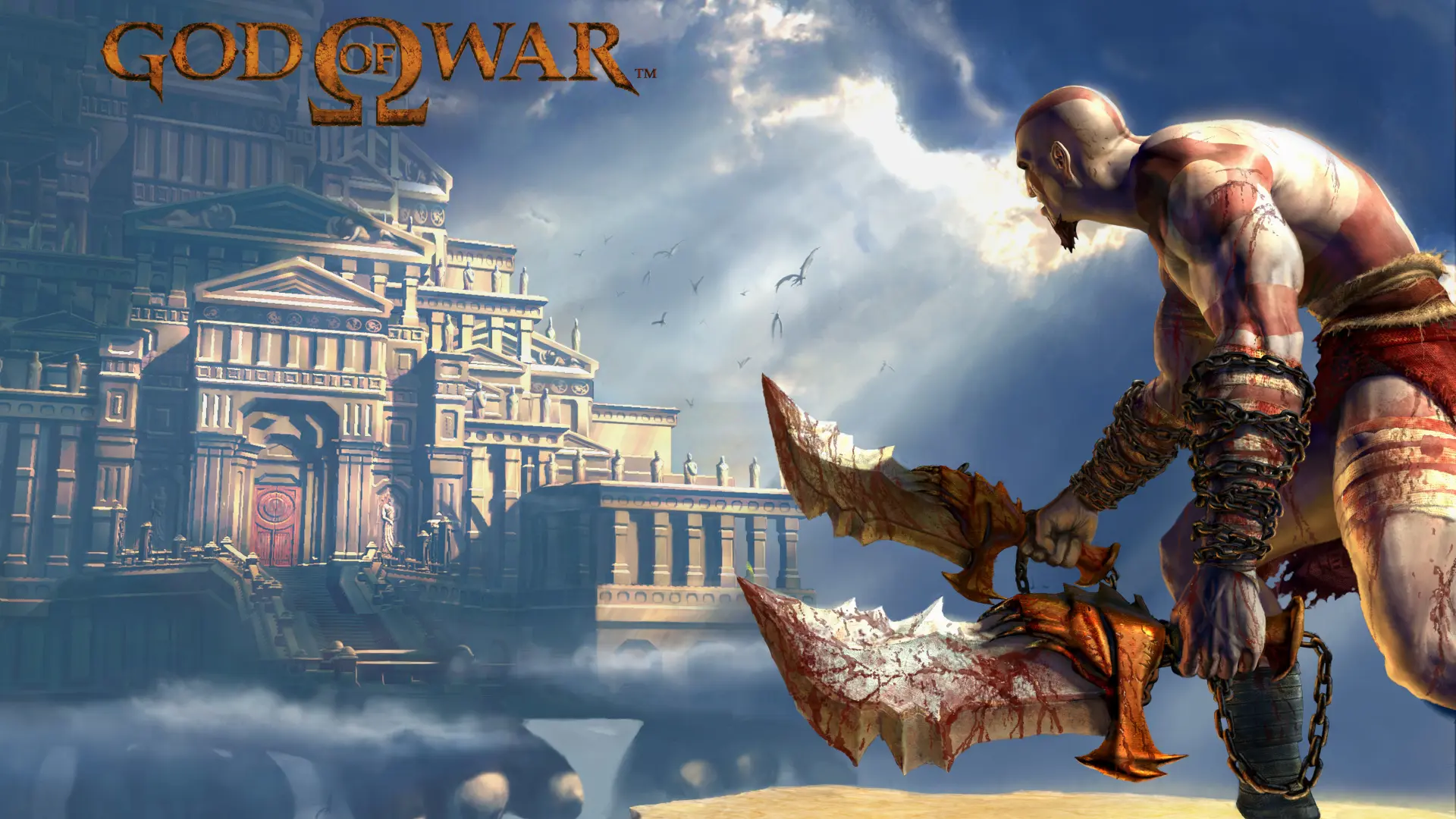
The God of War Tobiichi, unofficial port of the first God of War PlayStation 2 game for PC, has received October 15, 2026 an important revision. The project provides installation scripts for Windows and Linux, a launcher with graphical options, and widescreen support. However, it still requires the user to compile the program themselves using the files from their legitimate copy of the game. It is not an official Sony release.
The information comes from the Tobiichi-Port repository, maintained by YYOzcan, and from the changes published by developers on GitHub. Unlike the initial recompilation documented by KIexster, Tobiichi brings together contributions from YYOzcan, Waffle565, and KIexster. In addition, the current revision explains how to generate the native executable using the original North American disc (SCUS-97399).
God of War Tobiichi: what changed on PC?
The October 15 commit redesigned the installers instalar.cmd and instalar.sh. According to the documentation, they extract data from the user-provided ISO, generate the recompiled code, build the game and the Qt 6 launcher. At the end, they also run an automated optimization of approximately four minutes to register codes used by PS2 components.
The launcher allows configuring resolution, screen mode, frame limit, filters, controls, and aspect ratios such as 16:9, 16:10 and 21:9. There is also keyboard and mouse mapping, traditional controls, a locked enemy targeting shortcut, and an optional cheat menu. These are features described by the author; they do not represent an independent test of Allves Games.
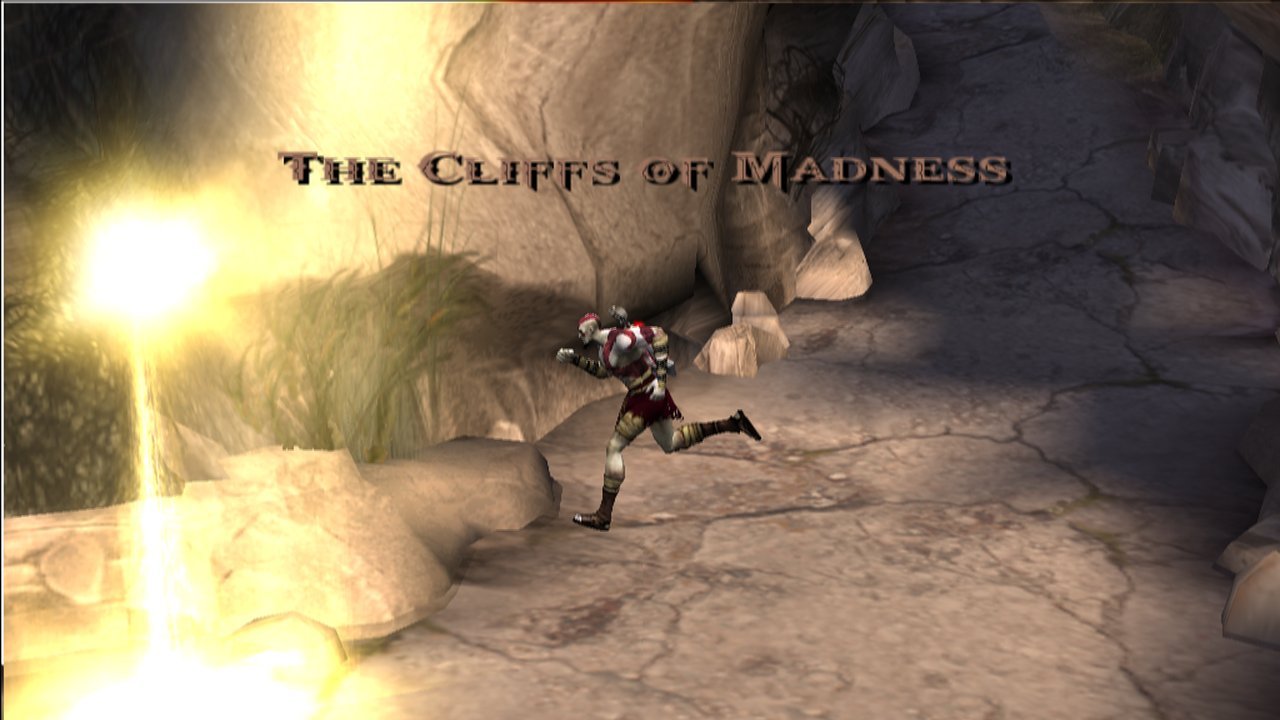
Another important change involves the graphic filter. In previous versions, an option was publicized as FSR. However, October 15 commit started calling it "Bicubic (sharp)". Thus, it is not correct to announce the current edition as a port with proven AMD FSR: the README now describes bilinear, bicubic filtering and optional FXAA.
God of War Tobiichi: performance and limitations
According to the README, the port recompiles the game code and parts of the graphics and input components, and uses OpenGL 4.3 or higher. The developer reports 60 FPS in typical situations with dedicated graphics cards and an internal resolution of 2× to 3×, while citing about 50–60 FPS in a specific test with a Radeon 680M at 1×. However, these are measurements and expectations stated by the project, not independent benchmarks or a guarantee for all scenarios.
On the other hand, the game logic remains tied to the PS2's 60 Hz. Therefore, the window may update at a higher frequency, but this does not represent game simulation above 60 FPS. The result varies according to CPU, GPU, compilation, internal resolution, and campaign segment.
Compilation and difficulties reported on PC
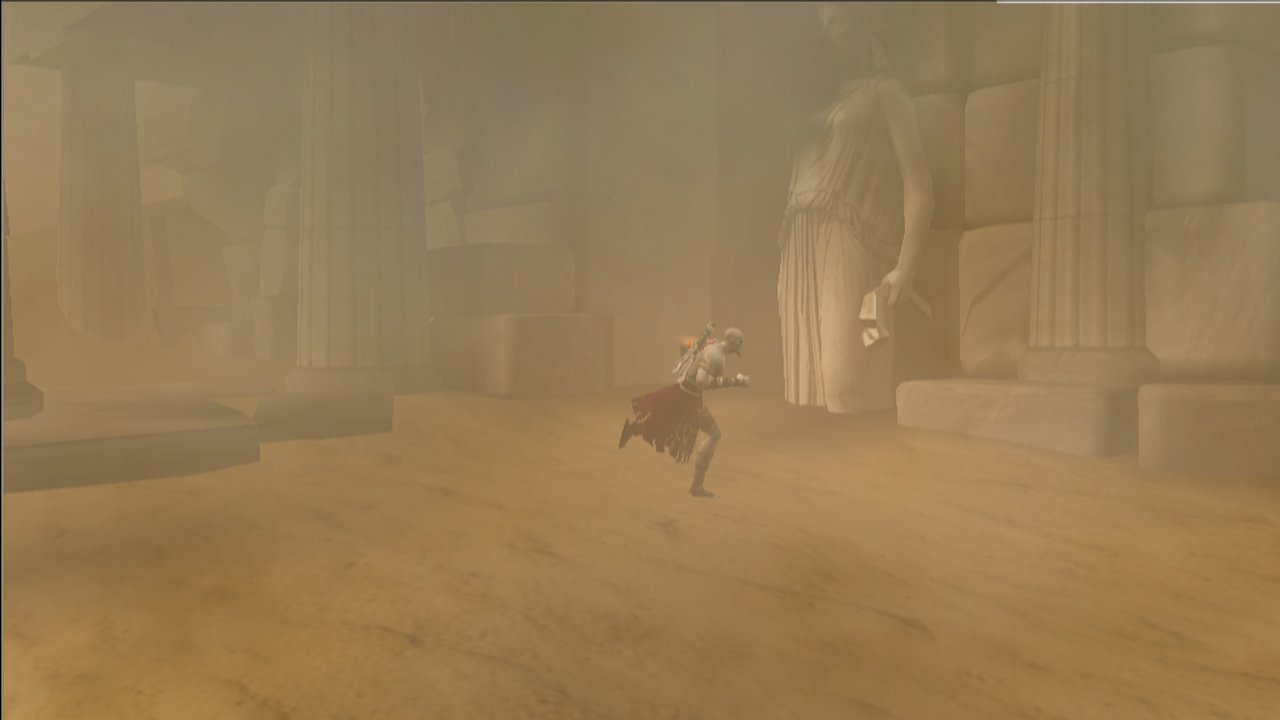
The README estimates 30 to 90 minutes for the first compilation and recommends about 20 GB of free space, an x64 CPU with AVX2 on Windows, and 8 to 16 GB of RAM. However, on October 16, 2026, participants in the official GitHub discussion reported long waits during the executable linking stage. One user claimed to have exceeded six hours of compilation and observed around 5 FPS on the title screen with a Ryzen 7 1700 and Radeon RX 580. These are individual experiences, not independent benchmarks nor universal results of the port.
How to prepare the port on Windows or Linux
The repository provides source code and build scripts, but there was no pre-compiled ZIP or EXE in the releases checked on October 16. In the open discussion on that day, users asked for a ready-to-use executable and reported difficulties on Windows 11 and crashing after the launcher. For low FPS, the README advises repeat optimization with instalar.cmd -Optimizar on Windows or ./instalar.sh --optimizar on Linux, reduce the internal resolution to 1× or 2× and use the high-performance power profile on laptops. The procedure does not guarantee 60 FPS; the logs are located in build-gen/recomp.log and build-gen/optimizar.log. The steps below require an ISO obtained from your own legitimate copy of the game.
Step-by-step compilation
- Access the official Tobiichi-Port repository and get the code at Code → Download ZIP or via Git.
DOWNLOAD GOD OF WAR TOBIICHI WINDOWS / LINUX UPDATED CODE
ZIP with source code and scripts. Requires compilation and the user's own ISO; does not include the game or a ready executable.
- Prepare the ISO image of your own disc North American God of War for PS2 (SCUS-97399). Place it in the folder
gamenamedGod of War.iso, as per the README. - On Windows 10/11 x64, follow the instructions in the README and run
instalar.cmd -Herramientasto prepare the tools, theninstalar.cmdto compile. In Linux, install the dependencies listed in the project and run./instalar.sh. - Wait for compilation and the automatic optimization step. During the initial optimization, do not use the mouse or keyboard, as instructed by the author.
- Open the generated launcher, check the files in the detection tab, and adjust the resolution before starting. If failures occur, consult the logs and the troubleshooting section of the README.
Do not download ISOs, proprietary files, or supposedly ready-to-run executables from unknown sources. The original guide is the safest reference for commands and requirements that may change.
What is the difference compared to previous God of War ports?
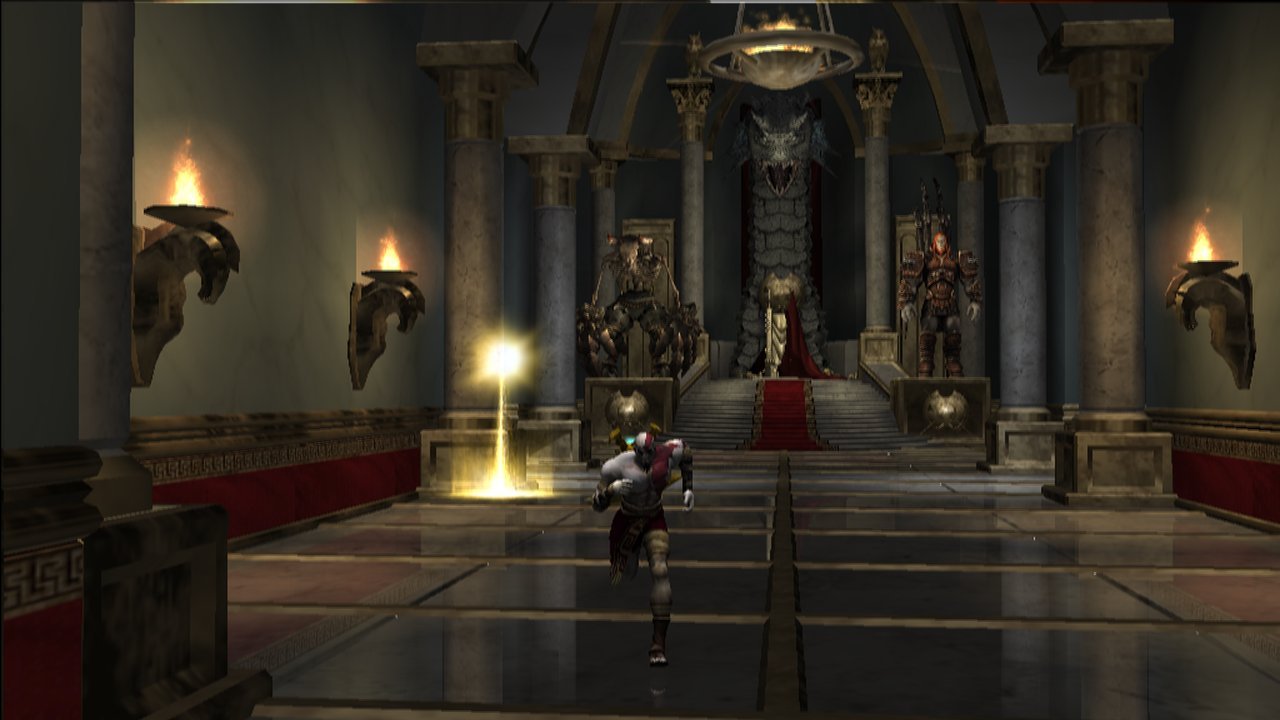
The Allves Games has already accompanied the recompilation that reached the menus and the progress of the KIexster project to low-performance gameplay. Tobiichi is a derivative and collaborative initiative with its own launcher, Linux support, and new documented improvements. Therefore, the old numbers of the base project should not be treated as measurements of the current edition.
The code and scripts for Tobiichi are public, but this does not equate to a ready-to-use installer or an end-to-end stability analysis. During the editorial check on October 16, 2026, the repository's releases list was empty. Therefore, the article describes documented features and the compilation process, without presenting a test performed by our team.
Sources: YYOzcan / Tobiichi-Port (README); installers commit (10/15); filters revision commit (10/15); Waffle565 technical project; technical captures of the base project preserved in the repository.