The ICO native port received version 0.4.1 on October 8, 2026, and now brings the PlayStation 2 classic also to Android, in addition to Windows, Linux, and Steam Deck. Furthermore, the independent ico-pc project executes the game's reconstructed code directly on the devices, without using the PCSX2 emulator during gameplay. However, it requires the user's own original PAL disc image.
Developer nathanialf has made three public packages available in the official release v0.4.1: a ZIP for Windows, a file for Linux and Steam Deck, and an experimental APK for Android. In addition, the update fixes visual effects, adds a photo mode, and improves the model viewer.
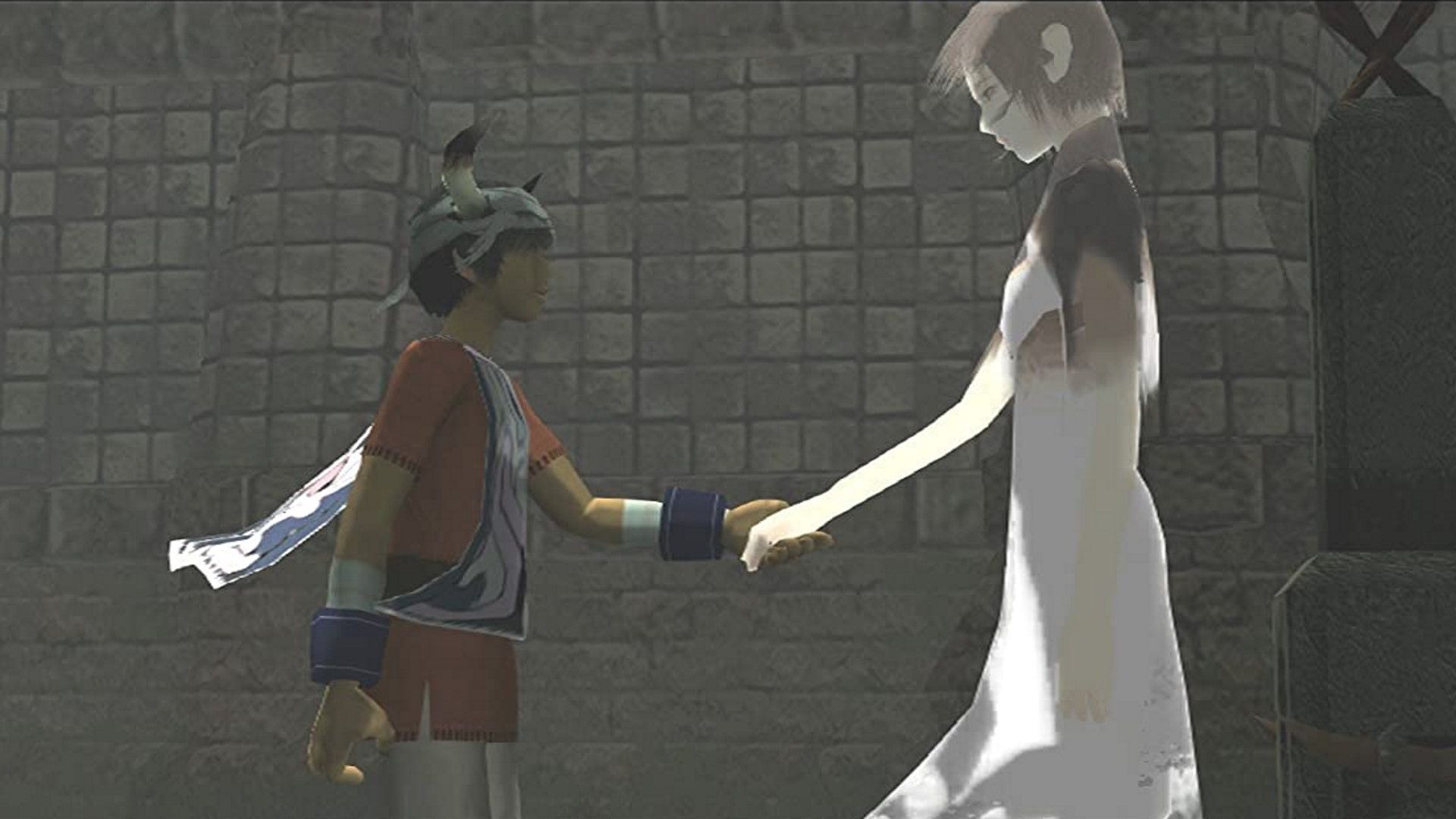
Ico and Yorda in a capture from the original PlayStation 2 game. Illustrative image, not a test of the v0.4.1 port. Source: GamesRadar / Sony.
Native ICO port arrives on Android in experimental version
The most important new feature in 0.4.1 is the APK for 64-bit devices running Android 10 or higher. For now, the application offers on-screen controls and supports gamepads. However, the developer himself warns that this version still runs slower than on PC, may present glitches in the opening video, and does not fit the screen correctly on some foldables.
On first launch, the app asks the player to select the disc image via the Android file manager. The port then extracts the necessary data. Therefore, the APK does not include ICO nor does it do away with the need for a legally acquired copy of the PAL edition identified as SCES-50760.
For those playing on computer, the port maintains support for 64-bit Windows 10/11 and Linux. On the Steam Deck, the project recommends SteamOS 3.5 or higher. Thus, the same base can run on multiple platforms without needing to reproduce the PlayStation 2 hardware through traditional emulation.

Clear scene of ICO's castle, recorded in the original PlayStation 2 game. Visual reference, not a capture of the Android port. Source: Pixel Hunted.
HD textures, widescreen and visual adjustments in the native ICO port
Since version 0.4.0, the project accepts HD texture packs in the format used by PCSX2 for the PAL edition, as well as ISO and CHD disc images. In addition, it offers ultrawide aspect ratios, such as 21:9 and 32:9, and options for resolution, controls, and refresh rate. However, each improvement depends on the chosen settings and hardware.
Version 0.4.1 expands the visual options: it is now possible to separately disable diffuse bloom, depth of field, anti-aliasing, motion blur, and fog. Furthermore, a photo mode allows you to move the camera freely. In turn, the model viewer has gained new controls and fixes.
Another change allows loading replacement 3D models via a dedicated folder. On the other hand, compatibility with tools like ReShade and vkBasalt has been prepared in the code, but the author emphasizes that they have not completed practical tests of all these integrations. Therefore, it is best to treat these options as evolving features.
How to download and install the native ICO port on PC and Android
Before you begin, prepare a ISO or CHD image of your own legally acquired copy of ICO PAL (SCES-50760). The project does not accept other regions at this stage and does not provide the protected game files. Set aside approximately 1 GB of free space for the initial extraction.
- Download the package for your platform. On Windows, use the ZIP; on Linux and Steam Deck, the tar.gz file; on Android, the experimental APK. The PC and Linux buttons automatically follow the latest stable release. For Android, the button opens the official releases page while the automatic APK route awaits configuration.
WINDOWSDOWNLOAD UPDATED WINDOWS ICO PORT
LINUX / STEAM DECKDOWNLOAD UPDATED LINUX AND STEAM DECK ICO PORT
ANDROIDDOWNLOAD UPDATED ICO ANDROID PORT (OFFICIAL RELEASE)
- Install or extract. On Windows, unzip the ZIP and open
x64/ico_pc_x64.exe. On Linux, extract the tar.gz and runico_pc. On the Steam Deck, perform the first launch in Desktop Mode and then add the program to Steam as a non-Steam game. On Android, open the APK, authorize the installation through the file manager when prompted, and start ICO. - Select your PAL image. On first launch, point to your disc's ISO or CHD file. Wait for the data extraction, which only happens once. Alternatively, on PC, the file can be placed next to the executable named
Ico_PAL.isoorIco_PAL.chd. - Adjust the graphics. Open the Options menu to choose resolution, aspect ratio, controls, and effects. If you want to use a PCSX2-compatible texture pack, place your files in the folder
texturesindicated by the official documentation.
The complete guide is in the ico-pc README. For specific mobile issues, also check the official instructions for Android.
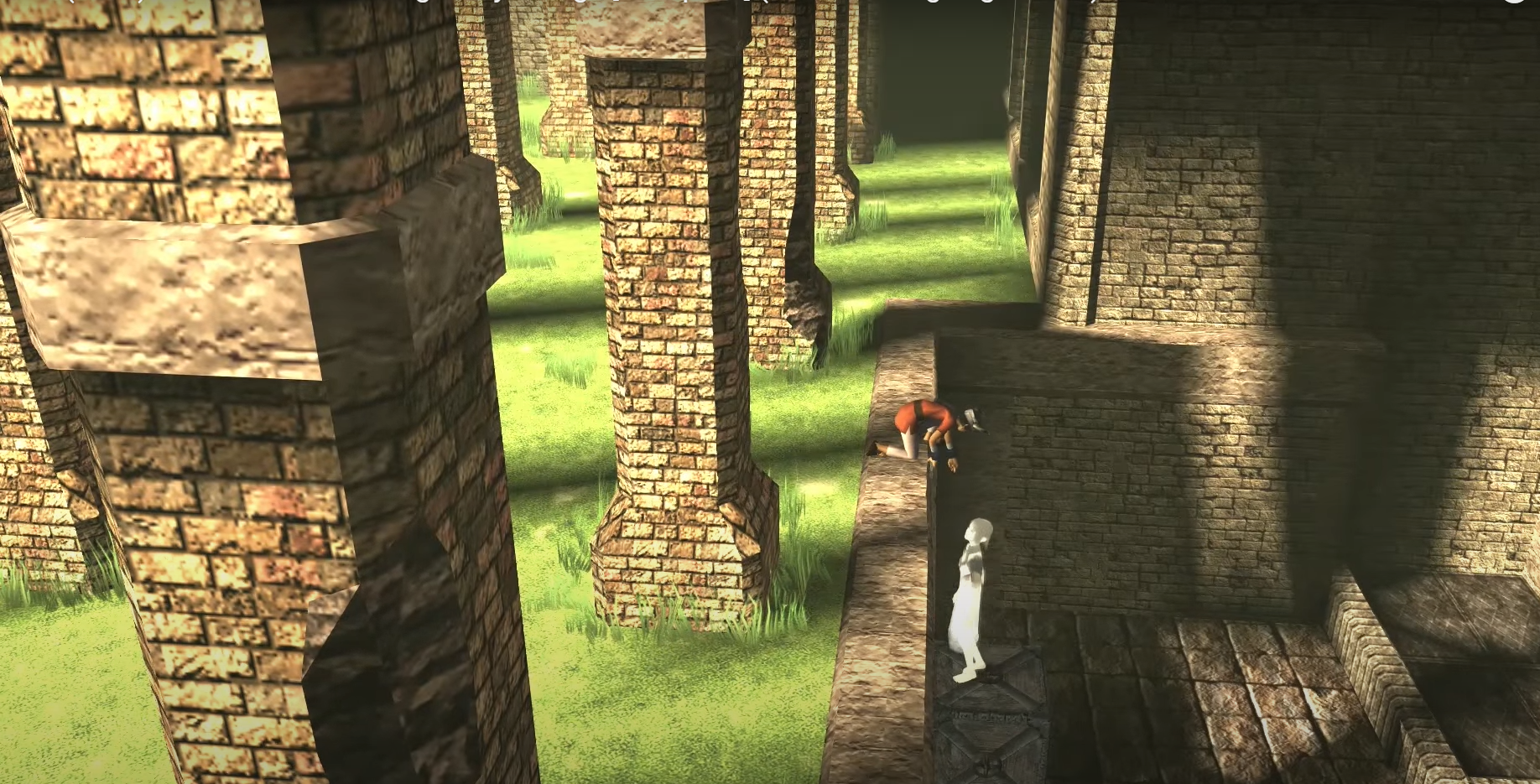
Scene from the original PS2 ICO showing Ico and Yorda exploring the castle. Reference image, not representing a port benchmark. Source: LevelUp.
What changes compared to the original PS2 version?
ico-pc maintains the logic of the original game, but adds modern menus, new graphic options, and optional features. In addition, the project allows importing saves and adjusting controls. On the other hand, the New Game+ mode and aspect ratio alternatives expand the experience without turning ICO into another game.
In this context, the Allves Games also comes with native port of Metroid Prime for PC and Android and the native version of Super Mario Sunshine with 60 FPS. Although each project uses different techniques, they all seek to bring older games to current systems without relying exclusively on conventional emulation.
Finally, the October 8 release marks the arrival of the native ICO port for Android, albeit still in an experimental phase. Those seeking greater stability should follow the developer's reports and check the notes of each new release before updating.
Sources: ico-pc repository; changelog v0.4.1; changelog v0.4.0; texture documentation.