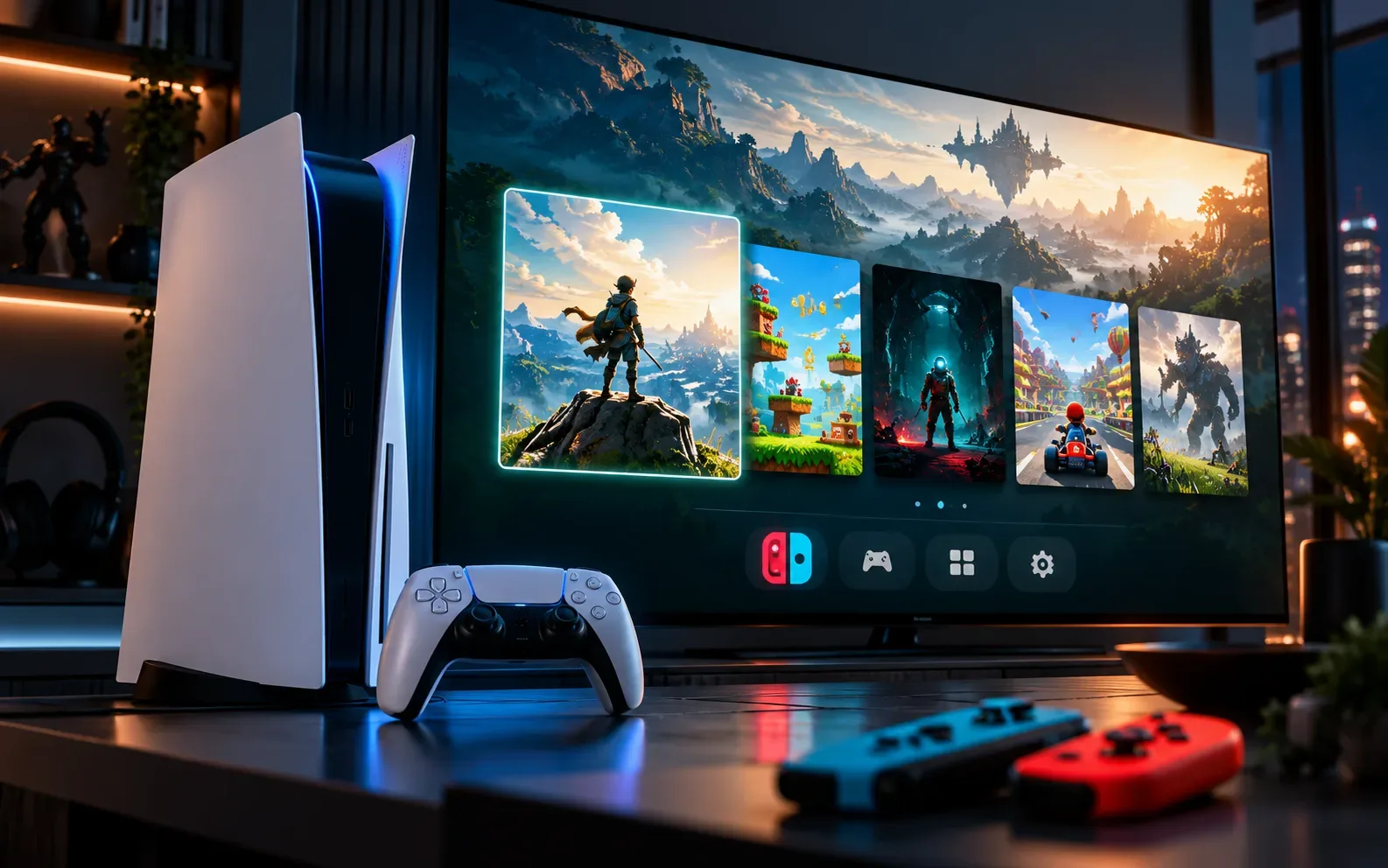
ProsperoEden v1.000.030 was released on October 1, 2026, with an extensive update for the unofficial Eden port on the PlayStation 5. The new version adds support for game updates and DLCs, up to four DualSense controllers, vibration, motion sensors, and new resolution and upscaling options. In addition, changes to the code compilation aim to reduce stuttering during emulation.
The release comes just one day after v1.000.020, which brought the Vulkan renderer to the project and delivered a major leap in the port's graphics structure. The Allves Games detailed this previous update. Now, v1.000.030 focuses part of its work on controllers, interface, per-game configuration, and reducing remaining stutters.
ProsperoEden remains an experimental project. Therefore, the improvements announced by the developer do not mean perfect compatibility with the entire Nintendo Switch library. Each title may still exhibit differences in performance, loading, or stability.
Official demonstration of ProsperoEden v1.000.030 published by developer BlackBearReloaded. Source: BlackBearReloaded/X.
ProsperoEden v1.000.030 reduces compilation work
One of the most important technical changes involves the emulated CPU cores. According to the developer, they now share already compiled code. Thus, each piece of the game needs to be compiled only once, instead of repeating part of that work for each core.
In large open-world games, the project states that this change can cut certain compilation tasks in half. Furthermore, the process responsible for compiling the game code now consumes about 40% less CPU time.
The goal is to reduce stutters when gameplay begins or when a new area needs to be loaded. These numbers come from the project's own documentation and do not represent an independent benchmark for all games.
Four DualSense controllers now work simultaneously
The ProsperoEden v1.000.030 also expands local multiplayer support. Up to four DualSense controllers can participate in a session.
The system maps each controller to a signed-in user on the PS5. The player who started the game occupies the first position, while the others take the subsequent positions. Controllers can also connect or disconnect during gameplay.
Additionally, the Select + L1 and Select + R1 shortcuts now work from any connected controller.
BlackBearReloaded detailed v1.000.030, including updates and DLC, four controllers, new graphics options, and stutter reduction. Source: r/ps5homebrew.
DualSense gains vibration and motion sensors
Controller support doesn't end in multiplayer. The new version implements DualSense rumble in compatible games. The user can also turn off vibration in the ProsperoEden settings.
In addition, the emulator uses the DualSense gyroscope and accelerometer for games that rely on motion controls.
This change brings the input available on the PS5 closer to the features expected by software originally developed for the Switch. However, compatibility still depends on each game.
Resolution can vary from 0.5× to 2× with AMD FSR
v1.000.030 adds new graphics options to the video menu. The internal resolution can be configured between 0.5× and 2× of the resolution expected by the game.
After rendering, the user can choose how the image will be adjusted to the television's resolution. Available options include Bilinear, AMD FSR, Bicubic, and Nearest.
The FSR available in this menu acts as an upscaling filter. Therefore, it should not be confused with Frame Generation and does not create intermediate frames.
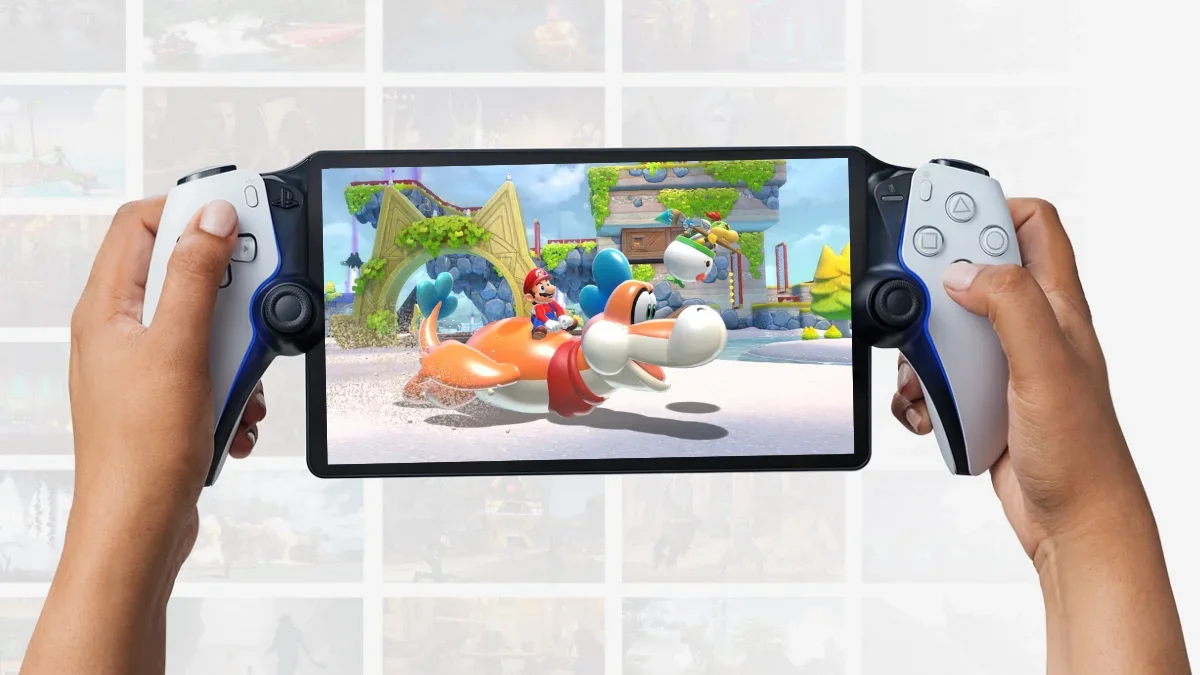
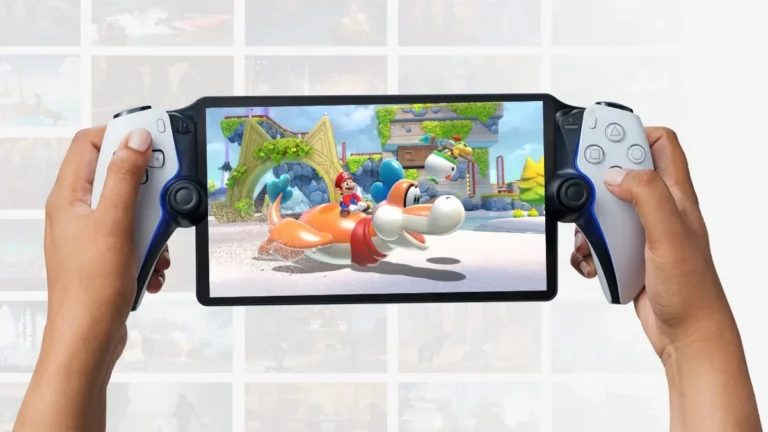
ProsperoEden runs the Eden core directly in the PlayStation 5 homebrew environment. Image: Allves Games.
Each game can save its own settings
Graphics options can also vary individually. In the library, pressing Triangle on a game allows you to configure the renderer, resolution, upscaling filter, and Handheld or Docked mode specifically for that title.
This avoids changing a global setting whenever two games present different needs. A heavier title can use a lower internal resolution, while another can take advantage of a higher rendering factor.
The update also adds a language setting with 18 options. The emulated console's region follows the choice, and the frontend can alert when the game does not offer the selected language.
Updates and DLC arrive at ProsperoEden
Another important new feature is support for game updates and additional contents. Corresponding NSP or XCI files can be kept in a folder updates next to the folder roms.
Upon startup, ProsperoEden applies the latest update found and all available DLC for that game. This information also appears in the title details inside the library.
The feature requires files legally extracted by the user themselves. ProsperoEden does not come with games, updates, DLC, firmware or proprietary keys.
New launcher improves navigation
The frontend was redesigned in v1.000.030. According to the official documentation, all screens of the new launcher are drawn with OpenGL and feature transitions, sound effects and panels that blur the background art.
The main screen also shows which controllers are connected. Four icons change as each DualSense enters or leaves the session.
During a game's startup, an animated loading screen appears in both the Vulkan and OpenGL renderers. The library also starts loading the list in the background to open faster.
Vulkan remains the recommended renderer
Although the new launcher uses OpenGL for its interface, this does not mean the update has abandoned Vulkan during emulation.
The v1.000.020 made Vulkan the default and recommended renderer for ProsperoEden. OpenGL remains available as an alternative within the settings.
The Vulkan backend uses the Mesa/RADV implementation developed for the PS5 by Mihawk. The project also recognizes the work done by ps5-vulkan and the console's homebrew ecosystem.
Games now close in about a second
Another regression from v1.000.020 received immediate attention. The Select + L1 shortcut could take between approximately 10 and 25 seconds to close a game and return to the library.
In v1.000.030, the developer removed waits related to the logging system and also eliminated shutdown steps considered unnecessary. According to the official notes, most games now return to the library in about a second.
Even so, the roadmap recognizes that some titles may continue to take much longer to close. Therefore, the improvement does not represent universal behavior.
Crash during startup also received a fix
The project also fixed a potential deadlock during startup. In certain situations, the memory allocator could cause high-priority threads to wait for each other indefinitely.
When this happened, the game could freeze right after starting. The current version modifies this behavior and development builds also receive additional information to indicate where a slow startup got stuck.
Shader cache continues to help subsequent sessions
ProsperoEden maintains a shader cache system. Shaders compiled in previous sessions can be loaded when the game starts again.
This means that an effect that caused stuttering on its first appearance does not necessarily need to repeat the entire process on subsequent runs.
This mechanism works alongside the new CPU optimizations in v1.000.030, although the two features tackle different parts of the problem.
Complete source code of ProsperoEden is now public
Another important change compared to the early articles about the project is that the complete source code of ProsperoEden is already publicly available on GitHub.
The repository includes the PS5 frontend, the launcher, and the tools used in the compilation and packaging process. The project itself also provides a workflow based on make to download dependencies at defined revisions and produce the release files.
This situation is different from the early public versions of the port, when specific parts of the code were still being prepared for publication.
ProsperoEden remains experimental
Despite the fast development pace, ProsperoEden remains in an experimental stage. The project is an unofficial port of Eden for the PlayStation 5 homebrew environment and compatibility still varies between games.
The documentation itself keeps more CPU and GPU optimizations on the roadmap, fixes for games that still freeze during loading, shutdown improvements, and compatibility advances.
Therefore, the compilation optimizations of v1.000.030 do not guarantee a complete absence of stutter or optimal performance across the entire catalog.
How to install ProsperoEden v1.000.030
The official distribution uses a homebrew folder, rather than an application available through the PlayStation Store. After extracting the release, the folder PPSA99008 must be placed in /data/homebrew/PPSA99008 on PS5 compatible with the homebrew environment.
Game files can be kept in internal storage, M.2, external drive or USB device. The user selects the location through the folder browser available in Settings > Game files.
The project does not provide keys, firmware, games or other proprietary Nintendo Switch files. To use the emulator, the user must employ files extracted from their own hardware and legally acquired software.
Sources: ProsperoEden — official repository; ProsperoEden — release v1.000.030; BlackBearReloaded — v1.000.030 announcement; BlackBearReloaded — video demonstration; PS5 Homebrew Store — ProsperoEden.