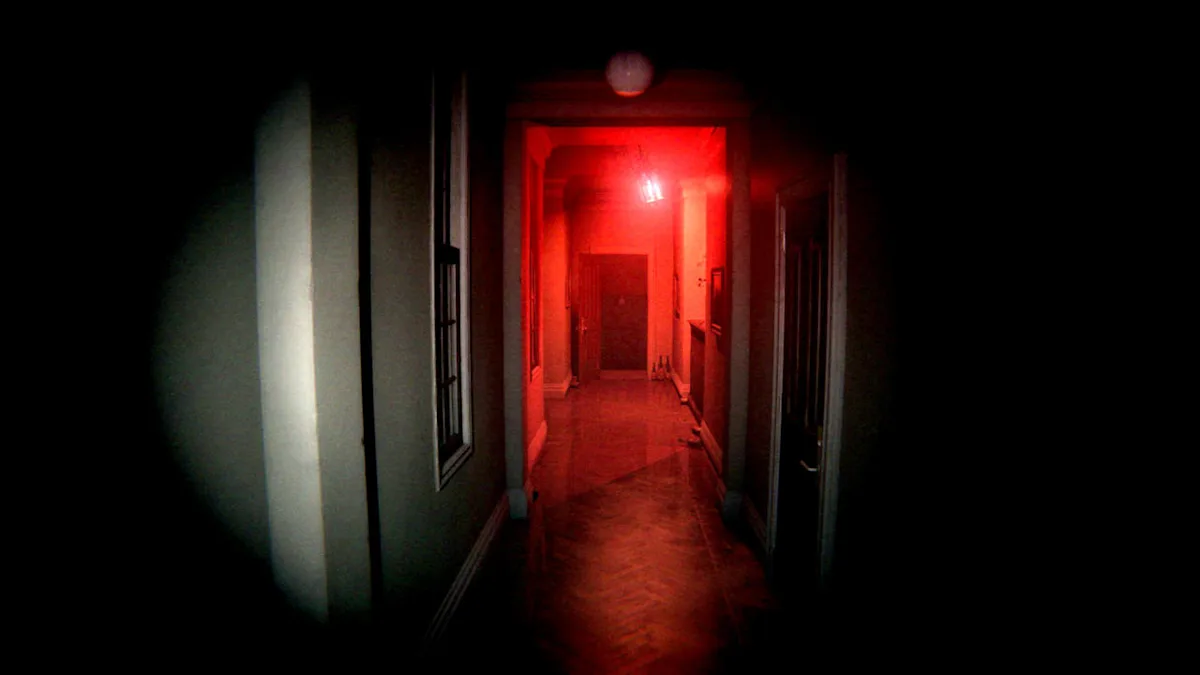
P.T. reaches 100% on PC with the public launch milestone of LoreanXavier's project. Version 1.0.0 was released on October 7, 2026, transforming the work, previously shown as a WIP, into a playable port of the complete teaser. Shortly after, version 1.0.1 became the latest build available for download.
Additionally, the project now offers installers for Windows and Linux, with SteamOS support on the Steam Deck. The port does not distribute commercial P.T. files; therefore, the user must provide their own legally acquired copy of the original PS4 teaser.
P.T. reaches 100% with the complete playable teaser
According to official documentation, the port reproduces the entire teaser from the initial awakening to stepping out onto the street, including the voice phase. Thus, the 1.0.0 milestone represents a major shift from previous demonstrations, when the project was still presented as approximately 97% complete.
The logic code was rebuilt for PC and the renderer uses Vulkan, while levels, models, textures, sounds, scripts, and cutscenes continue to come from the user's own copy of P.T. Therefore, the project does not function as a standalone remake nor as a package that redistributes Konami's data.
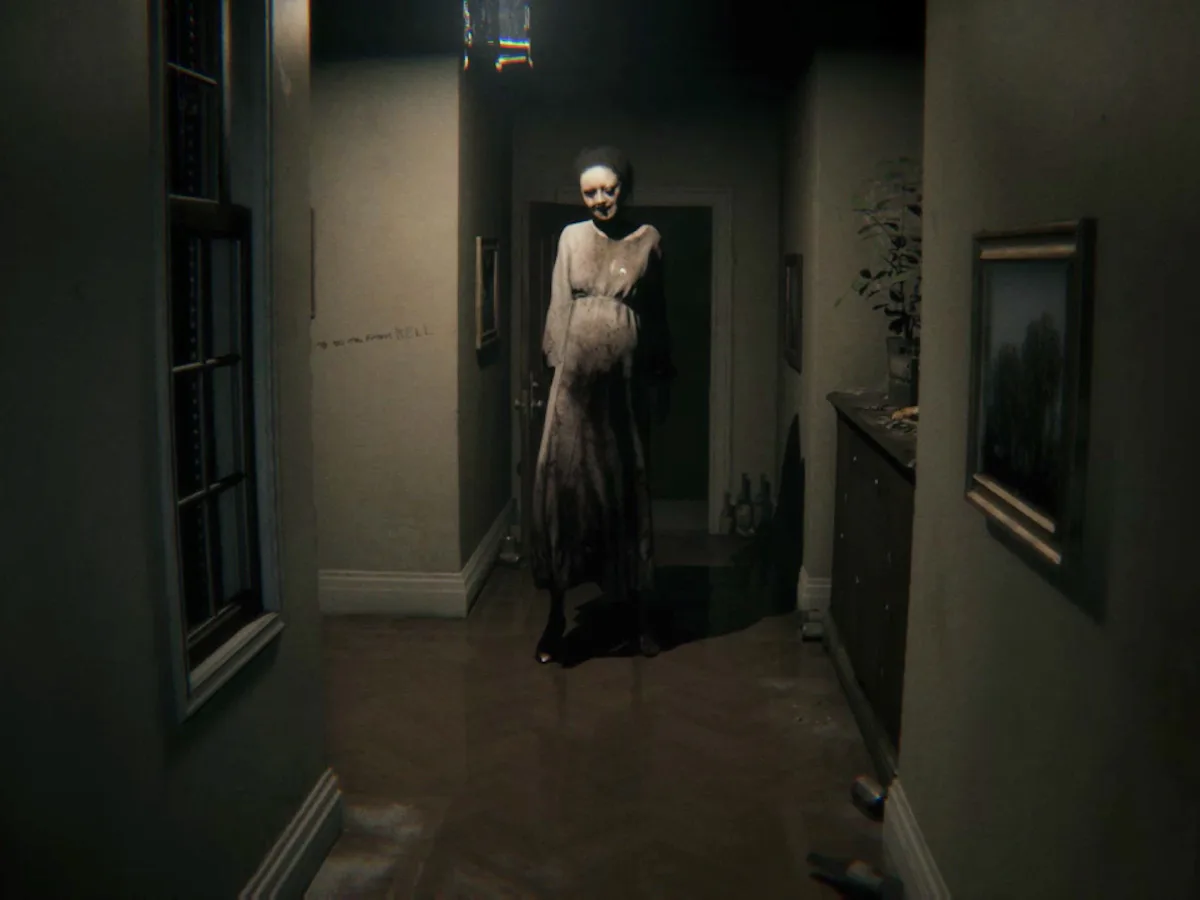
Scene from the original P.T. used as a visual reference for the teaser preserved by the port. Source: Konami / Inverse.
Version 1.0.1 adds post-launch fixes
The public release started at version 1.0.0, but the current distribution already points to 1.0.1. Therefore, the buttons below use automatic routes from Allves Games that follow the latest release, instead of trapping the reader with an old file.
Among the documented features are free resolutions, V-Sync, FSR 3.1, DLSS 4.5, XeSS, frame generation, graphics presets, and ray tracing options. In addition, the port includes photo mode, free camera, loop browser, museum, Game+, speedrun timer, Lua mods, and experimental OpenXR VR support.
How to download and install the P.T. port on Windows, Linux and Steam Deck
The installer primarily accepts the North American version CUSA01127 as an extracted folder or a fake PKG created from the user's own copy. An encrypted store PKG does not work because the project does not include a mechanism to decrypt it.
- First, download the installer corresponding to your system.
DOWNLOAD P.T. PORT WINDOWS UPDATED
DOWNLOAD P.T. PORT LINUX / STEAM DECK UPDATED
- Next, on Windows, run
P.T.PC.Port.Setup.exe. - On Linux or Steam Deck, grant permission to the installer with
chmod +x P.T.PC.Port.Setup-linuxand run it through the terminal. On Steam Deck, do this step in Desktop mode. - Then, select your P.T. dump folder or the fake PKG created from your own copy.
- Choose the destination folder and complete the installation.
- Finally, open the port. On the Steam Deck, you can add the executable
ptas a non-Steam game to launch it from Game Mode.
Requirements include Windows 10 or 11 x64 or Linux x86-64 with glibc 2.38 or newer, plus a Vulkan 1.3 compatible GPU and driver. DLSS features require a GeForce RTX, while FSR and XeSS work on a wider range of recent GPUs.
What has changed since the 30-minute gameplay
The Allves Games had showcased the project when it was still described as about 97% complete, featuring a gameplay of approximately 30 minutes. Now, the public launch confirms a subsequent and autonomous milestone: the user can already download the port, install it, and run through the complete teaser using their own files.
Before that, we also followed the first technical presentation of the native P.T. port with Vulkan and 60+ FPS. Thus, the jump to 100% is not just a percentage change, but the transition from a technical demonstration to a public release.
P.T. reaches 100% without redistributing the original game
Even with the complete port, the commercial assets remain out of the download. Therefore, installation depends on the user's own copy, while the project distributes only the code and tools necessary to run the teaser on PC.
In addition, the public release makes it simpler to track future fixes. The Allves Games download routes point to the latest available version of the project, so the buttons above remain useful when new patches replace 1.0.1.
Sources: official P.T. for PC repository; official releases; developer's announcement on Reddit embedded in the article.