The Midtown Madness 3 Recompiled, an experimental project that adapts the Xbox game for Windows, received important code changes on October 12, 2026. The developer MattSG decoupled the physics simulation from the frame rate, with the goal of keeping car speeds consistent even at high FPS. Additionally, the update includes a new launcher with options for mods, controls, and networking. The advancements appear in the fix commit and in the Official project README, but they do not constitute a confirmed new installable version.
Midtown Madness 3 Recompiled fixes car speed
Before the change, the game's physics could react differently depending on the FPS. In other words, increasing the rendering rate didn't just mean a smoother image: it could also modify vehicle acceleration and speed. Now, according to the author, the virtual world works with fixed steps of 30 Hz, as on the Xbox, or of 60 Hz, depending on the chosen option.
In the test reported by the developer, the cars started reaching approximately 44.3 to 45.3 units per second in measurements at 60, 90, 120, and 144 FPS and uncapped. However, these are internal results and independent tests are still missing. Furthermore, the fix did not resolve everything: the racing artificial intelligence may reverse at the start above approximately 110 FPS. For this reason, the launcher limits the FPS choice to 90.

Mini Cooper in the original Midtown Madness 3 for Xbox. Illustrative photo, not a capture of the launcher or the new physics of the PC port. Source: IGCD / Microsoft and DICE.
Midtown Madness 3 Recompiled gets a new launcher
The project also gained a configuration interface developed with RmlUi. The window gathers tabs for Settings, Controls and Mods. Thus, the player can change internal resolution, widescreen, draw distance and control parameters before running the game.
In addition, the launcher offers keyboard and mouse adjustments, button remapping and optional features such as skipping the intro and enabling development tools. According to the documentation, the configuration is saved in the file mm3_settings.ini. The interface and command changes are described in the launcher commits and controller remapping.
Network options do not prove online matches
Another front of the update involves NAT, DNS settings and references to the Insignia service, in addition to direct connection options. However, the README itself highlights that login to Insignia and full system link matches have not yet been validated. The network match browser remained empty in the tests reported by the project.
Therefore, the presence of network controls in the launcher does not mean that online multiplayer is already working. The commit of network options records work in progress, not a finished service.
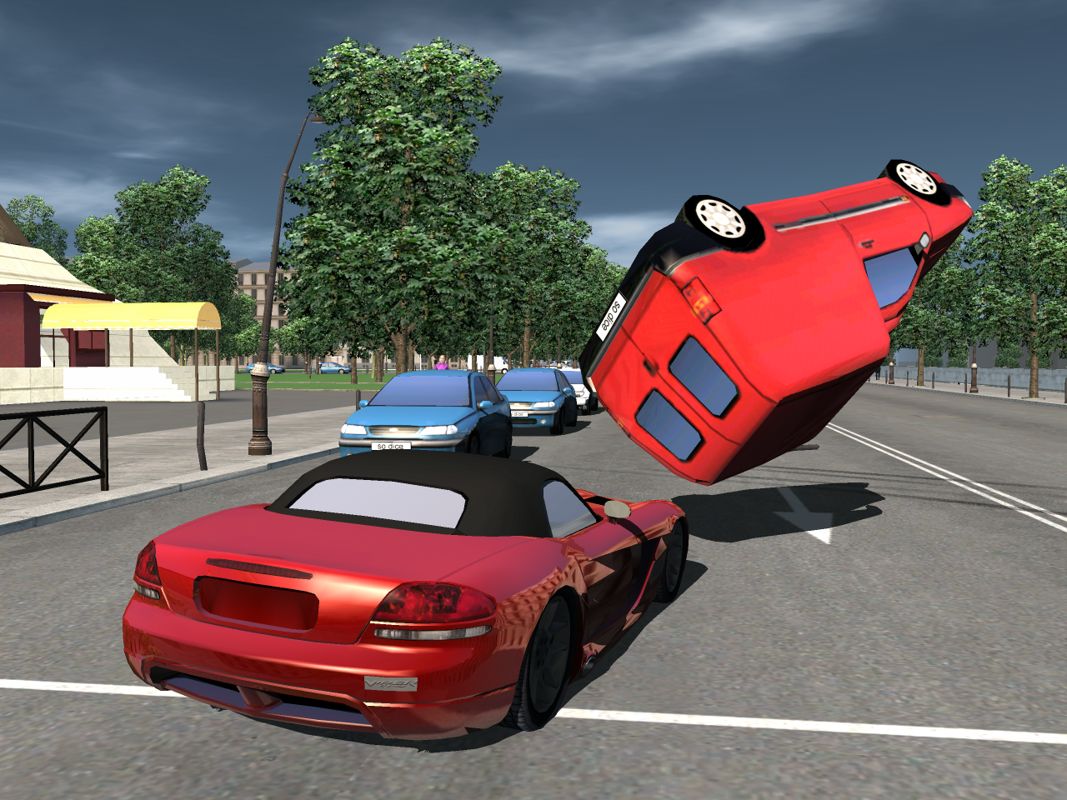
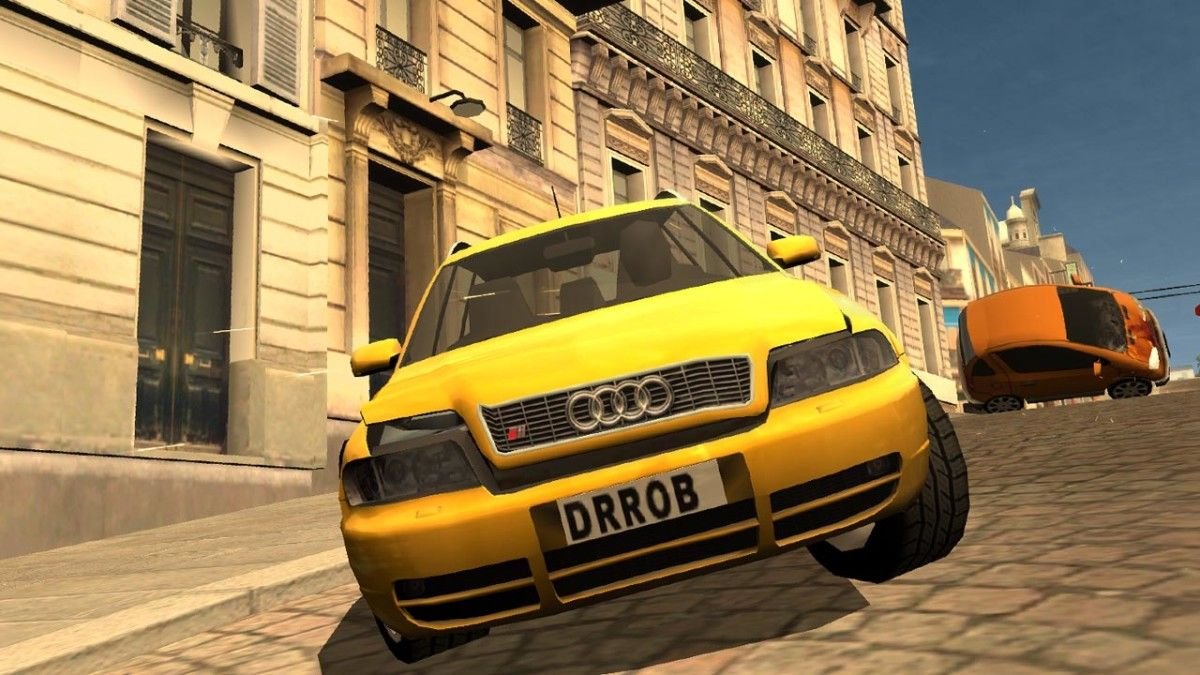
Promotional scene from the original Xbox Midtown Madness 3. It does not demonstrate execution on the Windows port nor a benchmark. Source: MobyGames / Microsoft and DICE.
What has changed in relation to the 164 FPS test?
On October 8, Allves Games reported that Midtown Madness 3 had reached 164 FPS in an internal test. However, that measurement was prior to the physics fix and did not guarantee that the vehicle would behave faithfully to the Xbox at high rates.
Now, the new code prioritizes consistent car behavior. Thus, the fix complements the rendering advances, without representing a promise of performance or universal compatibility.
How to test the port on Windows?
For now, the Midtown Madness 3 Recompiled remains experimental. The official GitHub provides the source code and compilation instructions for free, but does not offer a ready-to-play installer. To generate the executable on Windows 10 or 11, the project requires Visual Studio, CMake, Python, PowerShell 7 and Git, in addition to files from your own legally acquired copy of the Xbox game. Therefore, there is no confirmed public installable package that justifies a direct download button.
The maintainer also warns about possible graphics, sound, and controller errors, loss of progress, and regressions. Therefore, it is recommended to back up saves before any testing. The source code by itself is not the game ready to install.
Sources: official repository and README by MattSG; physics fix commit; launcher commit; commit of network options; controls commit.