MCLA 4iOS received its version 1.0 on October 6, 2026, bringing Midnight Club: Los Angeles — Complete Edition to iPhone and iPad. The project uses ARM64 execution and a custom renderer to deliver a native port of the Xbox 360 game, alongside touch controls, physical controller support, and an experimental 60 FPS mode.
The public release requires iOS or iPadOS 18 or later and does not include any files from the original game. Therefore, the user must have their own legally acquired copy of the Complete Edition and transfer a full extraction to the device. The official package is distributed as an IPA via the GitHub do MCLA 4iOS.
MCLA 4iOS arrives on iPhone and iPad with reworked controls
In version 1.0, the project redesigned the touch controls with a cyan-toned interface and added the ability to drag, resize, add, or remove buttons. In addition, the layout can be saved, while a reset option restores the default configuration.
Another major change is in the steering controls. Now, the player can slide their finger continuously between the accelerator, accelerator with handbrake, and brake without needing to lift and tap again. At the same time, the weight transfer command can preserve the previous combination while the finger remains on the corresponding button.
The HUD has also changed. The minimap has become larger and moved to the top-left corner, while the speed and RPM dashboard has moved to the top-right corner. On the other hand, these positions are fixed within the redesign and cannot be freely dragged via the control editor.
For those who follow ports on Apple devices, Allves Games also showed the BlueWake bringing Wind Waker to iPhone and iPad. Thus, MCLA 4iOS joins a sequence of projects adapting console games for direct execution on mobile hardware.
How to install MCLA 4iOS
The public package is an IPA that needs to be re-signed before installation. Therefore, the official procedure mentions sideloading tools such as Sideloadly or AltStore Classic. The project does not provide the content of Midnight Club: Los Angeles.
- Download the latest MCLA 4iOS package for iPhone and iPad.
DOWNLOAD MIDNIGHT CLUB PORT (IPHONE/IPAD IPA) UPDATED
- Resign and install the IPA with your own account using a compatible sideloading tool.
- Open MCLA once so the application creates the data folder, and then close the app before copying the game.
- Transfer the full extraction of your legally acquired copy of Midnight Club: Los Angeles — Complete Edition to MCLA_Game_Files. The file default.xex must be placed directly in this folder.
- After the copy finishes, open the app again. When the launcher shows READY TO DRIVE, adjust controls and graphics and start the game.
According to the documentation, a closed ISO or a still-compressed ZIP does not work directly. Furthermore, on Windows the transfer can be done via Apple Devices file sharing, while on macOS Finder allows you to copy the folder to the app container.
Graphics, FSR and experimental 60 FPS in MCLA 4iOS
In terms of graphics, the port offers scene heights at 720p, 900p, or 1080p, configurable texture filtering, and separate controls for bloom, motion blur, and depth of field. Additionally, there is optional spatial FSR 1 for image presentation.
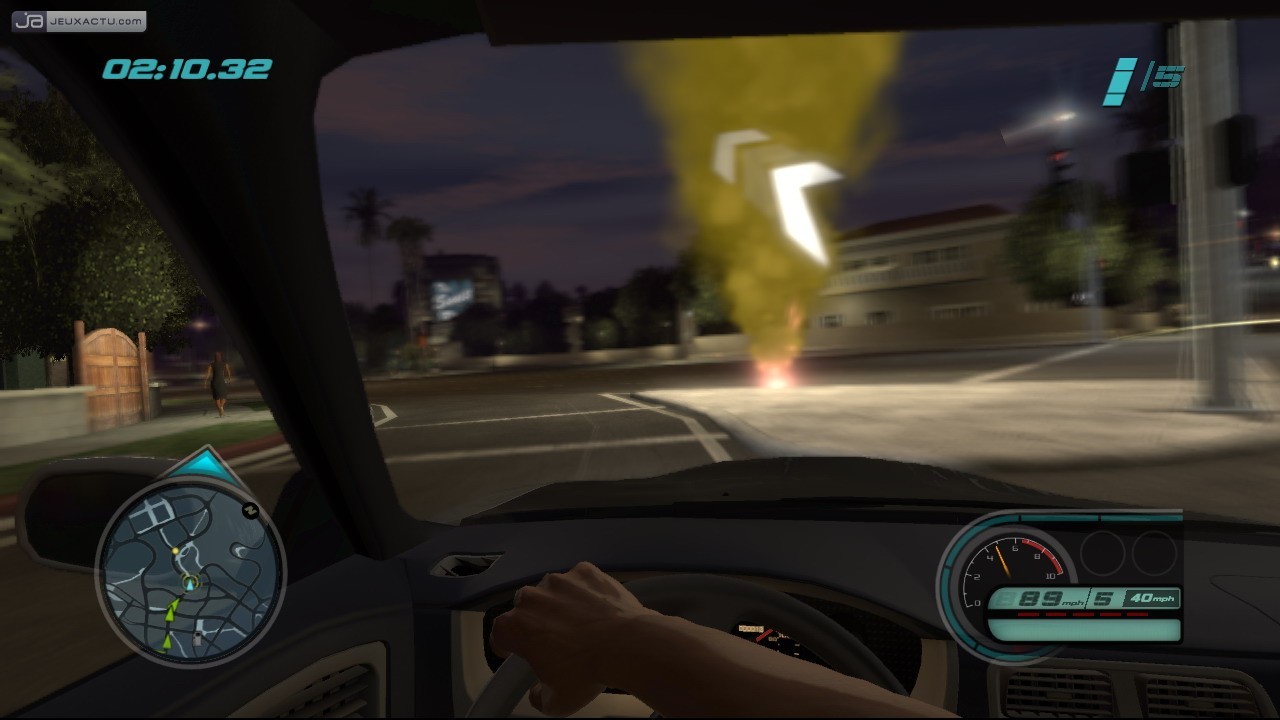
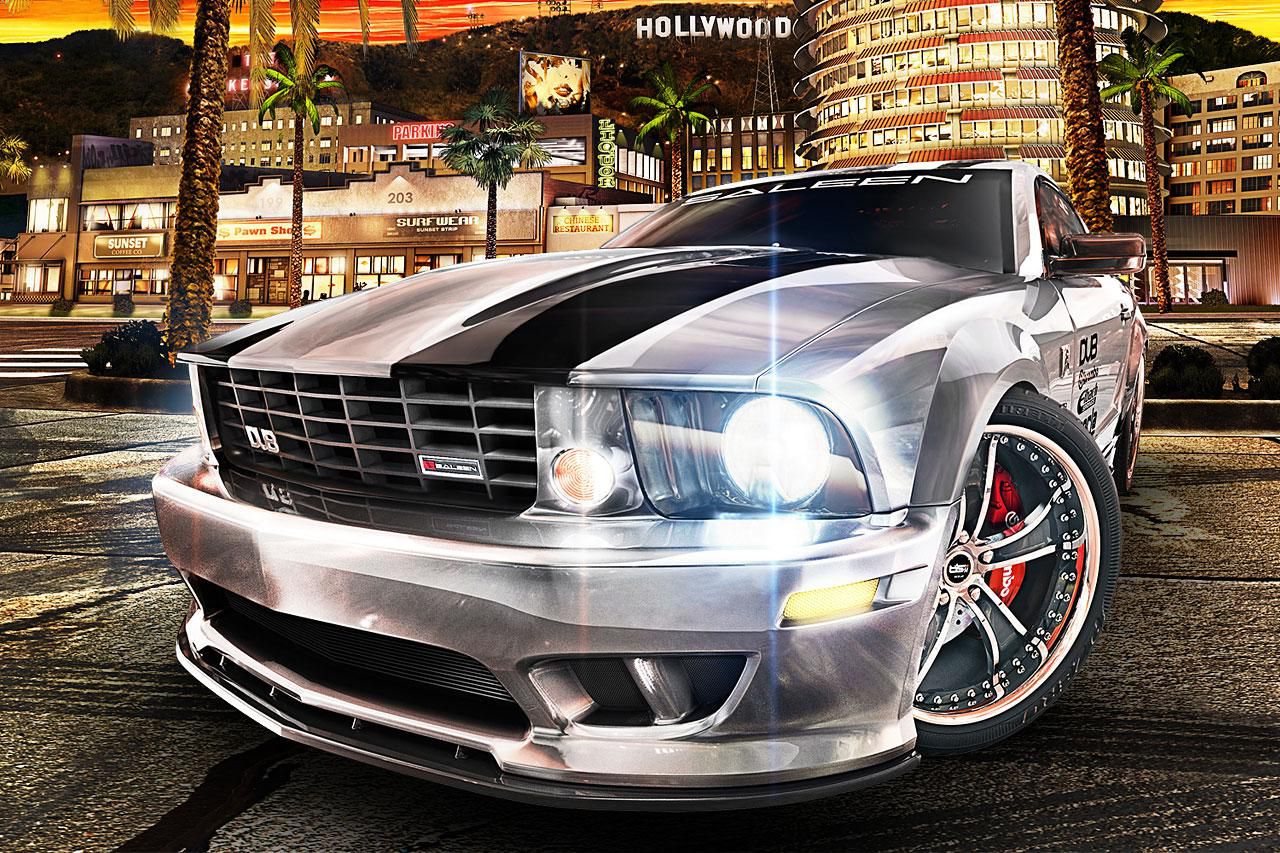
Another scene from the original game, used only to contextualize the iOS adaptation. Source: JeuxActu.
The 60 FPS mode, however, remains experimental. According to the developers, it produces real frames and adjusts timing paths, pacing, camera smoothing, and chassis behavior. Even so, long races, collisions, cutscenes, and heated devices require more extensive testing.
The renderer uses 603 native shader libraries prepared for Metal and does not rely on Vulkan or MoltenVK in the main path. In practice, this work also allowed for the correction of two brightness passes that caused red signals to appear blue or purple in specific situations.
Compatibility still needs testing
Despite the 1.0 milestone, the project does not consider the adaptation perfect. Among the known issues are two missing shaders, shimmer on parts of the track, smoke effects and colors at checkpoints, some screen transitions, and reports linked to car height in a new game.
Furthermore, the physical tests cited by the project focus on an iPhone Air and an iPad Pro with M5. The documentation estimates that an iPhone 15 Pro or newer may offer playable performance, but makes it clear that this does not equate to certification for all devices with iOS 18.
Those looking for another recent experience on the iPhone can also check out PlayPort 0.3.0 running Portal 2 at nearly 60 FPS. However, the two projects use different approaches and should not be treated as the same technology.
What changes with version 1.0
In short, version 1.0 transforms MCLA 4iOS into a public package that is more ready for testing: there is an officially distributed IPA, revamped touch controls, save management, graphics options, and an experimental path for 60 FPS. However, the project remains in development and maintains a public list of limitations.
Finally, those who install it should keep a backup of their saves and preserve the same signing identity when updating the app. Changing the identifier or removing the application may create another container or delete local data.
Gameplay of MCLA 4iOS shared on Reddit
The community of Midnight Club also shared version 1.0 running on iPhone and iPad. The post below helps contextualize the real experience of the port outside of technical documentation.
Community post showing MCLA 4iOS 1.0 in action. Source: Reddit / r/midnightclub.
Sources: MCLA 4iOS on GitHub; release 1.0; features guide; Rockstar Games.