Majora’s Mask 3D for PC has received its first public native port beta for Windows and Linux. The independent project MM3D-PC, developed by Volpe34 on the TriAevum base, translates the ARM/Thumb code of the Nintendo 3DS version into code executed natively on the computer. The author announced the project on October 13, 2026, and is already distributing both installation packages.
The official MM3D-PC repository confirms support for Vulkan 1.2, higher resolutions, widescreen aspect ratio, single screen, and keyboard, mouse, or gamepad controls. However, the game needs to be extracted from your personal copy of The Legend of Zelda: Majora’s Mask 3D (USA, revision 1.1). The project download does not include ROMs, models, music, or other commercial Nintendo files.
Majora’s Mask 3D for PC: how does it work?
Unlike a conventional emulator, the installer ahead-of-time recompiles the original 3DS edition instructions into a native module. The computer also uses the TriAevum runtime to process Vulkan rendering and input commands. Preparation happens on first use, with auxiliary tools downloaded via the official installation process.
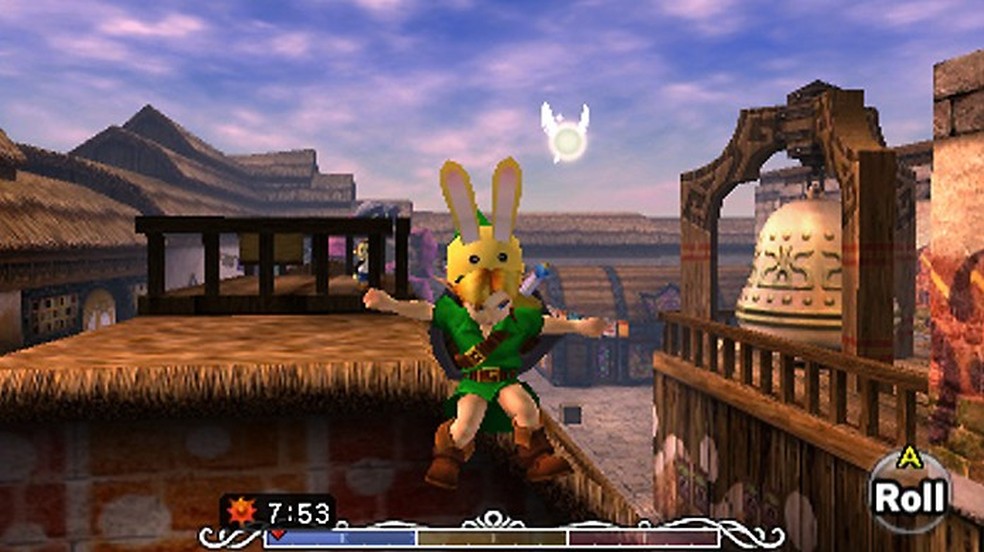
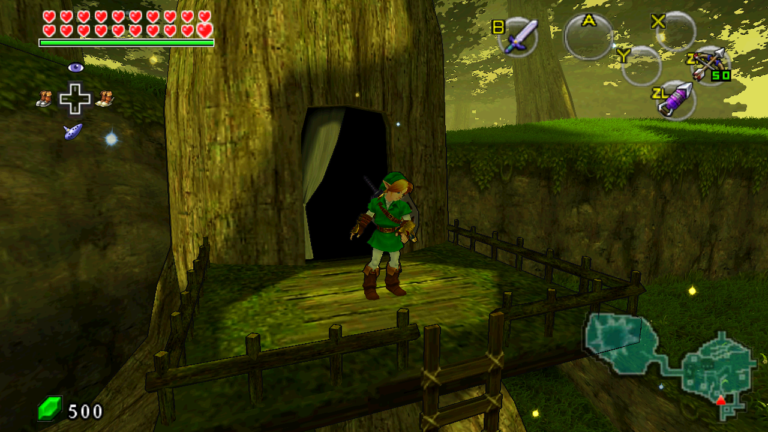
Illustrative scene from the original 3DS edition, not a capture of the MM3D-PC port. Source: TechTudo / Nintendo.
The author states that the port reorganizes the 3DS touch screen menus and inventory into a single screen. In addition, the F1 menu allows adjusting rendering, resolution scaling, shading, anti-aliasing, and controls. The icons can follow Xbox, DualShock, Nintendo, or 3DS button styles.
Majora’s Mask 3D: Vulkan, FPS and limitations
The game logic remains at 30 Hz, just like in the 3DS edition. MM3D-PC interpolates frames to present 60 FPS or more on compatible monitors. Therefore, interpolation does not automatically turn the entire simulation into 60 updates per second.
The developer himself warns that the beta may still suffer from stutters, FPS drops, and other glitches. In the announcement published by the creator on Reddit, they also showcase a video demonstration. This is developer material, not an independent performance test or campaign completion.
In addition, the project offers support for texture packs compatible with formats used in Citra/Azahar. However, features announced by the creator do not replace actual testing across multiple GPUs and Linux distributions. The complete campaign in the beta has not yet been independently verified.
How to download MM3D-PC for Windows and Linux
GitHub makes the packages available MM3D-PC-Windows.zip and MM3D-PC-Linux.tar.xz. The metadata for the release v0.1.5, published on October 14, 2026 (UTC), has been verified. The steps below follow the repository instructions and do not constitute an installation test performed by Allves Games.
- Have your own dumped and decrypted copy of Majora’s Mask 3D USA v1.1, in the format
.3dsor.cci, obtained legally. - Download the package for your operating system using one of the buttons below.
- On Windows, extract the ZIP to a folder with write permissions, such as
C:\Games\MM3D. Place the dump in the same folder and runSetup.bat. On Linux, extract the TAR.XZ and execute./Setup.sh /caminho/para/jogo.3ds. - Wait for the module recompilation and compilation. The author estimates between 10 and 40 minutes for preparation, plus an optional shader stage that can take from 15 to 40 minutes.
- Run
Play.baton Windows or./Play.shon Linux. The shortcut F1 opens the options, while F11 toggles fullscreen mode.
Windows 10/11 x64 or Linux x64 with glibc 2.38 or later, a Vulkan 1.2 compatible GPU, 8 GB of RAM, and approximately 4 GB of storage are required. The installer also needs initial internet access to fetch build components. The buttons use the filenames confirmed in v0.1.5 and the path latest/download; new releases with different names may require updating the URLs.
Contextual image from the official Nintendo 3DS version trailer, not a capture or demonstration of MM3D-PC. Source: Nintendo of America (2015).
The project download contains tools and scripts that prepare a user-provided copy. Thus, it is not a pre-installed game ready to open with a single click: local preparation must be run and compatible files provided.
Difference compared to DekUI for emulators
This port is not the same thing as the DekUI beta 2 previously reported in Allves Games. DekUI modifies the presentation of the experience in the emulator, while MM3D-PC seeks to run a natively recompiled module, using the TriAevum runtime.
Both are related to the Nintendo 3DS edition, but their techniques, requirements, and limitations are different. The author of MM3D-PC cites DekUI as inspiration for the single-screen control reorganization.
Sources: official MM3D-PC README; release v0.1.5; developer's announcement and video on Reddit; official game page for Nintendo 3DS.