
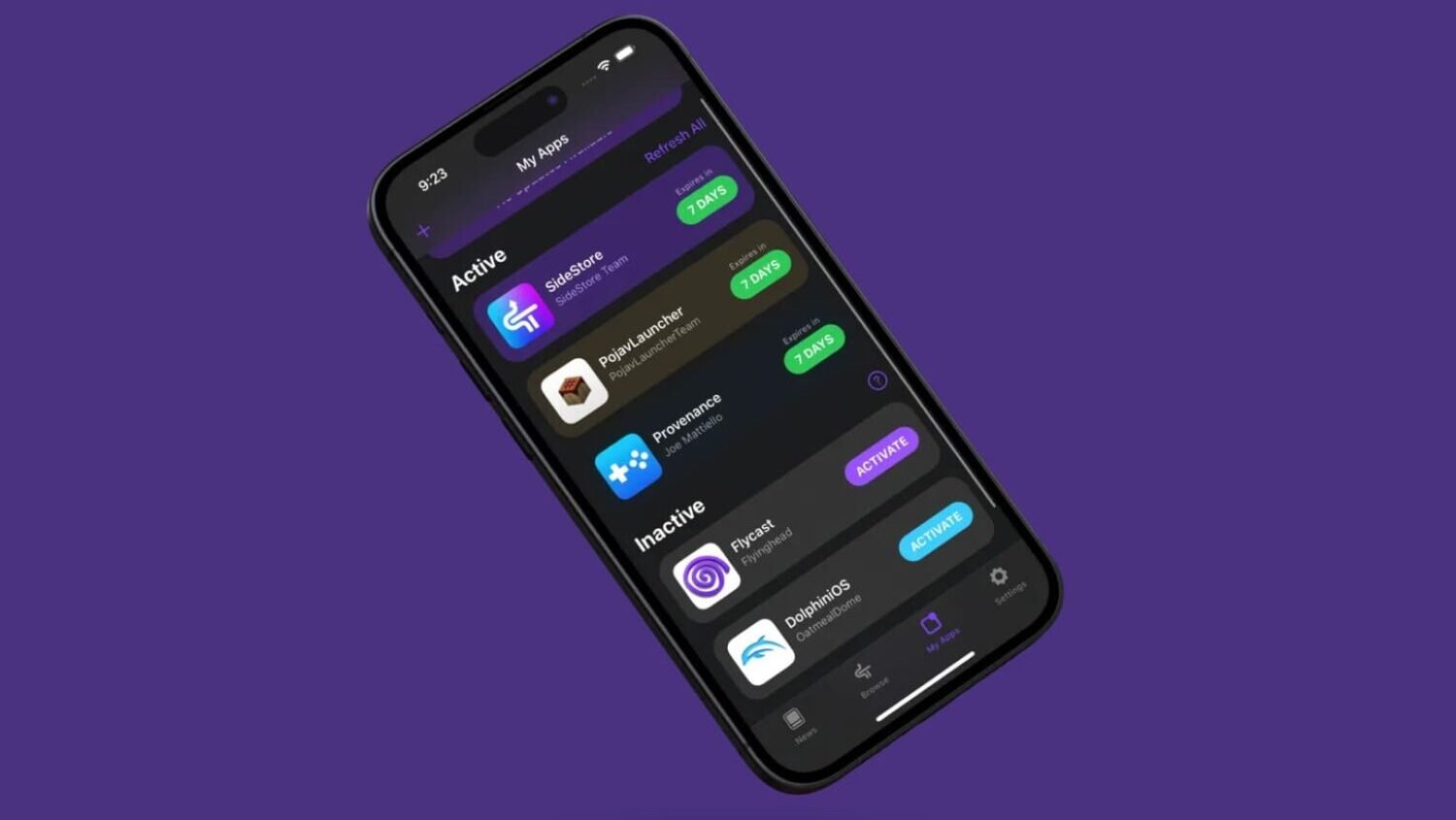
If you use SideStore to install apps outside of the App Store, you have likely run into an annoying problem: from time to time, the applications simply stop opening. This happens because Apple limits free certificates to just 7 days of validity. After this period, the app "expires" and needs to go through a new refresh — every week, without exception.
The good news is that you can automate this process and never worry about it again. And the right tool for this automation already comes installed (or can be downloaded for free) on any iPhone: the Shortcutsapp, also known as Atalhos.
Why use Shortcuts to automate the refresh
Shortcuts lets you create what Apple calls a Personal Automation: a routine that runs by itself, triggered by a specific time, by connecting to a Wi-Fi network, or even when you open another app. So, instead of manually remembering to open SideStore every week, you set up Shortcuts to do it for you, in the background.
This type of automation works very well combined with the step-by-step guide we showed in the video: you set up the routine once and, from then on, the process runs by itself, without requiring any manual action.
After installing Shortcuts, the next step is to create a new Personal Automation with the "Time of Day" trigger, scheduled to run every few days. This way, the refresh happens even before the certificate expires, and your sideloaded apps keep working without interruption.
It is worth remembering that this type of automation depends on specific configurations of each iOS and SideStore version, so always check if everything is up to date before running the routine. This way, you avoid errors and ensure the automation works as expected.
At the end of the day, a few minutes setting up Shortcuts today saves quite a bit of headache in the coming weeks. Set it up once, forget about the problem, and keep your SideStore apps always active.