
The Halo on iPhone and on iPad received multiplayer with players accessing OpenCE via browser. Version 0.3.0 of the community port of Halo: Combat Evolved, released on October 11, 2026, accepts WebRTC connections by invitation. The news is included in the official release notes from developer bmanturner.
Thus, an iPhone user can participate in matches with people on the compatible web version. However, this does not mean that Halo has arrived on the App Store: the project distributes an unsigned IPA, which requires manual installation.

Image of Halo: Combat Evolved in the original Xbox version. Contextual illustration, not a capture of the iOS 0.3.0 port. Source: ToughGamingGuy; Allves Games library.
Halo on iPhone connects to browser
The update accompanies OpenCE build 188 and uses network protocol version 26. Therefore, multiplayer works with builds using this same protocol, whereas version 0.2.0 of the fork, based on protocol 25, is incompatible.
According to the changelog, the player can receive invitations to matches opened via the web version. In addition, the in-game server browser continues to show public rooms. The old experimental room option in the settings menu, however, has been removed.
The project also incorporated visible legs when looking down, arm shield effects, and co-op improvements. Among the fixes are elevators that dropped players, vehicle names after respawning, and HUD elements. These changes are described by the author, not by an independent Allves Games test.

Multiplayer of Halo: Combat Evolved in the 2014 Master Chief Collection edition. Illustrative image, not a test of the iPhone-browser connection. Source: Halo Bulletin / 343 Industries.
What changes compared to Halo on Android
This is a specific fork for iOS. Therefore, it should not be confused with Halo: Combat Evolved for Android nor with the port for the Anbernic RG35XX H, which use their own packages and runtime conditions.
On iPhone and iPad, version 0.3.0 maintains touch controls, Custom Edition map support, and the MetalFX image scaling option already present in this fork. However, there is no independent benchmark for this release that allows promising a frame rate for all devices.
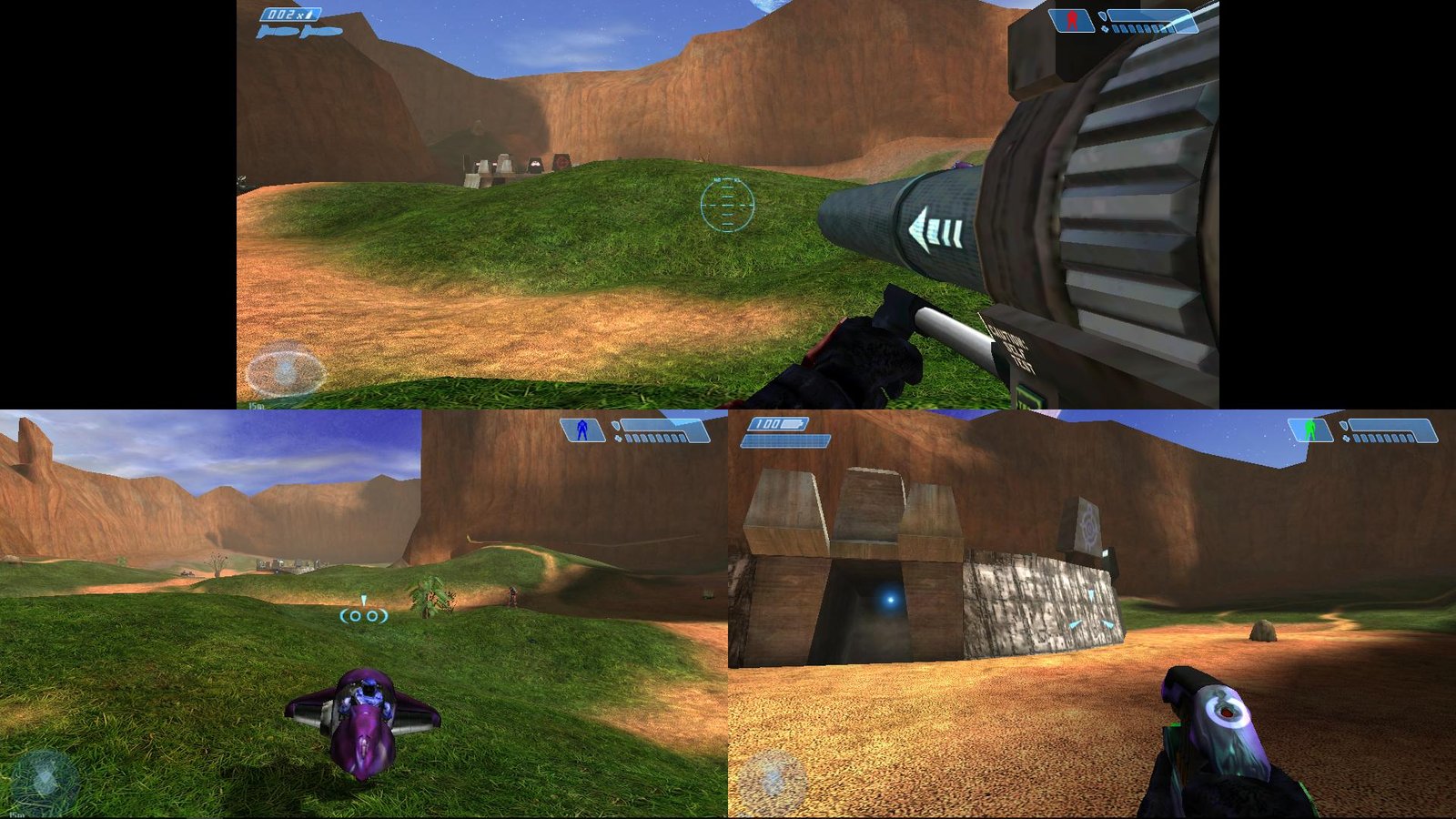
Halo scene for the original Xbox, used only to contextualize the game. Does not represent footage of version 0.3.0 for iPhone or iPad. Source: Allves Games library.
How to install Halo on iPhone or iPad
- Check if the device uses iOS 16 or later and have a legitimate image of the original Xbox game, in ISO or XISO format.
- Download the file Halo-CE-iOS-unsigned.ipa available on the official 0.3.0 release. The file is about 14.5 MB and does not include the commercial Halo data.
- Sign IPA with your own Apple account before installation. The author cites AltStore, SideStore, Sideloadly, and Xcode tools; the official guide details the process using Xcode. The maintainer reports that they have not tested all sideloading tools on this port.
- Open the app and select your own Halo image. Documentation indicates the PAL edition is supported and NTSC-US is experimental.
- To play online, use invitations or the server browser with users on protocol version 26.
It is important to keep the same signing account and app identifier during updates, as changing them may affect saves and imported data. Furthermore, installing apps outside the App Store involves specific iOS procedures and limitations.
Sources: official release apple-v0.3.0; official IPA signing guide.