Project Midas is yet another independent port of GoldenEye 007 for computers, based on the reconstructed Nintendo 64 game code. murkantor's project offers packages for Windows, Linux, and Steam Deck. Additionally, version 1.0.1 fixes settings that were not being saved and black screen issues.
The update was released on the night of October 17, 2026, Brasília time. Furthermore, the three official packages already include the programs for their platforms. Therefore, compiling the code is optional for those using these downloads.
Project Midas already has ready-to-use packages
The program reads data from your own copy of the North American GoldenEye 007 cartridge. On the other hand, the repository and packages do not include the ROM or commercial game files. The developer still classifies the port as a work in progress.
Furthermore, this initiative is different from the GoldenEye PC Port by jkdansereau and from recompilation of the Xbox 360 XBLA edition already covered on the Allves Games site. Therefore, features and tests done on these other projects do not prove the state of Project Midas.
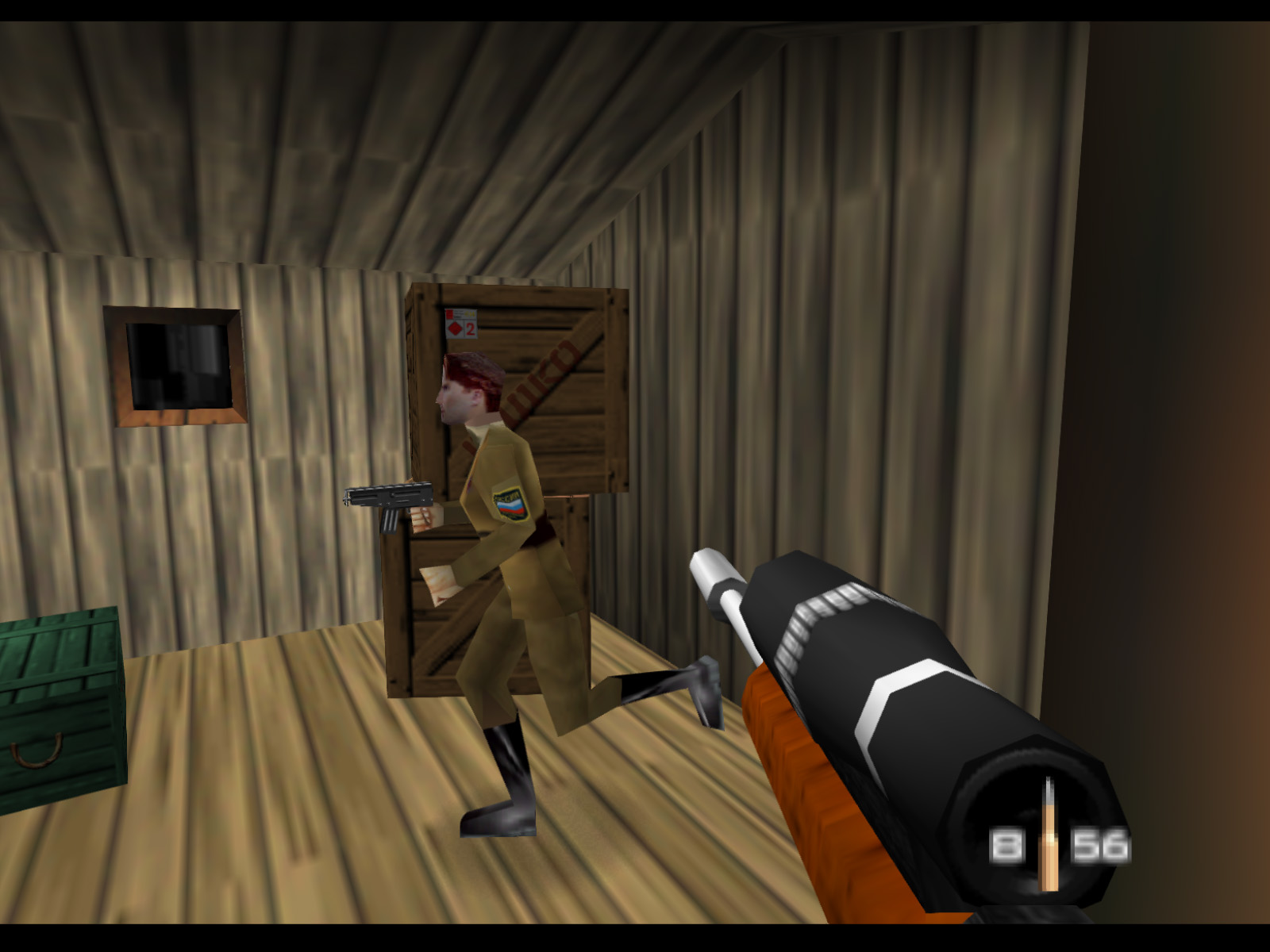
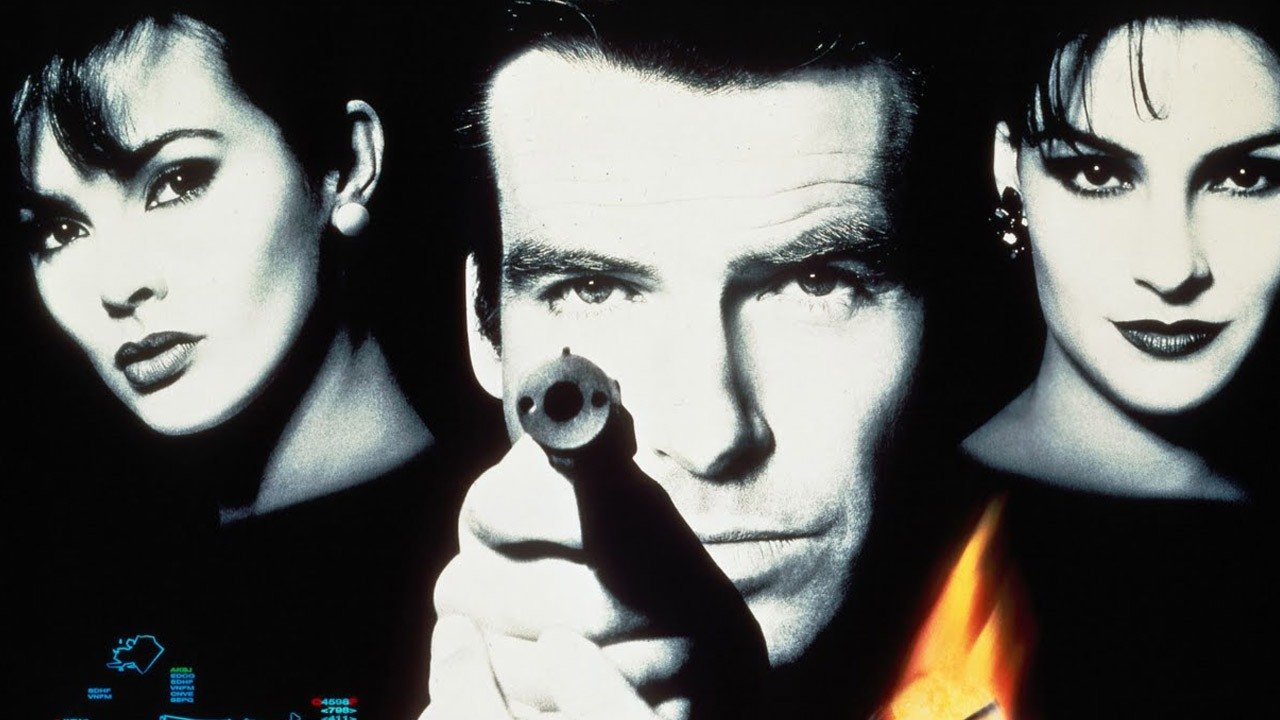
Screenshot of the original Nintendo 64 GoldenEye 007, archived by The GoldenEye Depot. Context image; not a test of the Project Midas port.
The three version 1.0.1 downloads are between approximately 4.6 and 4.8 MB. However, this size corresponds to the port components, without the cartridge data. The need for your own copy remains even with the ready executables.
Modern controls and player profiles
The documentation offers keyboard and mouse, as well as controller mapping via SDL. In the default scheme, WASD moves Bond, the mouse controls the view, R reloads, and E interacts. In addition, F1 releases the pointer when it is captured by the window.
In modern controls, one analog stick moves the character and the other controls the camera. In turn, the triggers handle firing and aiming, and the buttons can be configured through the menus. The project also maintains its own files for profiles, multiplayer statistics, and weapon sets.
Reference image of Nintendo 64 GoldenEye 007, archived by The GoldenEye Depot. Not a Project Midas capture.
Thus, device adjustments, profiles, and matches are kept separate from the main save. The game progress file is Data/Saves/eeprom.bin. In addition, the folders Data/Profiles and Data/WeaponSets store the corresponding player and weapon data.
Project Midas 1.0.1 fixes black screen
Version 1.0.1 fixes the Display, Video, and Classic menus, whose options reverted to default every time the game was launched in version 1.0. In addition, it resolves black screens related to classic mode, low resolution, and antialiasing forced by the graphics driver.
If the driver rejects a certain number of MSAA samples, the port now reduces that value instead of displaying a black screen. Meanwhile, paintball splatters now appear on glass. Auto-demos also preserve the auto-aim setting with which they were recorded.
On Linux, the package now includes SDL2, eliminating the need to separately install this 32-bit library. In addition, the update fixes keyboard input under Wayland. The README still indicates 32-bit OpenGL as a requirement for the Linux build; the included library does not guarantee compatibility with every distribution.
Classic mode and frame limit
The help file describes widescreen mode, texture filters, MSAA, and options to bring the presentation closer to the Nintendo 64. In addition, the CLASSIC page gained controls for N64 antialiasing and the composite video filter in version 1.0.1.
There is a 120 FPS limit in the documented default configuration, with options to remove the limit or use N64 timing. However, these values represent available settings. The help file links the FPS limit to the logic refresh rate, and there is no independent benchmark in this check ensuring 120 FPS.
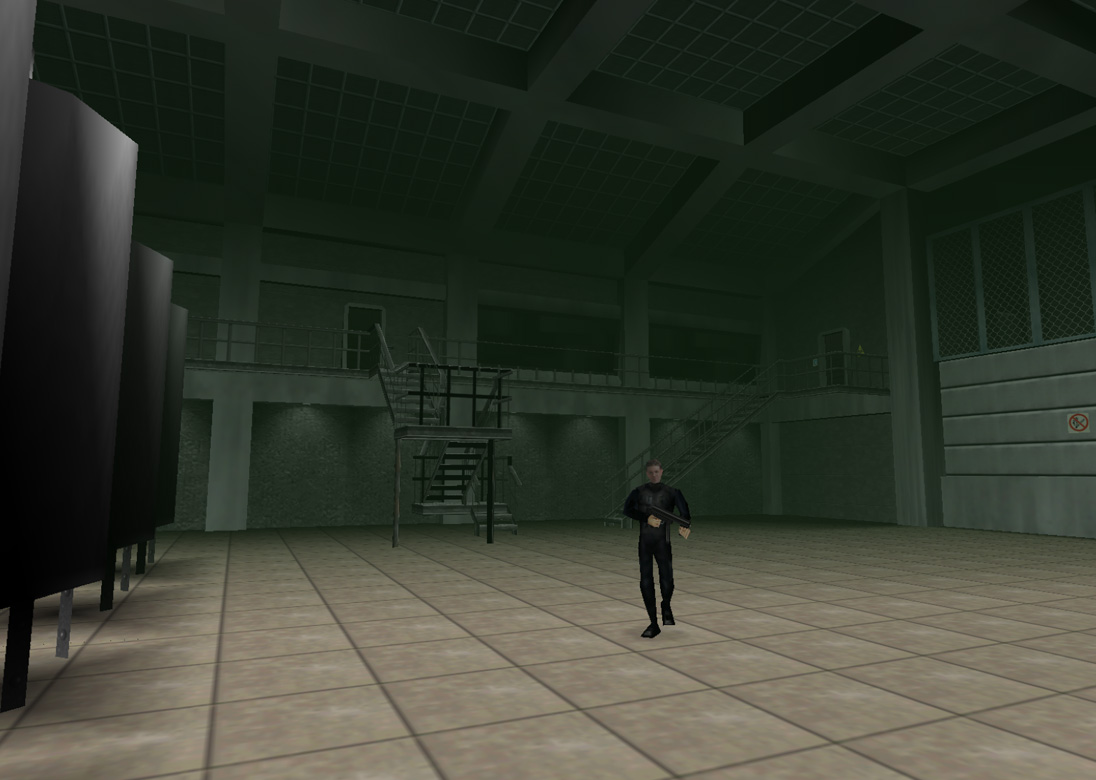
Scene from the original GoldenEye 007 as a visual reference. Source: The GoldenEye Depot. The capture does not prove the fixes in version 1.0.1 of Project Midas.
Therefore, it is worth keeping an eye on known issues before treating the release as definitive. The README reports that some Linux systems may display large empty triangles in the scenery. There was no independent testing of the software, the full campaign, or Steam Deck performance in this report.
How to install Project Midas
1. Download your platform's package
First, choose one of the official 1.0.1 files below and extract the entire 7z package. On Windows, the download is approximately 4.8 MB. Keep the libraries and other files alongside the program.
For Linux, the file is approximately 4.6 MB and already includes SDL2 in this version. Therefore, use the package corresponding to your system and check the requirements described in the README.
Additionally, the developer offers a separate package for Steam Deck, also at approximately 4.6 MB. The availability of the file does not equate to independent certification or testing on the handheld.
2. Add your cartridge data
Next, place your compatible US cartridge image in the Datafolder, next to the executable, as per the guide. The README identifies the base copy used in the compilation by its SHA-1 abe01e4aeb033b6c0836819f549c791b26cfde83. Do not assume support for PAL or Japanese editions.
3. Open the program and configure the controls
Then, launch ProjectMidas.exe on Windows or ProjectMidas on Linux. The program creates midas.ini on the first run. Thus, you can adjust the menus and controls before starting a match.
4. Preserve seus saves ao atualizar
Finally, keep a copy of the Data folder before replacing a previous version. If you need to manually edit the configuration files, do so while the game is closed. The complete instructions are in the version 1.0.1 README.
Co-op and online matches remain under development
The project documents local multiplayer settings and profiles, but places co-op, netplay, and mod loading among ongoing works. Therefore, there is no confirmation of functional online matches in this release. The Mods folder is reserved for this development and the current build accepts the original game data.
In addition, the announced packages do not include macOS or Android. To follow subsequent fixes, consult the official update notes and the settings guide.
Sources: official release 1.0.1; Project Midas documentation; The GoldenEye Depot visual archive.